What to know
-
The Electric Geordie bio scan route is centered near the alien power plant.
-
Angel Comb is the second key landmark that helps narrow the correct search area.
-
This objective is mainly about following the right location path rather than roaming far away.
-
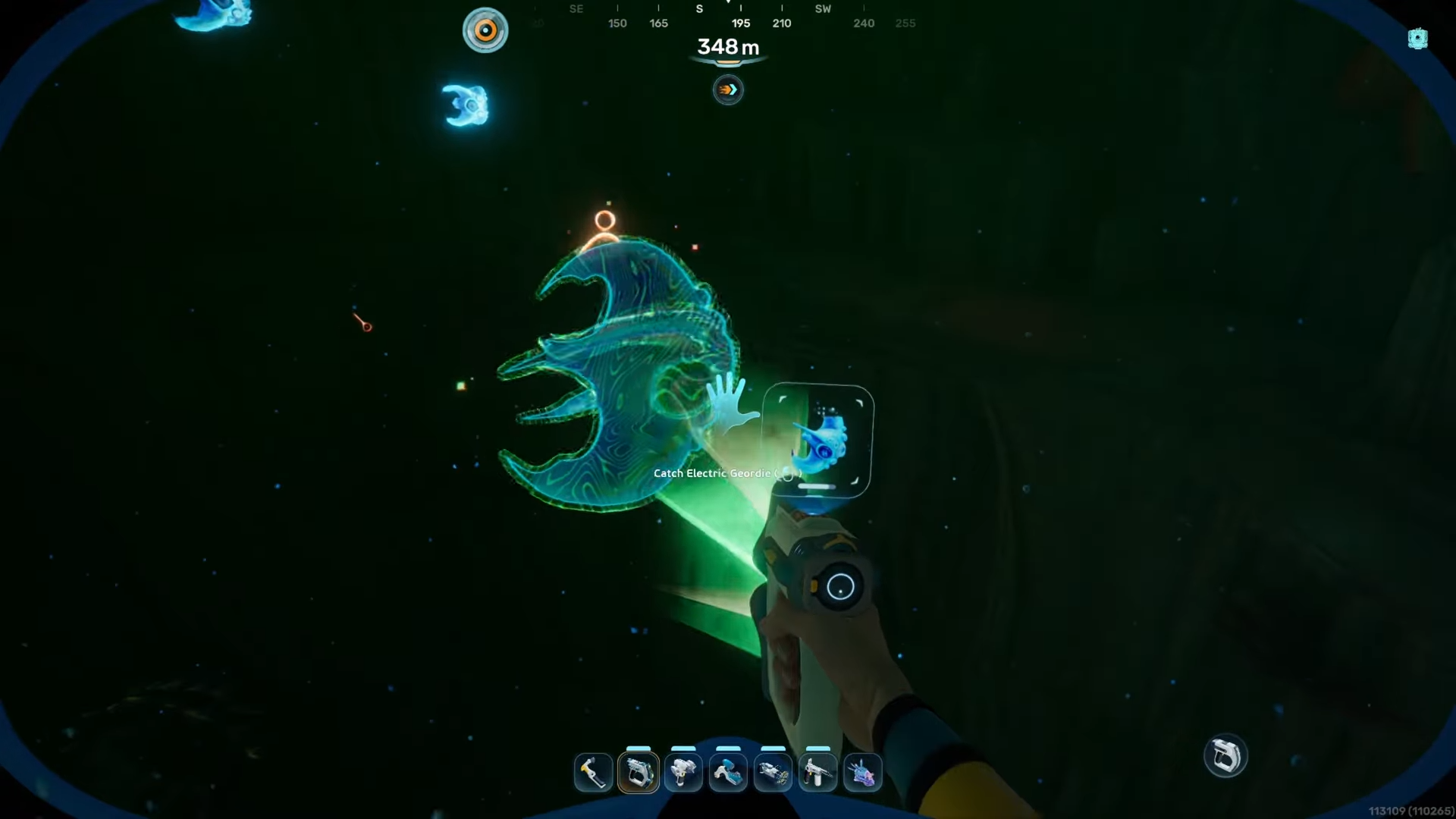
Once the creature appears, the goal is simply to get close enough and finish the bio scan.
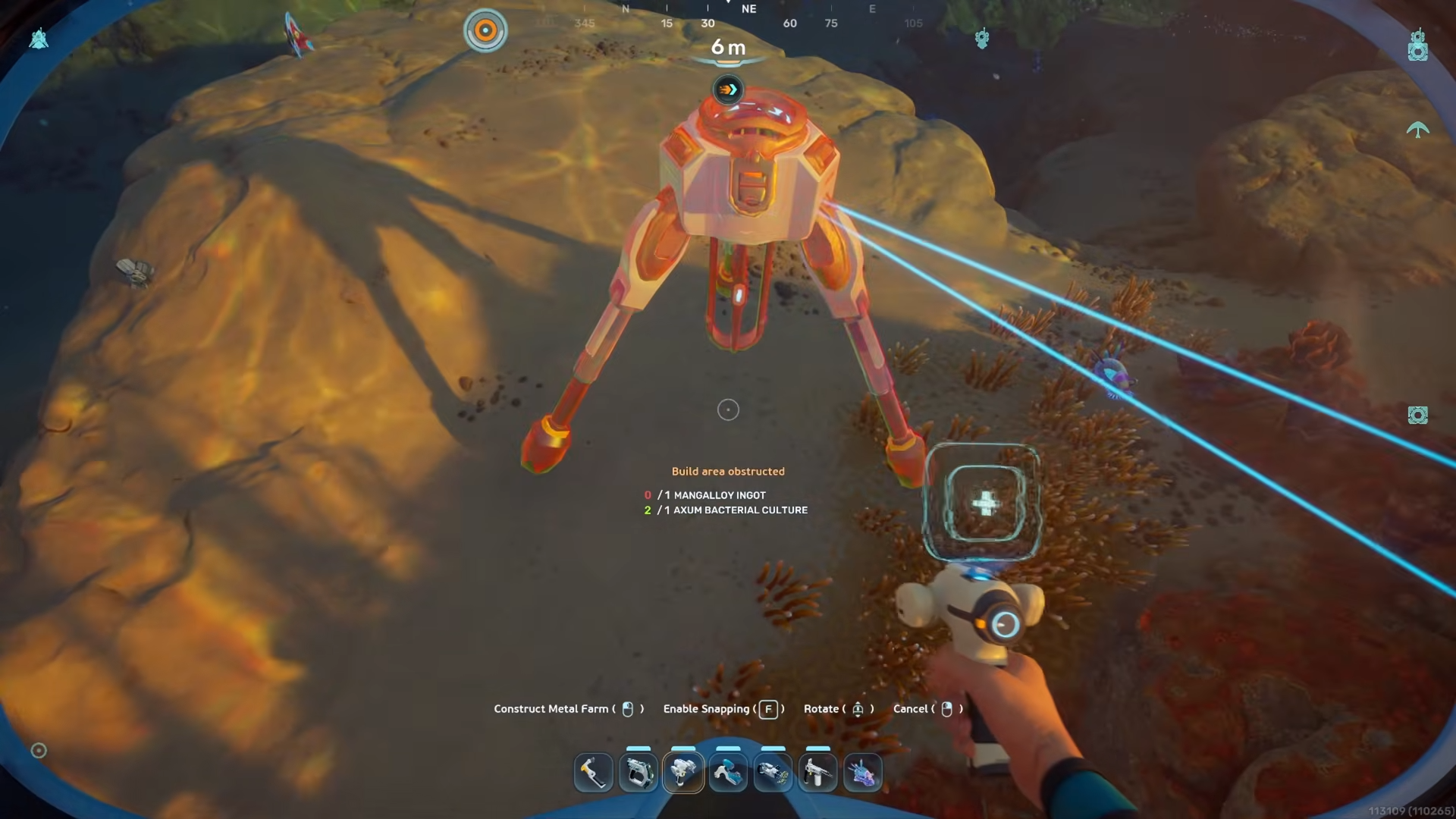
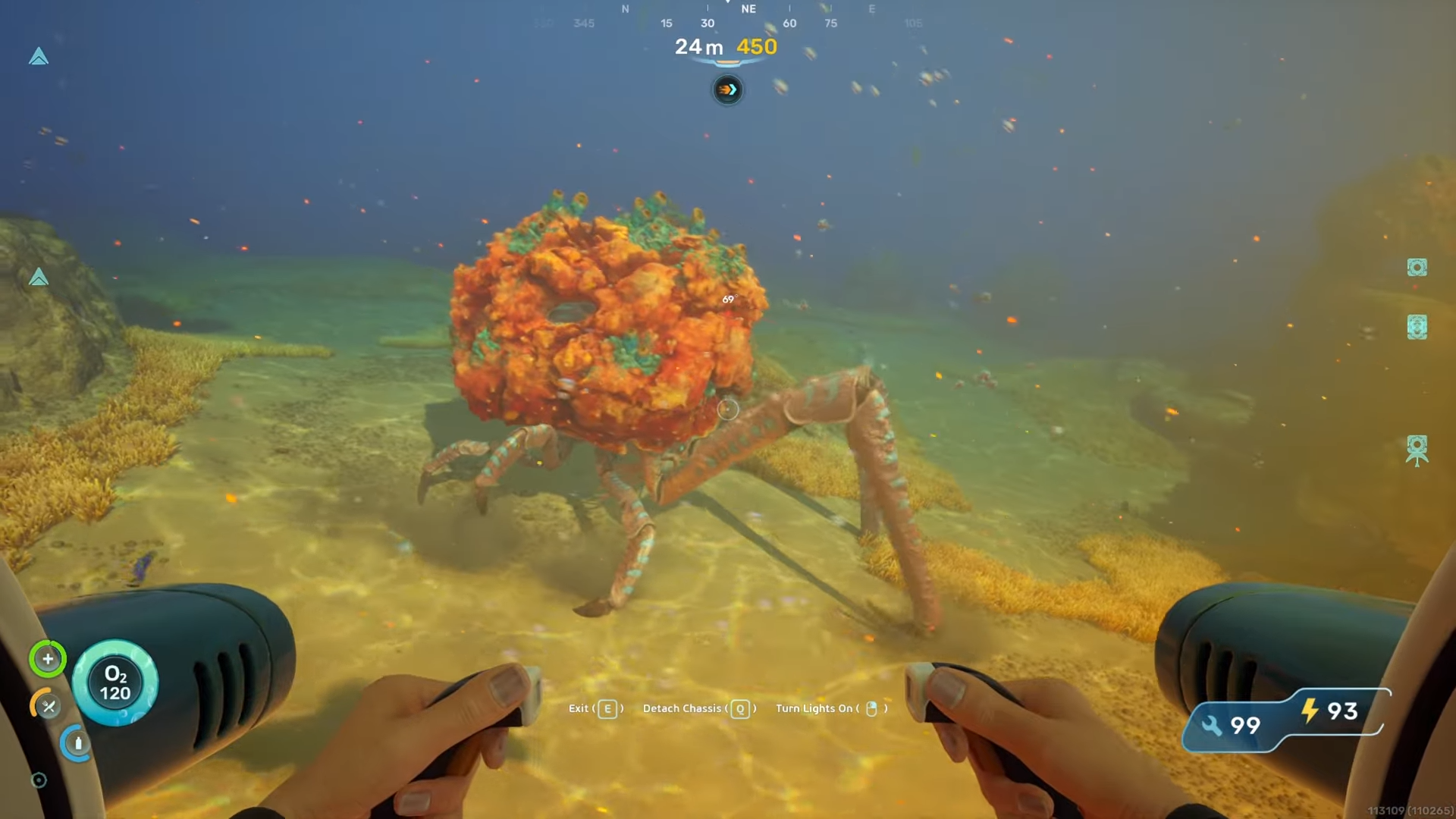
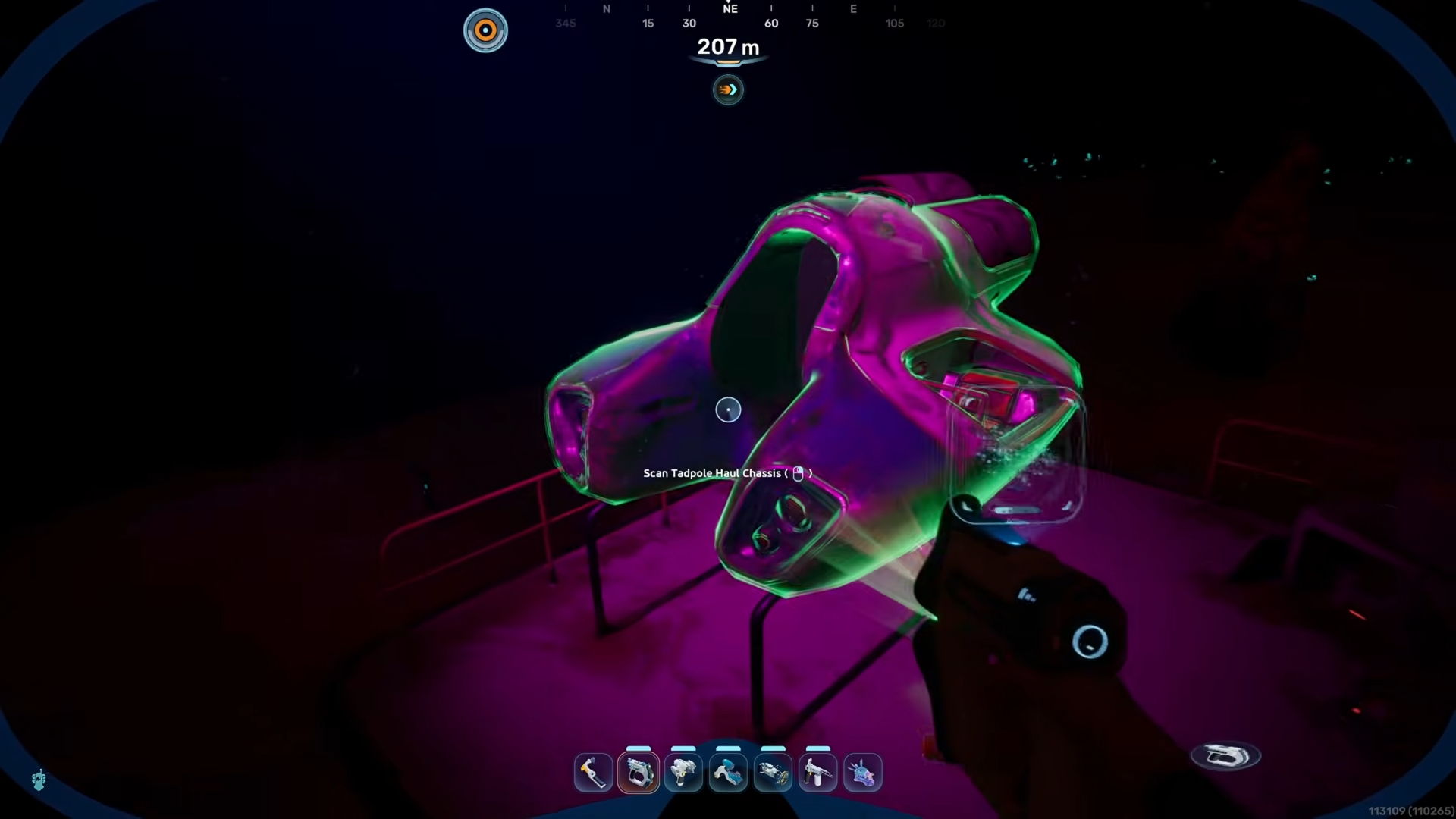
Tracking down the Electric Geordie in Subnautica 2 becomes much easier once you stop treating it like a wide-area hunt. The important part is staying focused on the landmark pair: the alien power plant and Angel Comb. That gives you a much smaller and more manageable search zone, which is the key to finishing the scan quickly.
Bio Scanning Electric Geordie details
Electric Geordie location route
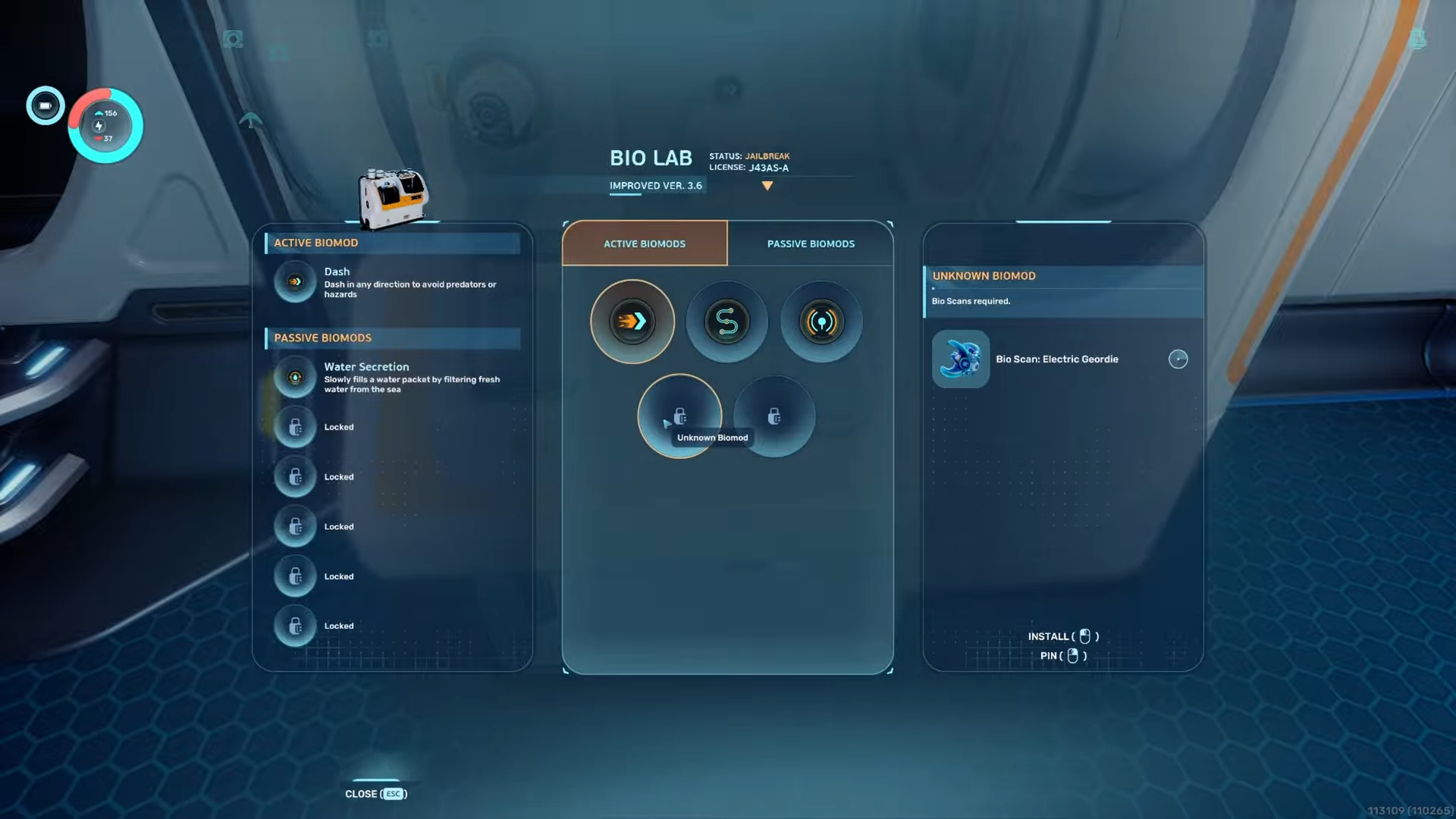
The Electric Geordie search area is tied to a specific part of the map rather than a broad biome-wide sweep. The route is built around the alien power plant, with Angel Comb serving as the nearby reference point that confirms you are in the right location. If you stay anchored to those two landmarks, you avoid wasting time in the wrong direction.
How to find the correct location
Step 1
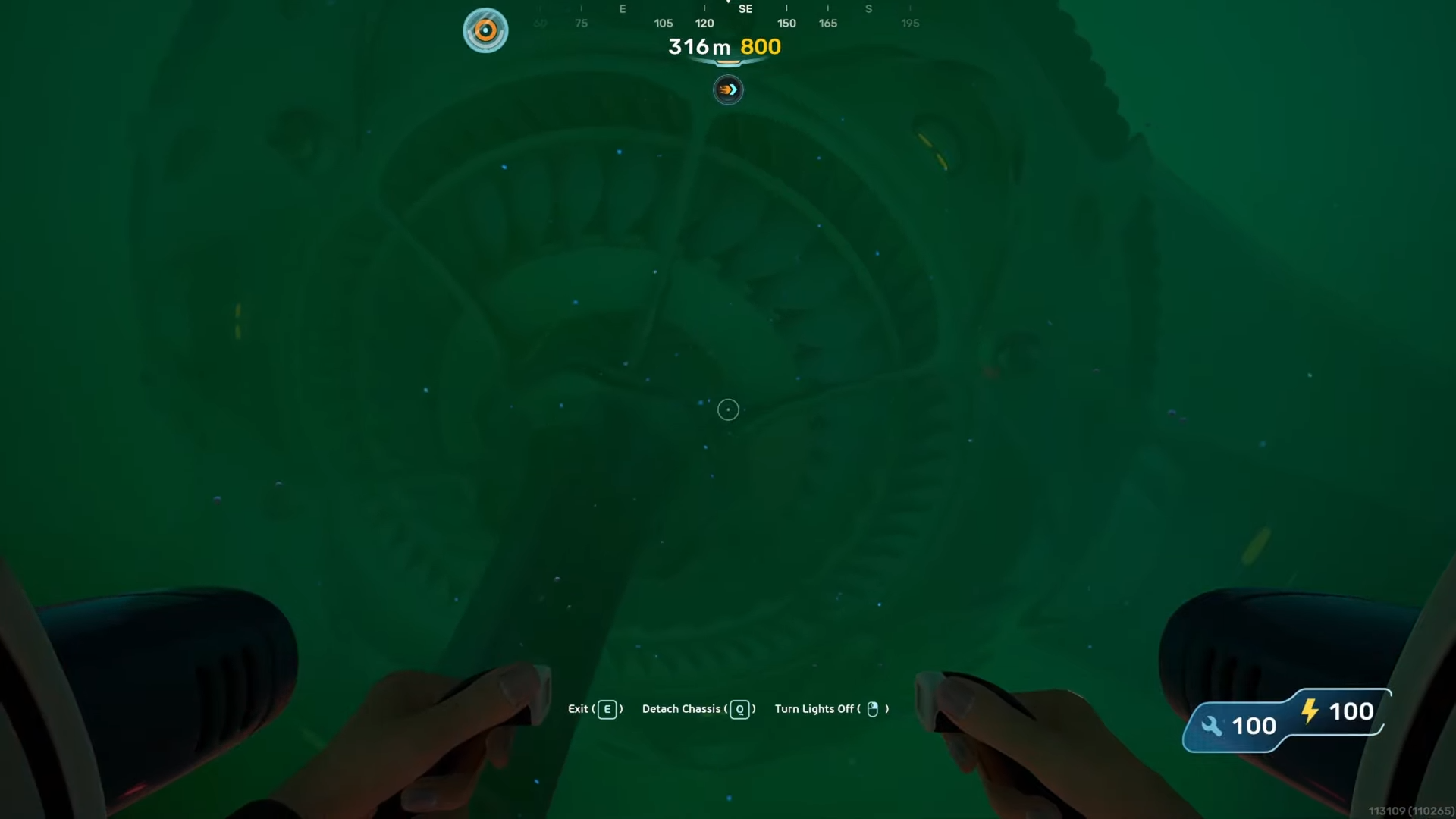
Start by moving to the alien power plant area. This is the main landmark for the route and the clearest point to build the search around.
Step 2
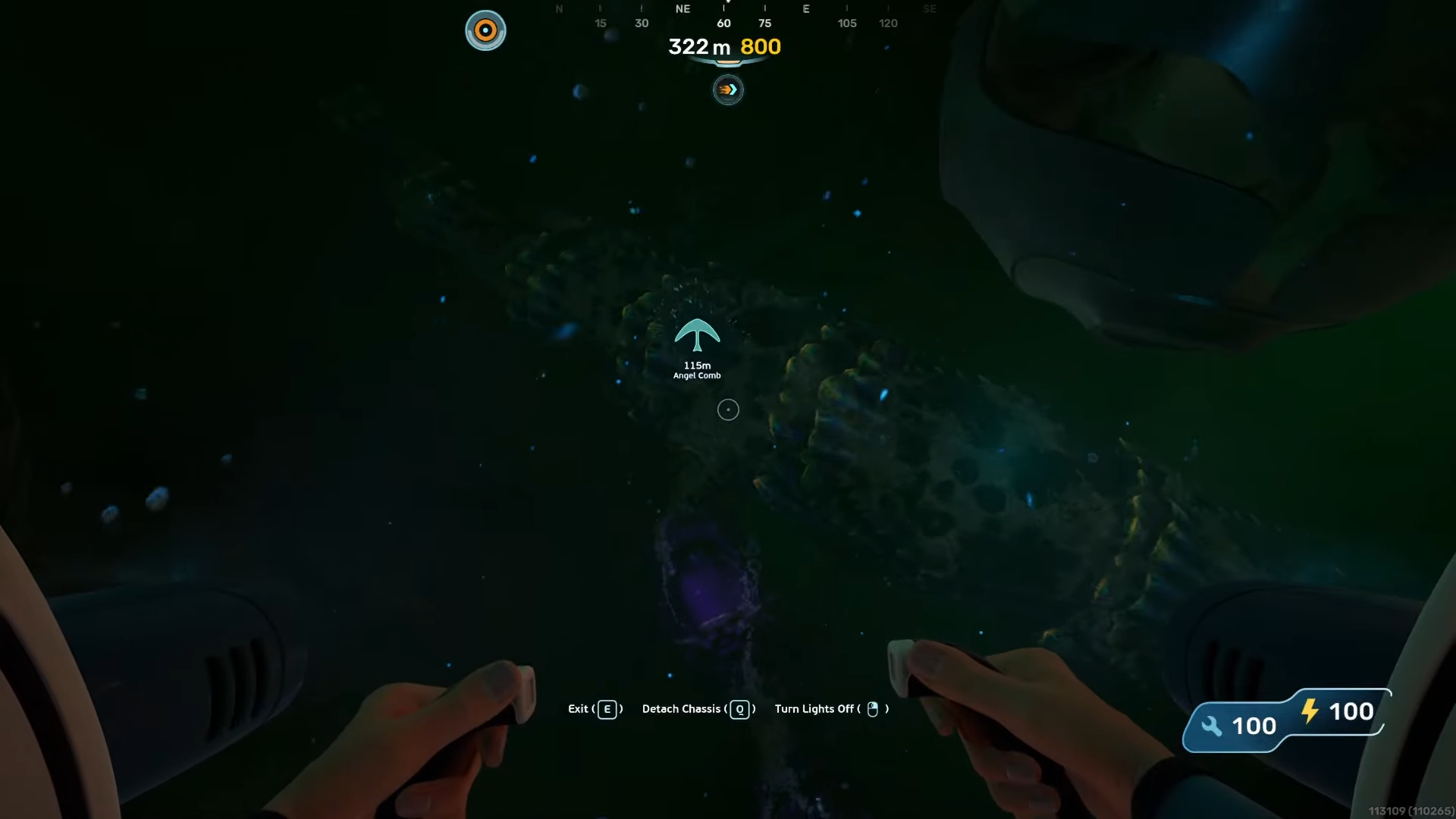
Once you are near the power plant, use Angel Comb as your secondary marker. Keeping both landmarks in mind helps tighten the search path and keeps the route consistent.
Step 3
Explore the water around that shared area instead of drifting too far out. The route works best when you stay close to the landmark zone rather than turning it into a random scan of the surrounding region.
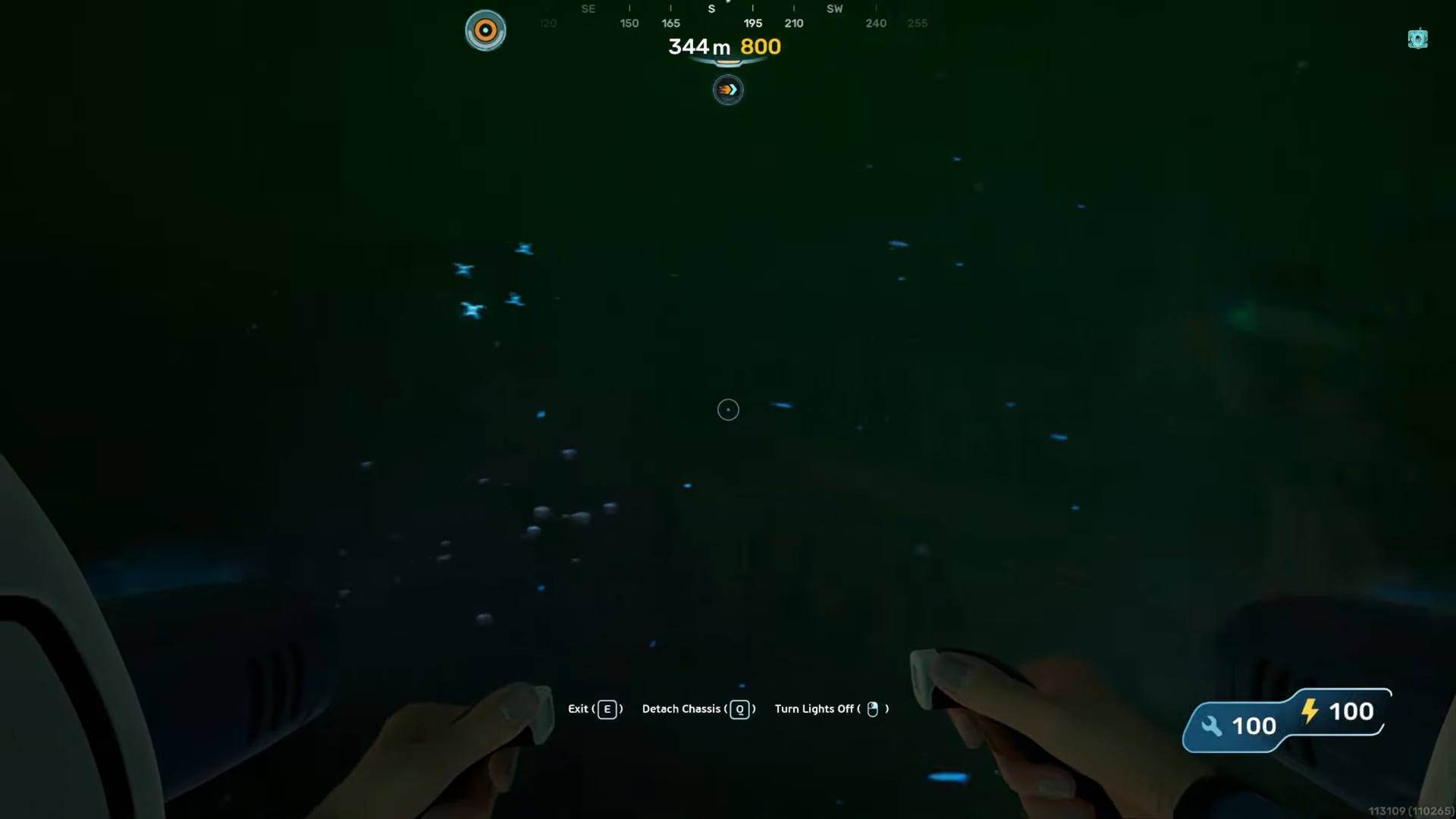
How to bio scan Electric Geordie in Subnautica 2
Step 4
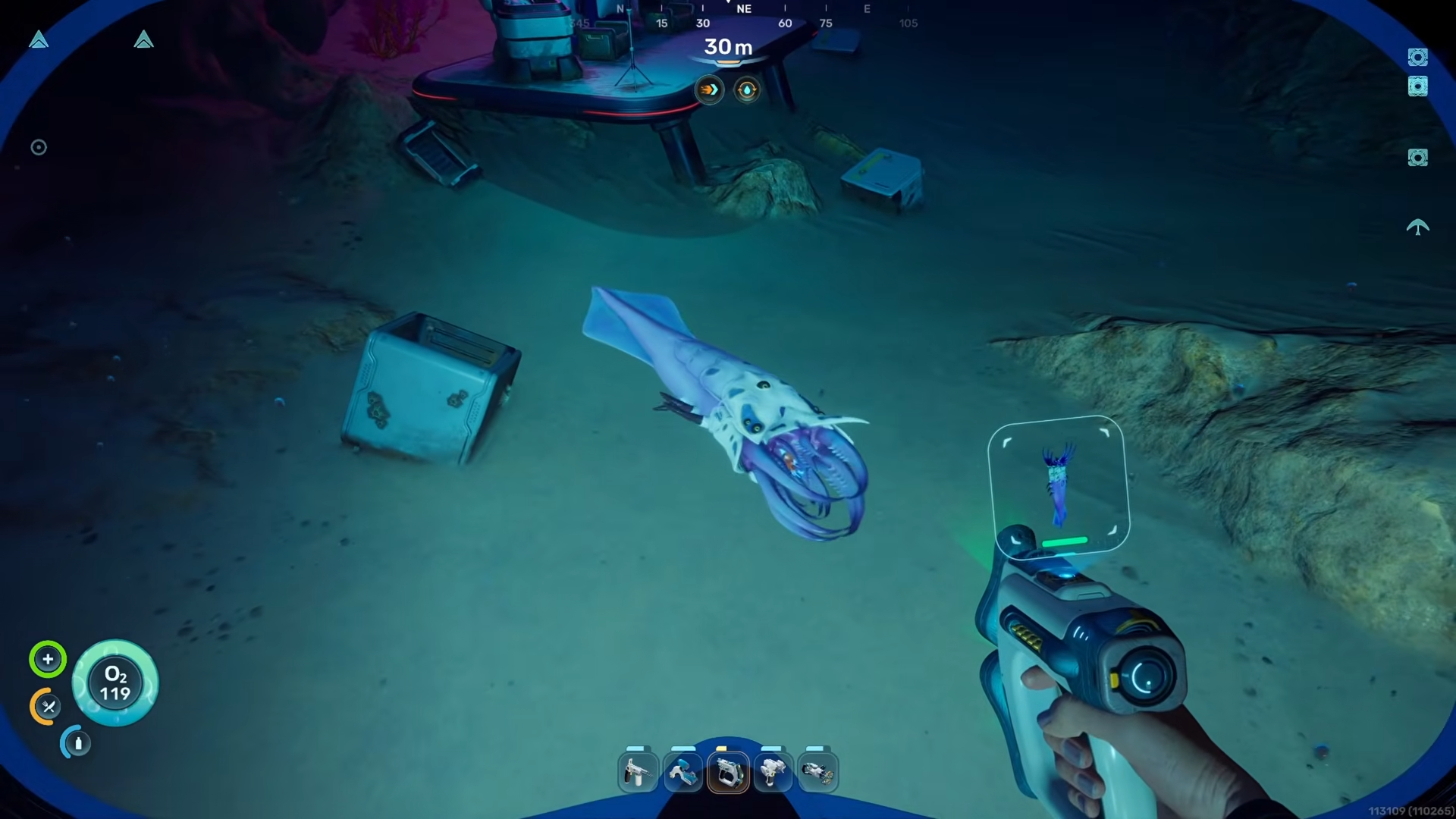
Watch carefully for the Electric Geordie while moving through the area near the alien power plant and Angel Comb. The moment you spot it, close the distance without leaving the landmark zone.
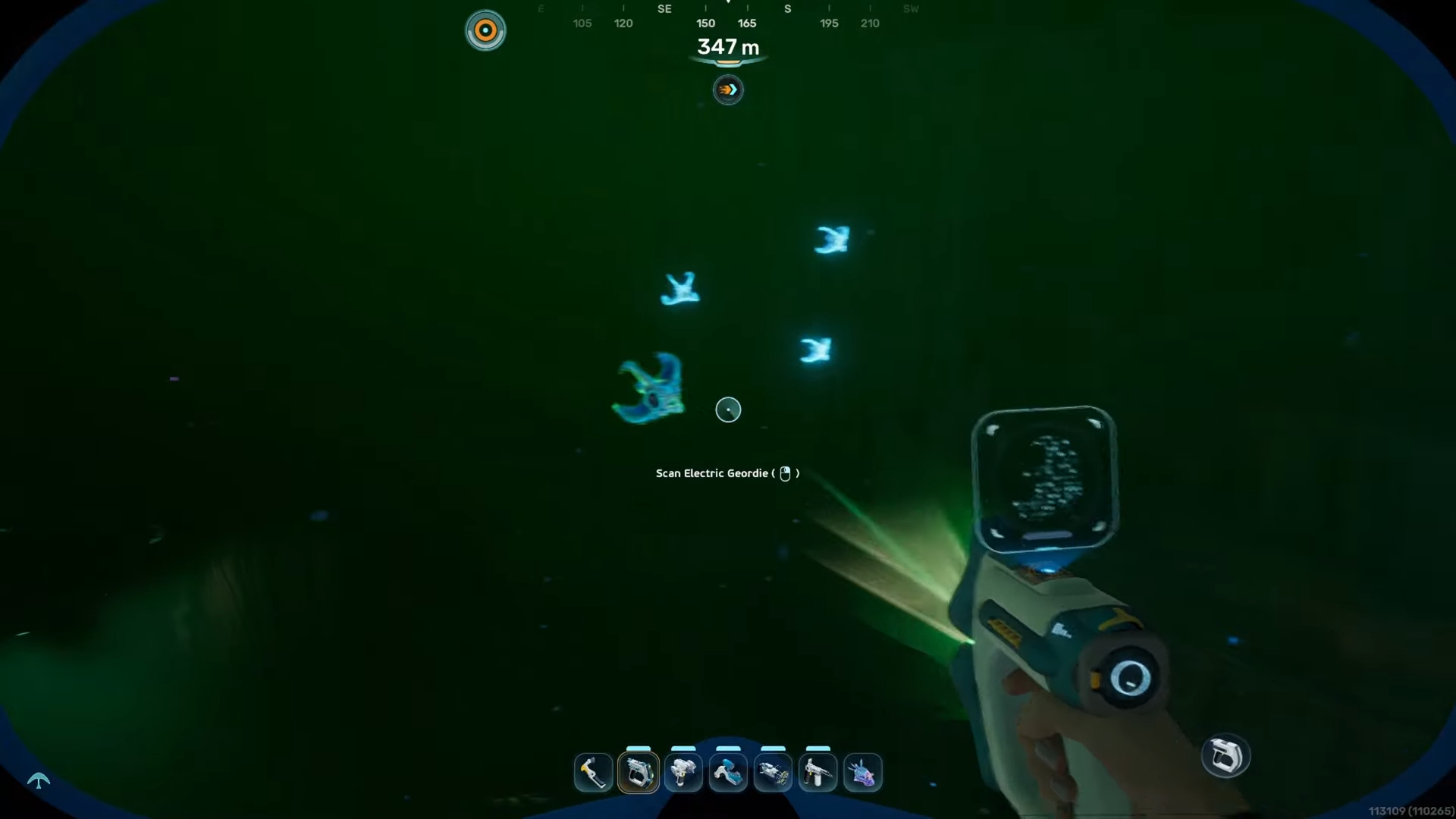
Step 5
Get into position and perform the bio scan as soon as the creature is in range. Since the goal here is direct and simple, there is no extra detour once the Electric Geordie is found.
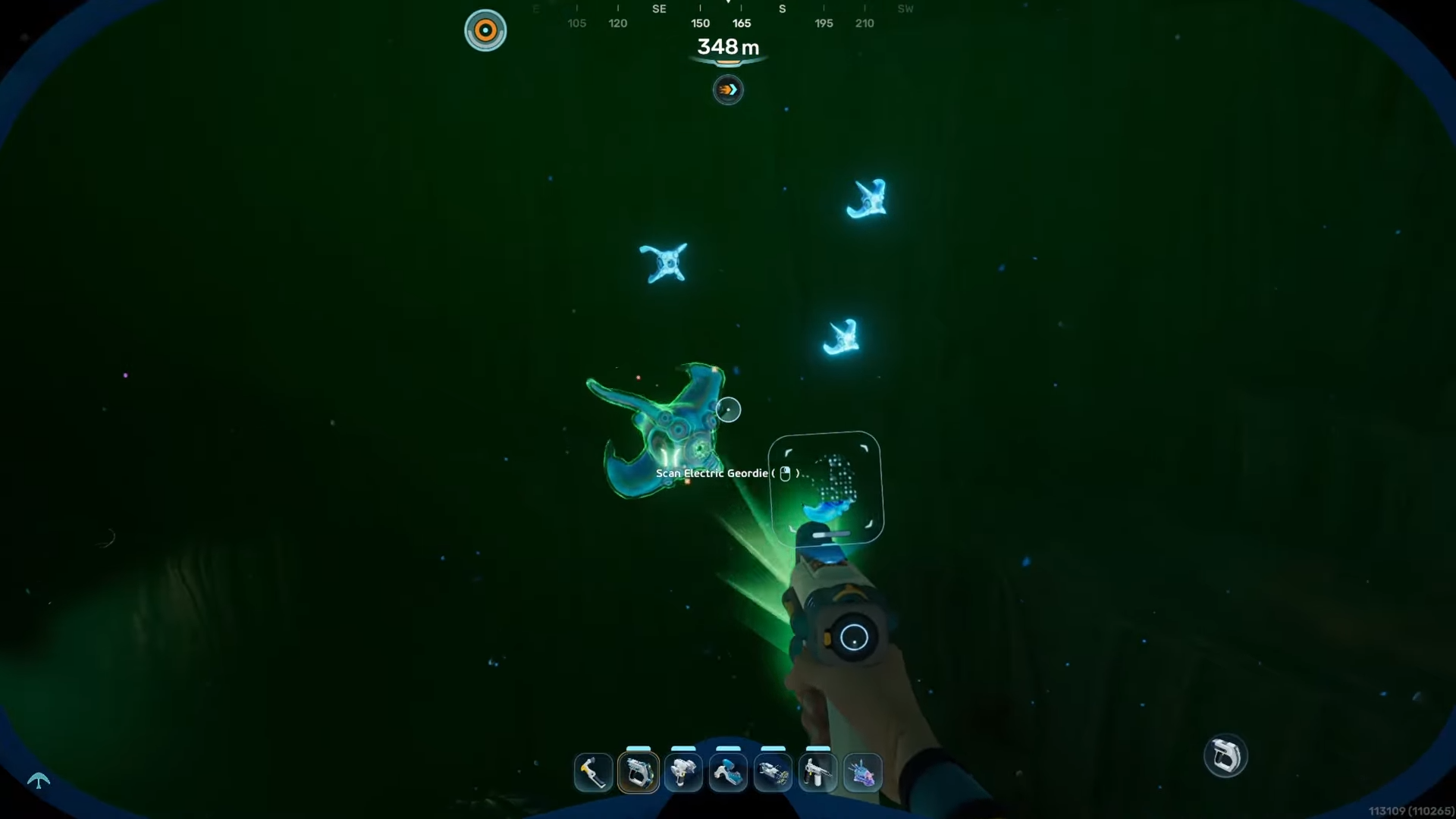
Step 6
If you miss the scan or lose sight of the creature, keep circling the same landmark area.
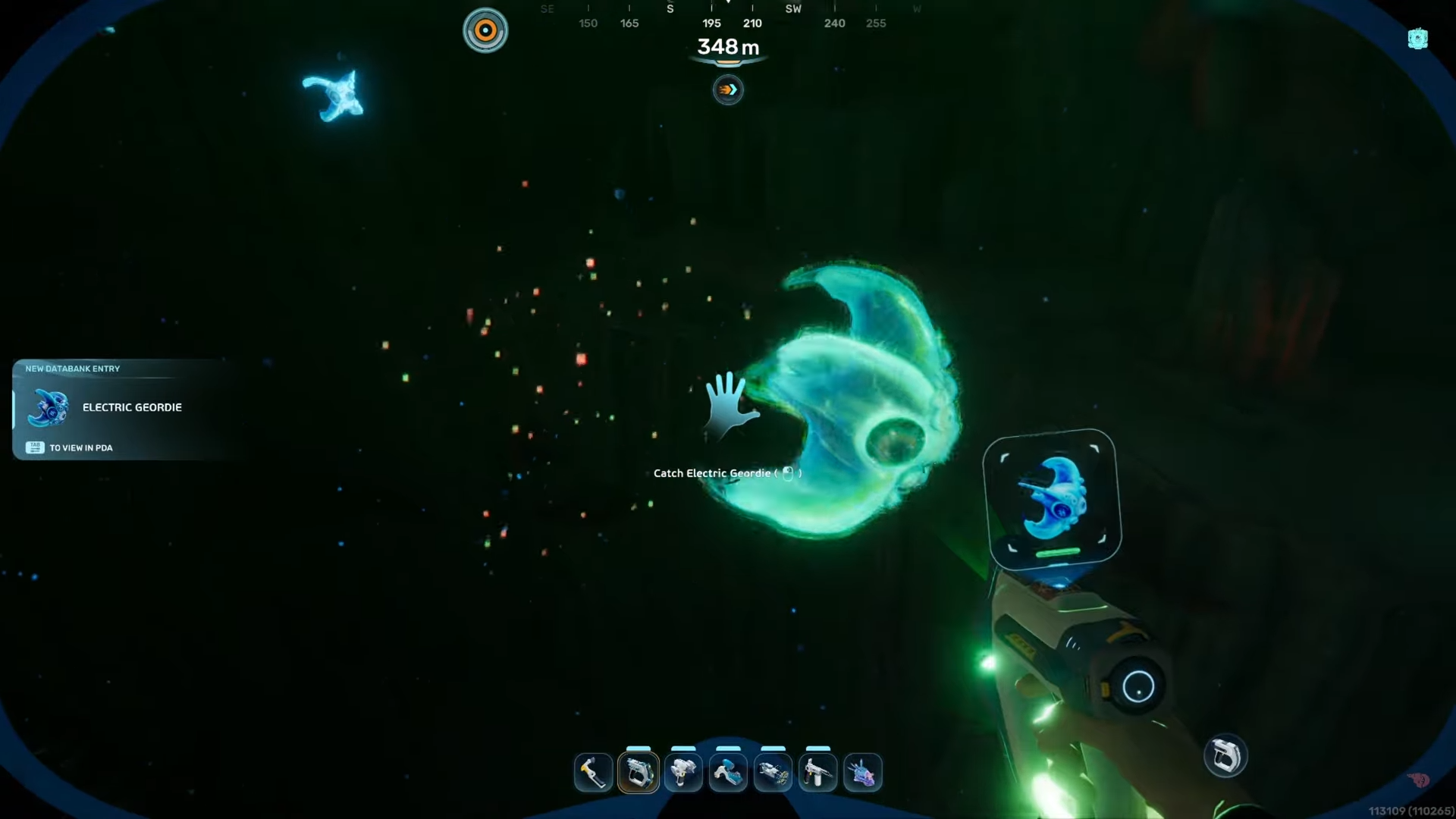
The route stays the same, so the fastest recovery is to continue searching around the alien power plant and Angel Comb instead of restarting from a completely different location.
Location notes for the search area
This route depends on reading the environment correctly. The alien power plant gives you the strongest fixed point, while Angel Comb works as the nearby visual reference that confirms you are exploring the right part of the map. Together, they define the Electric Geordie location area and turn the task into a focused local search instead of a map-wide hunt.