

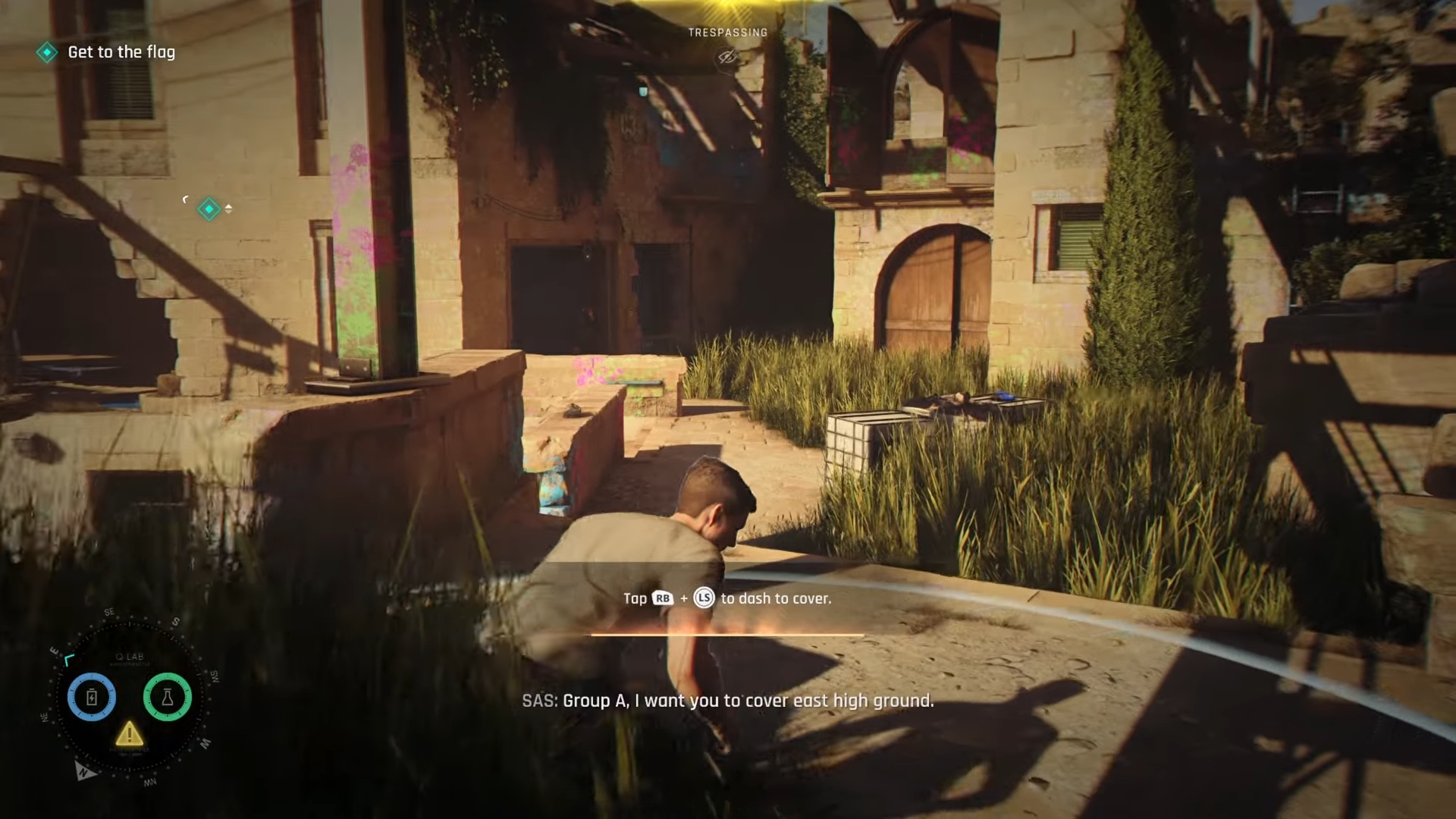
During the “Locate the Command Center” objective in 007 First Light, you will eventually need to enter the Robotics area. However, the main entrance is blocked by a security error, requiring you to find another way to unlock the door. The solution is simple once you locate the connected equipment nearby.
| Objective | Details |
|---|---|
| Mission section | Locate the Command Center |
| Area | Robotics entrance |
| Problem | Door displays “Error” and “Insufficient clearance” |
| Solution | Use nearby synced test equipment |
| Result | Robotics door unlocks and progression continues |
How to unlock the Robotics door in 007 First Light
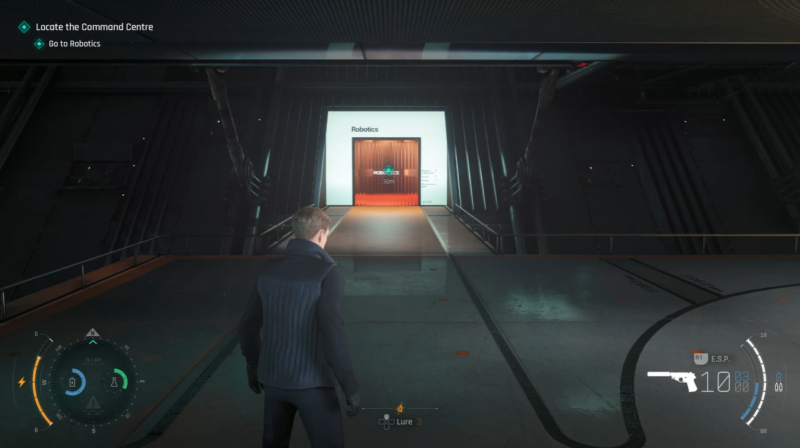
When you first reach the Robotics entrance, interact with the door panel. Instead of opening, the system will display an error message showing that you do not have enough clearance to enter. You cannot force the door open directly, so you need to bypass the issue.
Step 1
Approach the Robotics door and check the access panel. You will see the “Insufficient clearance” message confirming that the normal entry method is unavailable.
Step 2
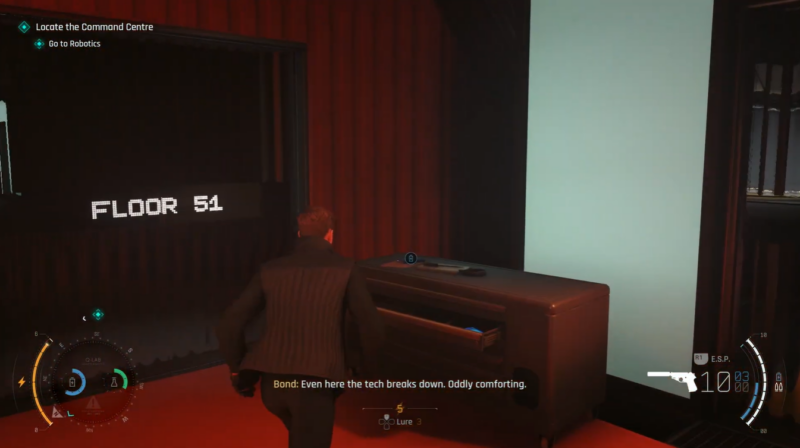
Turn away from the locked door and search the nearby area. Look for the piece of test equipment positioned close to the entrance. This device is linked with the Robotics door controls.
Step 3
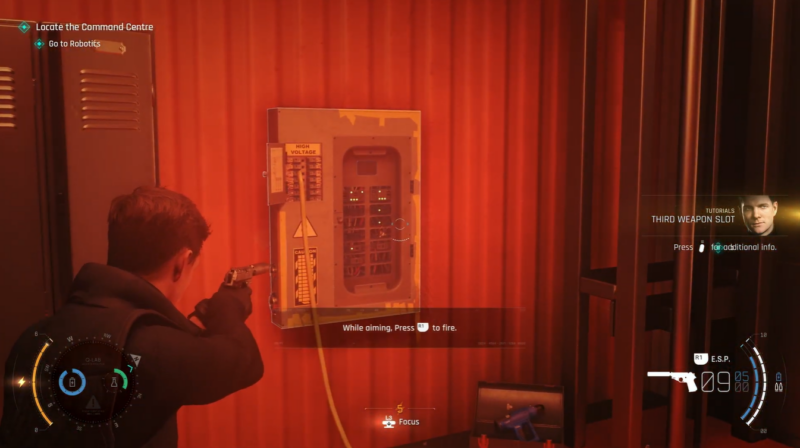
Interact with the synced test equipment. Using this device will trigger an override process and remove the access error from the door system.
Step 4
Return to the Robotics entrance after the override. The clearance problem will be fixed, allowing the door to open so you can proceed deeper into the facility and continue locating the Command Center.
Why the Robotics door shows an error
The locked door sequence is not caused by missing items or a separate keycard. It is a small environmental puzzle designed around finding connected equipment nearby. The game expects you to investigate the surroundings instead of repeatedly interacting with the blocked panel.
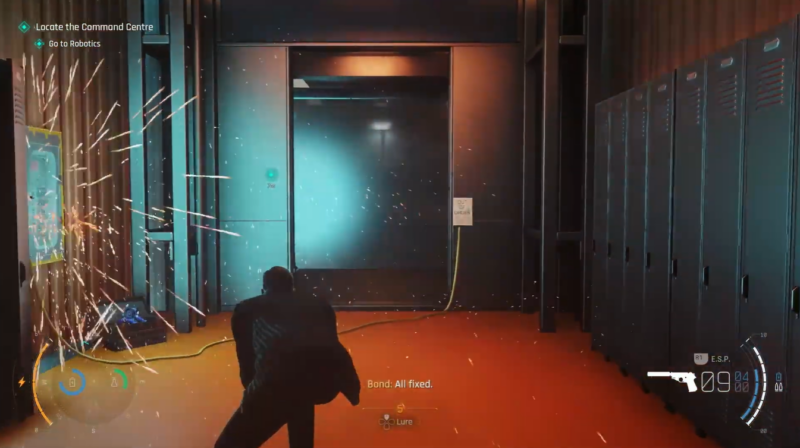
Robotics access objective summary
| Step | Action |
|---|---|
| 1 | Find the locked Robotics door |
| 2 | Confirm the clearance error |
| 3 | Locate nearby synced test equipment |
| 4 | Activate the equipment override |
| 5 | Enter Robotics and continue toward the Command Center |
Opening the way to the Command Center
After overriding the Robotics door system, the path forward becomes available and you can continue the Locate the Command Center objective. This section mainly tests exploration, so checking nearby devices and interactive objects is the fastest way to solve the access issue.






Leave a Reply