
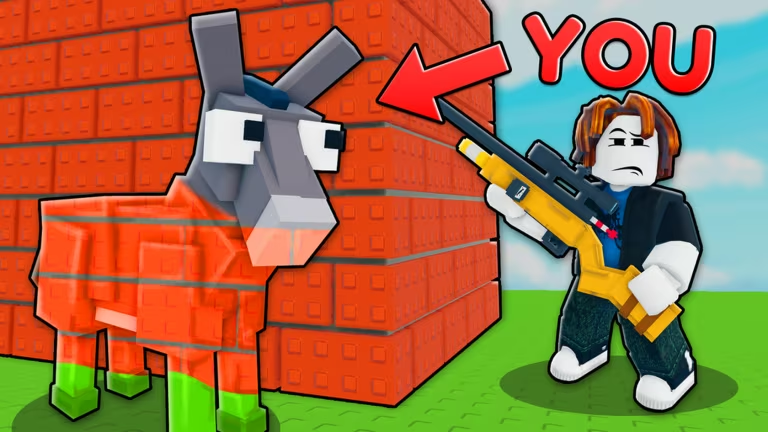
ZOO or OOF is a Roblox experience where codes are meant to hand you free in-game perks without having to grind for them. Right now, though, there’s a catch you need to know about before you go hunting for a code box.
Working ZOO or OOF Codes
There are no working codes for ZOO or OOF at the moment. The redemption system itself hasn’t been switched on inside the game yet, so there’s nothing to type in even if a code did leak out. Once codes start rolling out, you’ll find them listed here the moment they go live, along with what each one rewards.
How to redeem codes in ZOO or OOF
ZOO or OOF already has a Shop menu, and that’s where the code redemption box will most likely live once it’s added. Here’s the sequence you’ll follow when it does.
You’ll know a code went through when a confirmation message pops up on screen and the reward shows up in your inventory or currency balance. But since the redemption box isn’t actually part of the Shop menu yet, none of these steps can be completed right now. This changes as soon as the developer flips the feature on, and the steps above will still apply once it does.
How to get more ZOO or OOF codes
New codes for ZOO or OOF, once they start appearing, will most likely be announced through the game’s own official channels rather than buried in a menu somewhere. Your best bet is to keep an eye on the official Discord server for the game, since that’s typically where Roblox developers post code drops first. The Roblox community group tied to the game is worth following too. You can also check the ZOO or OOF experience page directly for any in-game announcements or updates about the code system going live.
Why are there no codes right now?
The code redemption box hasn’t been added to the Shop menu yet, so there’s currently no way to enter or claim any code inside ZOO or OOF, even if one existed.
Will old codes work once redemption launches?
No specific answer is confirmed yet, since the feature itself isn’t live. Codes are typically time-limited once a redemption system launches, so it’s worth checking back regularly rather than assuming a code will stay valid indefinitely.
Keep this page bookmarked if you play ZOO or OOF regularly. The moment the Shop menu gets its redemption box and the first codes drop, you’ll want to grab them quickly before they expire.






Leave a Reply