

Yen Incremental is a Roblox training game where you grind stats and unlock upgrades as you progress. Codes here hand out free Tickets, a currency you can put toward speeding up your progress without extra grinding.
Working Yen Incremental codes
These codes are redeemable right now, so grab the Tickets before any of them get pulled.
World3
Free Tickets
New
F2P
50 Tickets
World2
35 Tickets
sorry
10 Tickets
How to redeem codes in Yen Incremental
You don’t need to hit a specific rank or milestone before redeeming, so you can cash these in as soon as you spawn into the training area.
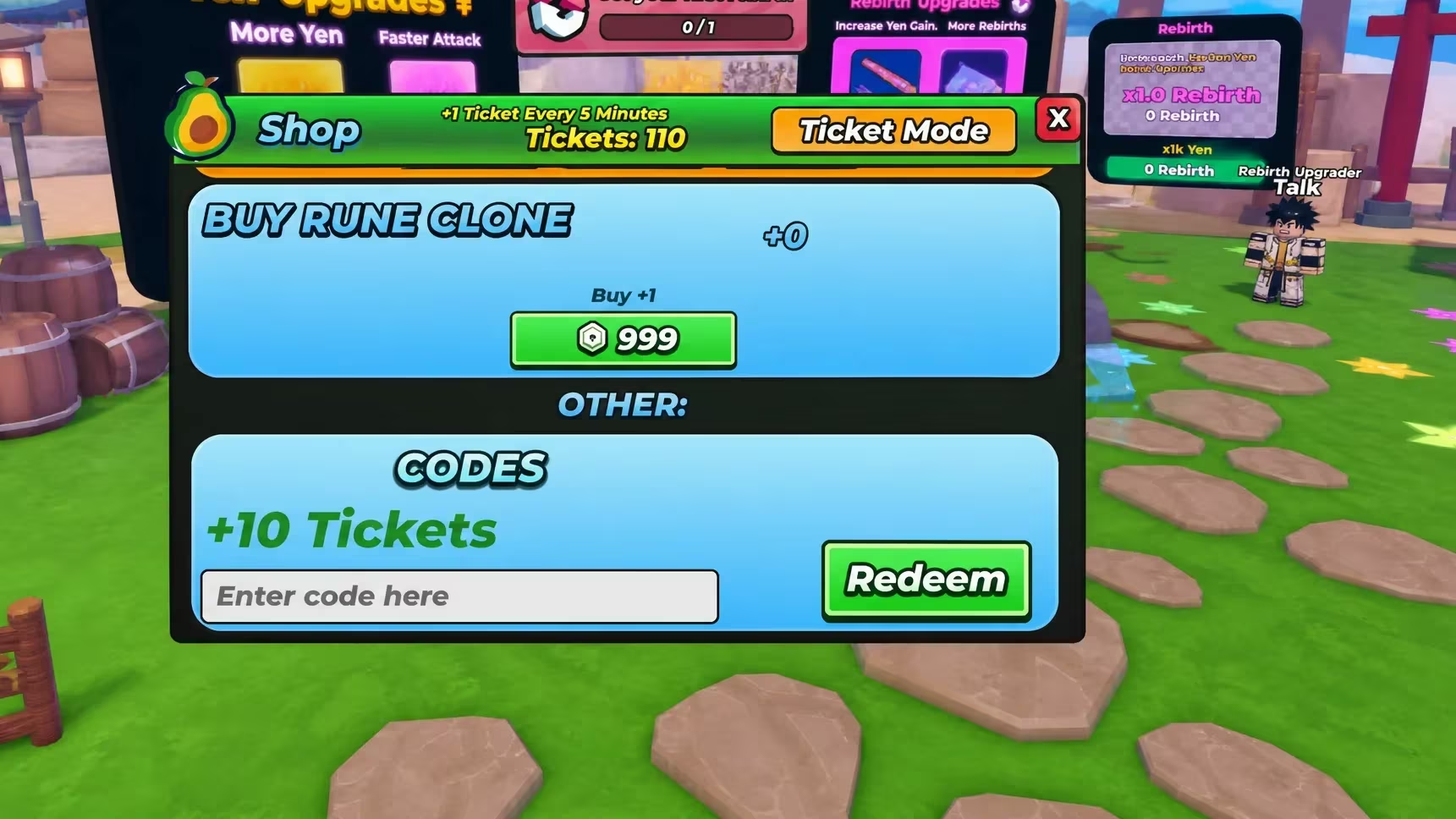
Note: Extra spaces before or after a code are a common reason a redemption fails, so double-check the field before hitting Redeem.
Expired Yen Incremental codes
This one no longer works, so don’t waste time typing it in.
Release
No longer active
How to get more Yen Incremental codes
New codes typically show up alongside content updates, like a new training world going live. Keeping an eye on the game’s official channels is your best bet for catching a fresh code as soon as it drops.
The official Yen Incremental Discord server is where announcements tend to land first, so joining it puts you ahead of the curve. You can also check the Yen Incremental page on Roblox directly, since developers sometimes drop codes in the game’s own update notes or description.
Why didn’t my code work?
If a code isn’t being accepted, check that it’s typed exactly as shown, since these codes are case-sensitive and won’t redeem with a typo or an extra space. If the code has already expired, like Release, it simply won’t go through no matter how it’s entered.
Redeem the working codes now while they’re active, and check back after any major update since that’s usually when Yen Incremental hands out fresh ones.






Leave a Reply