

To get Wings of Corrupted Jerry in The Hollow, complete Warden’s event, defeat the boss, then claim the avatar item from the mailbox outside Warden.
Warden’s event takes you through five infection-clearing trials and boss encounters on the way to the wings. Clearing the event gets you to the final reward claim. This guide covers the trial objectives, boss attacks, mailbox claim, and supplies and recovery options available along the way.
- How to get Wings of Corrupted Jerry in The Hollow
- Part 1 – Enter Warden and prepare for the trials
- Part 2 – Clear Infections and escape the trials
- Part 3 – Complete the boss encounters
- Part 4 – Return to the hub and claim the wings
- What supplies, blessings, and recovery options are available in Warden?
How to get Wings of Corrupted Jerry in The Hollow
Enter Warden and prepare your character, clear the trials, complete the boss encounters, then return for your reward.
Part 1 – Enter Warden and prepare for the trials
Start at the Warden doorway and get your character ready for the event.
Find the Warden doorway
From the hub street, climb the stairs toward the doorway marked Warden.

Accept the teleport
Select Let's go! on the Teleport confirmation to leave the hub and enter Warden.

Join the event queue
In the lobby, click PLAY to enter the event’s matchmaking queue.

Choose your character
Select your preferred character. If you choose Mylo, confirm with Play as Mylo; Mylo starts with 150/150 stamina.

Prepare and ready up
At the portal, select Ready up!. The following domain cutscene warns that its flashing lights may affect people with photosensitive epilepsy and provides a Skip vote control.

Part 2 – Clear Infections and escape the trials
Work through each trial’s Infection objective, then reach its safe room.
Find and attack the Infections
Proceed when the trial doors open, then search for Infection nodes and interact with them to attack. Trial 1 starts at 0/1 and displays a door-closing countdown of 10. Trial 2 shows 0/2, while Trial 5 starts at 0/4. Follow the objective for the trial you’re in.

Complete the attack minigames
During Hit the zone!, time your click inside the highlighted target area. When a prompt calls for repeated presses, rapidly press the indicated button instead. These quick-time inputs deal critical damage to the Infection. Finish the minigames to destroy Infections as you progress through the trials.

Reach the safe room between trials
Follow the green arrows to the green-glowing exit doorway and enter the safe room. Trial 5’s escape countdown starts at 36. Between trials, select Ready up! again to continue the infection-clearing progression.

Part 3 – Complete the boss encounters
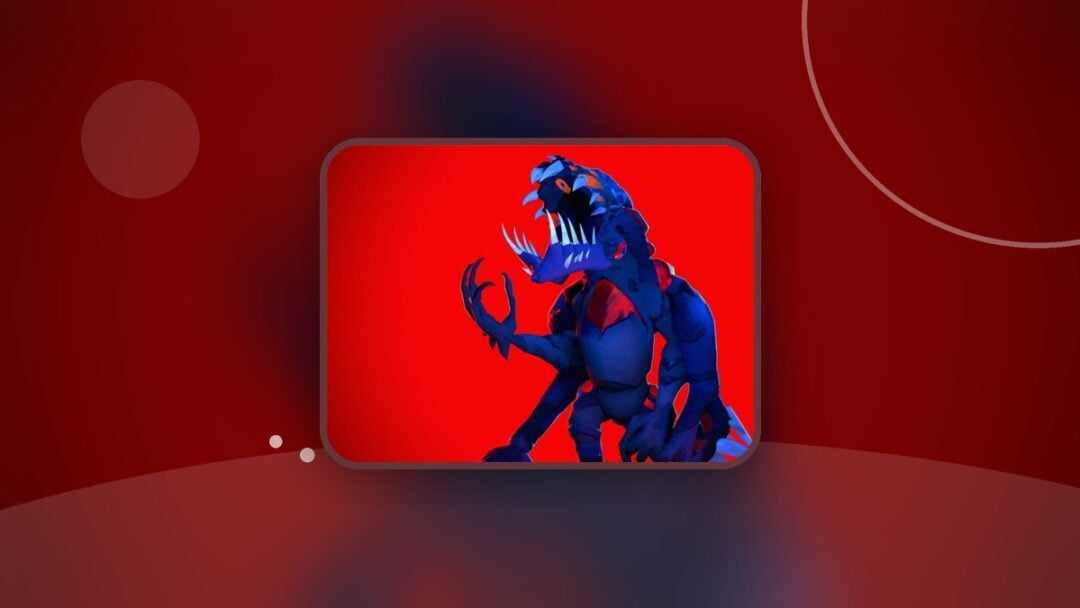
Face the Overseer, then use the Hollow Claw against Shadow Urzuk.
Find the Overseer’s arena Infections
During the Overseer encounter, locate the Infections around the arena. The infection objective displays 0/4. A Stain Surge also occurs during this encounter.

Collect a Hollow Claw
Continue to the Shadow Urzuk encounter in the dark cavern. Follow the green route markers to the green-glowing Hollow Claw pedestal, then press E to collect the claw.

Throw the claw at Shadow Urzuk
Aim at Shadow Urzuk and click to throw your Hollow Claw. The claw deals massive damage; use this attack to defeat the boss.

Part 4 – Return to the hub and claim the wings
Finish the event screens, then collect the avatar reward outside Warden.
Leave the completion screens
After defeating the boss, click Continue, then choose Return To Hub on the summary screen. Completing the event also awards the THE HOLLOW badge. One completed run’s summary lists Trials Survived: 6, Deaths Suffered: 3, and Time Played: 27m 04s.

Claim Wings of Corrupted Jerry
Approach the mailbox outside Warden, near the street steps, and press E at Claim. Your completion check is the AVATAR ITEM OBTAINED popup naming Wings of Corrupted Jerry and labeling it Quest Reward. The wings are now yours as an avatar item.

What supplies, blessings, and recovery options are available in Warden?
The initial Supplies shop sells consumables for shooms, represented by mushroom currency. The resupply shop uses purple essence. Stock labels belong to the shop display, so keep the initial shop and resupply listings separate when choosing what to buy. The initial shop screen shows a starting balance of 200 shooms.

Warden supply prices and effects
| Item | Shoom price | Purple essence price | Effect | Displayed stock |
|---|---|---|---|---|
| Corrupt Prints | 50 | Reveals all Infections and Corrupteds for 10 seconds. | Initial Supplies: x1 Stock. | |
| Healing Palm Leaf | 65 | Restores full health. | Initial Supplies: x1 Stock. | |
| Revive Token | 100 | 25 | Revives you. | Initial Supplies: x1 Stock; resupply: x1 Stock. |
| Heal Leaf | 8 | Restores 1 Health. | Resupply: SOLD OUT. | |
| Corrupted Shield | 8 | Grants immunity to Disasters for 60 seconds. | Resupply: x1 Stock. |

A full hotbar can prevent an item from fitting. Drop an item to make space when the inventory prompt asks you to.
The Fire Essence pickup has its own full-hotbar prompt: choosing a slot swaps the item in that slot for Fire Essence, while walking away cancels the swap.
When a blessing selection appears, Jeff’s Luck increases the chance of rarer items spawning for 5 Trials. Jeff’s Cure gives every player a random Healing Consumable. Choose the power-up you want for the run.

If you die, Use Token lets you spend a Revive Token to return. Select Free Revive when that option is offered. Give Up is also an option on the death screen.

With the reward claimed, you can wear your new wings around the Hollow hub.
Related The Hollow guides


Leave a Reply