
To unlock Crocodile Hollow, reach Ascension 2 at the Ascension statue once you have a max-level character with Ascension access, accept the Crocodile reward, then make a brand-new Hollow slot and choose Crocodile from the Hollow type list.
Crocodile is the newest Hollow type added to VV: Ultimatum, and it lands in your race options the moment you claim it as an Ascension 2 reward. This isn’t a code drop or a boss unlock — it’s a straight progression pickup that then becomes selectable on any fresh slot. Below is the full route to the statue, how to actually pick Crocodile afterward, what the body plays like, and the codes worth grabbing on your way through.
- What Ascension 2 adds to your Hollow slots
- Fast Crocodile Hollow unlock route in VV: Ultimatum
- Crocodile Hollow in play and manual evolution
- Current VV: Ultimatum codes and how to redeem them
- Mistakes that slow the Crocodile unlock
- Where Crocodile sits in Hollow progression
- Frequently Asked Questions
What Ascension 2 adds to your Hollow slots
Ascending to Ascension 2 hands you a one-time reward that grants access to the Crocodile Hollow type across all slots. Until you accept that reward, Crocodile simply won’t exist in your race menu, no matter how many codes you redeem. Once it’s claimed, it sits permanently alongside the earlier Hollow bodies for any new character you build.
The gate to ascend appears to be having a max-level character with Ascension unlocked — if you already cleared Ascension 1 in the previous update, you can do this right away without any extra grind. The route runs through the Four Adams zone up to the Galley area (a few of these area labels may read slightly differently on your in-game screen), ending at a single statue.
Fast Crocodile Hollow unlock route in VV: Ultimatum
KEY!Getting Crocodile takes one trip to the Ascension statue and a single reward pickup, so the whole route runs in under a minute once you are max level.
STEP 1/7
Travel to Four Adams
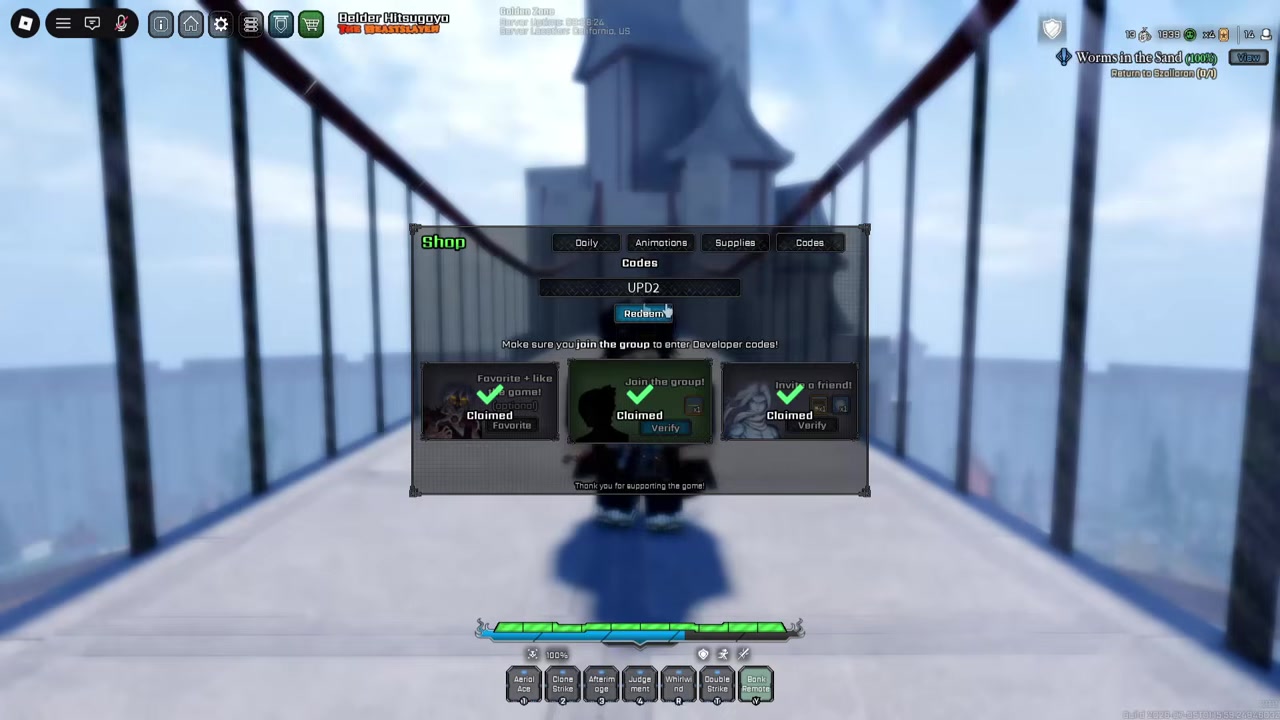
Head to the Four Adams zone, where the path up to Ascension begins.
STEP 2/7
Reach the Galley area up top
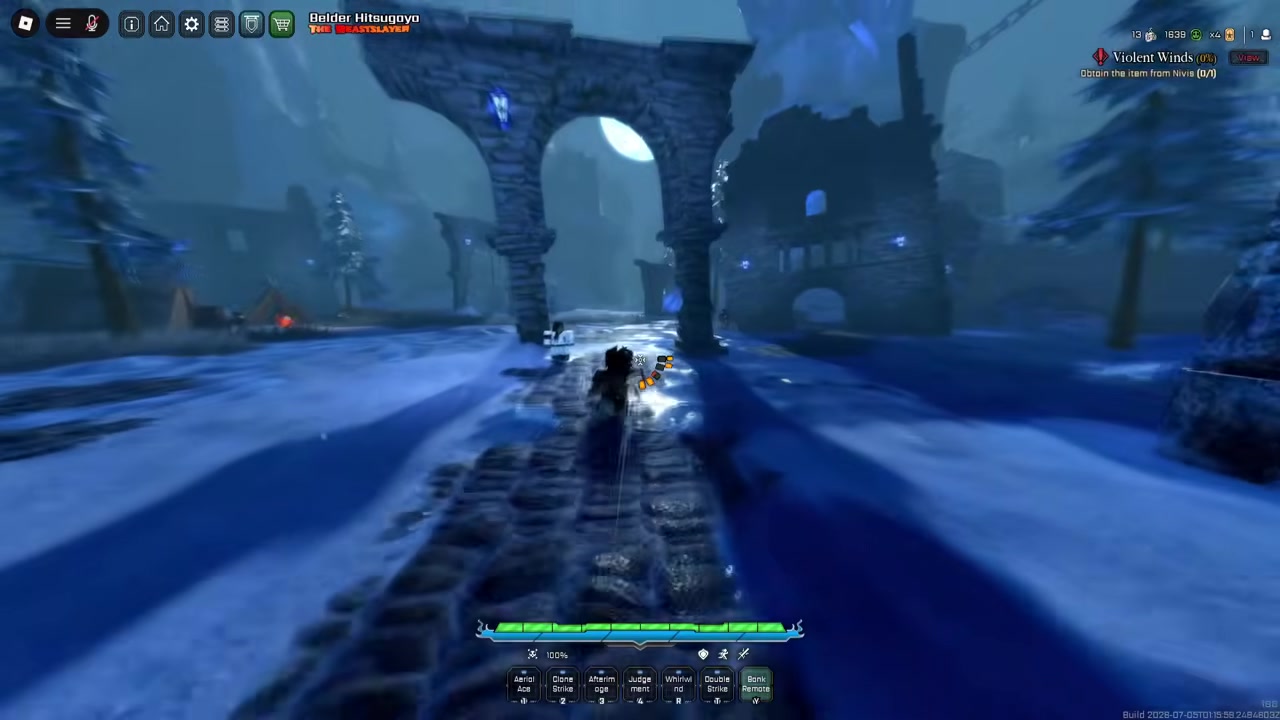
Follow the route to the Galley area sitting at the very top of the zone.
STEP 3/7
Turn right and go straight
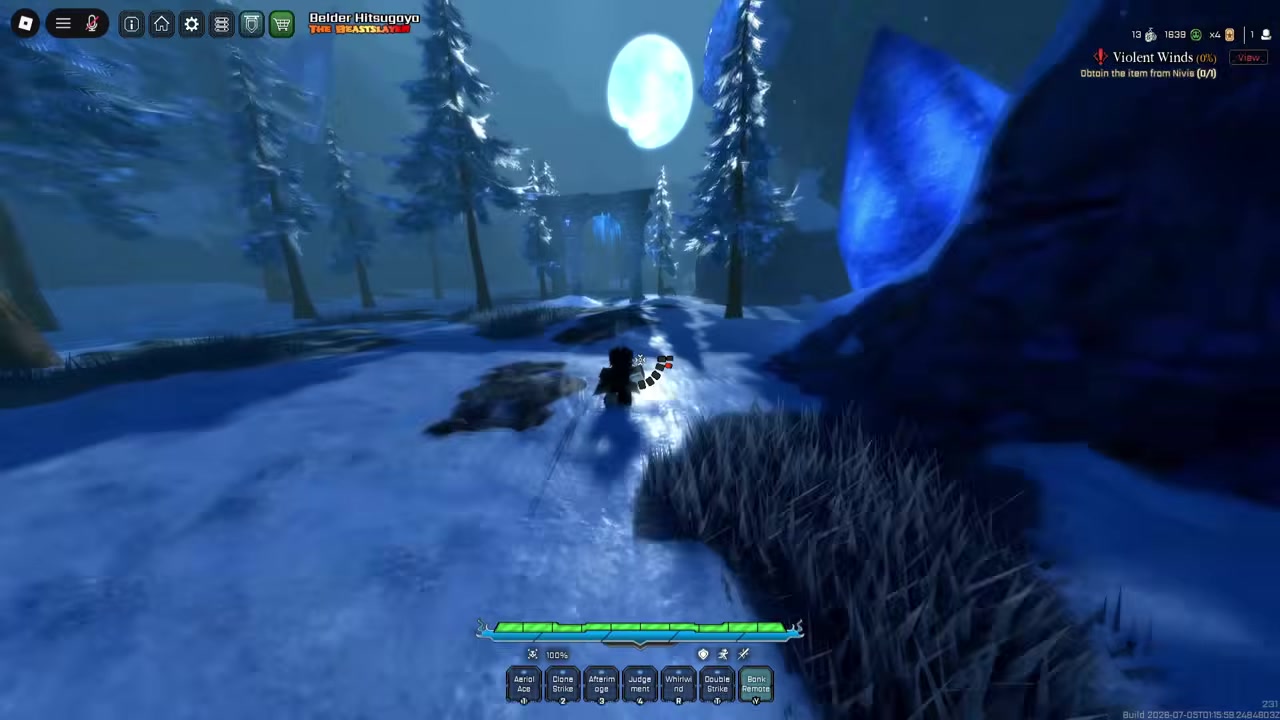
Make a right along the path, then keep going straight toward the marker ahead.
STEP 4/7
Talk to the Ascension statue
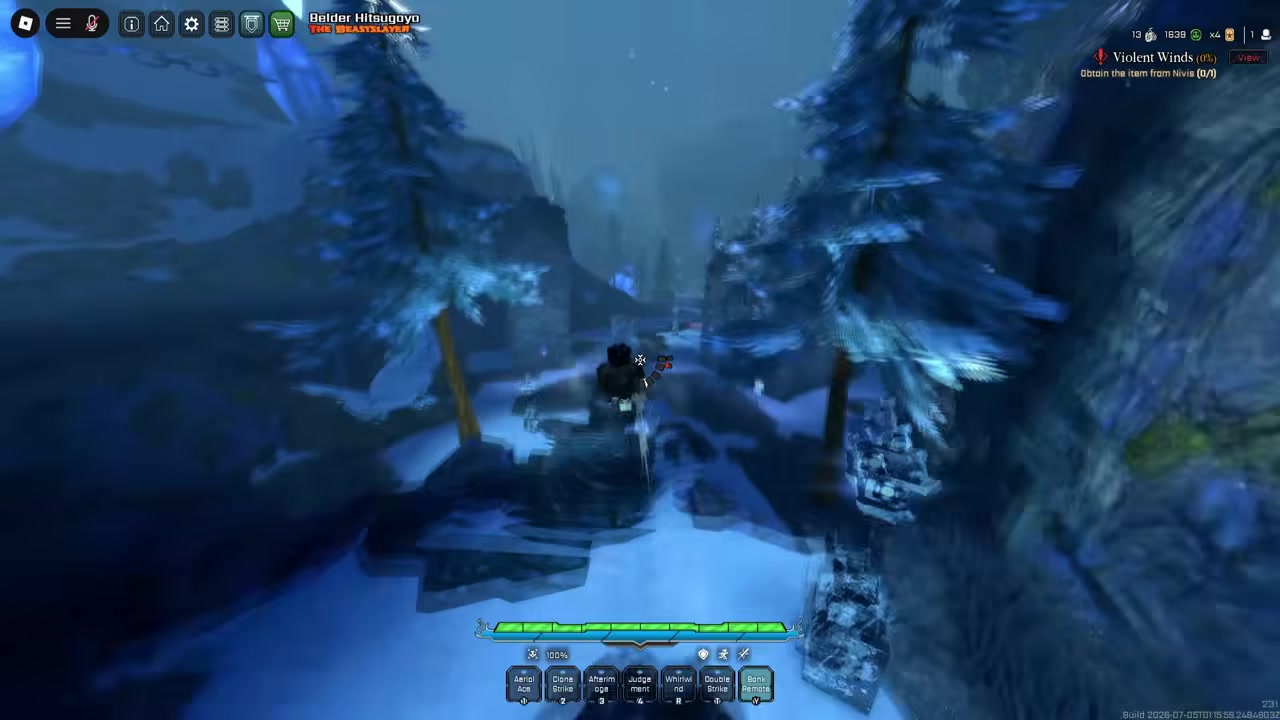
Walk up to the statue at the end of the path and interact with it.
STEP 5/7
Press D for Ascension
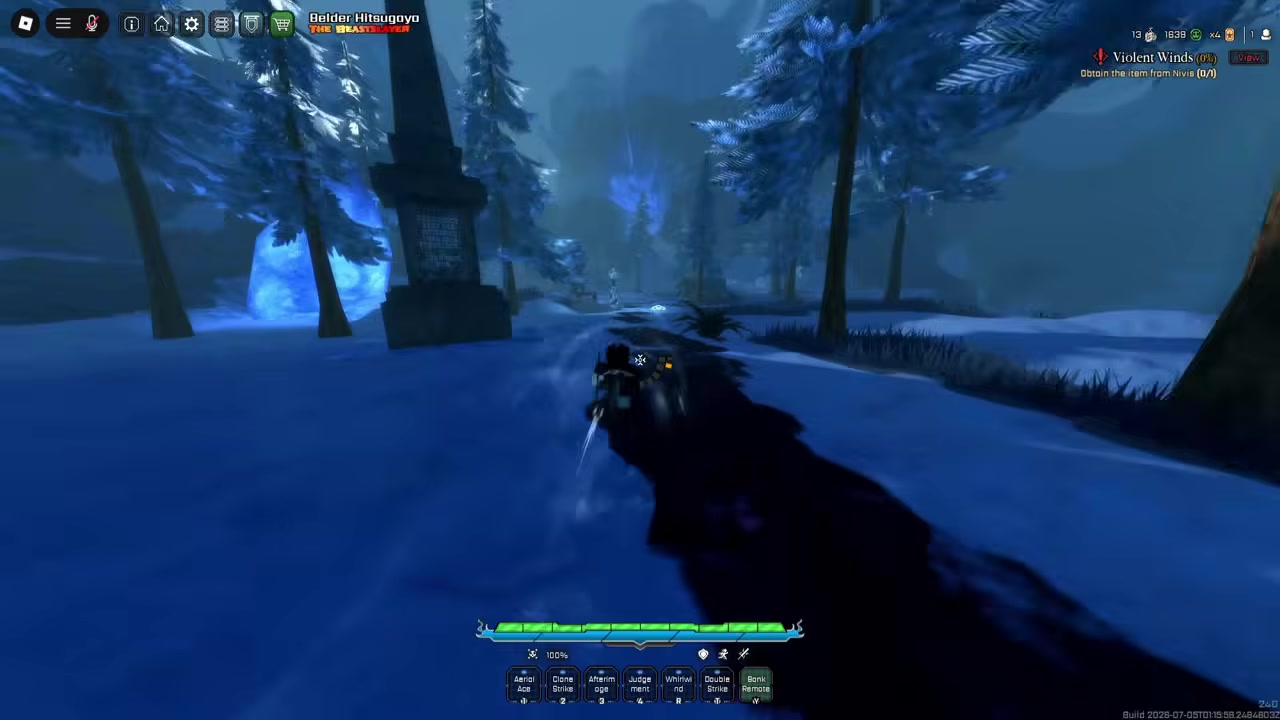
Press D to open the Ascension option at the statue.
STEP 6/7
Ascend to Ascension 2
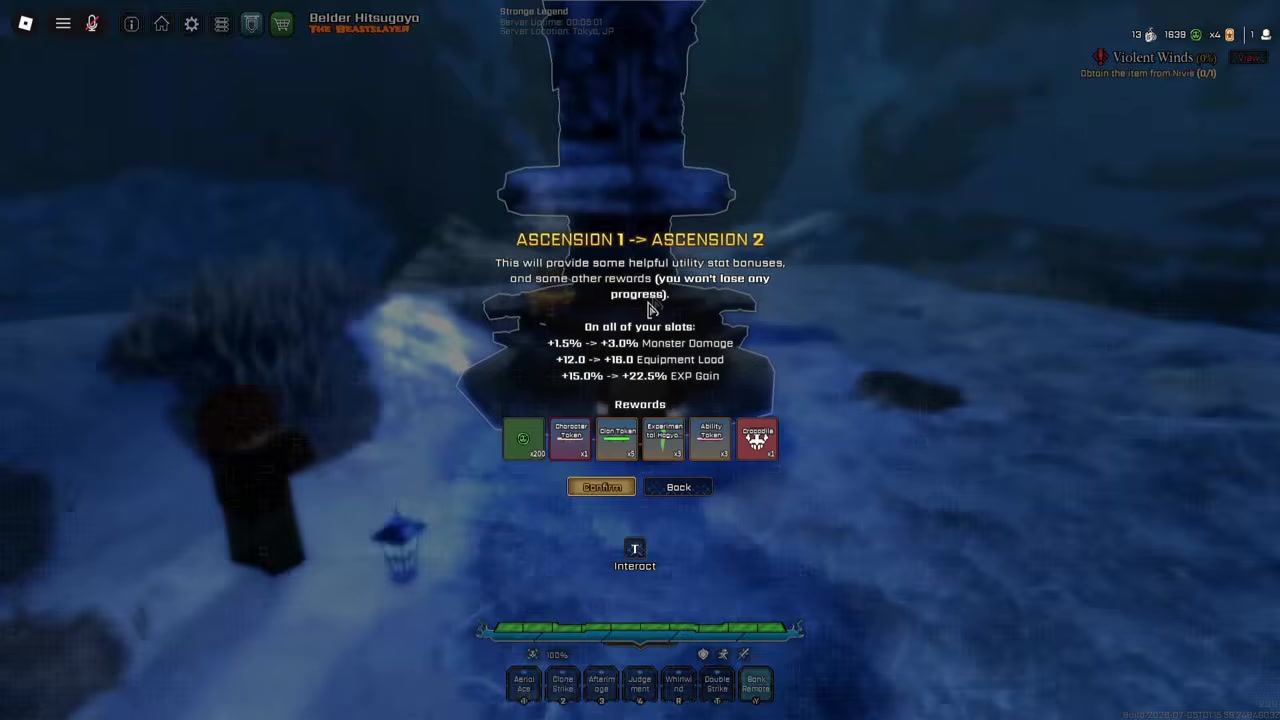
Choose Ascension 2 to reveal the special Hollow type reward on the next screen.
STEP 7/7
Accept the Crocodile reward
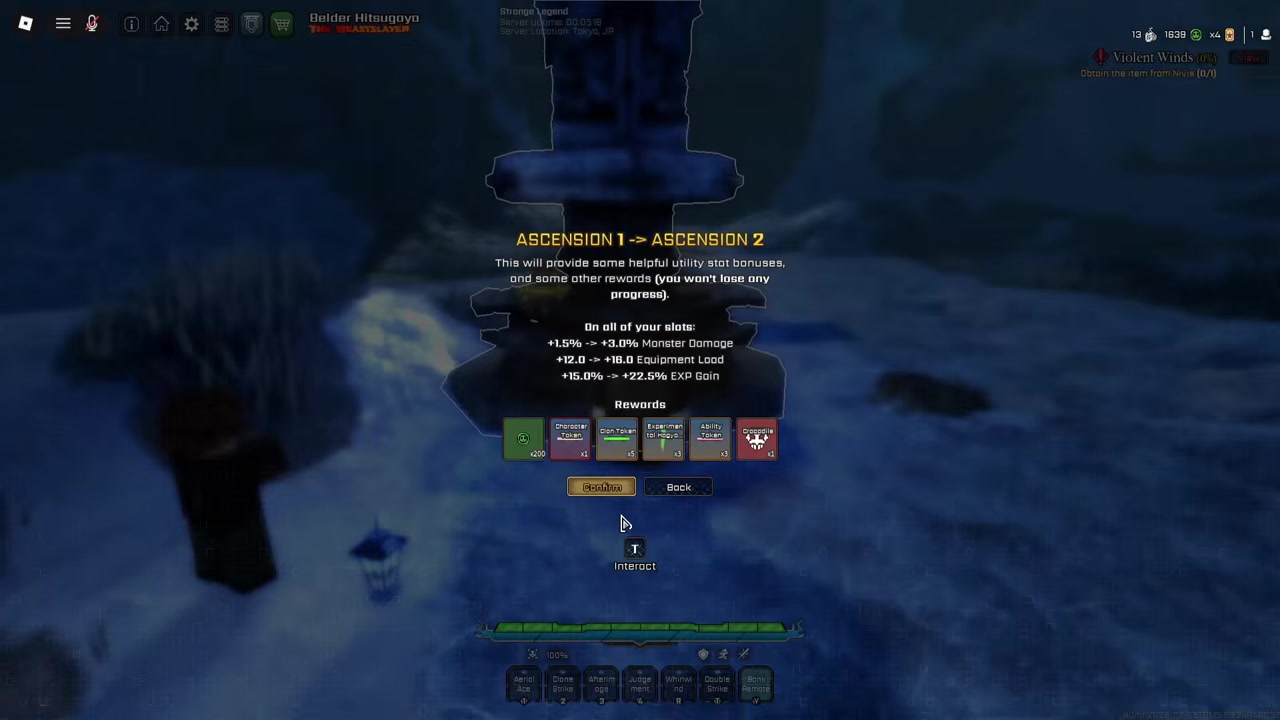
Accept and confirm the Crocodile grant, which adds the type to all of your slots.
Choosing Crocodile from the Hollow type list
Crocodile only appears while you build a fresh character, so you pick it during new slot creation rather than on an existing one.
- Create a brand-new slot — Start a new character slot instead of loading an old one.
- Select Hollow and confirm — Choose Hollow as your race and confirm the selection.
- Open the Hollow types list — Open the Hollow types menu to see every available body.
- Pick Crocodile — Select Crocodile, the sixth option beside Lizard, Gorilla, Turtle, Scorpion, and Centipede.
Video help
Crocodile Hollow in play and manual evolution
The first thing you’ll notice is the size — Crocodile spawns with an unusually large starting Hollow body, easily one of the biggest openers you’ll see. The M1 basic attacks feel completely different from the other bodies, you get wide arm swings as part of the moveset, and the heavy attack works too, so the kit is fully playable rather than a cosmetic swap. In-game it goes by the Marsh Land Crocodile. The one catch is that fights put you into a resurrection state, so plan around that when you engage.
If you want to keep this body and not get pulled out of it, turn on Manual Evolution. Open Settings, go to the Miscellaneous tab, and toggle Manual Evolution on — that stops the game from automatically evolving you into Menos and lets you stay in the Crocodile state as long as you like.
Before you go fight anything, open Settings → Miscellaneous and switch on Manual Evolution so your new Crocodile doesn’t auto-evolve into Menos and leave the form.
Current VV: Ultimatum codes and how to redeem them
| Code | Reward |
|---|---|
| UPD2 | 20 Ability Rerolls + 1 Build Reset Token |
| 160KLIKES | 20 Ability Rerolls |
Codes are worth grabbing while you’re here, but be clear on what they do: they hand out Ability Rerolls and Build Reset Tokens, not the Crocodile unlock itself. The two most recently listed codes are below.
To redeem, launch VV: Ultimatum, finish the tutorial and beat Gelum, then pick a race (Quincy, Shinigami, or Hollow). Join the Midnight Continent Roblox group, open the shopping-cart menu, select Codes, press Verify, and enter each code. These were the codes live in the most recent update, and live-service codes expire fast, so redeem them sooner rather than later.
Mistakes that slow the Crocodile unlock
The biggest trap is assuming a code unlocks the body — it doesn’t, so don’t waste time hunting for a “Crocodile code” that grants the type. Don’t try to skip the Ascension progress either; the reward only appears when you ascend to Ascension 2. And don’t go checking an existing character for the new option: Crocodile shows up during new Hollow slot creation, not on a slot you already made. Finally, if you want to stay in the form, don’t forget to flip on Manual Evolution first.
Where Crocodile sits in Hollow progression
Crocodile is a Hollow type choice, so it plugs into the wider Hollow route rather than replacing it. The broader path still runs Basic Hollow/Fishbone → Menos Grande → Adjuchas → Vasto Lorde, and the usual advice applies — don’t rip your mask early, since evolving before you’re ready can cost you a trait slot down the line. Treat Crocodile as your starting body choice on a fresh slot and progress from there.
Frequently Asked Questions
Do codes unlock Crocodile Hollow directly?
No. The current codes only give Ability Rerolls and a Build Reset Token. Crocodile is unlocked by reaching Ascension 2 and accepting its reward.
Do you need Ascension 1 before Ascension 2?
If you already completed Ascension 1 in the previous update, you can ascend to Ascension 2 right away. The main gate looks to be having a max-level character with Ascension access.
Why is Crocodile Hollow not showing in my Hollow type list?
Because it only appears when you create a brand-new slot after accepting the Ascension 2 reward. Checking an existing character won’t show it — build a fresh Hollow and open the Hollow types list.
How do you stop Crocodile Hollow from evolving into Menos?
Open Settings, go to the Miscellaneous tab, and turn on Manual Evolution. That keeps you in the Crocodile state instead of auto-evolving into Menos.
Is Crocodile Hollow tied to Crocodile King?
There’s no confirmed link between the two — the unlock comes from Ascension 2, not from killing Crocodile King. Treat any claim that a boss, drop, or timer unlocks Crocodile as unverified.
Leave a Reply