
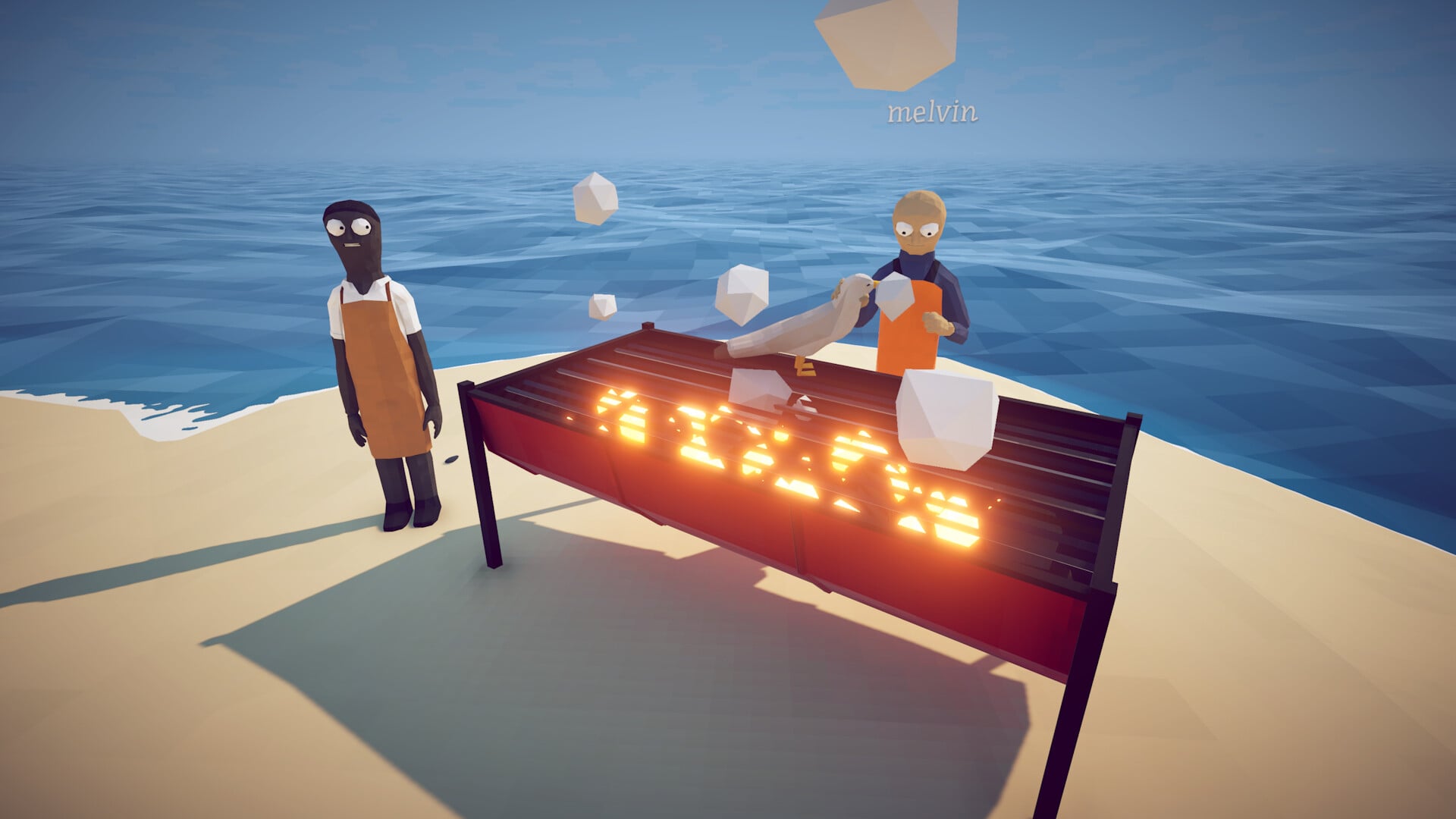
How to Fish supports 1-4 player online co-op, but it has no built-in voice chat or push-to-talk setting. Use Steam’s voice chat, a Discord call, or another voice app while playing.
How to Fish is a physics-based co-op fishing shooter from Dazed Games on Steam for groups of up to four players. You reel in sea creatures, gun them down, upgrade a shared boat, and fight bosses together. Start a Steam or Discord voice call before entering the fishing loop so the whole squad can coordinate throughout the run.
Co-op is built in, voice chat is external
How to Fish supports 1 to 4 players in online co-op. The money you earn, the fish you catch, and the bosses you drop all belong to the same shared session. Teammates can revive downed players, and every purchase comes from the shared money pool, so clear communication keeps the run moving.
The game has no in-game voice channel or push-to-talk keybind. Keep a separate voice app running while you play.
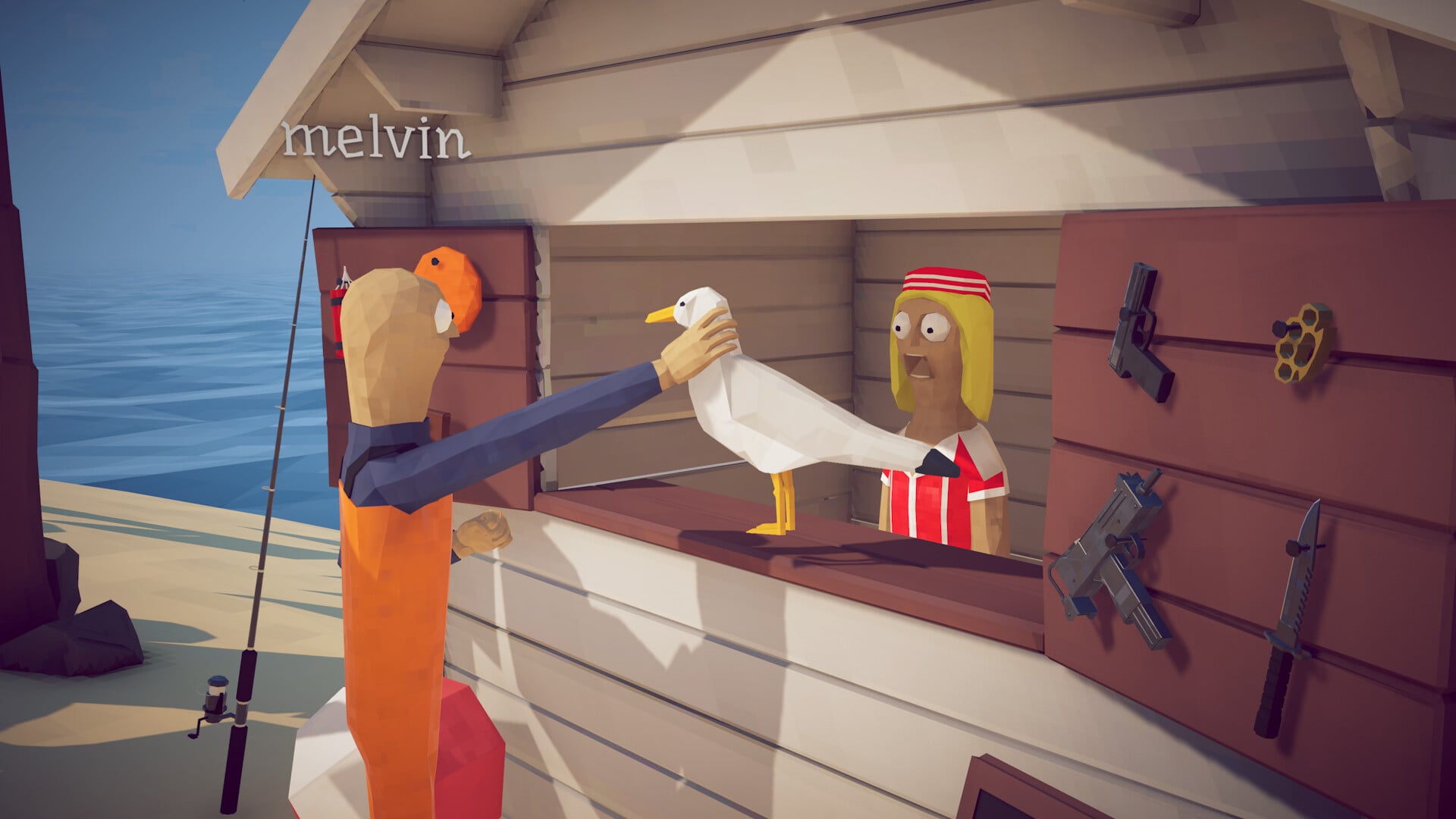
Talk to your squad through Steam or Discord
Key Use the voice app everyone in the group already has open. Bring every player into the same lobby, start the call, set your push-to-talk key in that app, and return to the boat.
Start or join the co-op session
Bring all 1-4 players into the same online lobby before setting up voice.
Open a voice call for the group
Use Steam voice chat when the players are already on your friends list, or start a Discord voice call with the same group.
Set push-to-talk inside that app
Bind a push-to-talk key in Steam’s or Discord’s voice settings so your microphone activates only while you hold the key.
Return to the game and test it
Alt-tab back to the game, hold your push-to-talk key, and have a teammate make sure they can hear you before the first boss.
Check the game menus after each update before starting your external call. Any newly added voice feature will appear in the audio, general, or control settings.
Open the settings menu
Scan the audio and general settings pages for a voice-chat or microphone entry.
Check the controls list
Look through the keybinds for a push-to-talk or microphone toggle you can rebind.
Fall back to an external app if nothing’s there
If neither option is listed, use Steam or Discord for voice chat.
Push-to-talk settings that survive a boss fight
| Option | Use |
|---|---|
| Open mic | Constant chatter during relaxed fishing; picks up background noise and gunfire during fights. |
| Push-to-talk | Hold a key to speak; keeps the channel silent between callouts, best for boss fights and boat runs. |
| Muted / listen-only | Hear teammates’ calls without transmitting, useful if your mic is noisy or you’re focused on aiming. |
Because push-to-talk is controlled by your chat app, choose a bind that does not clash with the game’s controls. Right mouse pulls up iron sights, E picks things up, Q sells, F inspects an item, and Tab opens the encyclopedia. A spare mouse side-button or thumb-reachable keyboard key works well because it lets you call targets without taking a hand off your gun.
Match the voice mode to the activity. Open mic works during calm fishing loops, but the two whale boss fights and the seagull bird fight become loud and busy. Push-to-talk keeps callouts such as “reviving you” and “shark’s stuck on a tree” clear over the gunfire. Here’s how the three common setups compare.
Bind push-to-talk to a mouse side-button so you can call out targets while your fingers stay on movement and your right mouse stays free for aiming.
A Linux input quirk to watch on Bazzite
On Bazzite, held right mouse input drops the moment the mouse moves, making it nearly impossible to aim down sights while looking around. This is a control problem, not a voice-chat bug. Aiming and push-to-talk both use your mouse and keyboard, so rule out this input issue before troubleshooting your chat app.
Related How to Fish guides
Frequently Asked Questions
Can you play How to Fish co-op without voice chat?
Yes. Co-op works without voice chat: the shared money, shared boat, and revive system keep the group connected throughout the run. Voice makes hectic moments smoother, especially when reviving a downed teammate during a boss fight or dividing the group between fishing and shooting.
Is there an official Discord for How to Fish players?
Yes. Join the developers’ permanent official Discord for behind-the-scenes updates, community questions, and other players looking to form a group voice call.






Leave a Reply