
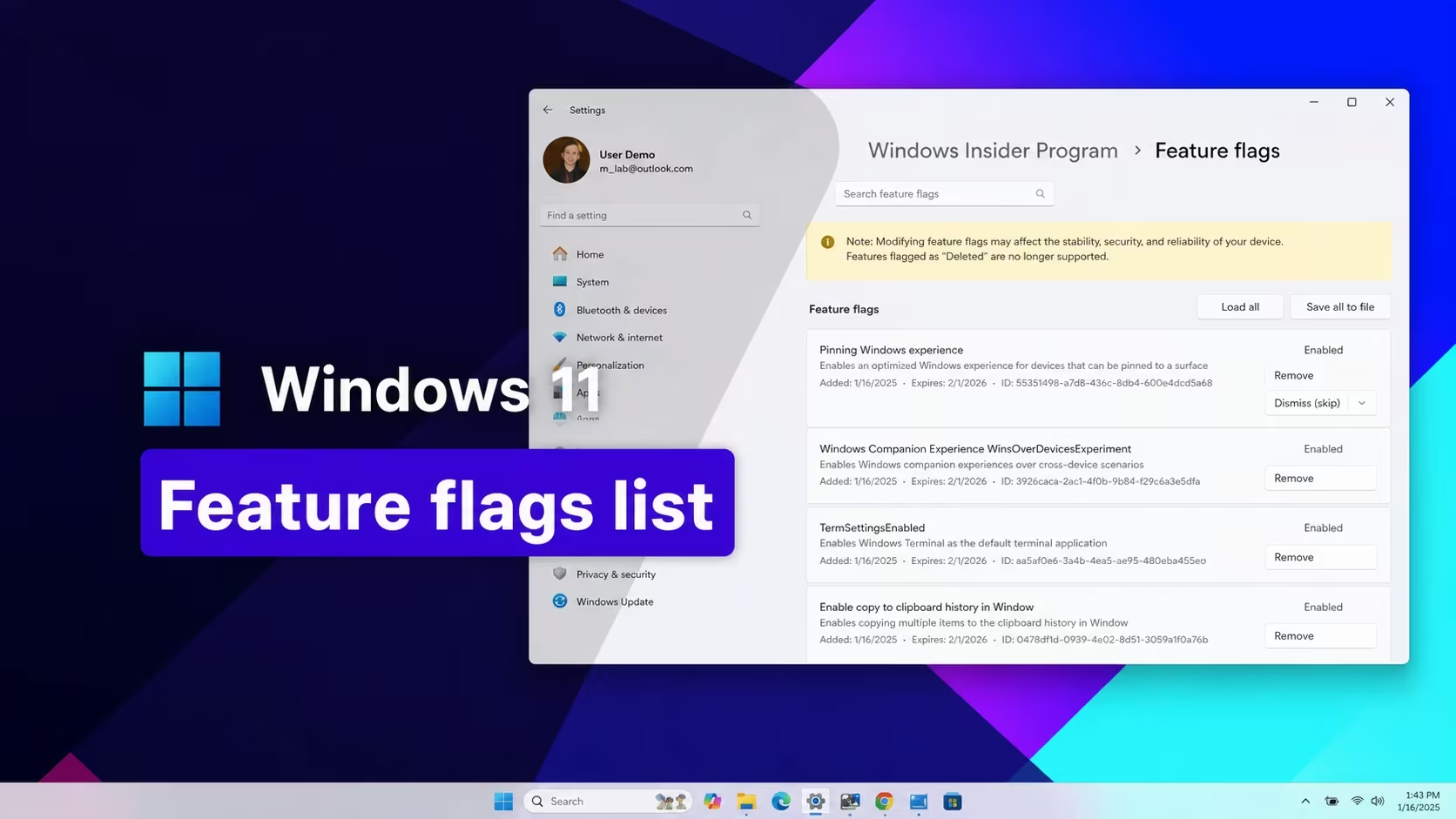
ViveTool is a command-line utility that lets you flip on Windows 11 features that Microsoft has built into a build but hasn’t switched on for everyone yet. Each feature is tied to a numeric ID, and entering the right ID (or set of IDs) unlocks things like Taskbar tweaks, Start menu changes, and entire monthly update bundles ahead of their public rollout.
Working ViveTool codes
Each row below lists the feature ID (or IDs, when a feature needs more than one) and what it unlocks. When a reward needs multiple IDs, you have to enable all of them together, not just one from the group.
61161244
September 2026 update feature bundle
59213768
Adds Taskbar positioning options (top, left, right, bottom) in Settings
61090762
Enables the smaller Taskbar buttons option
61754985,61225604,61596616,61596617,61596618,61596619
Unlocks the new Start menu resize and customization settings
59728252
Replaces the spinning-dots sign-in and shutdown screen with the modern boot animation
51406324,60288851,48433719,58989092,58989177,61160789,61161244,61161268,61161283,61161304,61754985,61225604,61596616,61596617,61596618,61596619
Enables Administrator Protection
60813048
Adds new customizable context menu settings
61160789
August 2026 update feature bundle
58989177
July 2026 update feature bundle
58989092
June 2026 update feature bundle
58989092,60716524,48433719,61391826
Turns on the Low Latency Profile performance boost
58989070
May 2026 update feature bundle
58989021
April 2026 update feature bundle
58989002
March 2026 update feature bundle, including the network speed tester, camera pan and tilt, and Extract All for non-Zip archives
57741219
Adds the new Protected Print Mode dialogs in Settings
55994763
Adds the redesigned Widgets settings page
58988972
February 2026 update feature bundle
57048237
December 2025 update feature bundle
59162732,55994763
Widgets redesign
41356296
New Taskbar auto-hide behavior
45690266
Cloud file search in File Explorer
59265307
About page redesign in Settings
57882334
Share any window directly from the Taskbar
53343270
Device info card in Settings (US only)
57048231
November 2025 update feature bundle
47205210
New single-page Start menu design
48433719
Battery percentage indicator option
57048226
October 2025 update feature bundle
57048218
September 2025 update feature bundle
57048216
August 2025 update feature bundle
How to redeem codes in ViveTool
ViveTool doesn’t have a redeem box like a game does. You enter each feature ID through Command Prompt or PowerShell, and Windows applies the change after a restart.
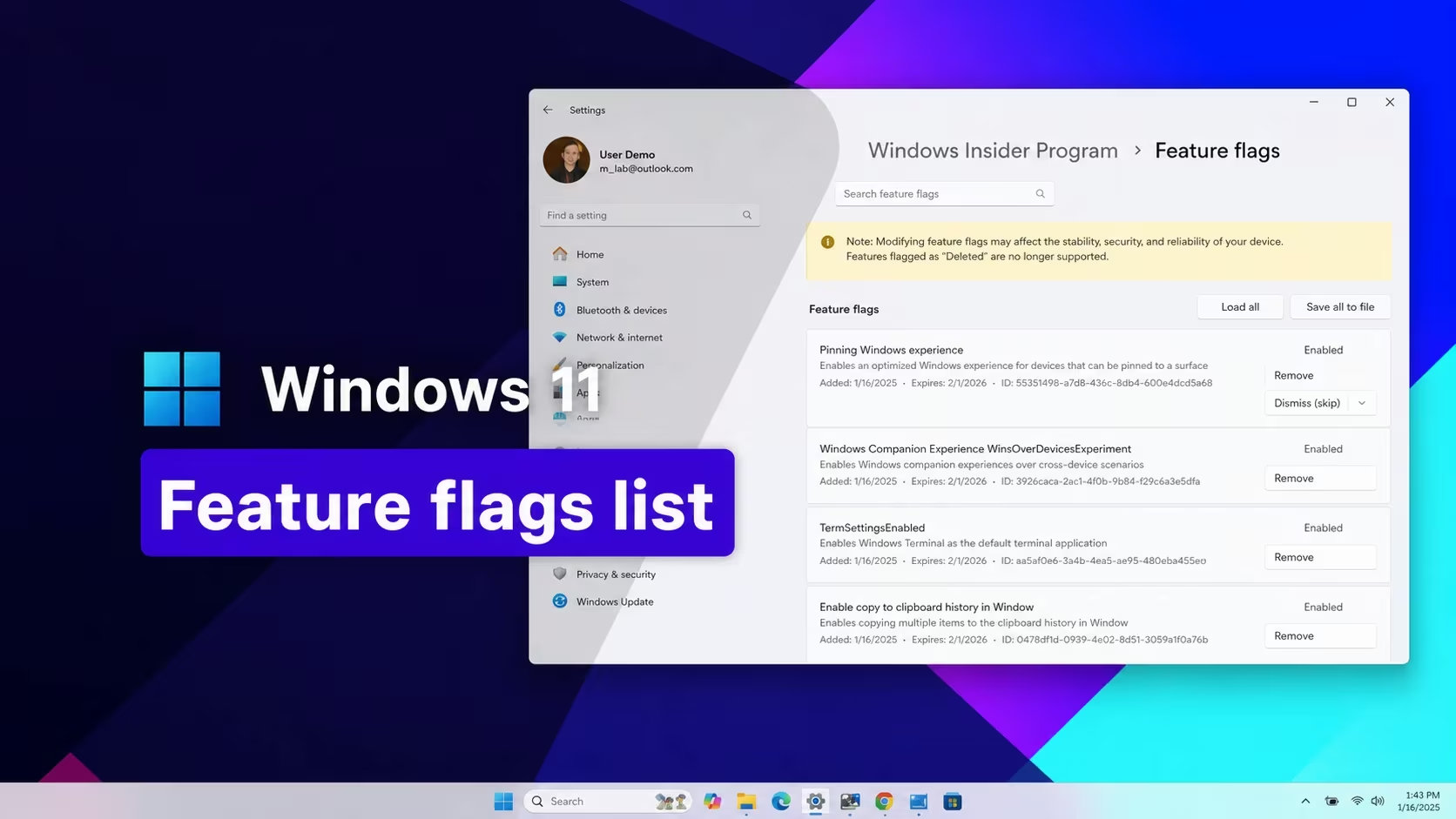
cd command to move into the folder where you extracted ViVeTool.vivetool /enable /id:61161244You’ll know it worked once you sign back in and see the feature itself, a new option in Settings, a redesigned Widgets page, or a changed Taskbar behavior, depending on which ID you enabled. You can also run vivetool /status to confirm which IDs are currently marked as enabled on your machine.
Note: You need Administrator rights to run these commands, and some feature IDs only apply to specific Windows 11 builds, so a feature you enable may not appear if your build doesn’t include the underlying code for it yet.
How to get more ViveTool codes
Microsoft doesn’t publish a list of feature IDs the way a game studio drops promo codes. New IDs surface as Microsoft ships fresh Windows 11 builds through the Insider Preview channels and monthly Patch Tuesday updates, and each build tends to carry its own bundle of hidden features tied to a new set of numbers. Monthly update bundles like the ones above generally line up with Microsoft’s regular Windows 11 release cadence, so checking back after each monthly update lands is the most reliable way to catch new IDs as they appear.
Is ViveTool safe to use?
ViveTool only flips feature flags that already exist inside your current Windows 11 build, so it doesn’t install anything outside of the operating system itself. Features it unlocks are still unfinished or unreleased, though, so they can behave inconsistently or change again once Microsoft officially ships them.
Why didn’t a feature ID work for me?
A feature usually stays hidden if your Windows 11 build doesn’t yet contain the code behind that ID, if the command wasn’t run as Administrator, or if you skipped the restart after enabling it.
Feature IDs like these turn on real pieces of upcoming Windows 11 builds, so double-check you’re entering the exact number and restarting afterward before assuming one didn’t take.






Leave a Reply