
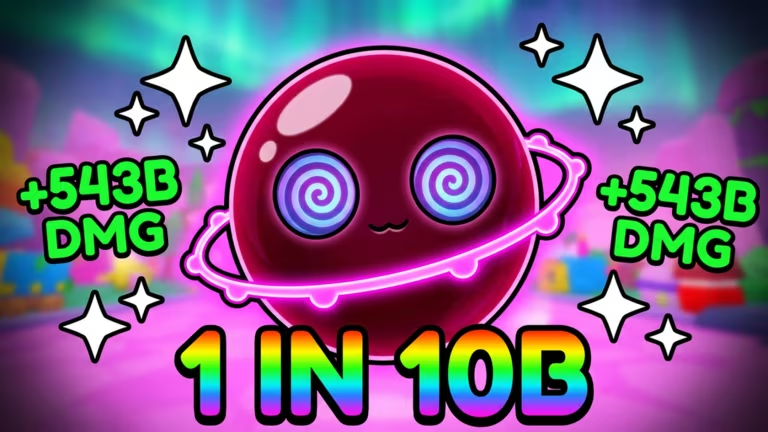
Pop Bubbles is a Roblox bubble-popping game where Cash, Spin Tickets, and Potions speed up your progress, and codes are the quickest way to stack up on all three without grinding for them.
Working Pop Bubbles Codes
Here’s every code you can redeem right now, along with what each one hands you.
BZZZ
Admin Honey Bubble
New
DISCORD
1K Cash, 1 Cash Potion, and 1 Spin Ticket
SPIN2WIN
2 Spin Tickets
POTIONS
1 Luck Potion, 1 Bubble Boost Potion, 1 Bubble Chance Potion, 1 Fire Rate Potion, and 1 Damage Potion
Tip: Type or paste each code exactly as shown above, since Pop Bubbles codes are case-sensitive and a stray space will make redemption fail silently.
How to redeem codes in Pop Bubbles
Redeeming codes takes place entirely inside the Shop menu, and once the game finishes loading you’ll have your rewards in seconds.
How to get more Pop Bubbles codes
New codes for Pop Bubbles tend to show up when the developer wants to celebrate a milestone, mark an update, or reward players for hitting a follower or member goal on official channels. Your best bet for catching them early is joining the game’s official Discord server, where announcements go out first.
You can also jump straight into the experience itself and check the Codes tab in the Shop whenever you log in, since that’s the same place you’ll redeem anything new. The game is playable directly on Roblox.
Are Pop Bubbles codes free?
Yes. Every code listed above is free to redeem and simply requires an active Pop Bubbles save to claim the Cash, Spin Tickets, or Potions attached to it.
Why didn’t my code work?
Double-check the spelling and capitalization first, since a single typo will stop the code from going through. If it still doesn’t redeem, it may have expired.
Check back on this page regularly, since Pop Bubbles codes get refreshed and swapped out as the developer rolls out new ones.




Leave a Reply