

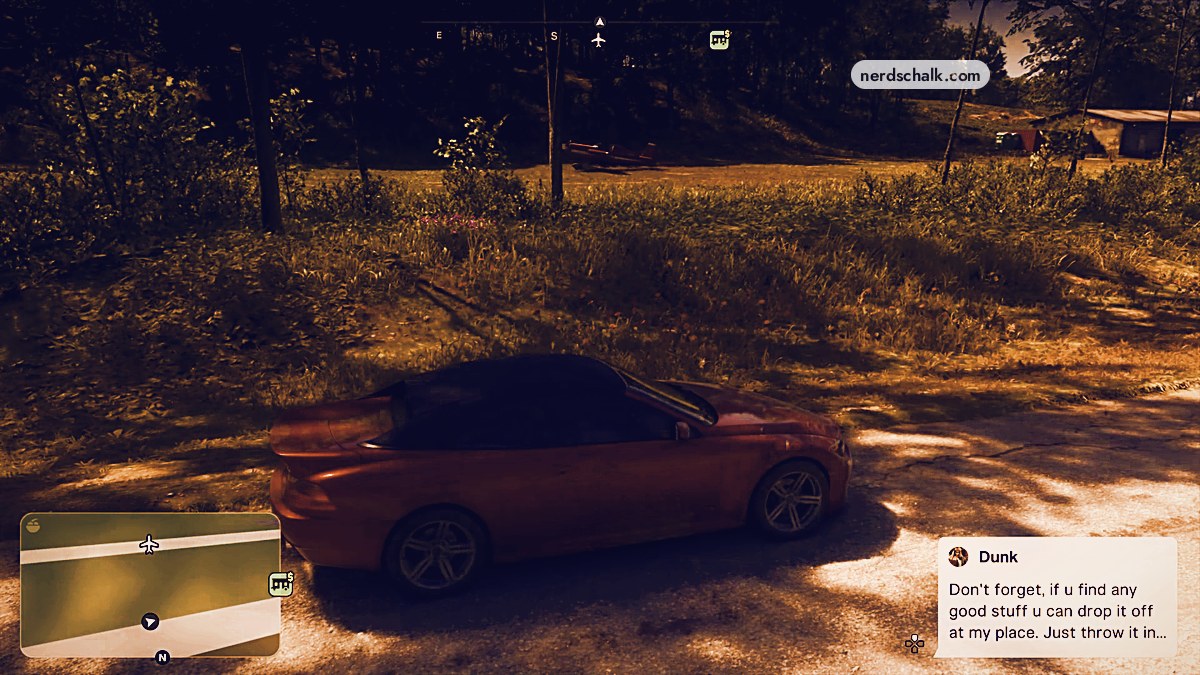
Answer Dunk’s call, read his messages, then open Map > Robberies > Dunk’s Robbery Tips, select a target, and follow its GPS route.
Dunk’s robbery tips give you locations to investigate in Grand Theft Auto VI. His call covers your cut and the robbery tips. He also sends a message inviting you to leave any good stuff you find at his place. The game’s platforms include Xbox Series X|S and PlayStation 5.
How to use Dunk’s robbery tips in Grand Theft Auto VI
Answer Dunk’s call
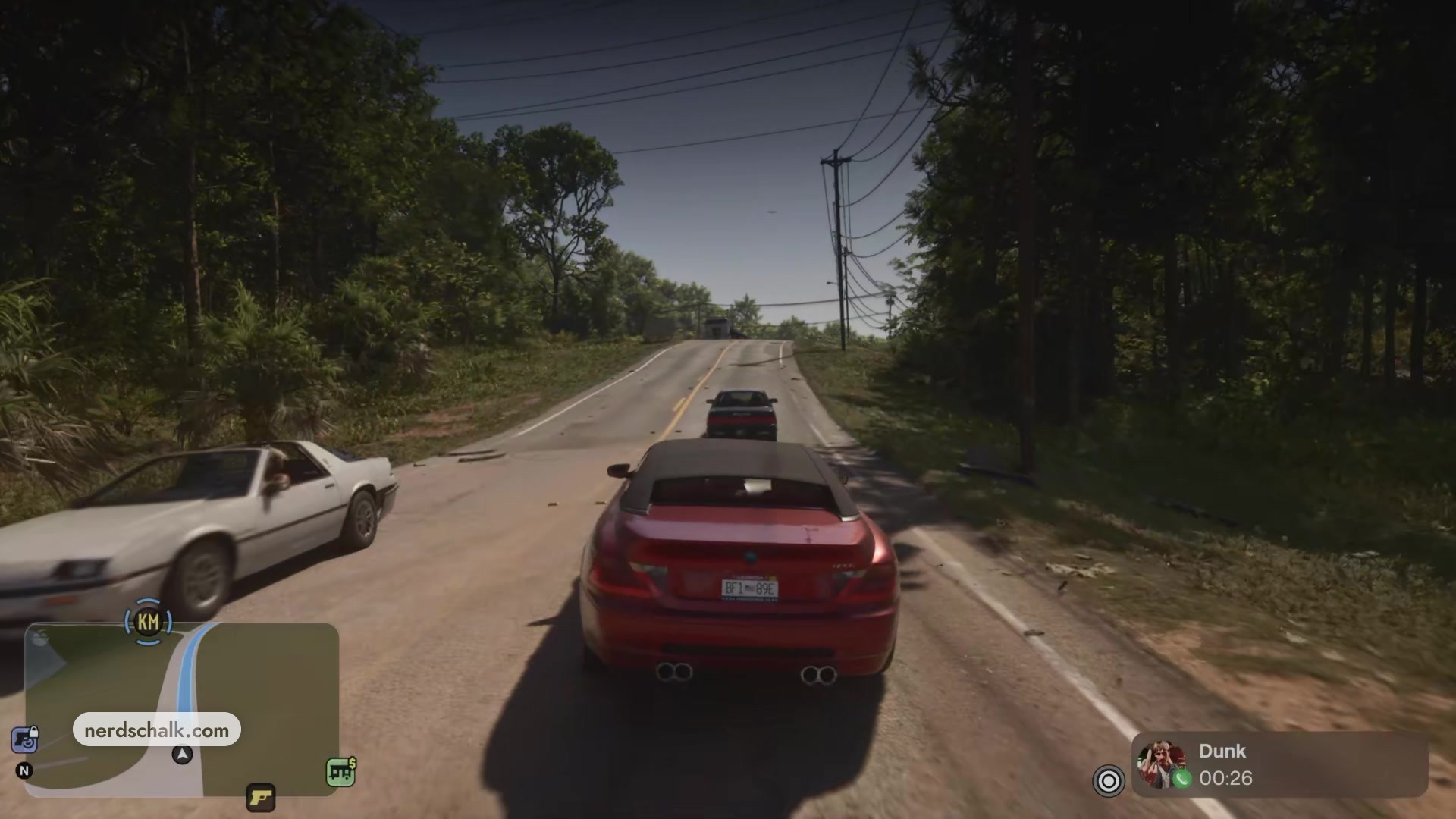
Take the incoming call to hear his robbery tips. The conversation can stay active while your car is moving.
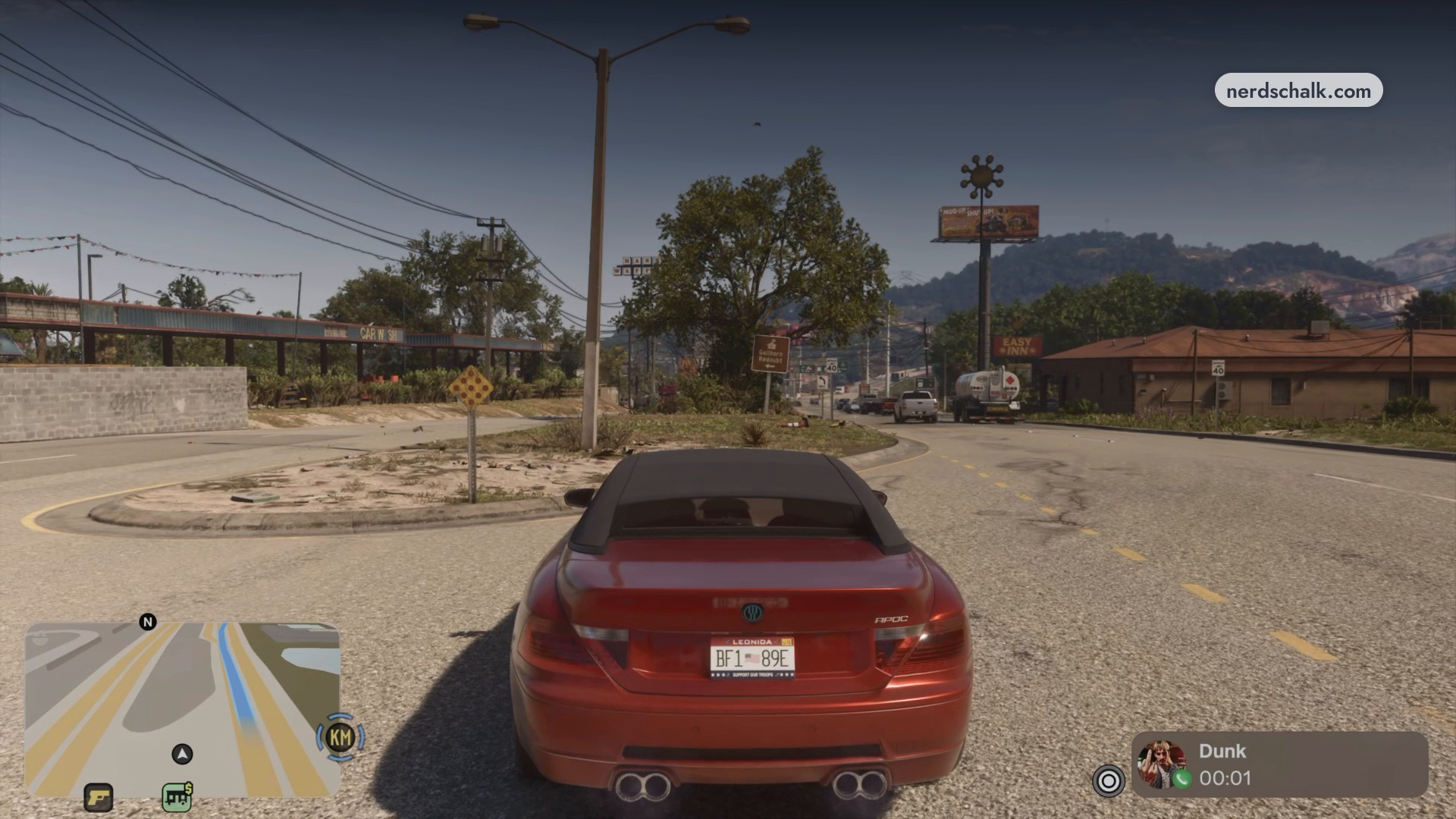
Dunk’s incoming-call panel identifies the contact so you can answer.
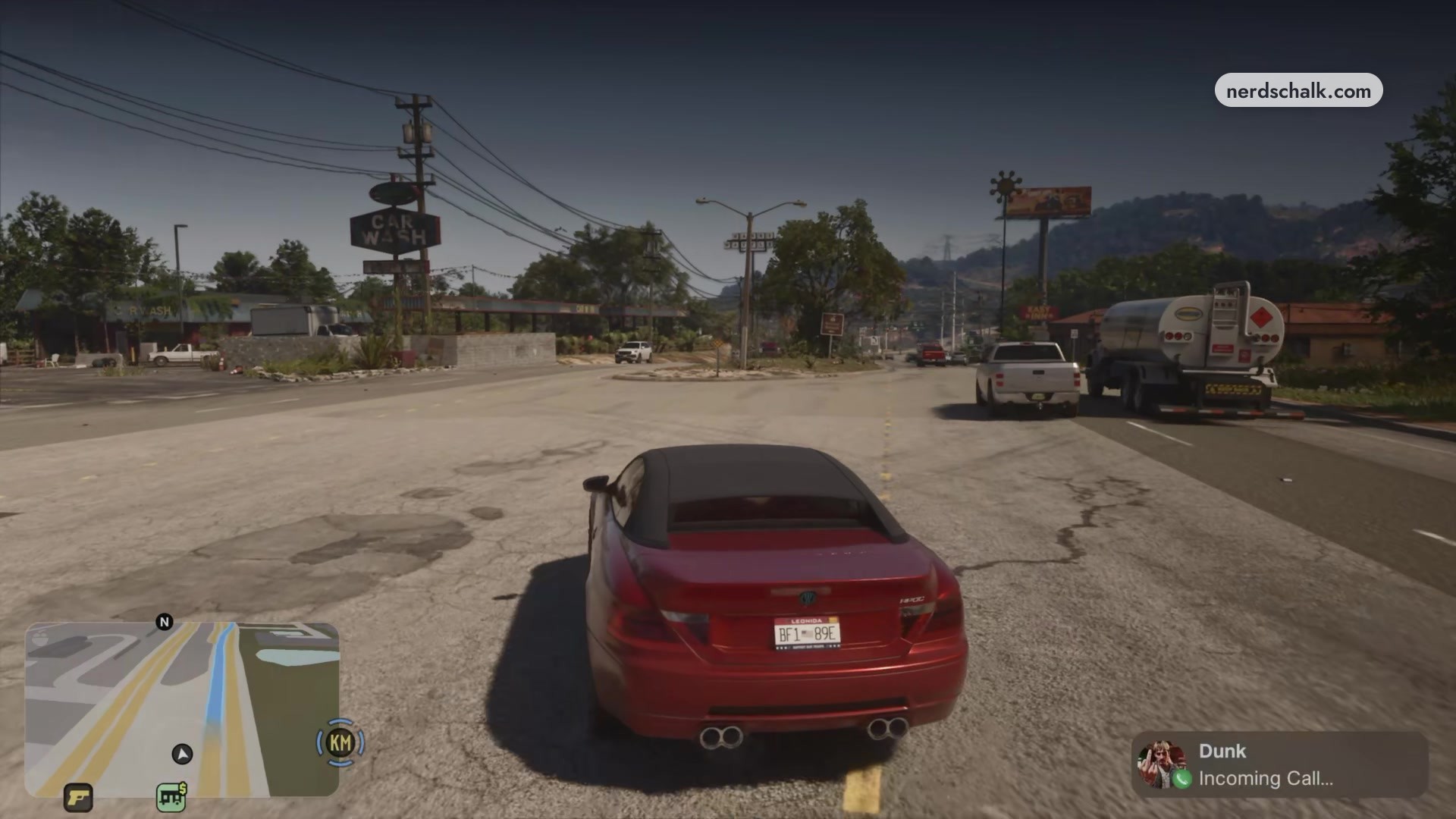
The active call panel stays onscreen as you drive and listen.
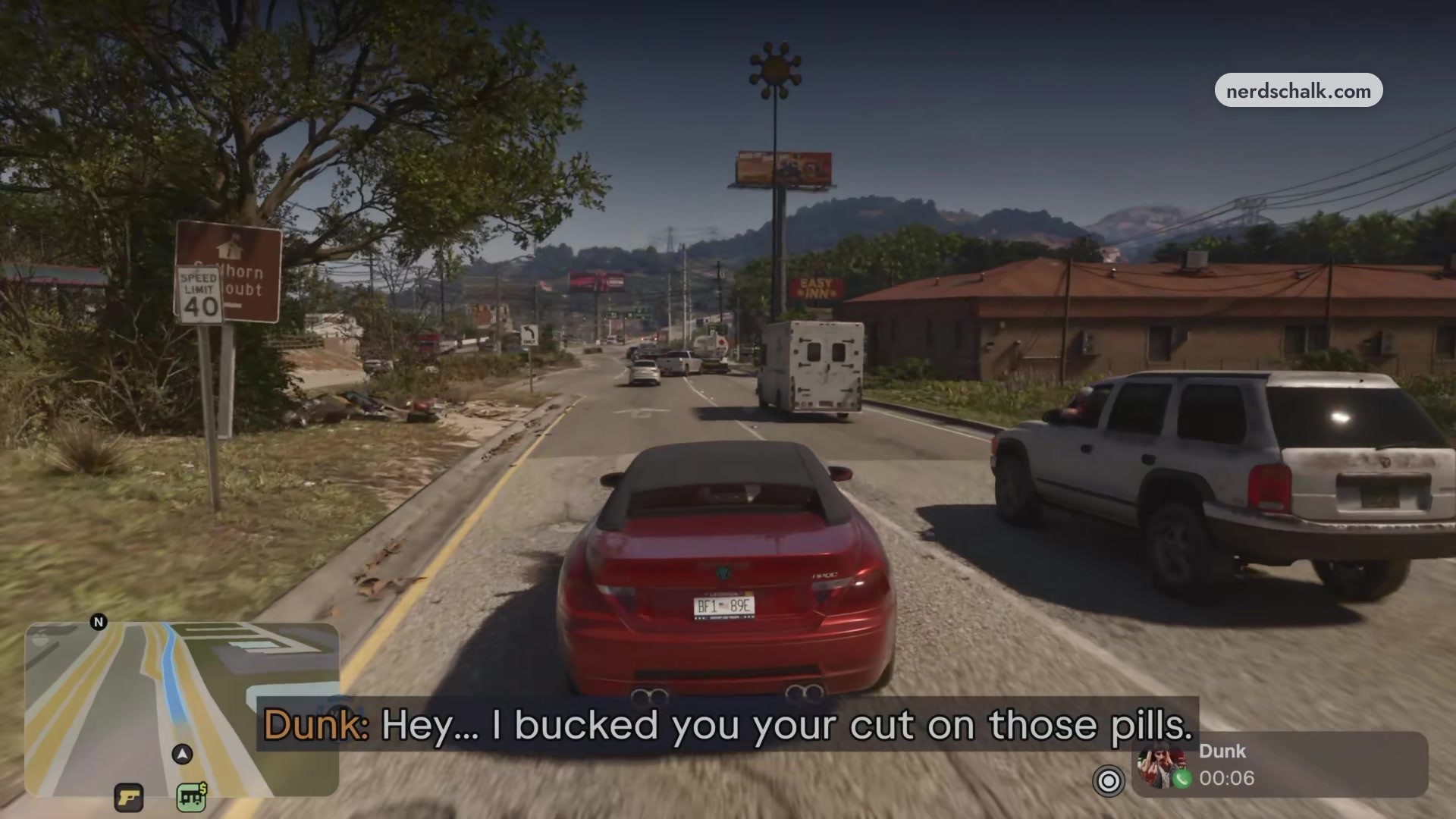
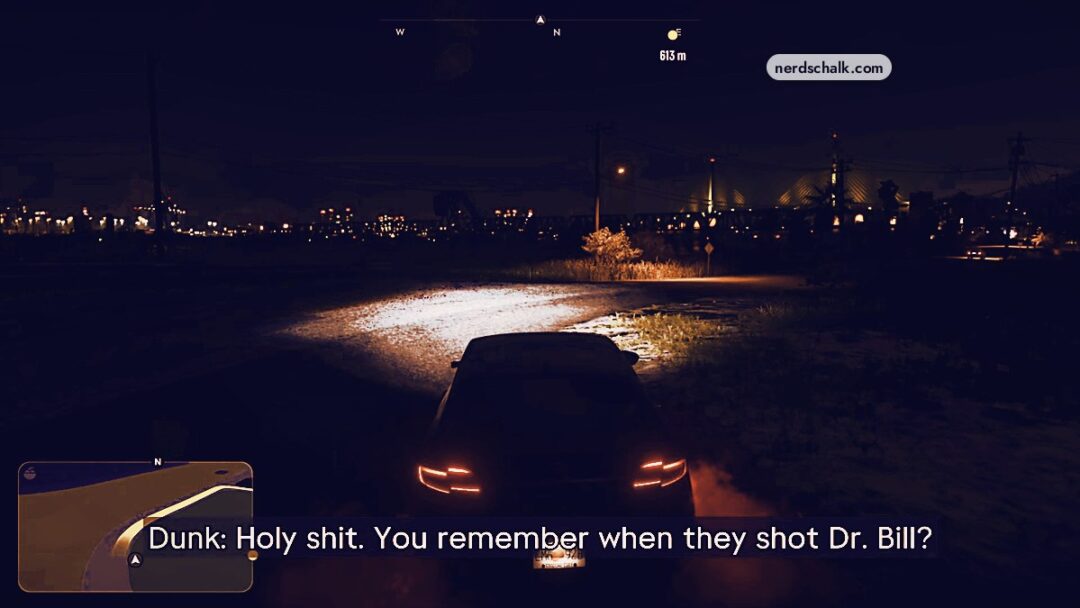
Dunk’s call continues along the wooded road while you keep listening.
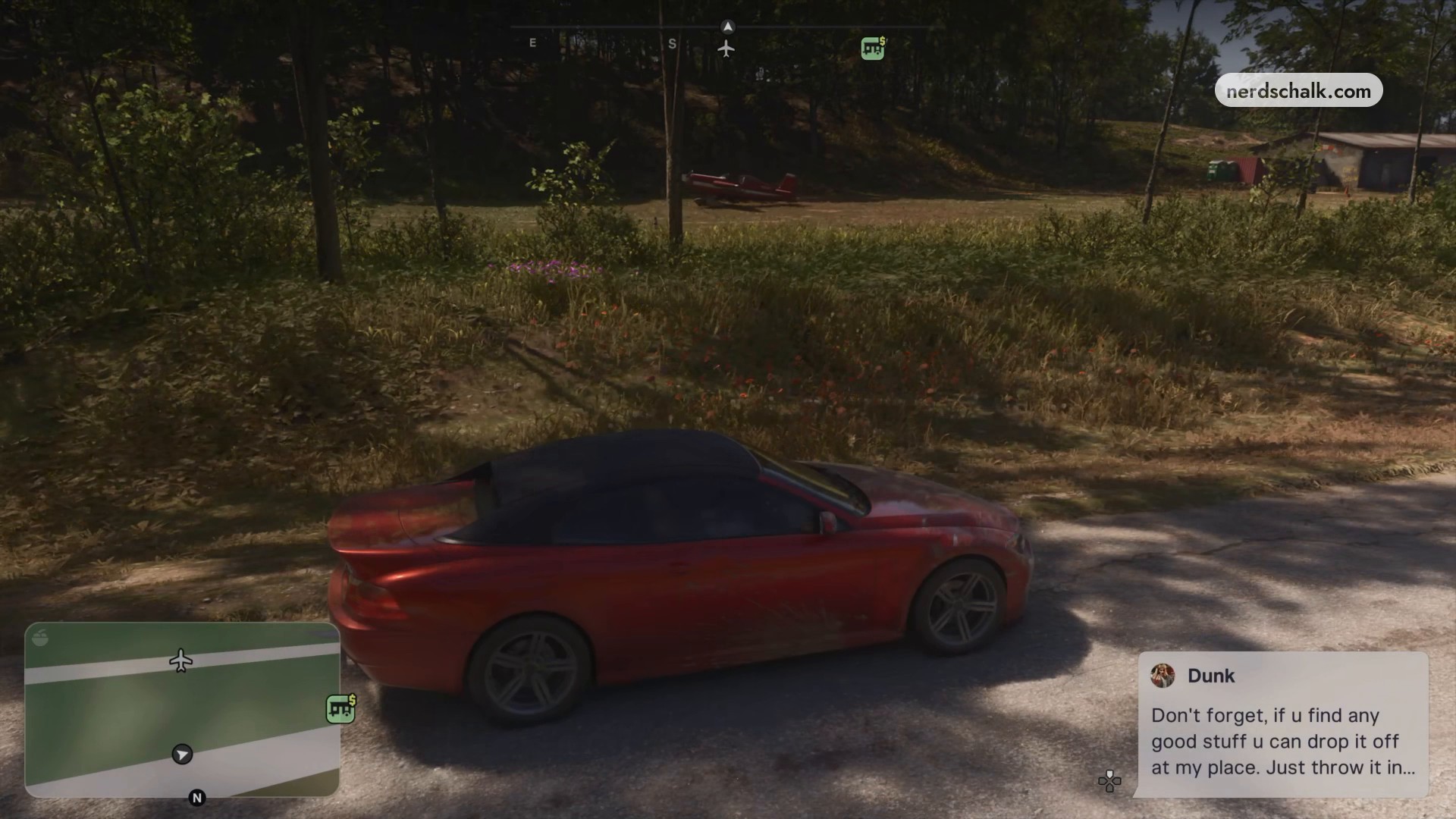
Read Dunk’s messages
Take out your phone and open Dunk’s conversation to read his location tips.
Open the Robberies category
Open the pause-menu map, then choose Robberies from the left sidebar to reach the robbery listings.
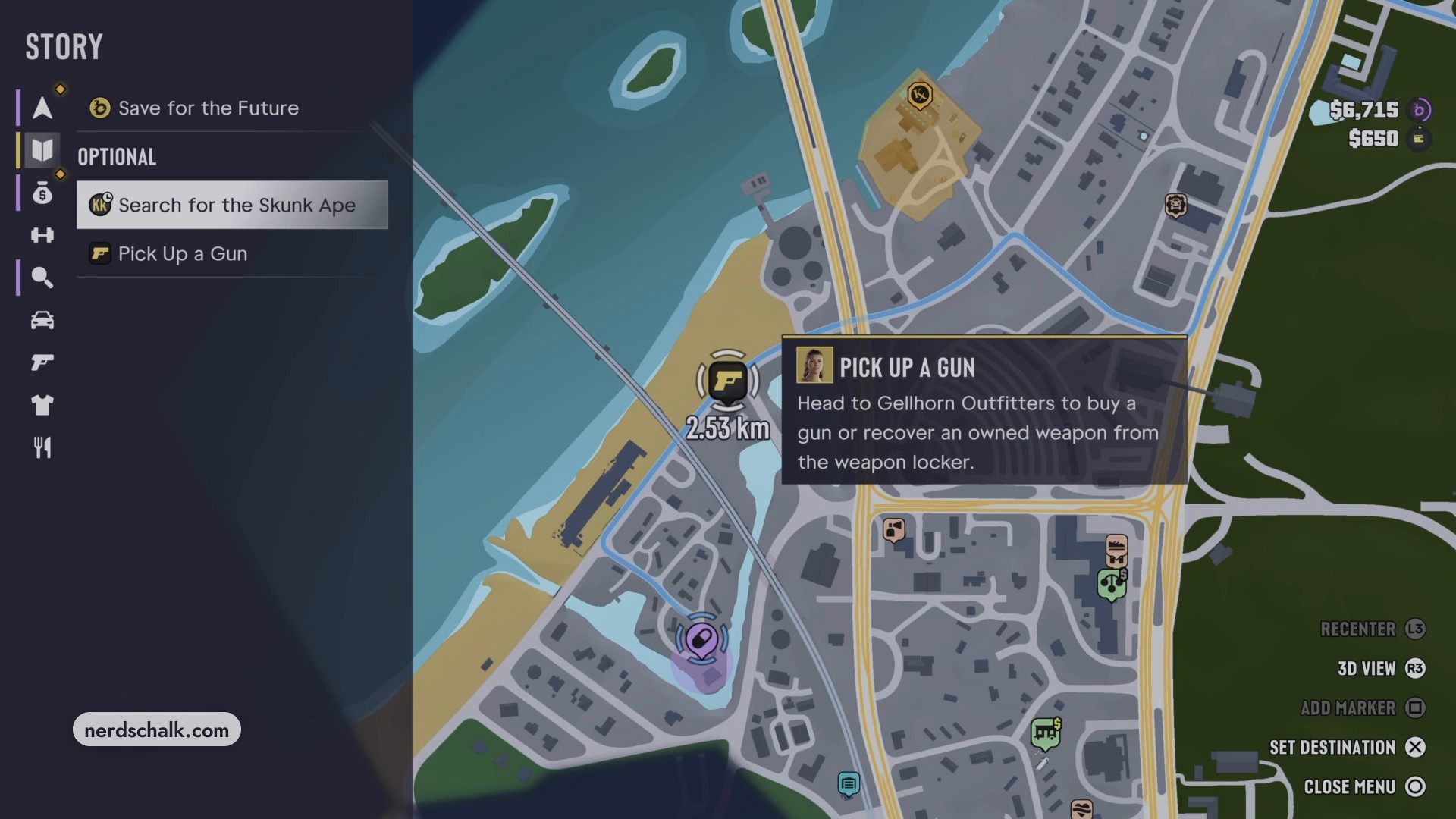
The pause-menu map is where you begin looking for the Robberies category.
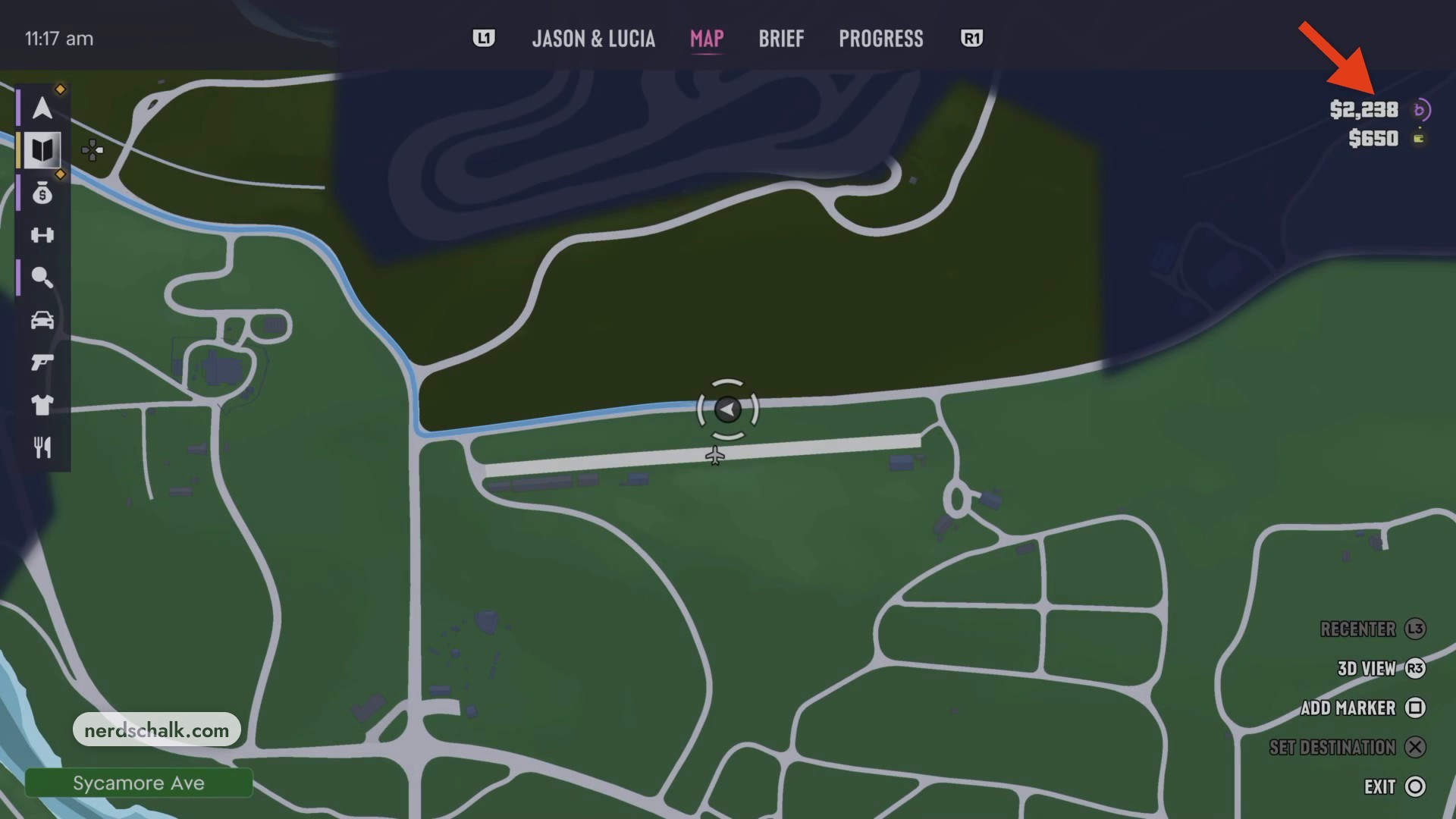
Choose a robbery tip
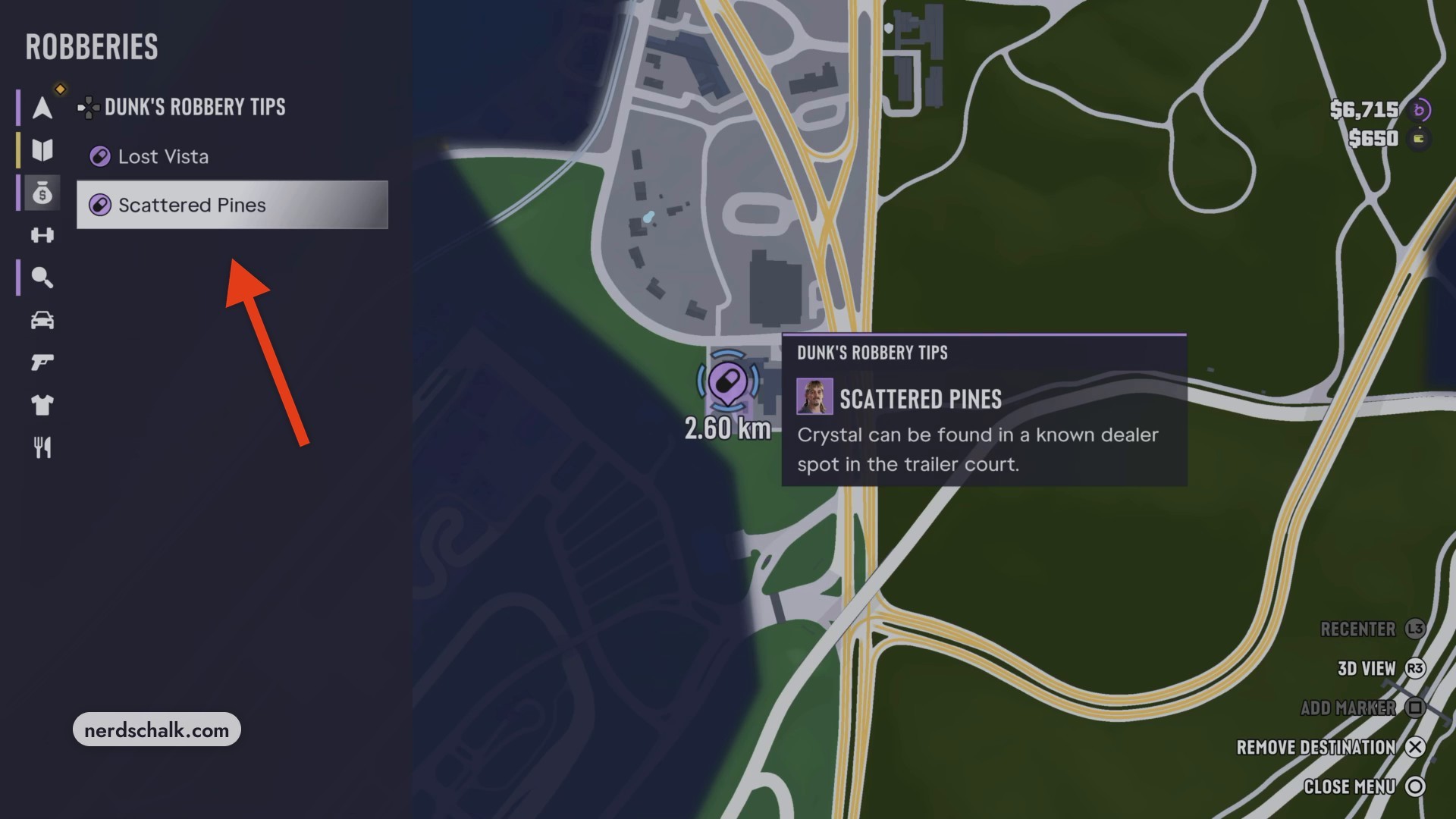
Open Dunk’s Robbery Tips and select a target to read its location description.
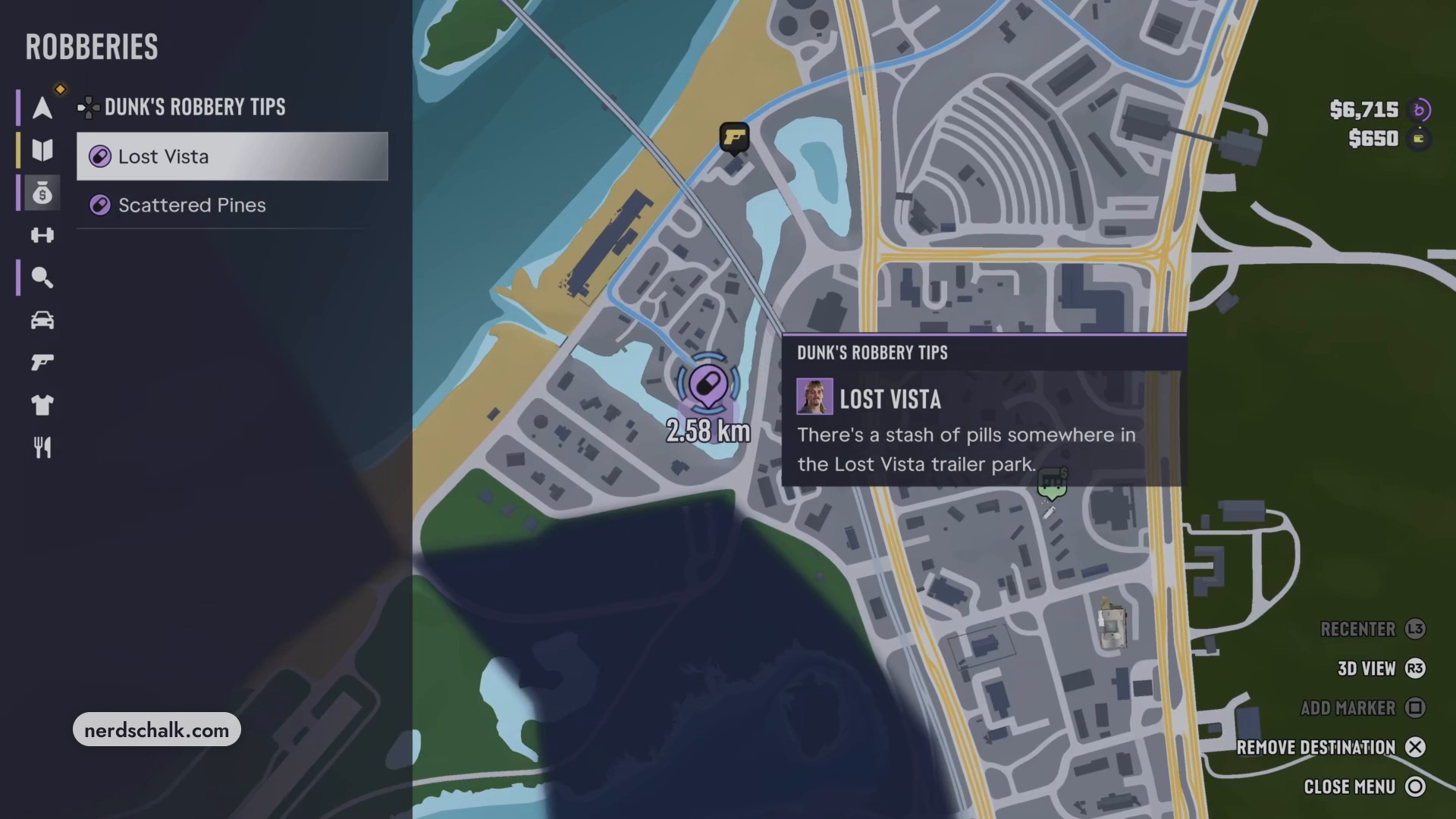
Lost Vista has its own selectable entry, which you can choose to read that location’s tip.
Follow the GPS route
Drive toward your chosen robbery location along the highlighted GPS path.

Keep tip descriptions separate from collected loot
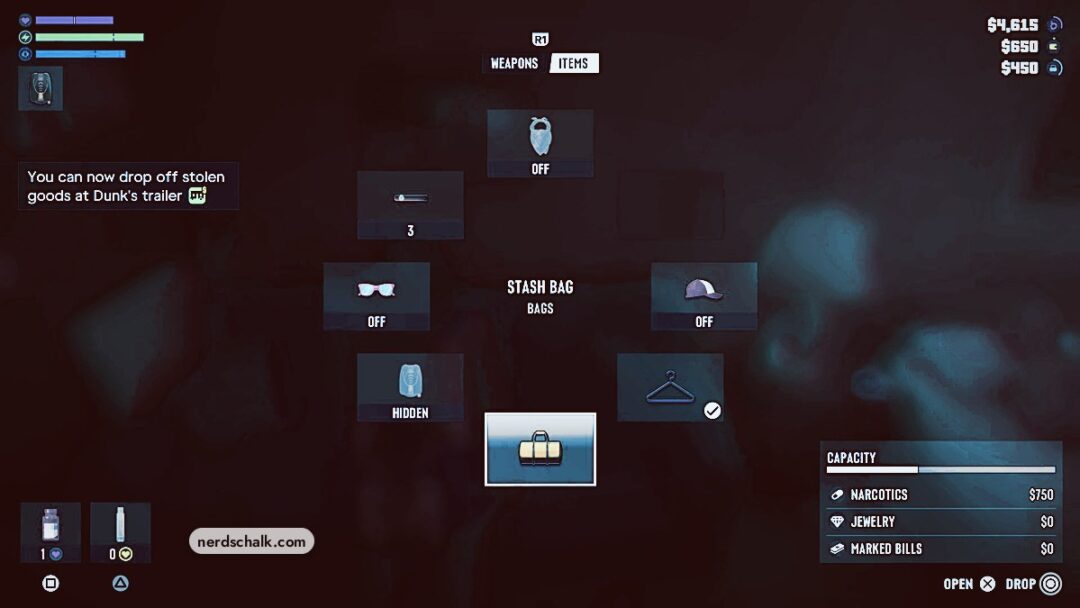
A tip tells you what to look for at its destination; keep that description separate from the loot you actually collect afterward.
What do Dunk’s robbery tips point to?
| Robbery tip | What to look for |
|---|---|
| Lost Vista, named Lost Vista Trailer Park in Dunk’s messages | A pill stash somewhere in the trailer park. |
| Scattered Pines | Crystal at a known dealer spot in the trailer court. |
Dunk’s messages direct you toward trailer-park robbery targets. The named locations also appear as selectable entries under his robbery tips on the map.
Begin looking for the described stash when you reach your selected destination.
Related Grand Theft Auto VI guides
Leave a Reply