Gaming

GTA 6 Stash Bag Guide: Bag Selection, How to Drop, and How to Pick Up

This GTA 6 Stash Bag guide explains how to select your equipped bag in the item wheel, drop it on the ground, and pick it up again using the interaction prompt.

This GTA 6 Stash Bag guide explains how to select your equipped bag in the item wheel, drop it on the ground, and pick it up again using the interaction prompt.

0 Comments
QUICK ANSWER
Select STASH BAG in the item wheel and choose DROP, then approach the dropped bag and use its interaction prompt to equip it again.

This interaction starts with a Stash Bag already equipped in Grand Theft Auto VI. This guide covers taking the bag off, leaving it on the floor and picking it back up.

The game’s listed platforms are Xbox Series X|S and PlayStation 5.

starting itemEquipped Stash Bagwheel categoryBAGSground interactionSTASH BAG

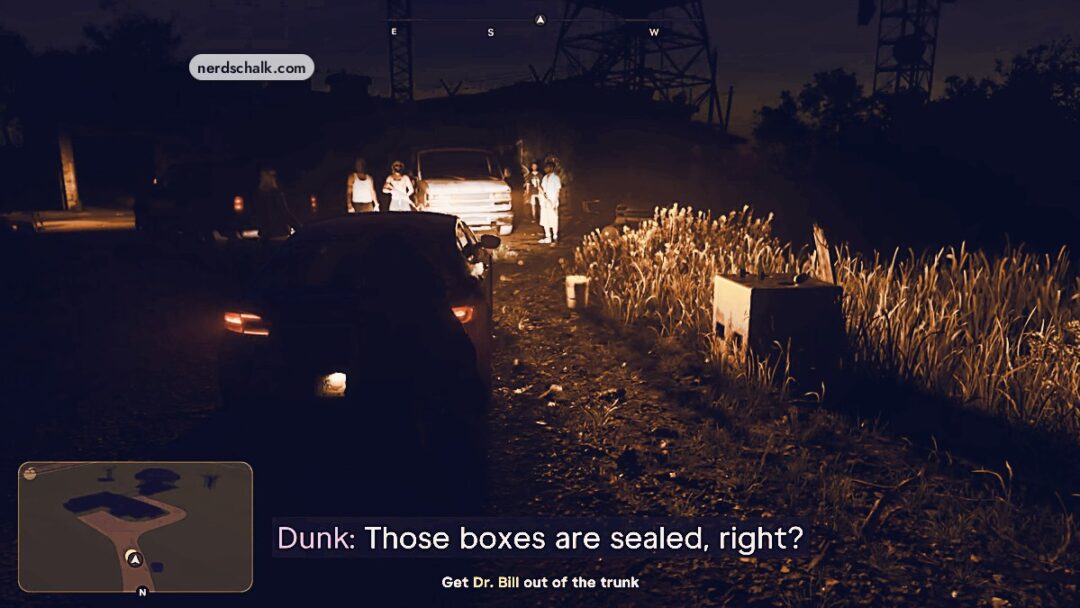
Donnie’s trailer is a drop-off, and the map’s Robberies section shows all drop-off locations.
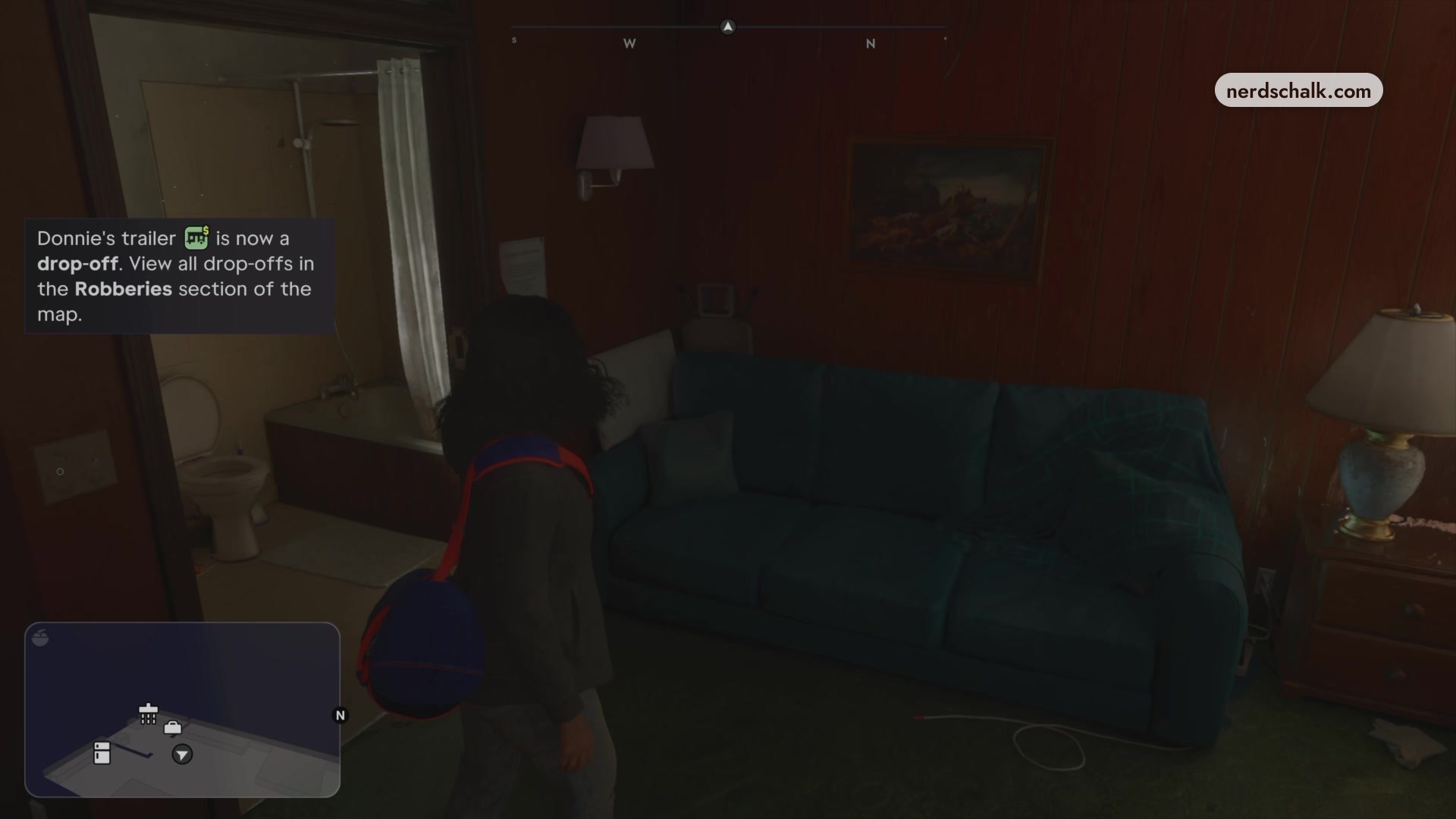
Donnie's trailer drop-off notification
Donnie’s trailer drop-off notification · Screenshot by NerdsChalk

How to drop and pick up a Stash Bag in Grand Theft Auto VI

STEP 1

Open the wheel

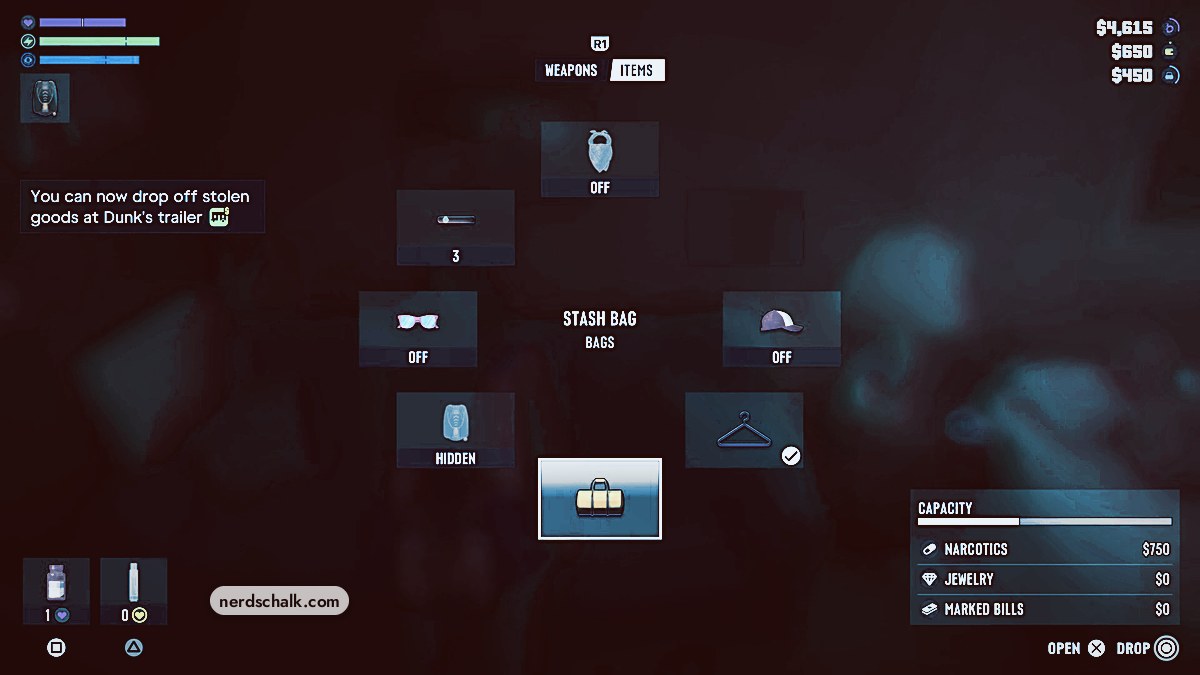
Bring up the weapon and item wheel.
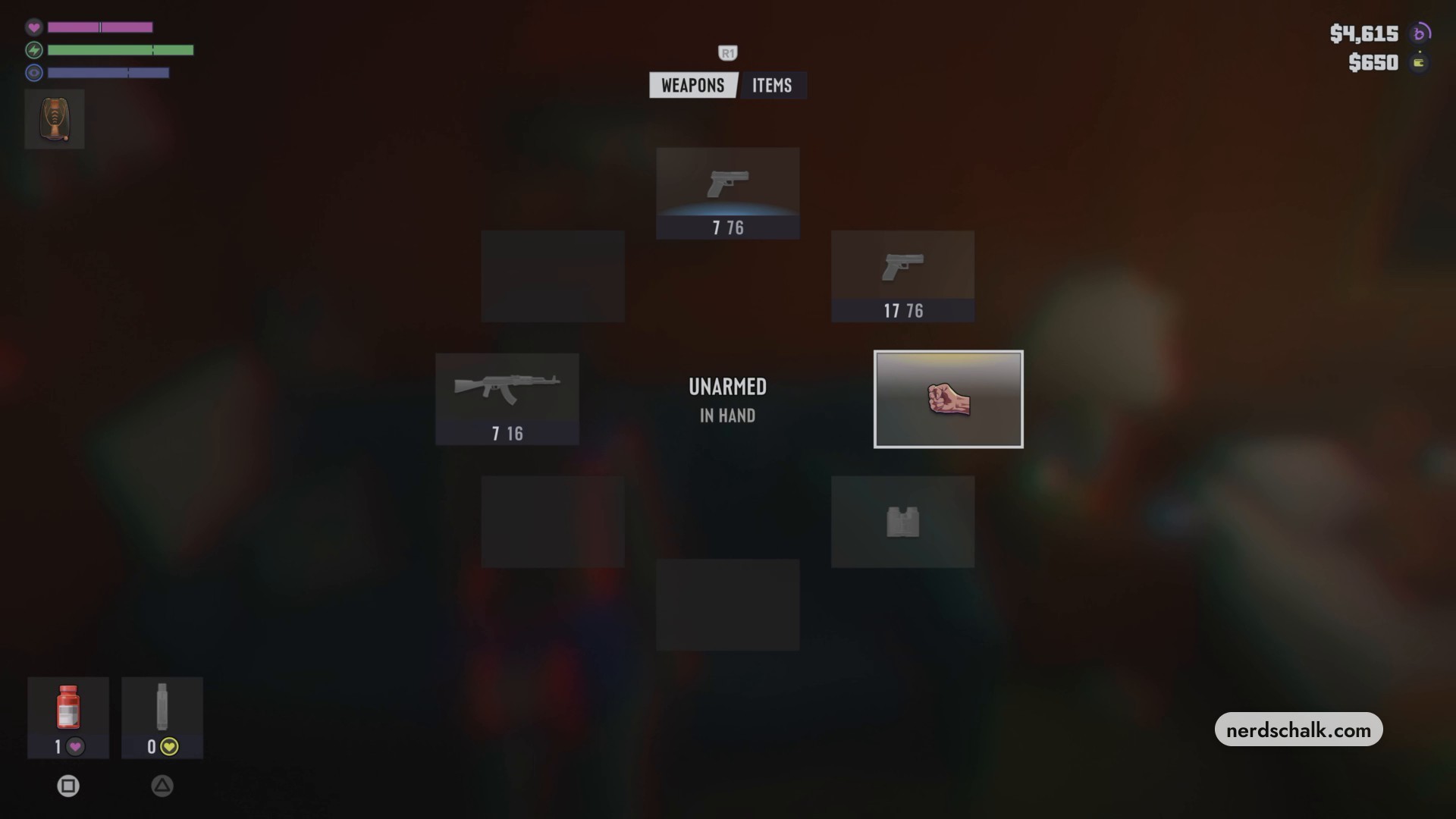
The weapon and item wheel
The weapon and item wheel · Screenshot by NerdsChalk
STEP 2

Select the Stash Bag

Highlight STASH BAG in the bottom slot, under the BAGS category. The bag’s capacities are $750 for narcotics, $0 for jewelry and $0 for marked bills.
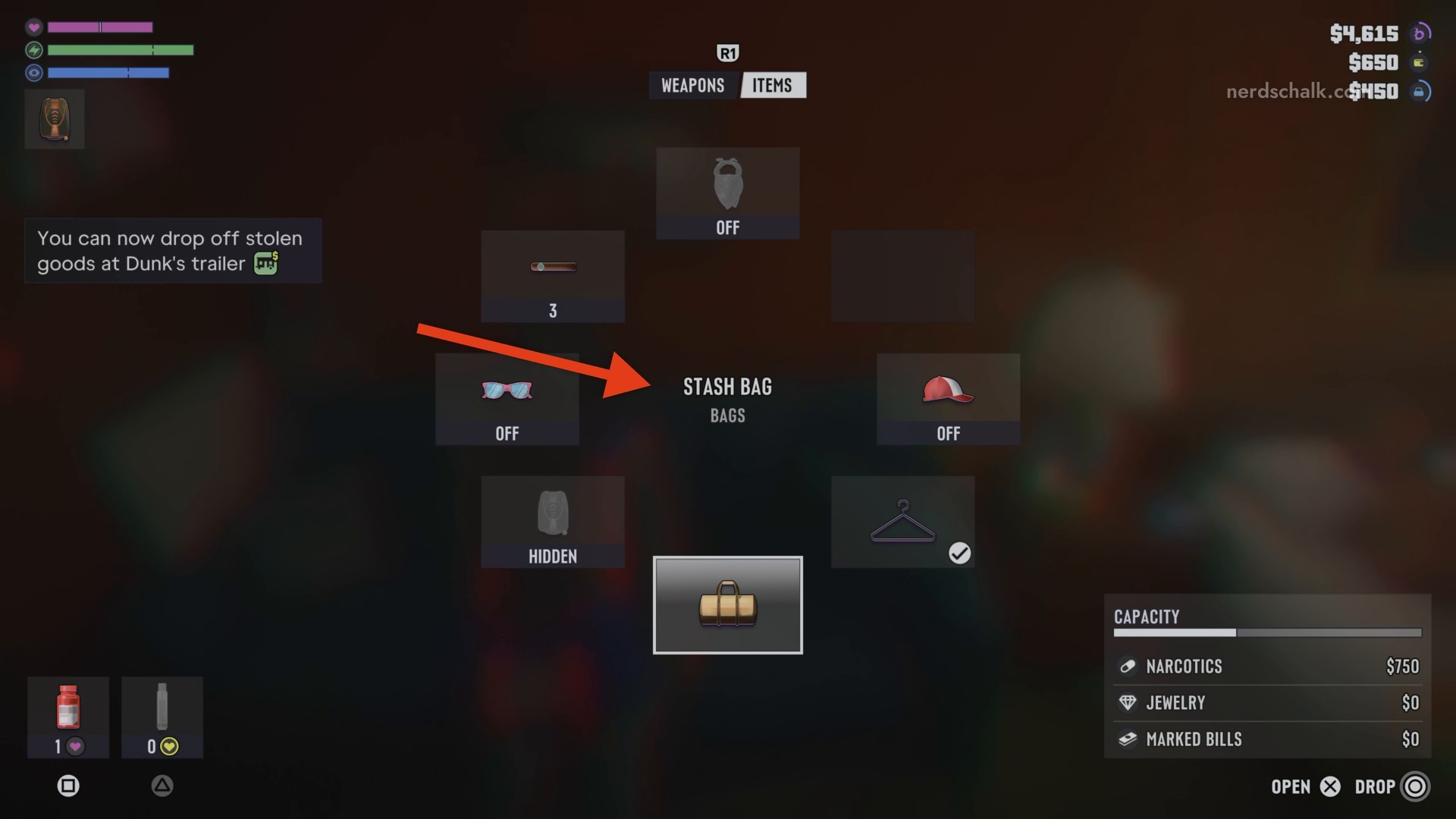
Stash Bag selected in the bottom slot
Stash Bag selected in the bottom slot · Screenshot by NerdsChalk
STEP 3

Drop the bag

Activate DROP to remove the bag from your character and place it on the floor.
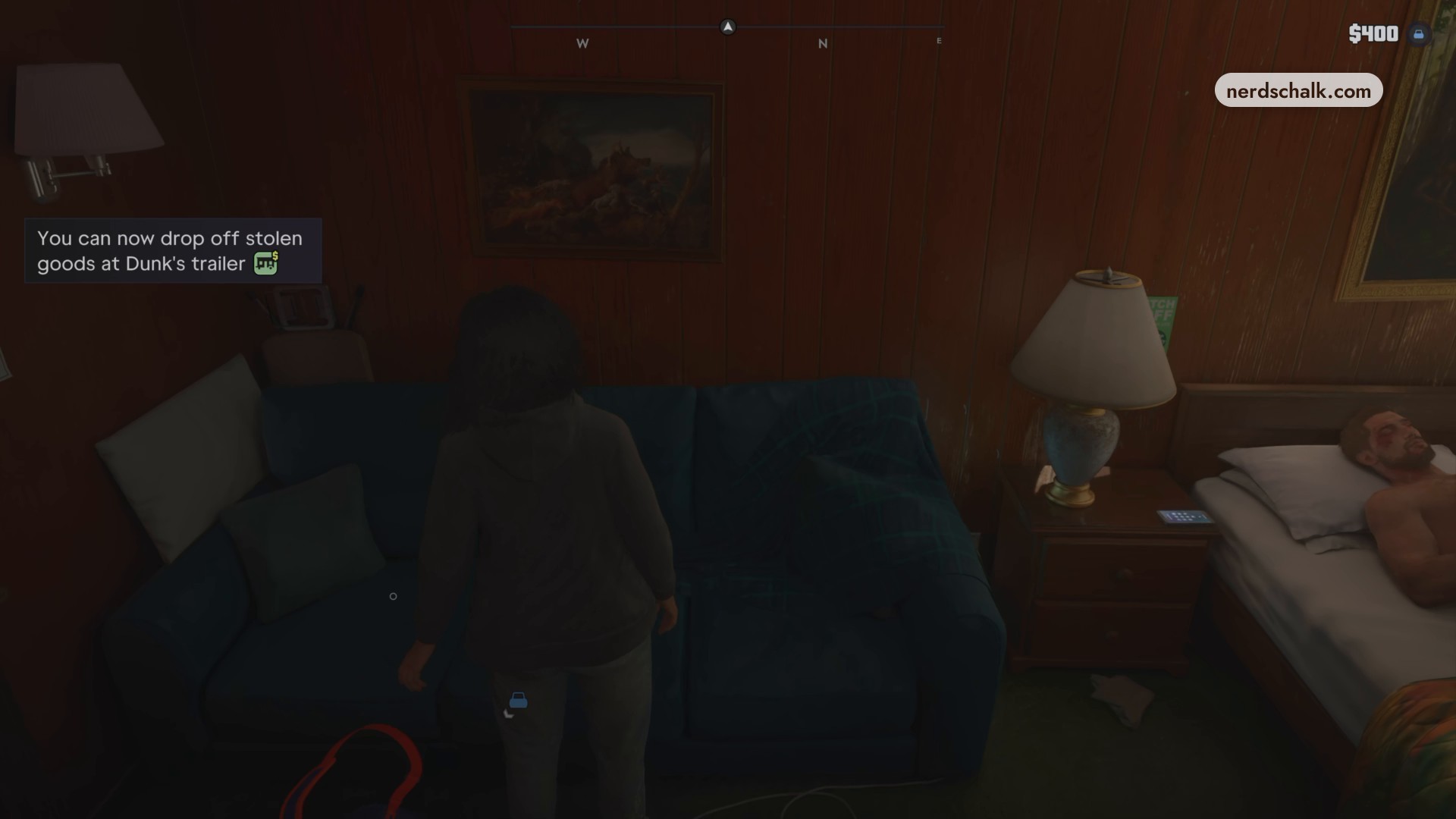
Removing the Stash Bag
Removing the Stash Bag · Screenshot by NerdsChalk
STEP 4

Approach the dropped bag

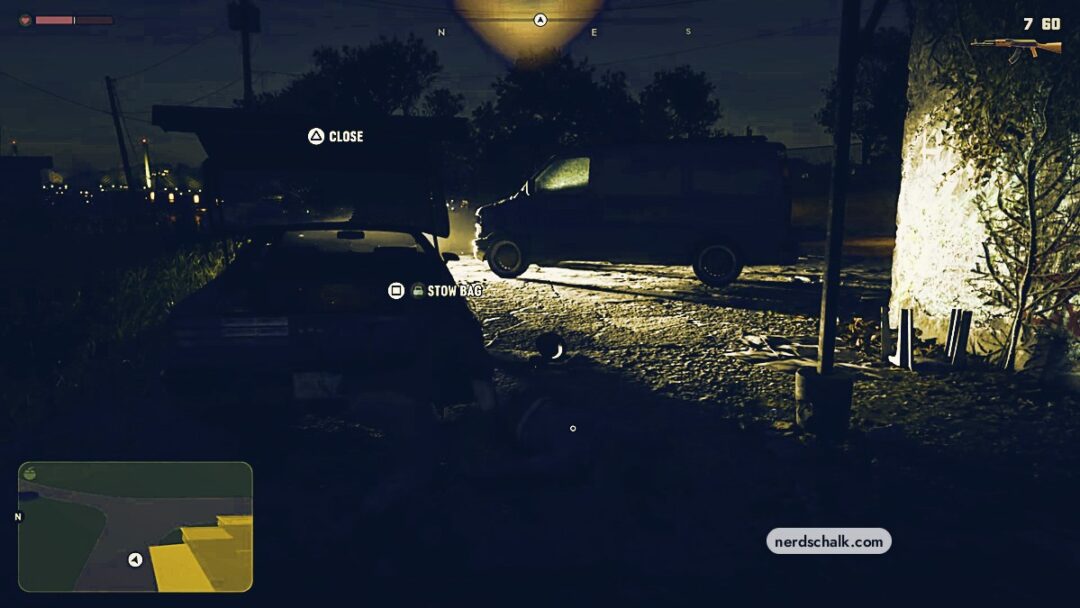
Walk up to the bag on the ground until the STASH BAG interaction prompt appears.
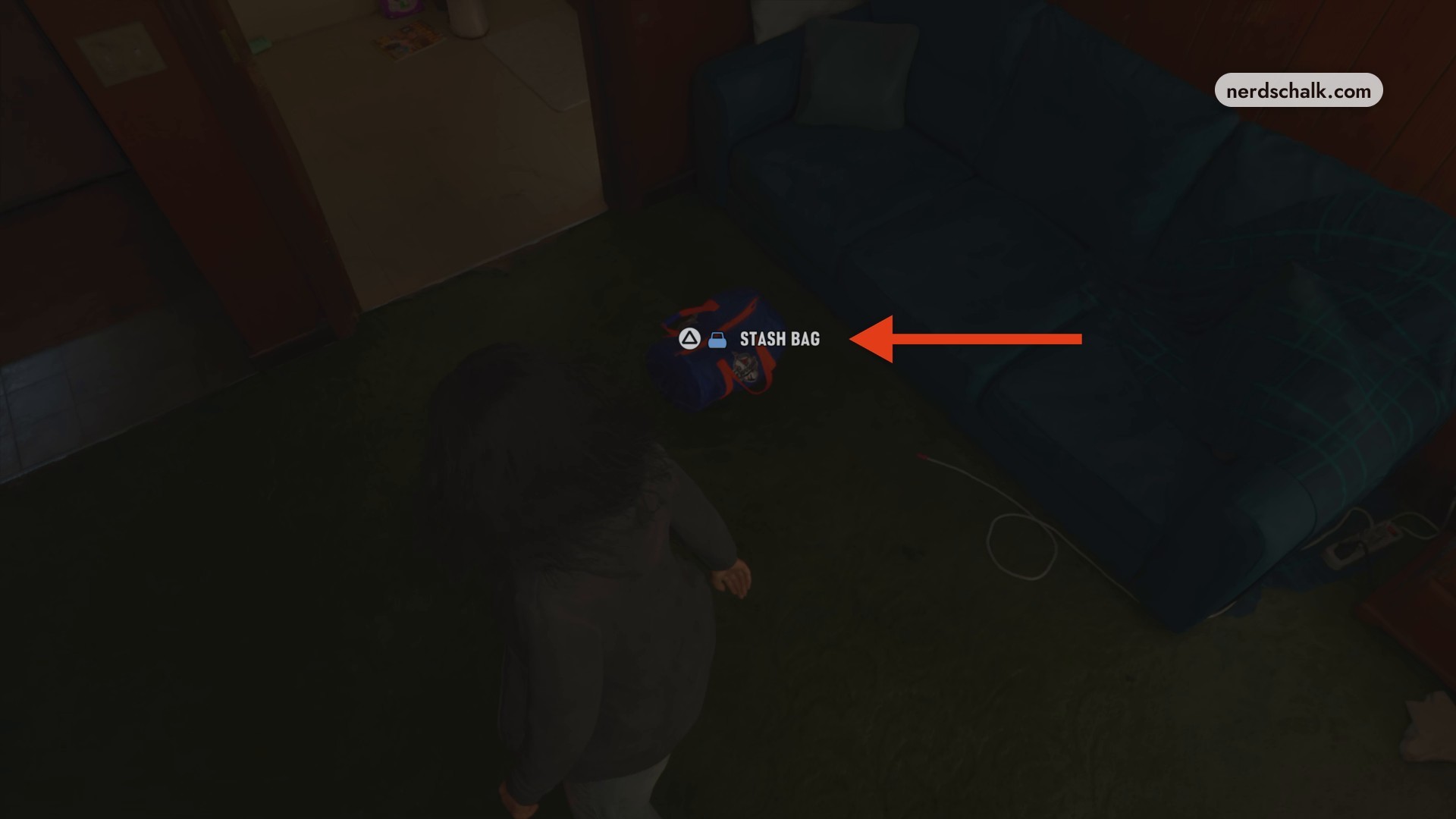
The dropped bag and its interaction prompt
The dropped bag and its interaction prompt · Screenshot by NerdsChalk
STEP 5

Pick up the Stash Bag

Activate the STASH BAG interaction to retrieve it. The bag is equipped on your character again, completing the pickup. After pickup, the top-right display reads $750.
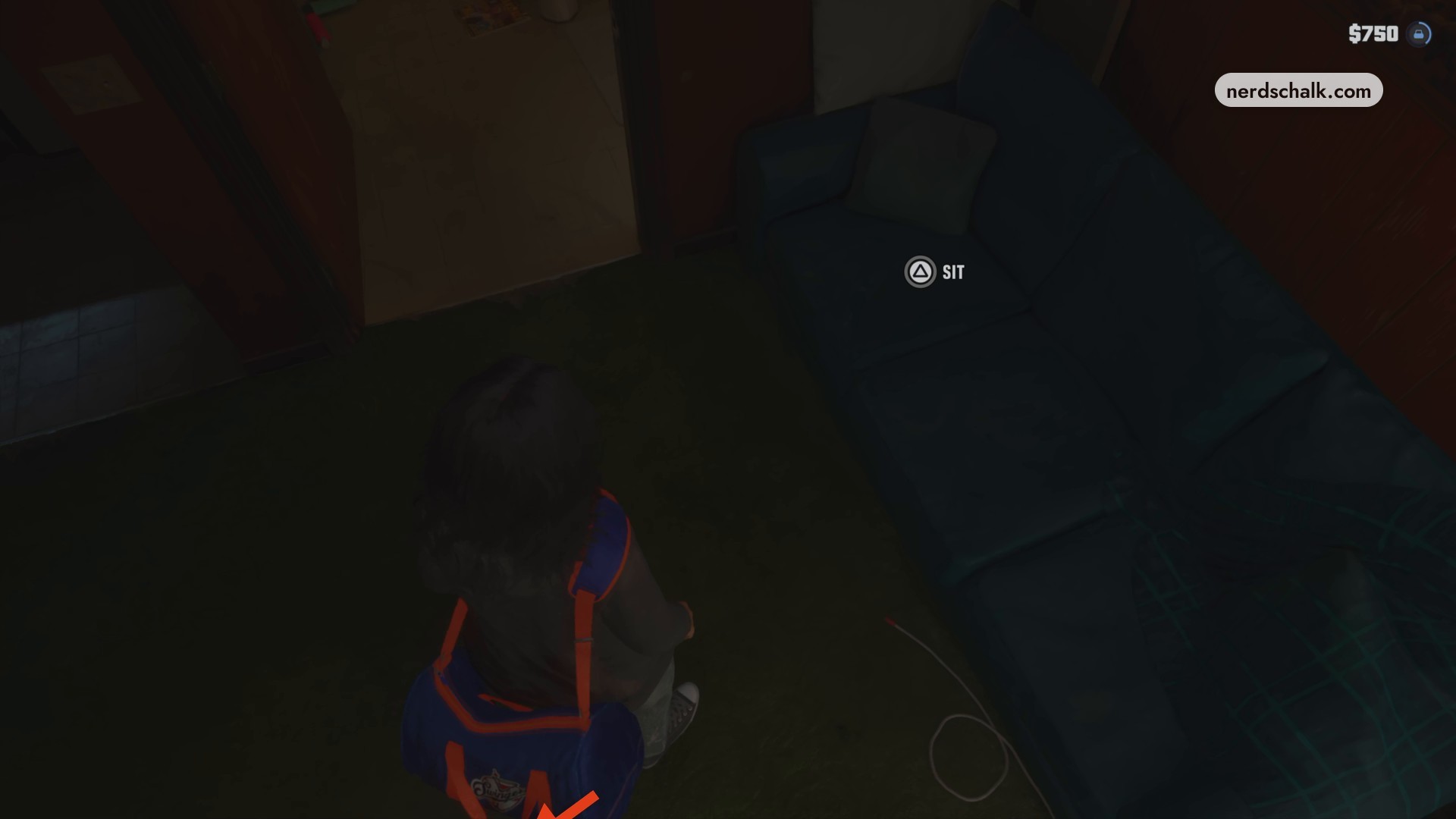
Stash Bag equipped again
Stash Bag equipped again · Screenshot by NerdsChalk
Don’t miss thisITEMSSwitch the wheel to ITEMS before selecting the bagMake this tab change when you open the wheel, before highlighting the bag’s slot.
QUICK WIN

Follow the displayed button prompts for DROP and the bag’s ground interaction.


Related Grand Theft Auto VI guides
Leave a Reply

Your email address will not be published. Required fields are marked *