
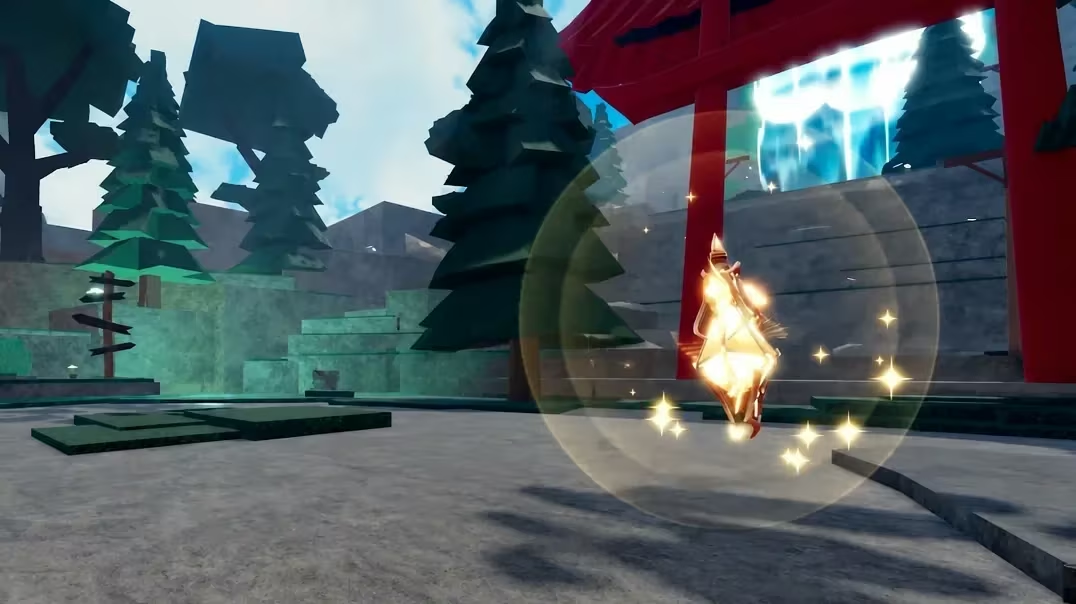
Unscathed is a Roblox experience where potions, cash, and coins keep your run moving forward, and the developer hands out codes every so often to speed that along. Redeeming one takes seconds and typically adds a batch of potions or a cash boost straight to your inventory.
Working Unscathed Codes
Type these into the game exactly as shown below, since a stray space or wrong letter case will stop a code from going through.
WHERESOUND
50 lucky potions and one ascension potion
New
Admin Takeover
50 lucky potions and three divine potions
SORRY
5k cash and one ascension potion
Tower
three divine potions and five lucky potions
cyber
one divine potion and one lucky coin
500K
1k cash, three fate potions, and three swift potions
Thank You
1k cash, three fate potions, and three swift potions
1M
1k cash, three fate potions, and three swift potions
Week1
2k cash, a shard, a twist of fate, three fate potions, and three swift potions
Tip: Grab WHERESOUND first since it’s the freshest code and pairs a full stack of lucky potions with an ascension potion in one go.
How to redeem codes in Unscathed
You don’t need to hunt through menus for a separate codes button here, the redemption box lives inside the settings panel instead. Once you know where to look, the whole process takes under a minute.
Expired Unscathed codes
This code no longer returns any reward if you try to enter it.
RELEASE
How to get more Unscathed codes
New codes for Unscathed tend to show up around updates, milestones, or celebrations tied to the game’s own community. The most reliable place to catch them as soon as they drop is the official Unscathed Discord server, where the developers post announcements directly.
Checking back after a content update or a player-count milestone is a good habit, since that’s usually when a fresh code appears.
Are Unscathed codes free?
Yes, every code listed above is free to redeem and only requires an active Unscathed session in Roblox.
Why didn’t my code work?
Double-check the exact spelling and capitalization against the list above before trying again, since the redemption box won’t accept a code that’s typed slightly differently.
Keeping an eye on the Discord server is the simplest way to make sure you redeem each Unscathed code while it’s still active, since potions and cash boosts like these tend to disappear once the developers roll out the next batch.






Leave a Reply