
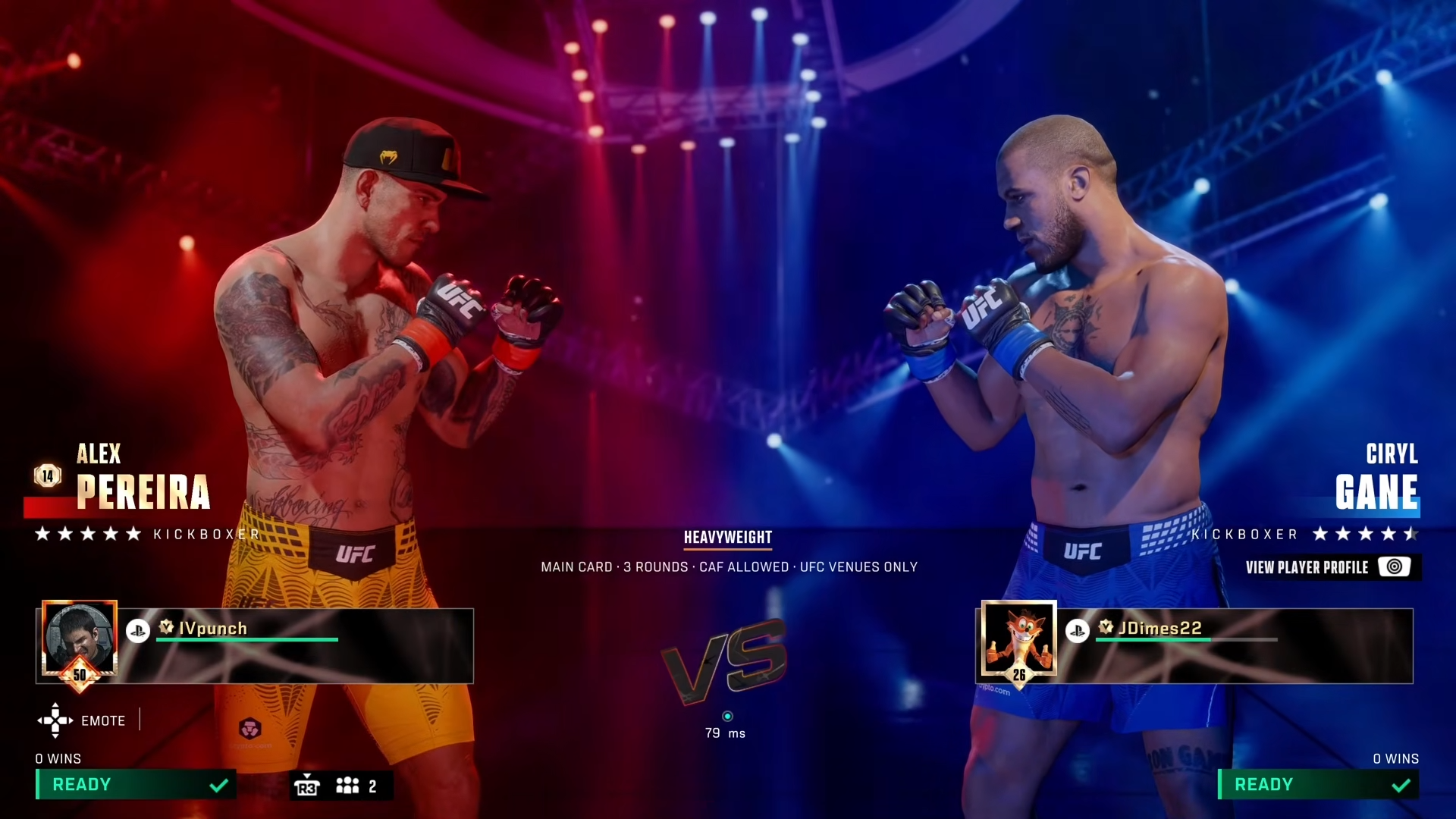
To equip rewards in UFC 6, open The Gym, select your recruited fighter, go to View Rewards, and choose the reward you want to equip — some rewards need to be equipped manually.
UFC 6 Equip Rewards details
How to Equip Rewards in UFC 6
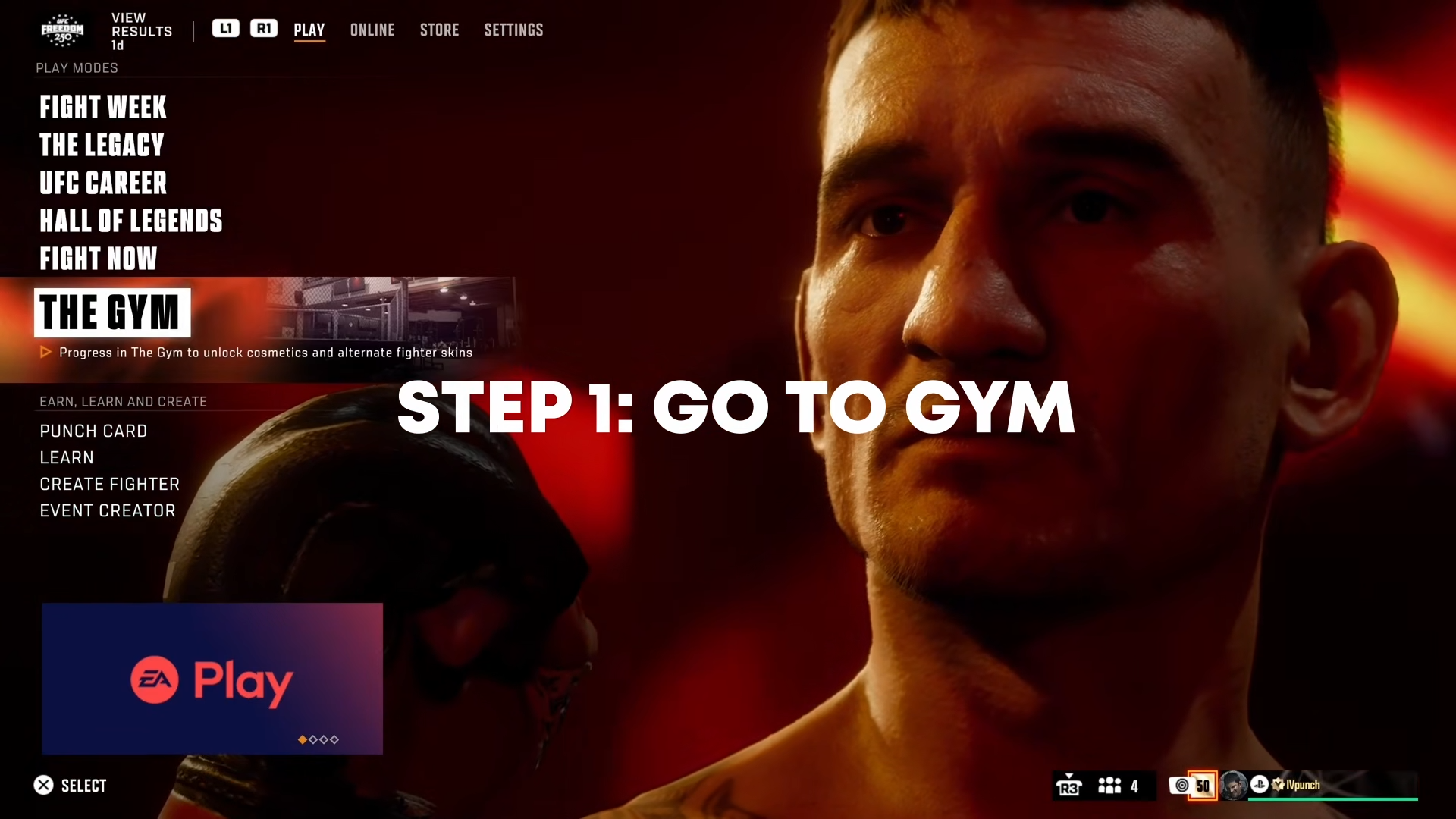
Step 1: Open The Gym
From the Main Menu, navigate to and open The Gym. This is the core mode where you recruit fighters, unlock rewards, and customize your roster.
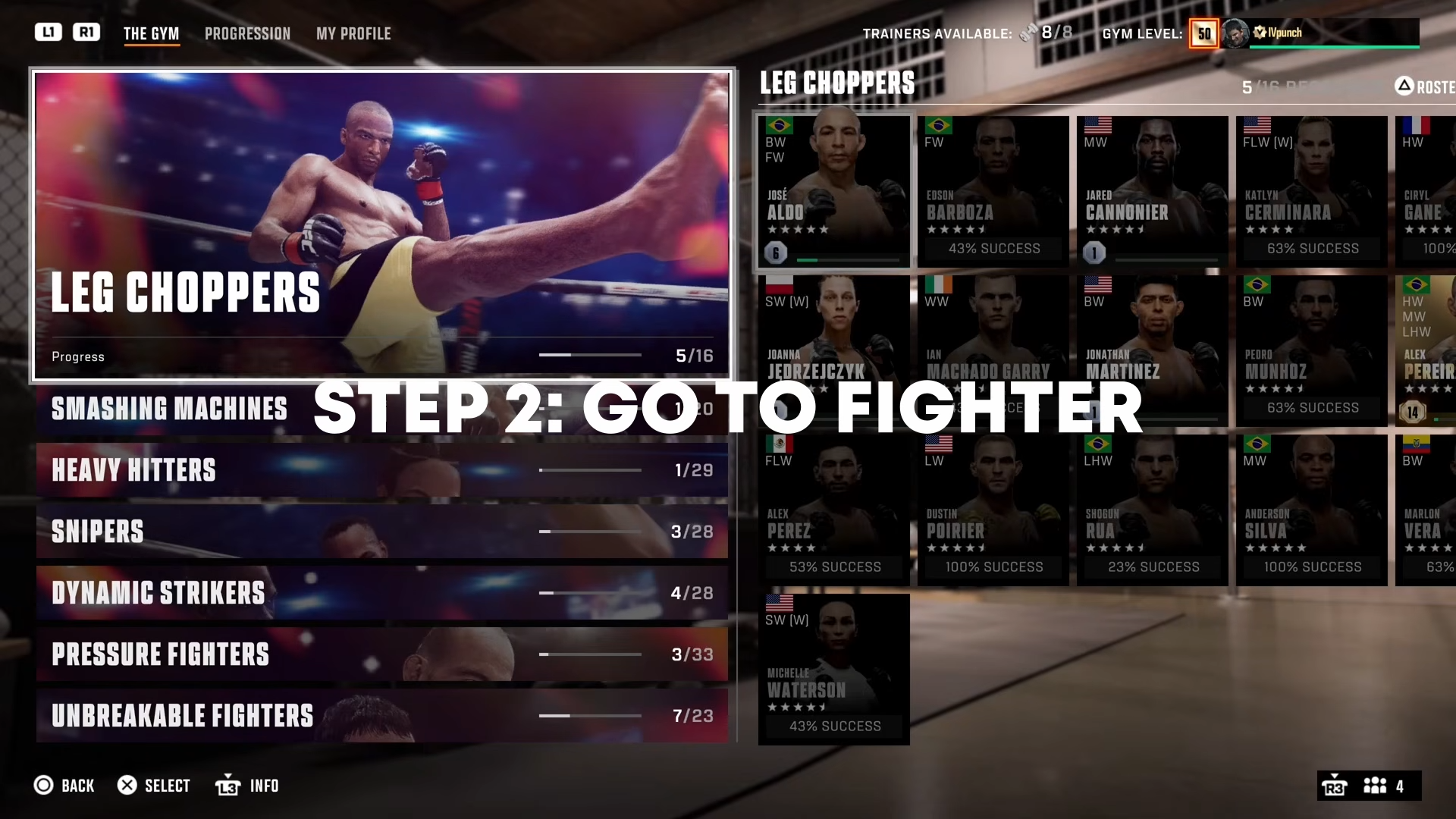
Step 2: Select Your Fighter
Inside The Gym, browse your roster and select a recruited fighter that has unlocked rewards you want to equip. Make sure you’re picking the correct fighter version (e.g., heavyweight vs. lightweight) since some rewards like fight kits only work in specific versions.
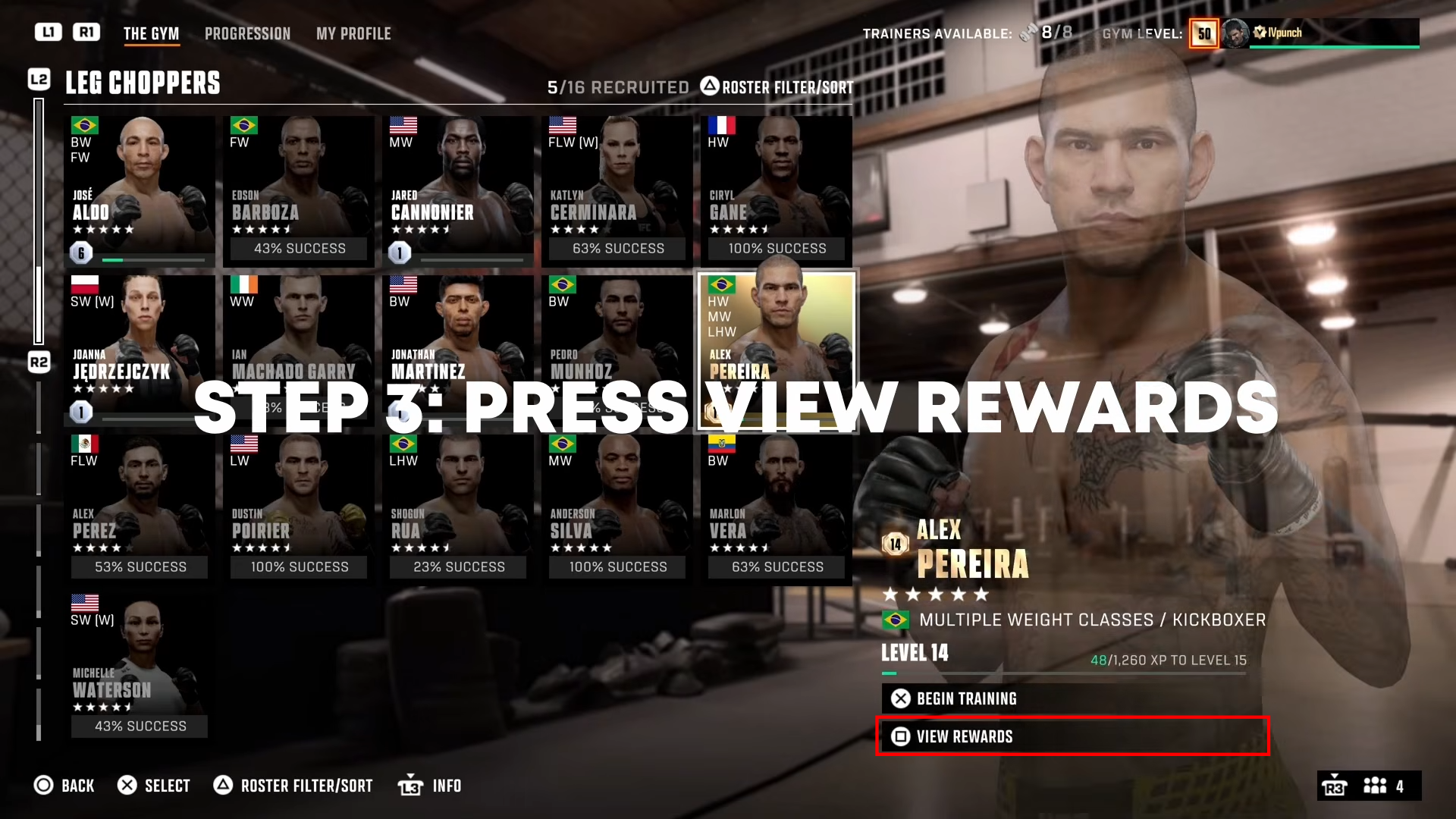
Step 3: Go to View Rewards
Once you’ve selected your fighter, select View Rewards.
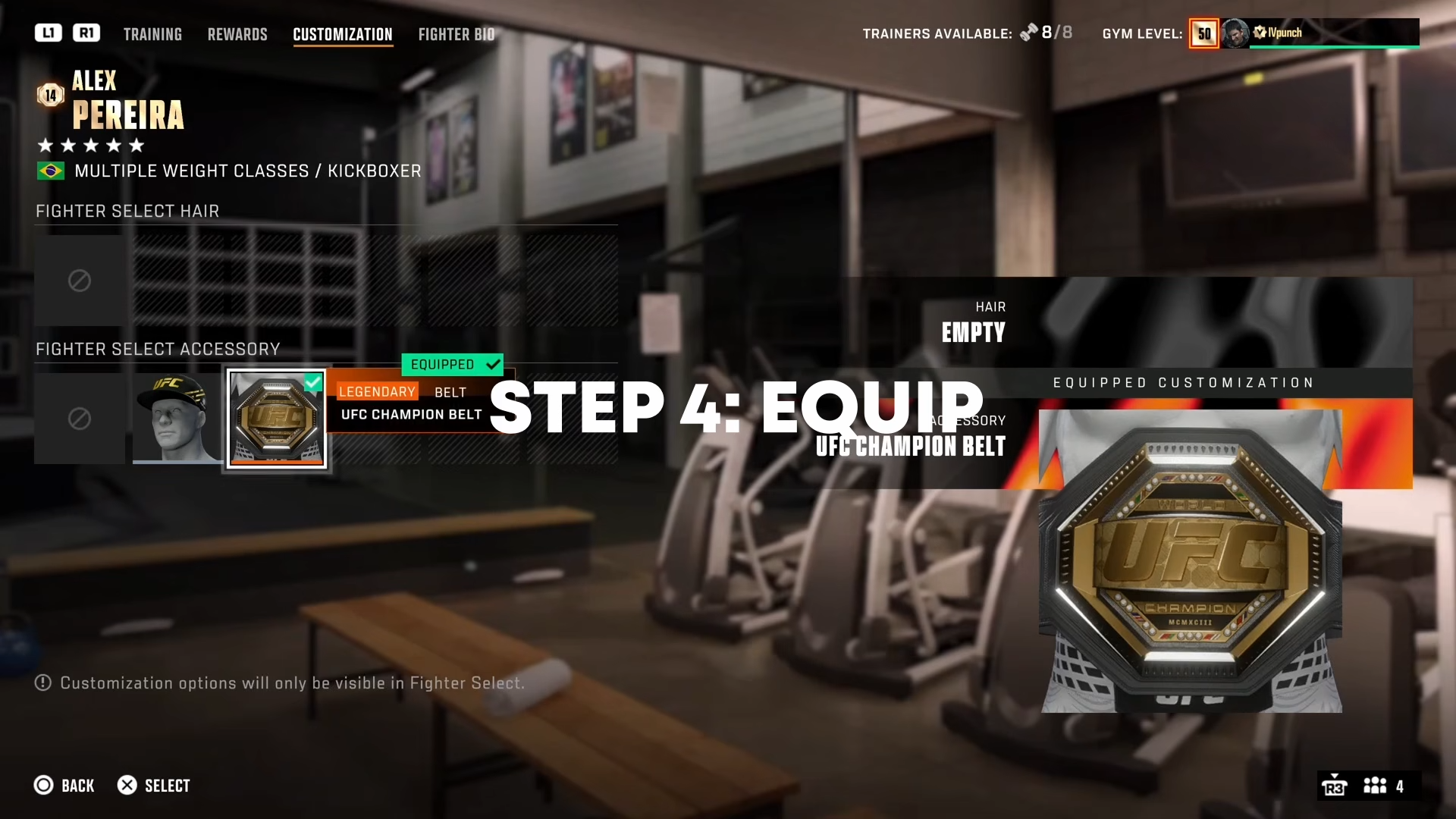
Step 4: Choose and Equip the Reward
In the Rewards menu, choose the reward you want to equip.
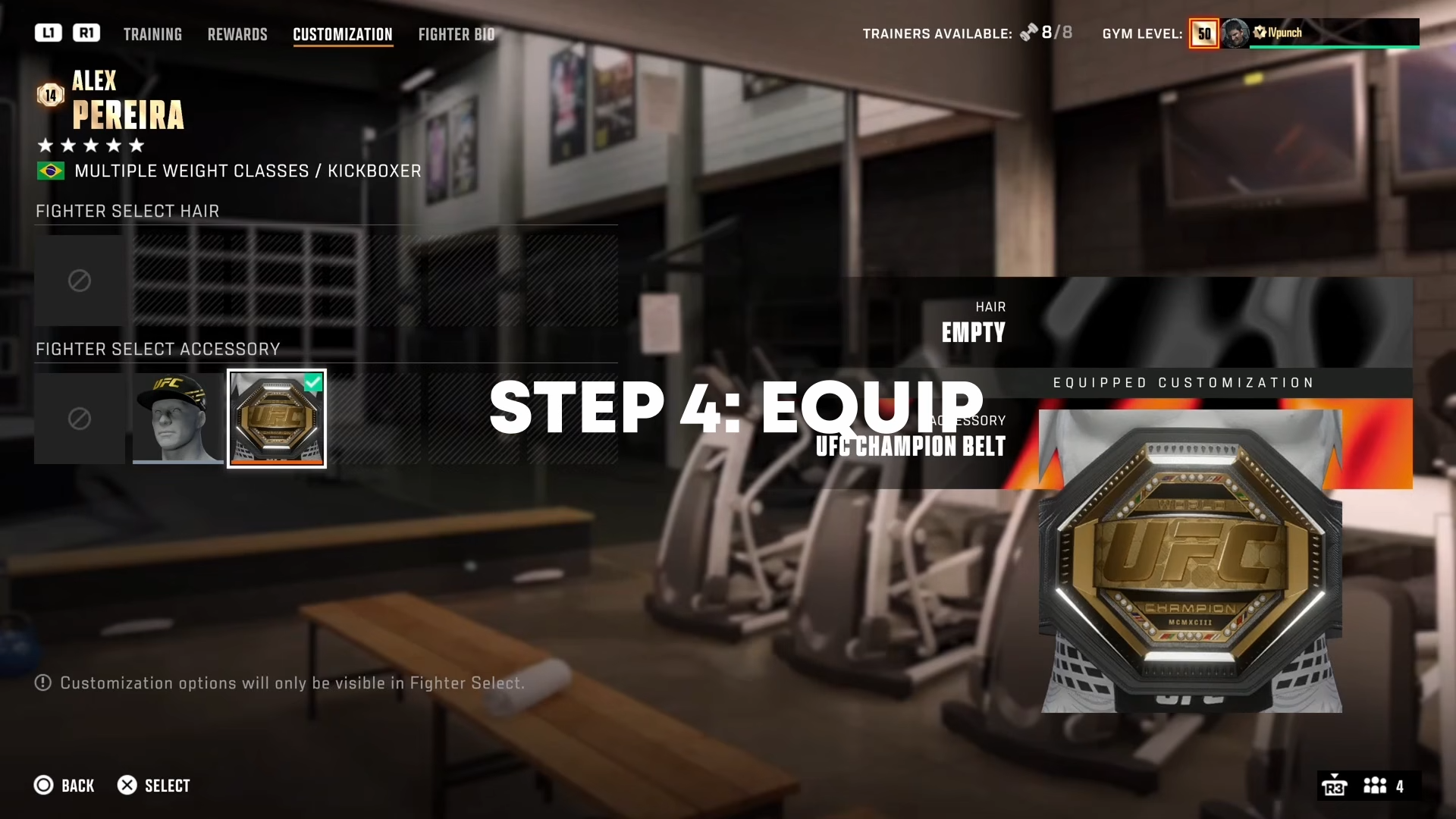
Rewards can include:
-
Fight kits (official fighter uniforms)
-
Shorts and apparel
-
Accessories and gear
-
Customization items
Important: Some rewards unlock automatically but need to be equipped manually — they won’t appear in your fights until you select them in this menu.
Customizing Your Player Card
You can also customize your profile separately:
-
Open The Gym
-
Go to My Profile
-
Select Customize Player Card
From this menu, you can also customize Quick Chat messages and emojis.
Critical Mistakes to Avoid
-
Not selecting the right fighter version: If you have Pereira level 5 with his 2021 fight kit unlocked, make sure you’re selecting the heavyweight version of Alex — the 2021 design is listed as the very last choice in customization
-
Skipping manual equip: Don’t assume unlocked rewards automatically appear — some rewards need manual equipping
-
Wrong menu: Rewards for fighters are equipped in Customize, not in My Profile (which is for your player card).
Mastering reward equip in UFC 6 ensures your fighter looks and performs exactly how you want — from official fight kits to custom apparel.



Leave a Reply