
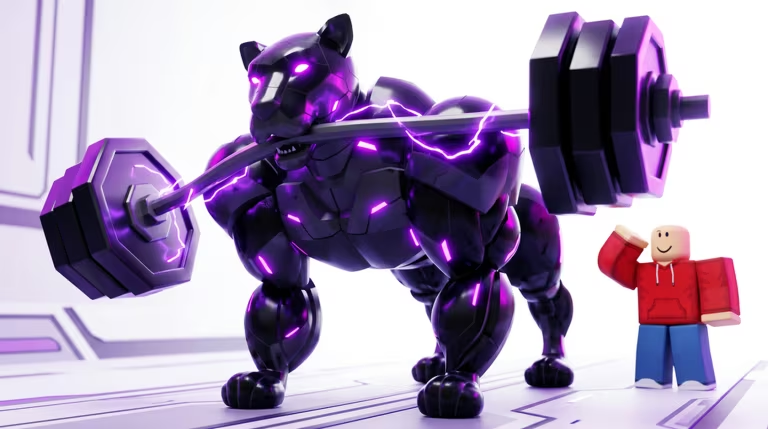
Train Robot to Fight is a Roblox battler where you build up a squad of robots and send them into combat, and codes are the fastest way to stock up on Bolts without grinding matches.
Working Train Robot to Fight codes
Only one code is confirmed active right now, so grab it before it gets pulled.
ROBO
100 Bolts
New
How to redeem codes in Train Robot to Fight
You don’t need to hunt for a hidden menu here. The redemption box sits inside the Shop, so follow these steps once you’re in the game.
You’ll know it worked the moment your Bolts count at the top of the screen jumps up. If nothing changes, double check your spelling and capitalization before trying again.
Expired Train Robot to Fight codes
This one no longer works, so don’t waste time trying it.
UPGRADE
Previously gave 20,000 Medals
How to get more Train Robot to Fight codes
New codes typically show up when the developer wants to celebrate a milestone, mark an update, or thank players for hitting a like or favorite goal. Keep an eye on the game’s own Roblox community page, since that’s where announcements about the game are most likely to appear first. You can also jump straight into the Train Robot to Fight experience page on Roblox to check the game’s own description and updates for anything new.
Are these codes free?
Yes. Every code listed here is redeemed for free through the in-game Shop menu and doesn’t require any purchase or Robux.
Why didn’t my code work?
The most common reason is a typo, since the redemption box is case-sensitive. Retype the code carefully, or copy and paste it directly to avoid mistakes.
Check back on this page whenever you’re low on Bolts, and redeem any active code as soon as you spot it since these rewards tend to disappear once the developer moves on to the next update.




Leave a Reply