

What to know
- Local Play lets you connect with nearby players on separate Nintendo Switch systems
- It must be started manually from the in-game menu
- You’ll need to save your game before initiating a session
- No online multiplayer—Local Play is the primary sharing feature available
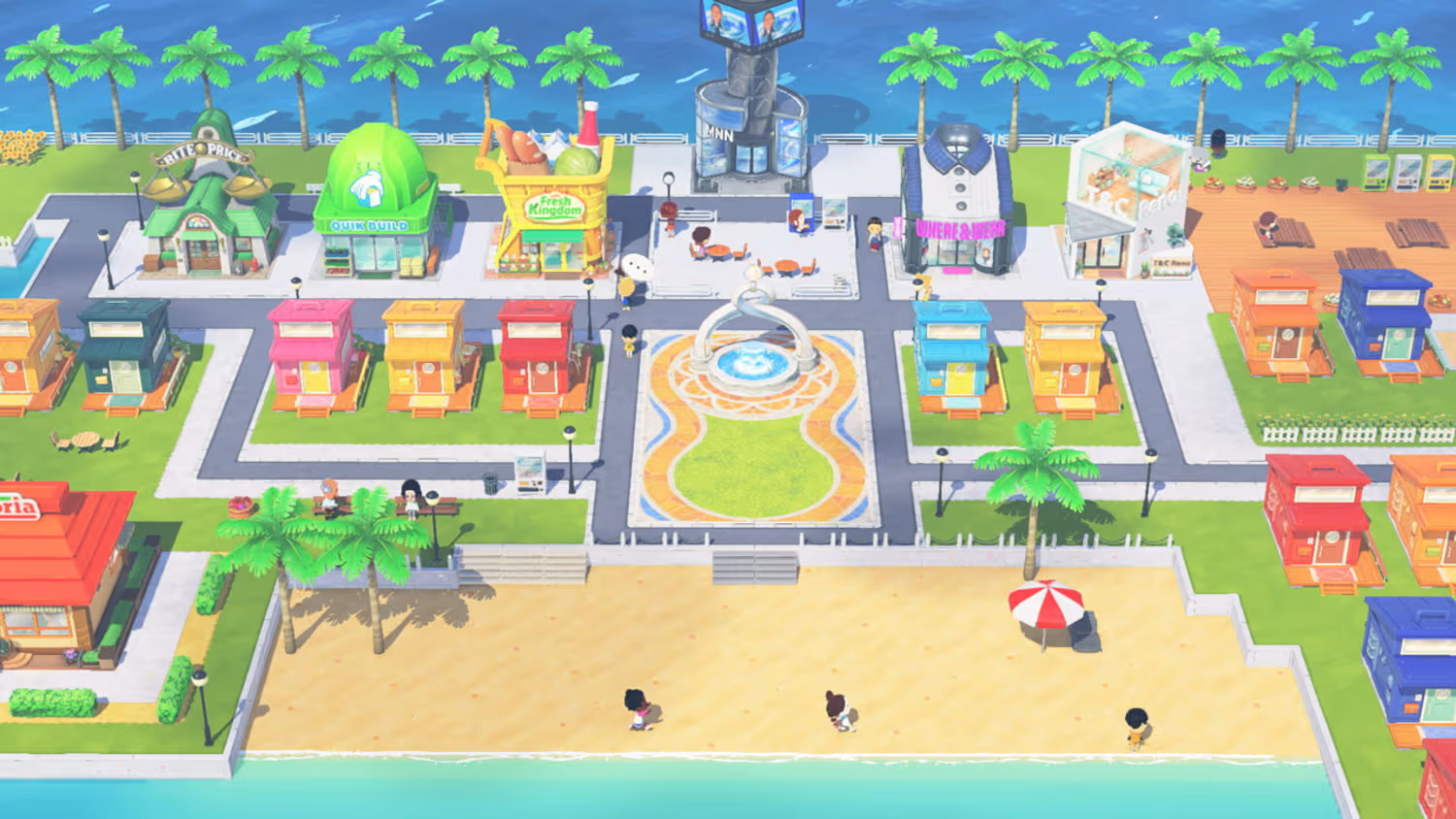
Local Play in Tomodachi Life: Living the Dream is designed as a simple, nearby connectivity feature rather than a full multiplayer mode. While the game is primarily a single-player social simulation, Local Play gives you a way to interact with other players in the same physical space, keeping the experience personal and controlled.
Below, you’ll find everything you need to understand how it works and how to start using it effectively.
| Feature | Details |
|---|---|
| Mode Type | Local wireless connection |
| Player Requirement | Multiple Nintendo Switch systems |
| Internet Needed | No |
| Access Point | In-game menu (X button) |
| Save Required | Yes, before starting |
| Main Purpose | Nearby interaction and limited sharing |
How Local Play works
Local Play focuses on proximity-based interaction rather than real-time multiplayer gameplay. Unlike competitive or co-op modes in other games, this feature is more about connecting islands and sharing moments in a controlled way.
You won’t be playing simultaneously in a traditional sense. Instead, the system allows your game to communicate with another nearby player’s island data. This design fits the game’s broader philosophy of letting Miis live independently while you influence their world indirectly.
Nintendo intentionally limited online sharing, meaning Local Play is currently the main way to connect with others without using external methods.
How to start Local Play in Tomodachi Life: Living the Dream
As demonstrated by Nintendo Support, here are the steps to start Local Play in Tomodachi Life Living the Dream:
- Start the Tomodachi Life: Living the Dream software from the HOME Menu.
- Press the A Button on the title screen.
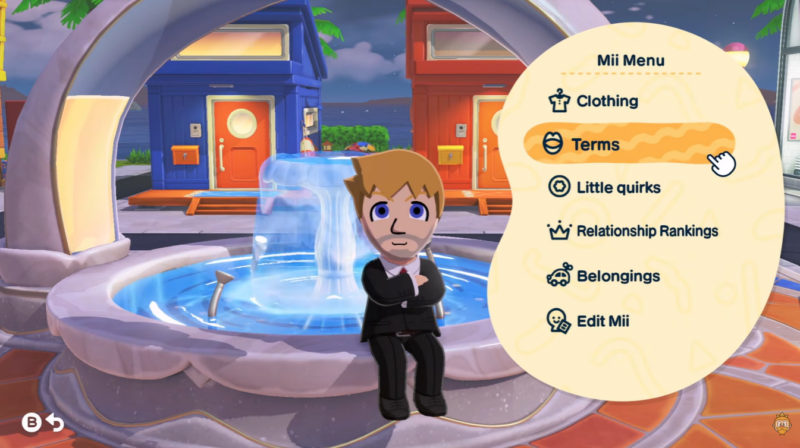
- Press the X Button to open the menu, then select Local Play.
- If this is your first time using this feature, read the information about the Nintendo Community Guidelines, then select OK to continue.
- You’ll be prompted to save the game before connecting with another player. Select Save, then select OK to start the session.
- Have one player select Look for another player. The other player should select the player they want to connect with.
- Once both players are connected, select OK to continue.
- Either player can send something to the other:
- Select whether you’d like to share a Mii or a Creation.
- Select the specific Mii or creation you’d like to send to the other player, then select Send.
- Select Send again to confirm.
- Once something is sent to your game, select Receive to accept it, then select OK to confirm.
- After you exit Local Play, if you received any Miis you’ll need to build houses for them.
Key limitations of Local Play in Tomodachi Living the Dream
Local Play is not a full multiplayer system, and understanding its limits will help you avoid confusion.
You won’t find competitive modes, shared island control, or live co-op gameplay here. Instead, the feature is more about light interaction and data exchange.
Another important detail is that sharing is intentionally restricted. Nintendo has designed the system to avoid misuse or unintended content sharing, which is why online features are largely absent and Local Play remains the primary connection method.
Tips to get the most out of Local Play
To make Local Play worthwhile, you should coordinate with friends who are physically nearby. Since the system depends on proximity, planning sessions together ensures smoother connections.
Make sure your game is saved and updated before starting. This avoids interruptions during the connection process.
Finally, focus on building interesting Miis and island scenarios. The more creative your island is, the more engaging Local Play interactions will feel.






Leave a Reply