
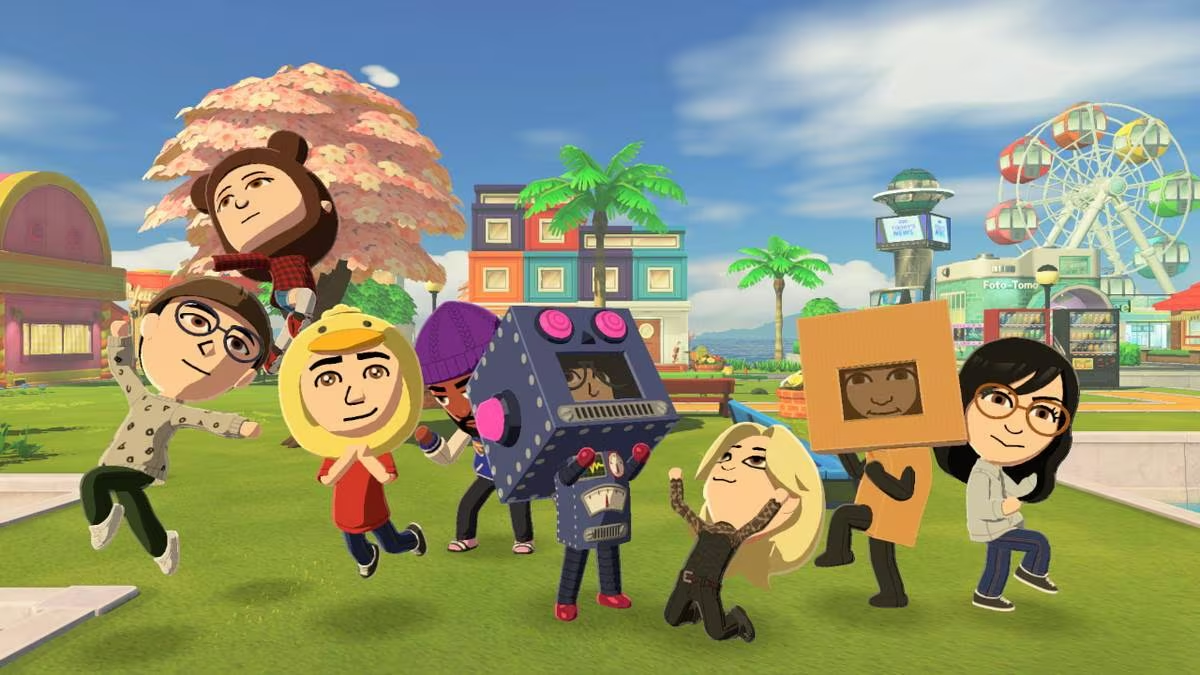
Tomodachi Life lets you fill an island with Mii characters who live, joke around, and get into all kinds of odd situations together. Mii QR codes work as shortcuts here, letting you scan a ready-made character straight into your game instead of building one from scratch, and you can use them to add celebrities or fan-created islanders with their own look and personality.
Working Tomodachi Life Codes
These Mii QR codes are working right now, so scan any of them in before they get pulled or replaced.
Zendaya
Adds a Zendaya Mii islander to your town
Debby Ryan
Adds a Debby Ryan Mii islander to your town
Shaun White
Adds a Shaun White Mii islander to your town
Shaquille O'Neal
Adds a Shaquille O’Neal Mii islander to your town
Christina Aguilera
Adds a Christina Aguilera Mii islander to your town
Austin Made
Rock-and-roll island leader who’s passionate about music, created by Aski1
DeVito
High-energy comedian islander full of silly moments, created by Gabe
Nic Cage
Dramatic opera fan with a strong opinion on everything, created by Andy Annonymous
Tommy Wiseau
Wildcard islander who keeps the whole town entertained, created by PinguJoe
Hatsune Miku
Concert-ready pop star Mii built for performances, created by Eclipse
How to redeem codes in Tomodachi Life
Tomodachi Life codes come as QR images rather than text strings you type in, so you’ll need your Nintendo 3DS or 2DS camera to bring them into the game.
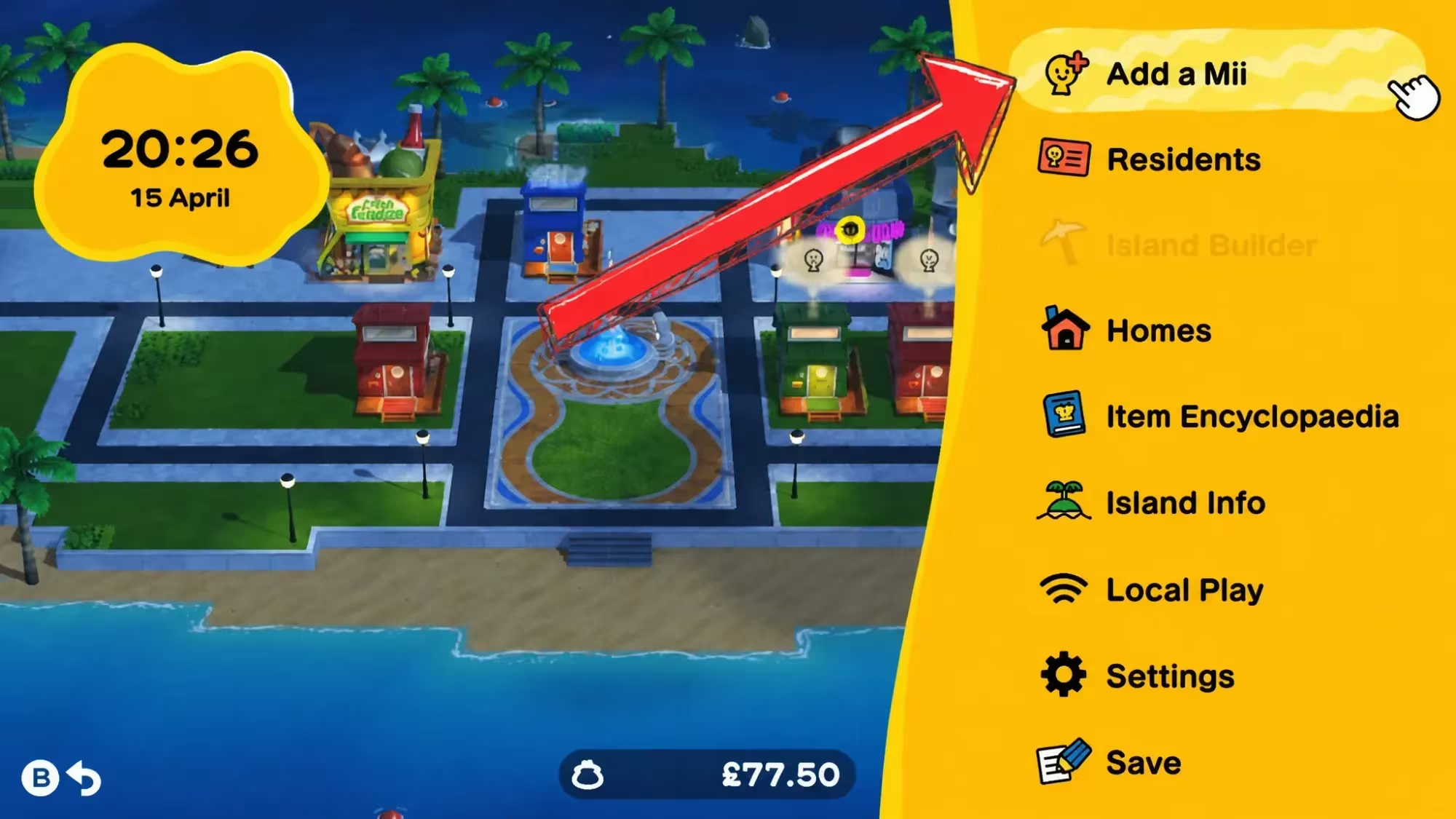
You’ll know the scan worked when the Mii’s face and outfit appear on the preview screen right after scanning. If the camera won’t lock onto the code, try printing it larger or viewing it on a brighter screen, since a blurry or cropped image is the most common reason a scan fails.
How to get more Tomodachi Life codes
Some Mii QR codes, like the celebrity islanders, originated from official promotional tie-ins tied to the game’s launch window. Others come from the community of Mii creators who design and share their own islander QR codes for anyone to scan in. Keep checking back for new codes since fan-made Mii designs continue to circulate long after the game’s original release.
Are these Mii codes free to use?
Yes, scanning a Mii QR code costs nothing beyond owning a copy of the game and a 3DS or 2DS system with a working camera.
Why won’t my Mii QR code scan?
A failed scan almost always comes down to image quality. Make sure the QR code isn’t cropped, blurry, or too small on your screen, and try adjusting the distance between the camera and the code until it lines up cleanly inside the scan frame.
Once a Mii is scanned in, it’s yours to keep on your island permanently, so it’s worth working through this list while the codes are still active.






Leave a Reply