
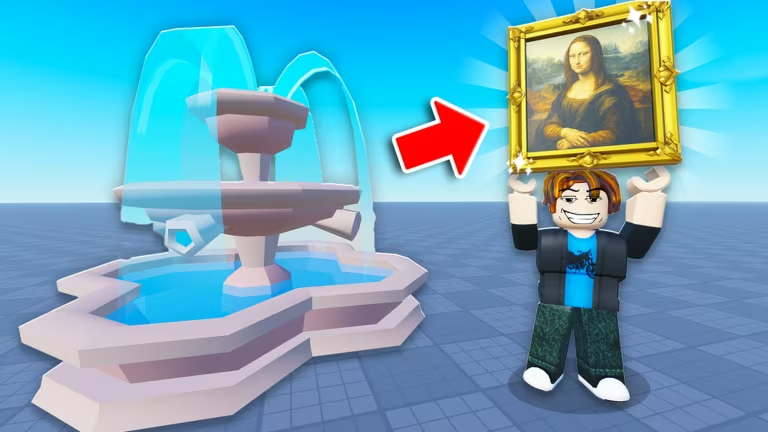
Throw a Coin is a Roblox wishing-fountain experience built around luck multipliers and rare pulls. Codes here hand you temporary luck boosts and standalone items you can drop straight into your inventory without grinding for them.
Working Throw a Coin Codes
Type these into the code box exactly as shown below, since capitalization matters for a couple of them.
ETERNITY
Newest code added to the game
New
Dragonpearl
10x luck for 5 minutes
BANZAI
Void Apple
NAUTILUS
15x luck for 10 minutes
candy
5x Luck Boost for 5 minutes
Tip: Redeem NAUTILUS or Dragonpearl right before you plan to farm rare pulls, since their luck boosts are timed and start counting down the moment you claim them.
How to redeem codes in Throw a Coin
The code box sits inside the Shop, not on a standalone menu, so you’ll need to complete a short setup step before it becomes visible.
You’ll know it worked when an on-screen pop-up confirms the reward, either applying a luck multiplier to your character or dropping an item straight into your inventory.
Expired Throw a Coin codes
These codes no longer work, so don’t waste a claim attempt on them.
WORLD6
FULLSTEAM
WORLD5
abracadabra
Champion
world4
BIGBANG
WORLD3
Luckyducky
How to get more Throw a Coin codes
New codes get dropped through the developer’s own channels rather than in-game announcements, so your best bet is checking their official Discord server where updates and code drops usually get posted first. You can also keep the Throw a Coin Roblox page bookmarked, since experience updates sometimes coincide with new code releases.
Why didn’t my code work?
Double-check spelling and capitalization first, since the redemption box treats codes as case-sensitive. If the code has already expired or you haven’t finished the tutorial yet, the Shop won’t process it either.
Bookmark this list and swing by again soon, since codes for Throw a Coin tend to roll out in small batches rather than all at once.





Leave a Reply