
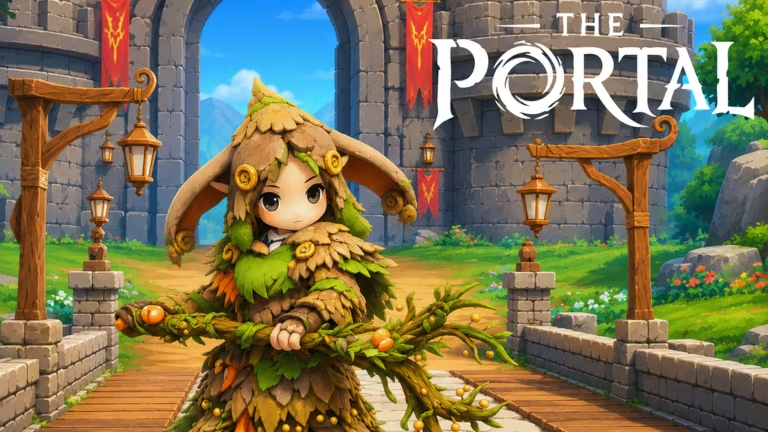
The Portal is a Roblox RPG where you pick a race and class, then grind gear and currency to build your character up. The developers hand out codes every so often that give you free items like Aurorite, race reroll mirrors, stat reset scrolls, and the occasional gear chest, which saves you a fair bit of early grinding.
Working The Portal codes
Here’s every code that’s currently redeemable, along with what you get for typing it in.
ENCHANTEDFOREST
x10 Lumen and x1 Spirit Box
New
NORTHERNLIGHTS
x10 Aurorite
New
NEWRACE
x5 Race Reroll and x5 Stat Reset Scroll
New
ITSATRAP
1x Mimic Chest
10KLIKES
3x Stats Reset Scroll, 10x Aurorite, and 3x Magnifying Glass
5KLIKES
1x Job Change Mask, 3x Stats Reset Scroll, and 5x Race Reroll Mirror
THROUGHTHEPORTAL
1x Wooden Glider and 3x Race Reroll Mirror
RELEASE
1x Fishing Rod, 1x Axe, and 1x Pickaxe
2KLIKES
1x Job Change Mask
1KLIKES
3x Race Reroll Mirror and 3x Stats Reset Scroll
Tip: Grab the race and stat reset codes first if you’re not happy with your starting pick, since they let you rebuild your character without starting a new save.
How to redeem codes in The Portal
Redeeming codes only takes a few taps once you’re past the intro. Follow these steps in order.
Expired The Portal codes
These codes have already stopped working, so don’t waste time typing them in.
CHAPTER2
500LIKES
400LIKES
300LIKES
SORRY3
200LIKES
100LIKES
WELCOMEBETA
MBG
How to get more The Portal codes
New codes for The Portal tend to show up around milestones, like hitting a certain number of likes on the game’s page or when a new chapter or event drops. The most reliable way to catch them is to join the game’s official Discord server, where announcements usually post first, and to follow the official Roblox community tied to the game. You can also jump straight into the experience itself through the The Portal Roblox page to check the settings menu for anything new.
Are The Portal codes free?
Yes, every code listed above is free to redeem. You just need a Roblox account and the game open to claim the rewards tied to each one.
Why didn’t my code work?
If a code doesn’t claim, double-check that you typed it exactly as shown, since codes are case-sensitive and don’t tolerate extra spaces. If it still fails after that, the code has likely already expired.
Keep checking back periodically since the developers keep adding fresh codes tied to new updates and community milestones.






Leave a Reply