

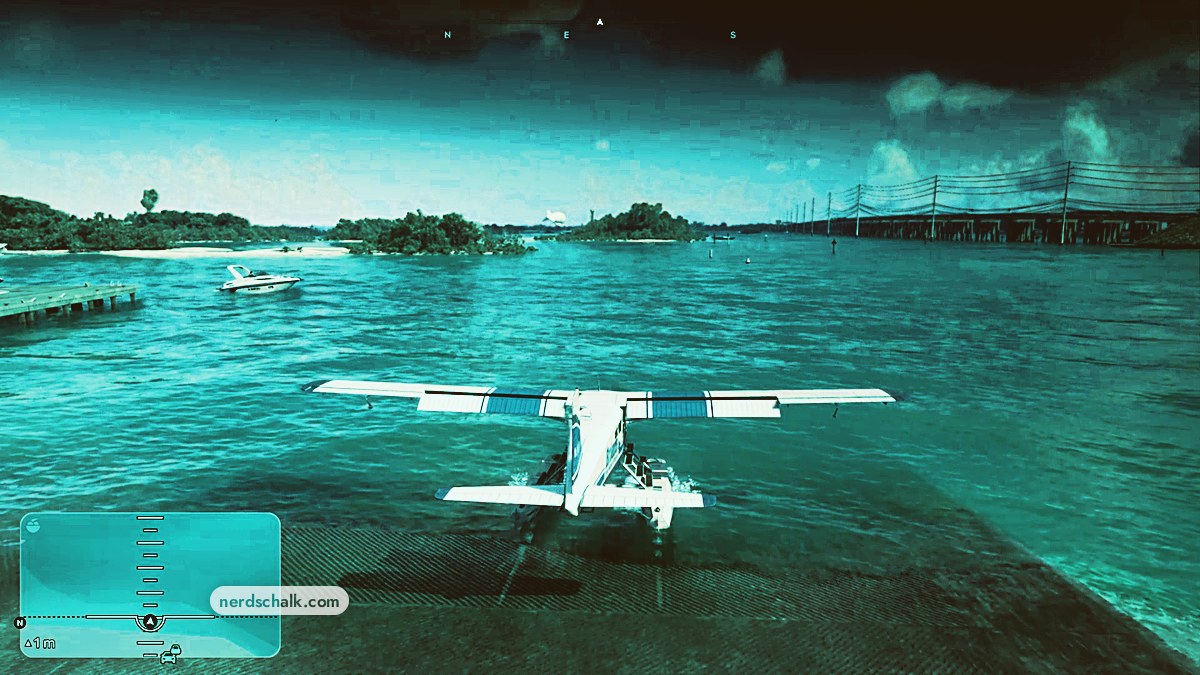
During Clear Skies, turn the seaplane toward the concrete ramp on your right, align with the slope, and taxi down into the sea.
The objective reads Taxi the plane into the water, following an earlier instruction to drive the floatplane down the ramp into the sea. This guide covers that taxiing section of Clear Skies in Grand Theft Auto VI.
How to taxi the plane into the water in Grand Theft Auto VI
Turn toward the boat ramp
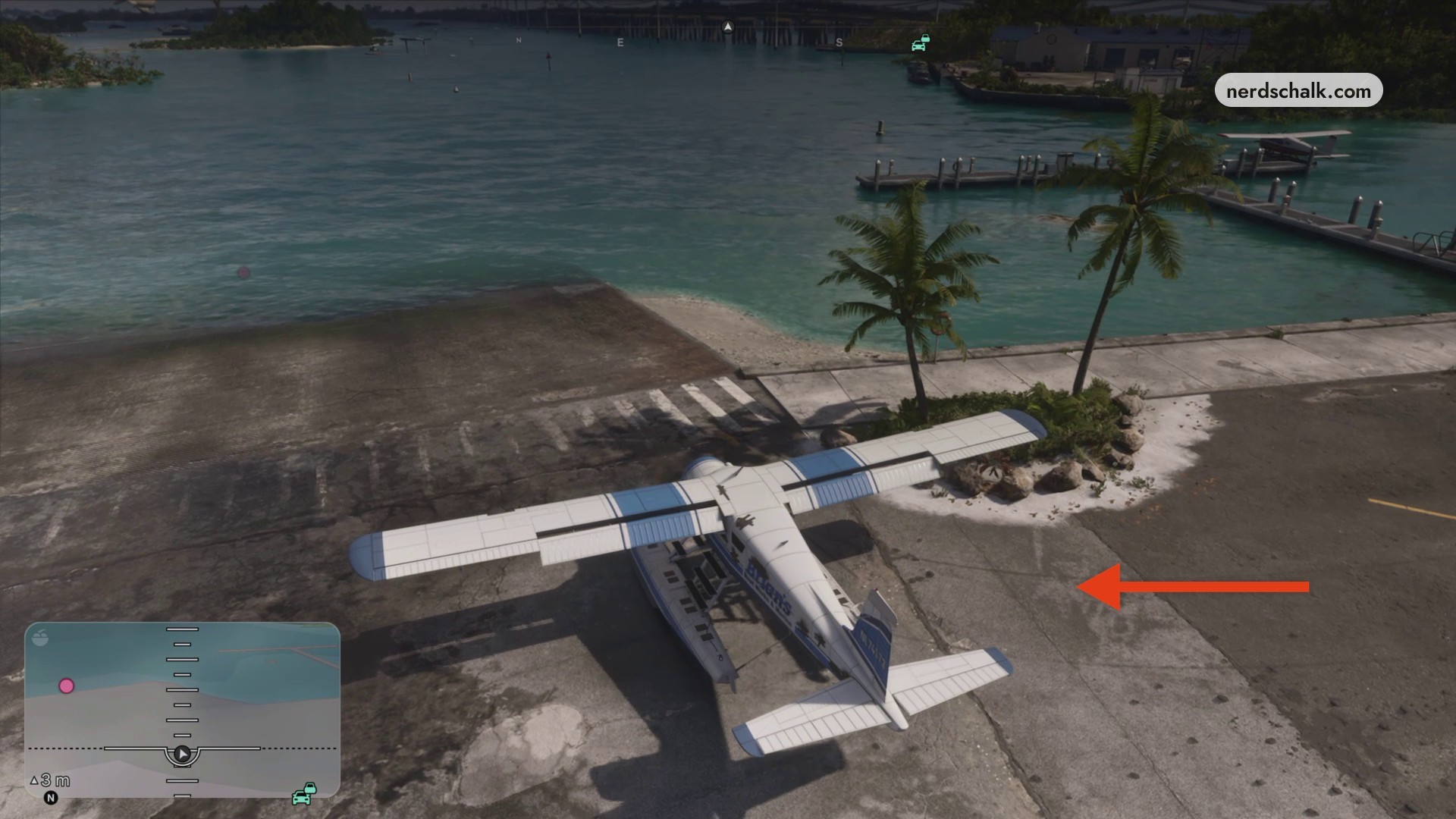
Turn the seaplane around on the tarmac, then move forward across the asphalt toward the concrete ramp on your right. The ramp leads down into the sea.
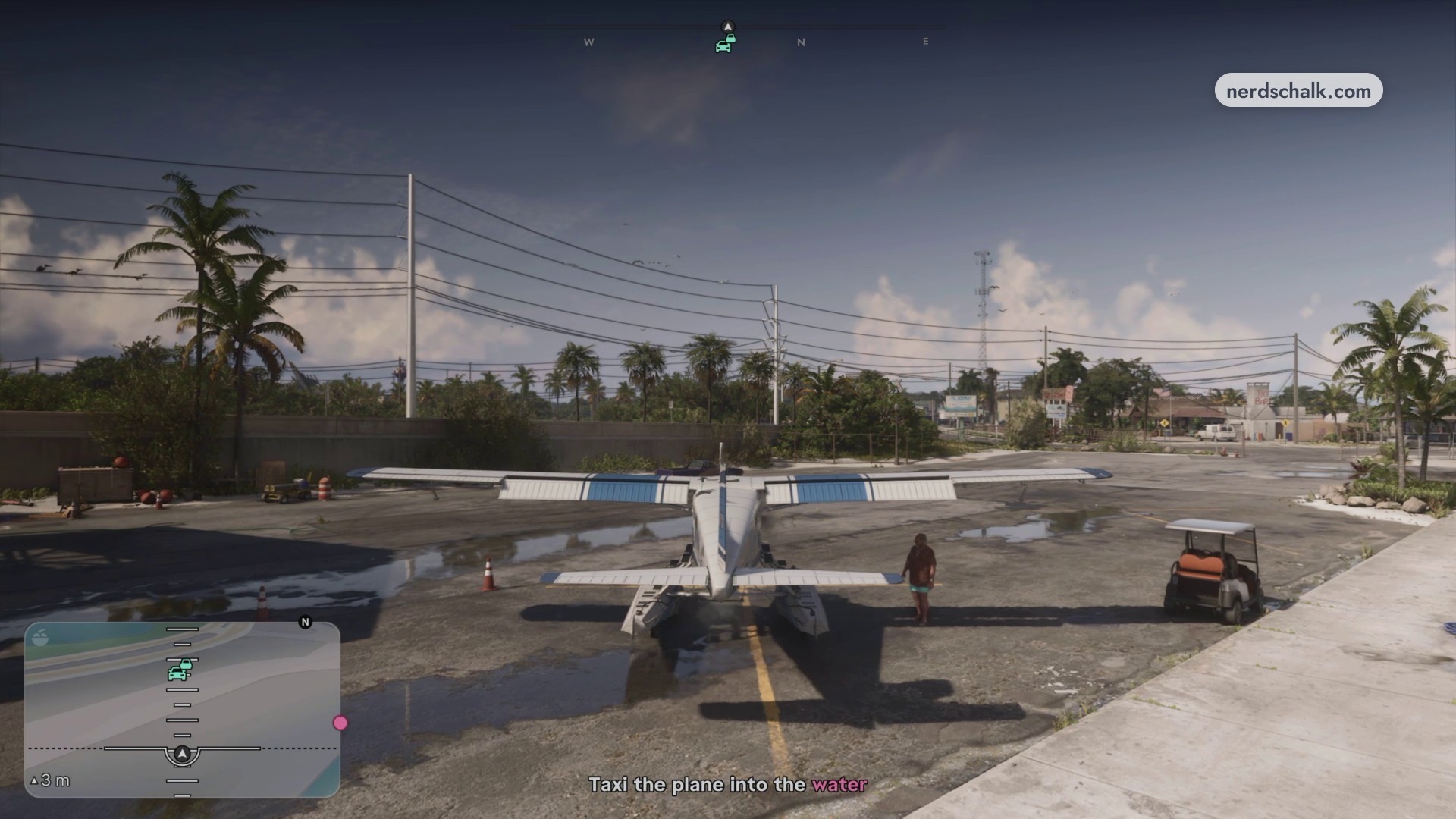
The boat ramp is ahead across the open tarmac, so continue toward it.
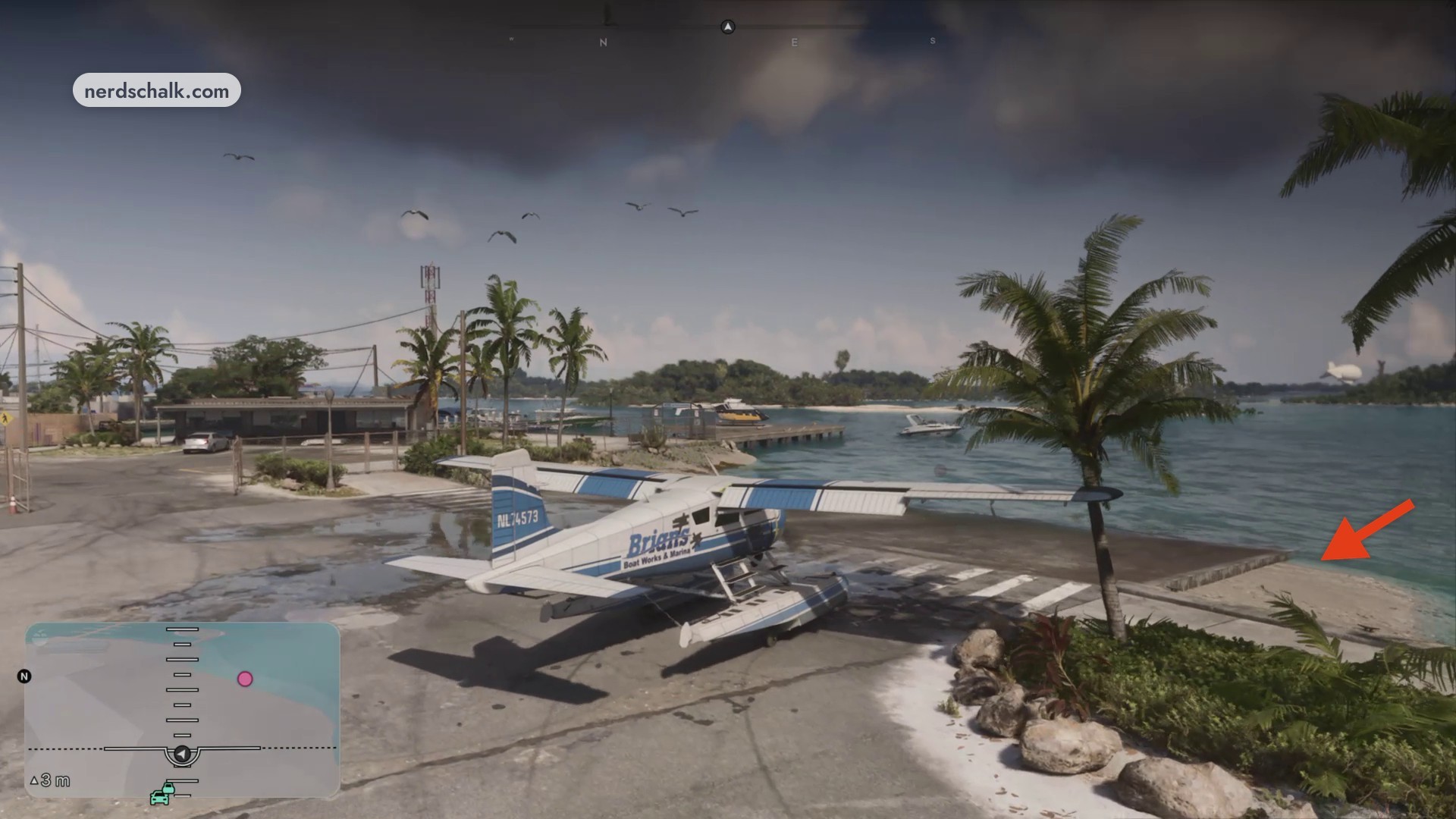
The floatplane is on the coastal ramp, where you begin steering toward the slope.
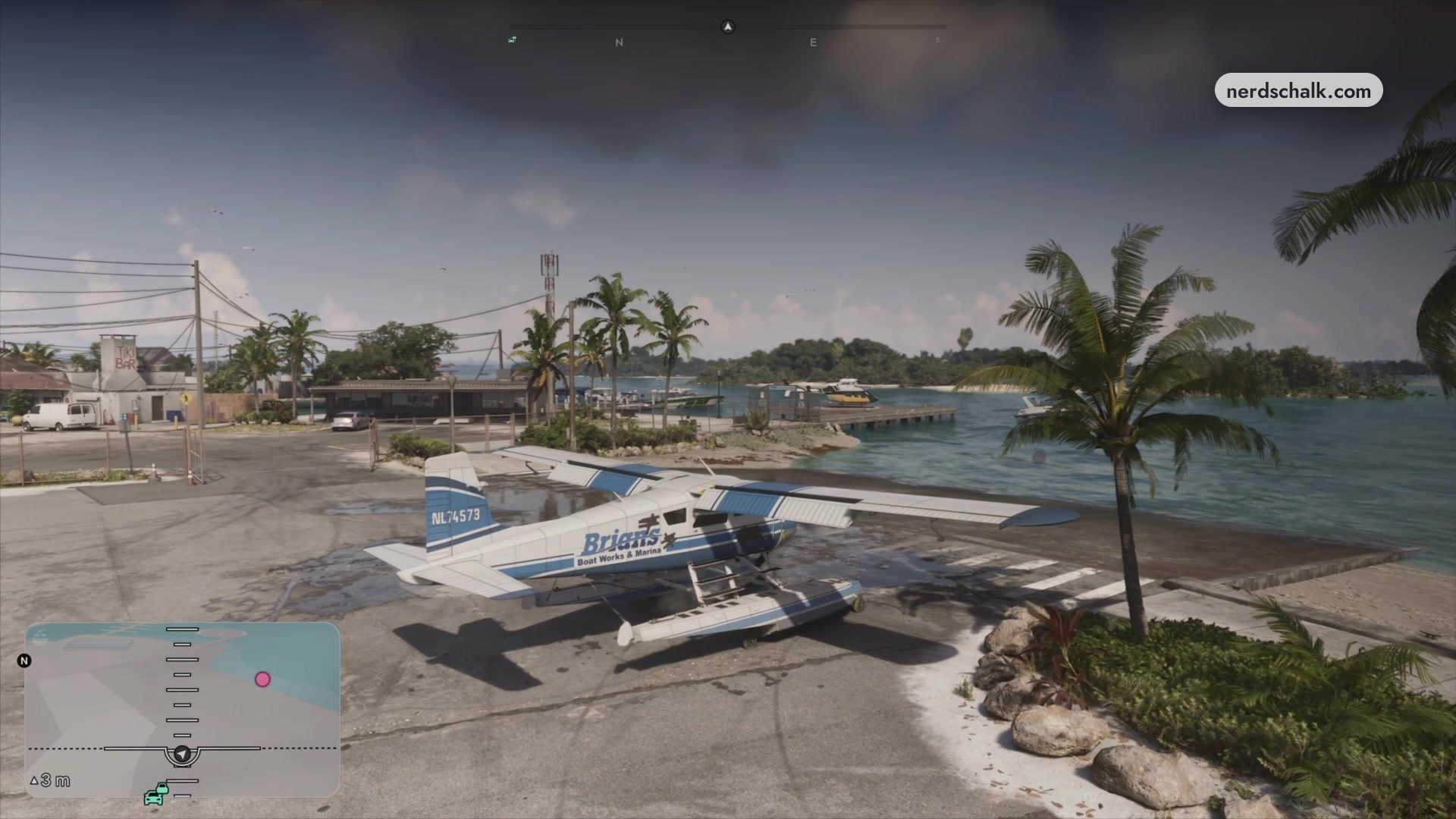
Line up with the slope
Continue forward while steering until the seaplane points straight down the concrete slope toward the water.
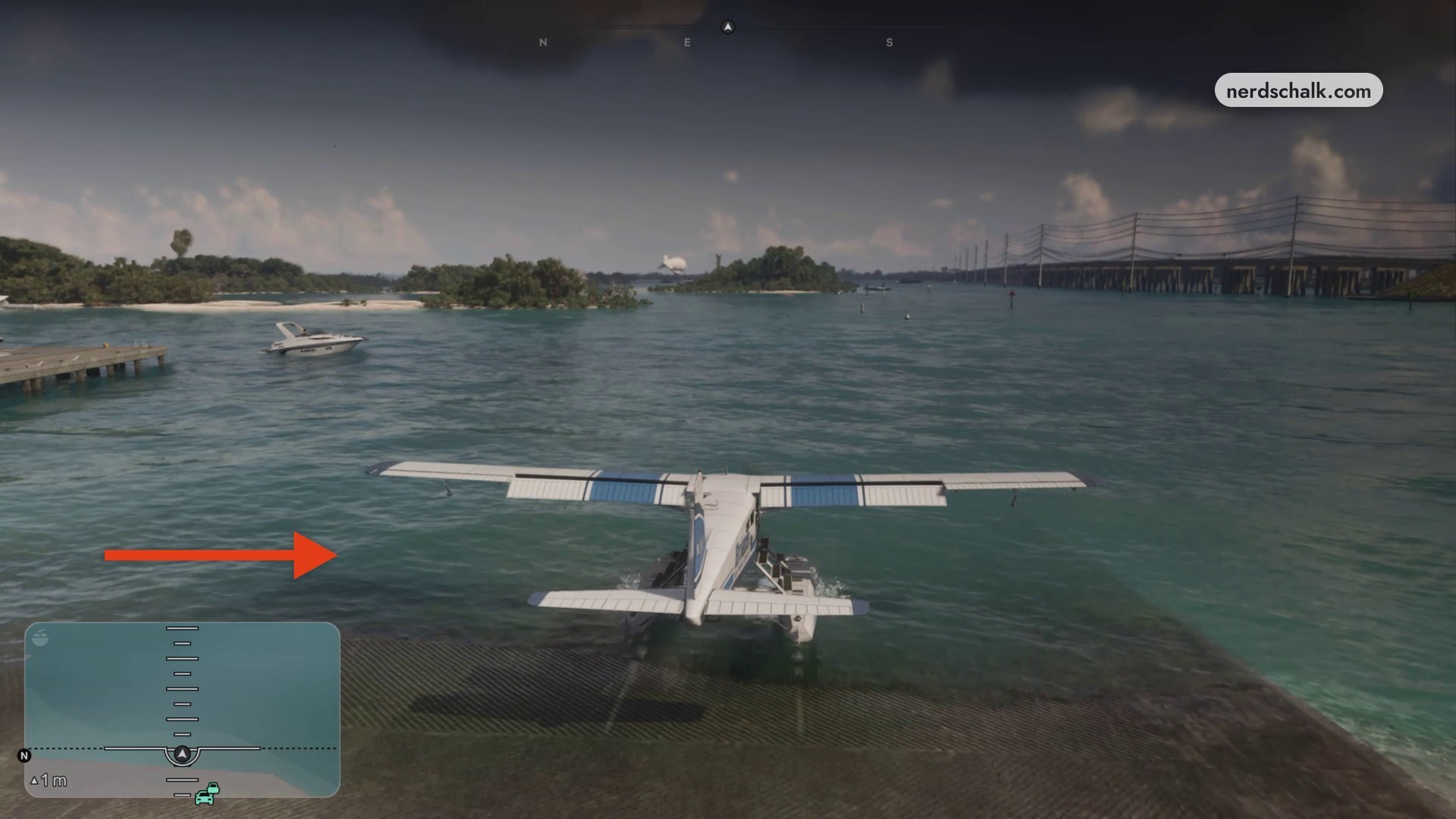
Taxi into the water
Accelerate down the ramp until the floats enter the water and the plane begins cruising.
Watch the mission objective
Keep an eye on the objective text as the floatplane reaches open water.
› story detailsSpoilers for the story. Open to read.
Donnie makes a call assuring someone that things are under control, then urges Jason to leave.
Before this part of Clear Skies
Before the taxiing objective, Brian assigns Donnie to escort a plane.
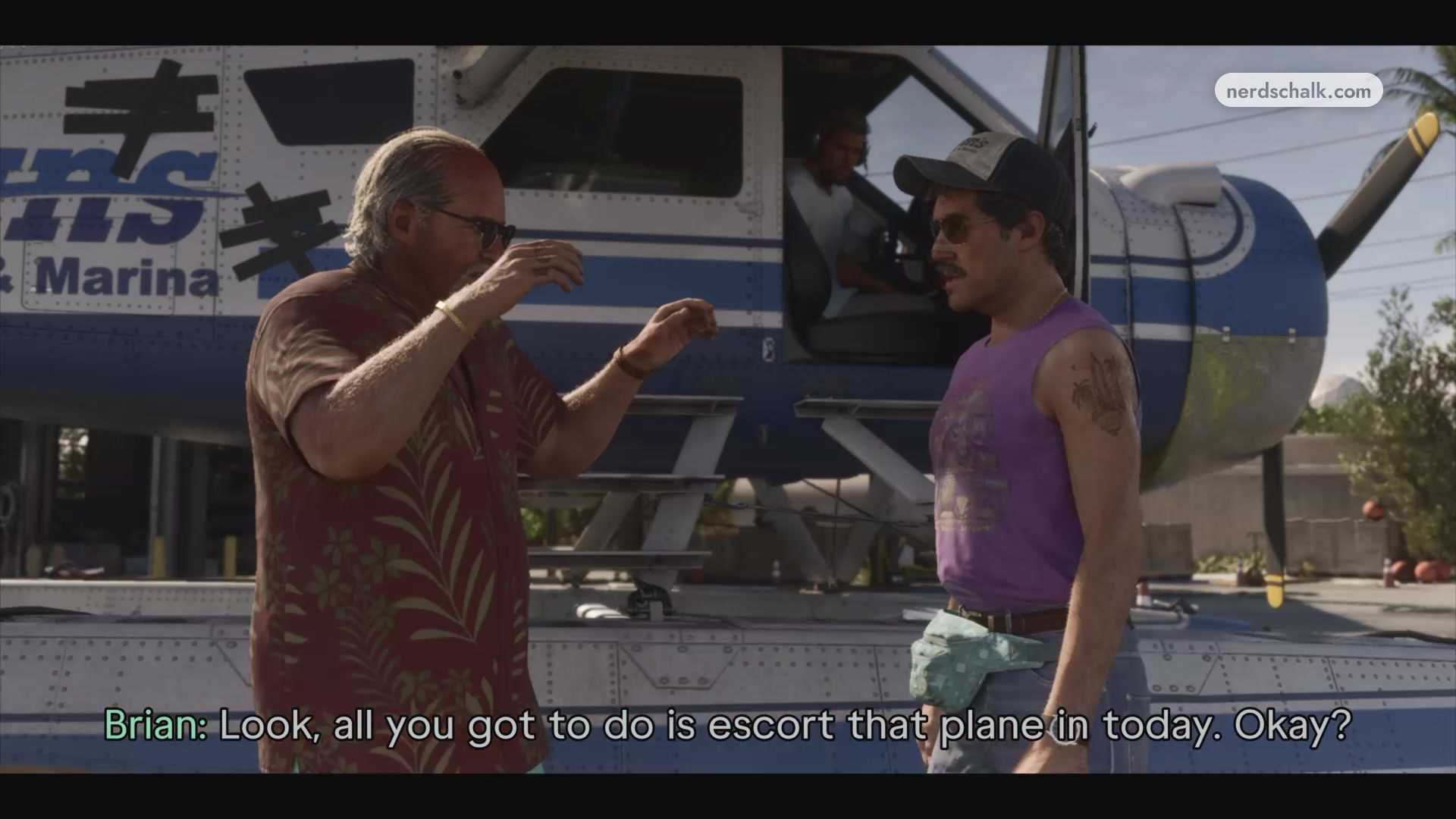
During these preceding scenes, Brian gives Jason and Donnie instructions as Donnie boards the floatplane beside Jason.

What comes next in Clear Skies
Your next task is to take off from the water and climb toward the intercept point, following the Fly to the intercept point objective. The flight instruction sends you toward Pete’s incoming plane.
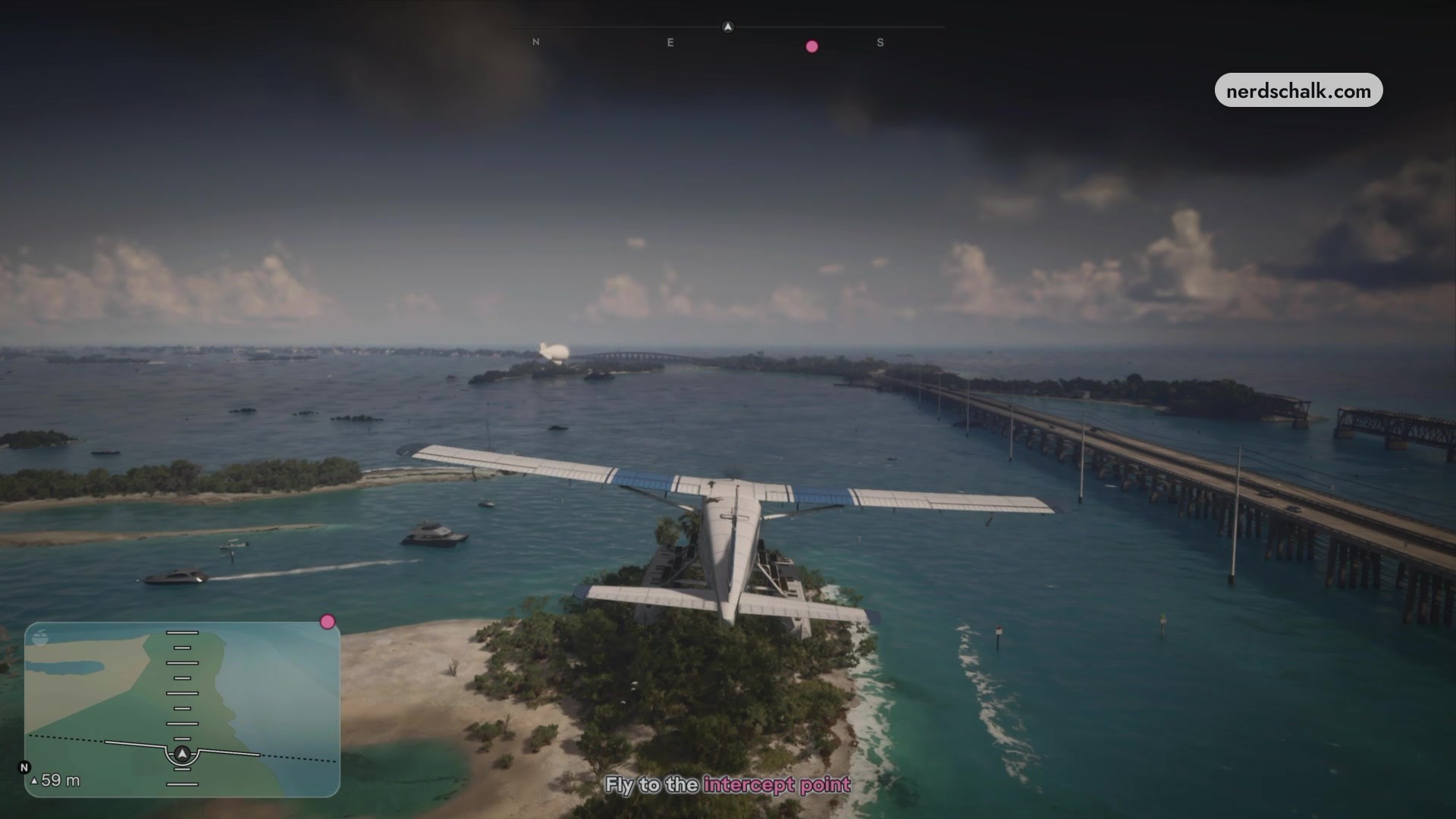
- How to Fly to the Intercept Point in GTA 6 During Clear Skies
- Start Clear Skies: escort Pilot Pete’s plane in GTA 6
- Clear Skies mission walkthrough in GTA 6
Related Grand Theft Auto VI guides

Leave a Reply