

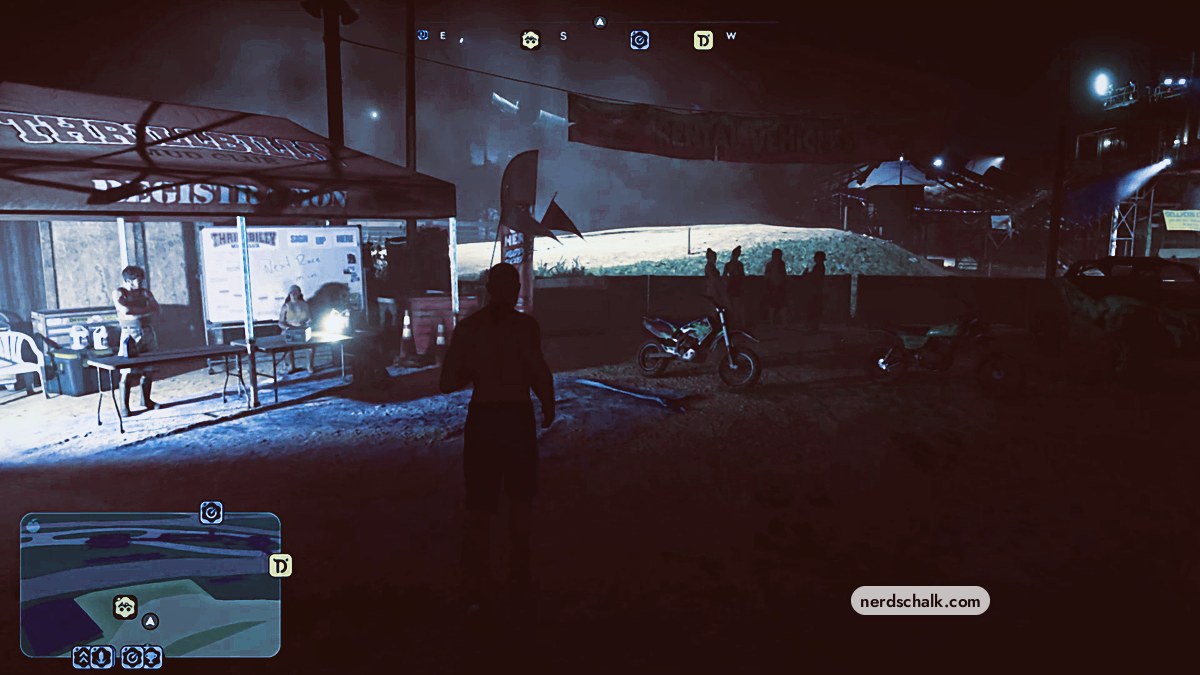
At Thrillbilly Mud Club, press CrossA at the organizer’s desk, select Trash Dash, choose a rental vehicle, and confirm RENT & START RACE.
The motocross racing track objective sends you to race Billy in Grand Theft Auto VI. There, Talk to the organizer to enter a race directs you to registration. This guide covers that objective through the start of Trash Dash.
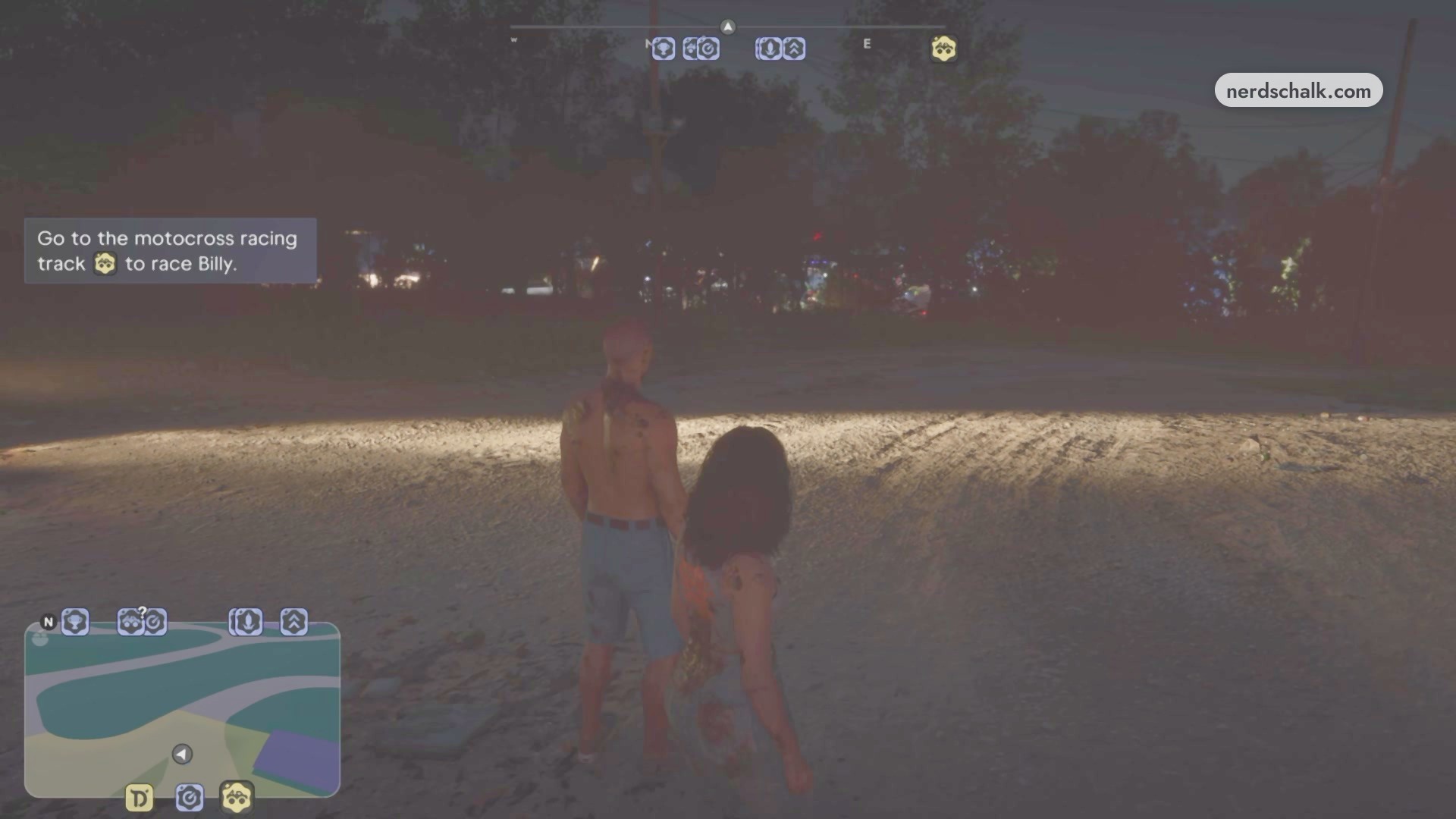
How to talk to the organizer and enter Trash Dash in Grand Theft Auto VI
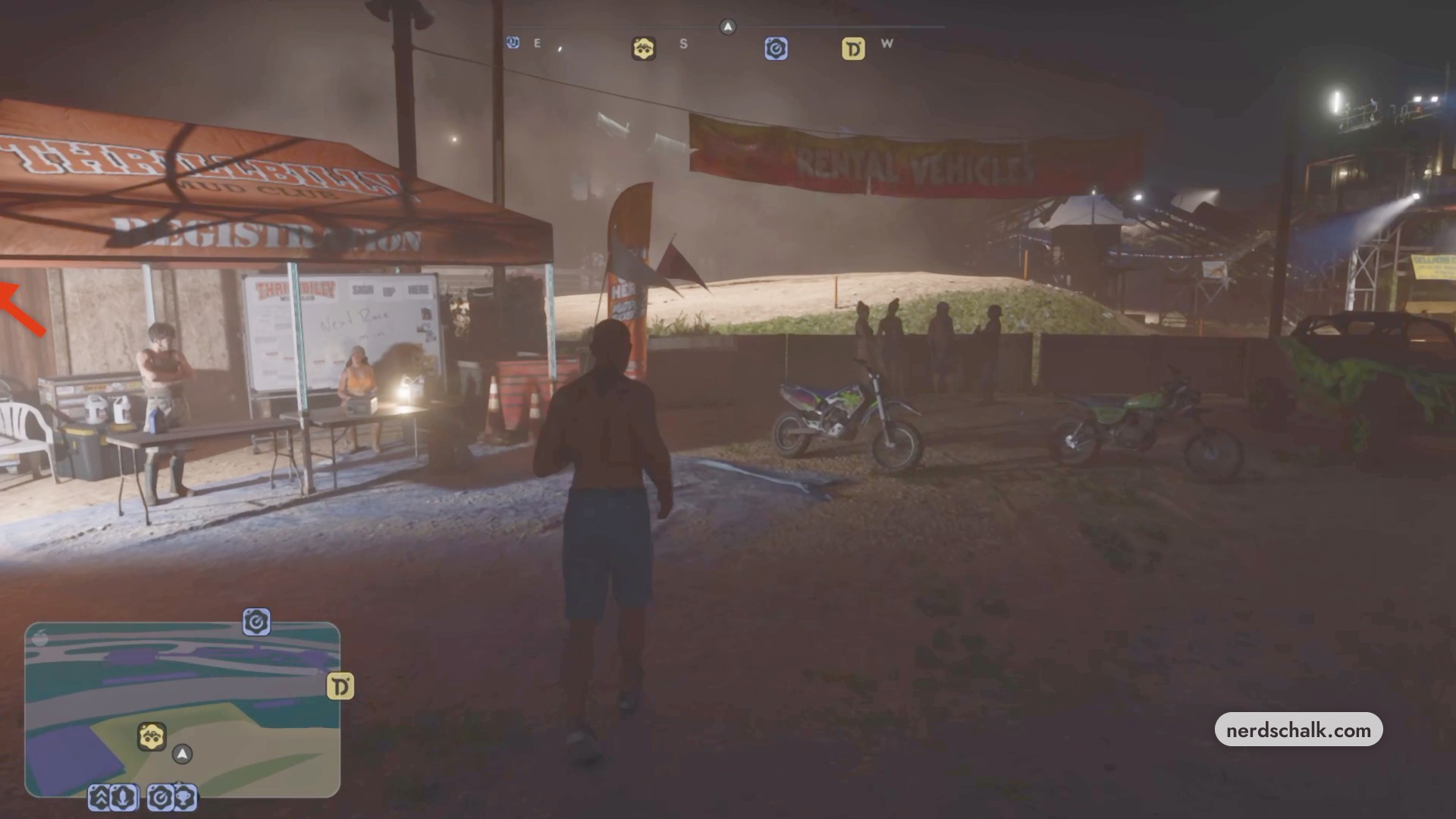
Find the registration tent
Approach the Thrillbilly Mud Club tent marked by club banners and the REGISTRATION and SIGN UP HERE signs. The organizer stands behind the desk inside.
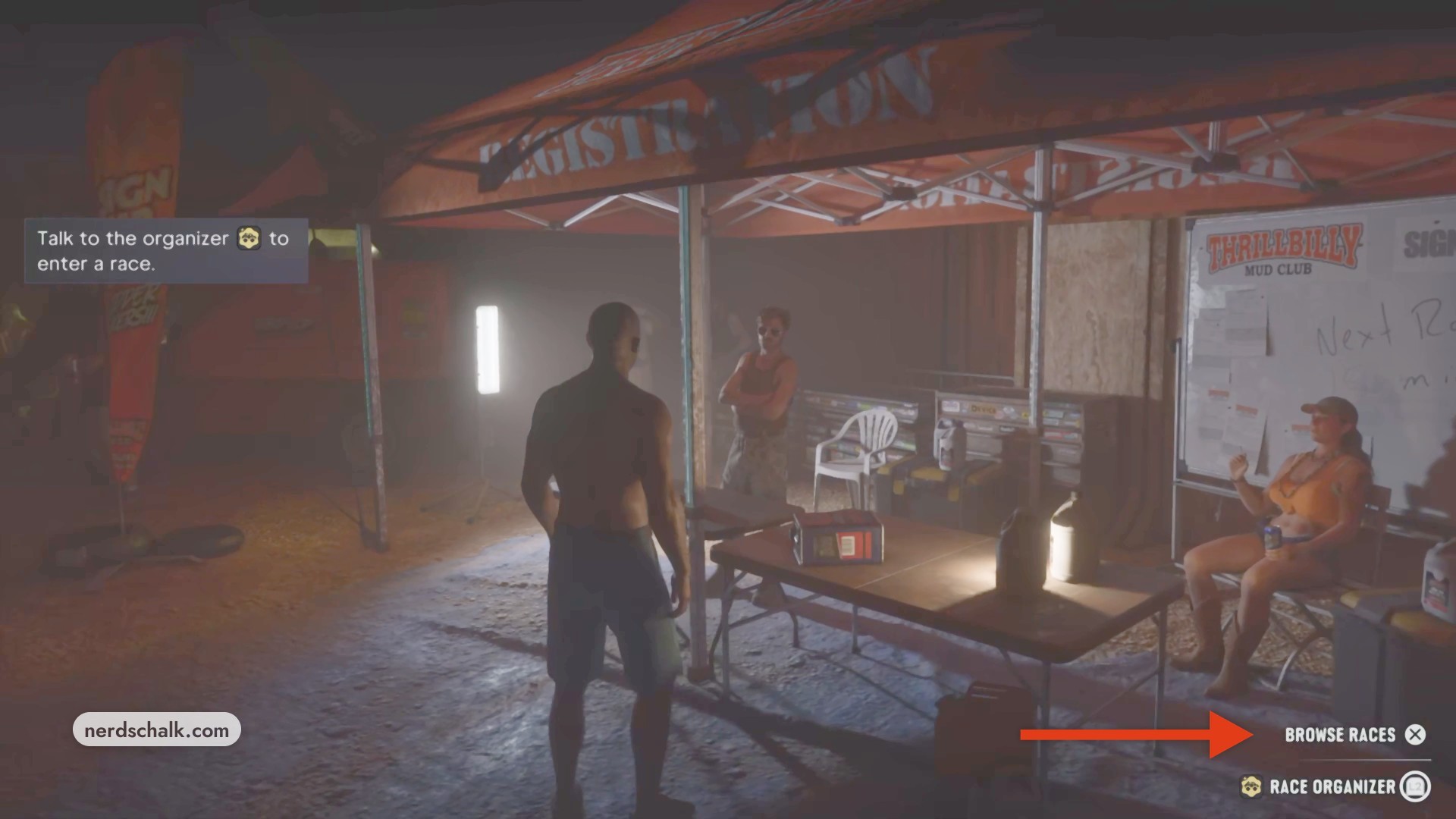
Talk to the race organizer
Stand in front of the desk and press CrossA at the RACE ORGANIZER interaction labeled BROWSE RACES to open the event list.
Select Trash Dash
Highlight Trash Dash in the dirt track menu and press CrossA to open vehicle selection. Sludge Rush and Dirt Slam also appear in the event list.
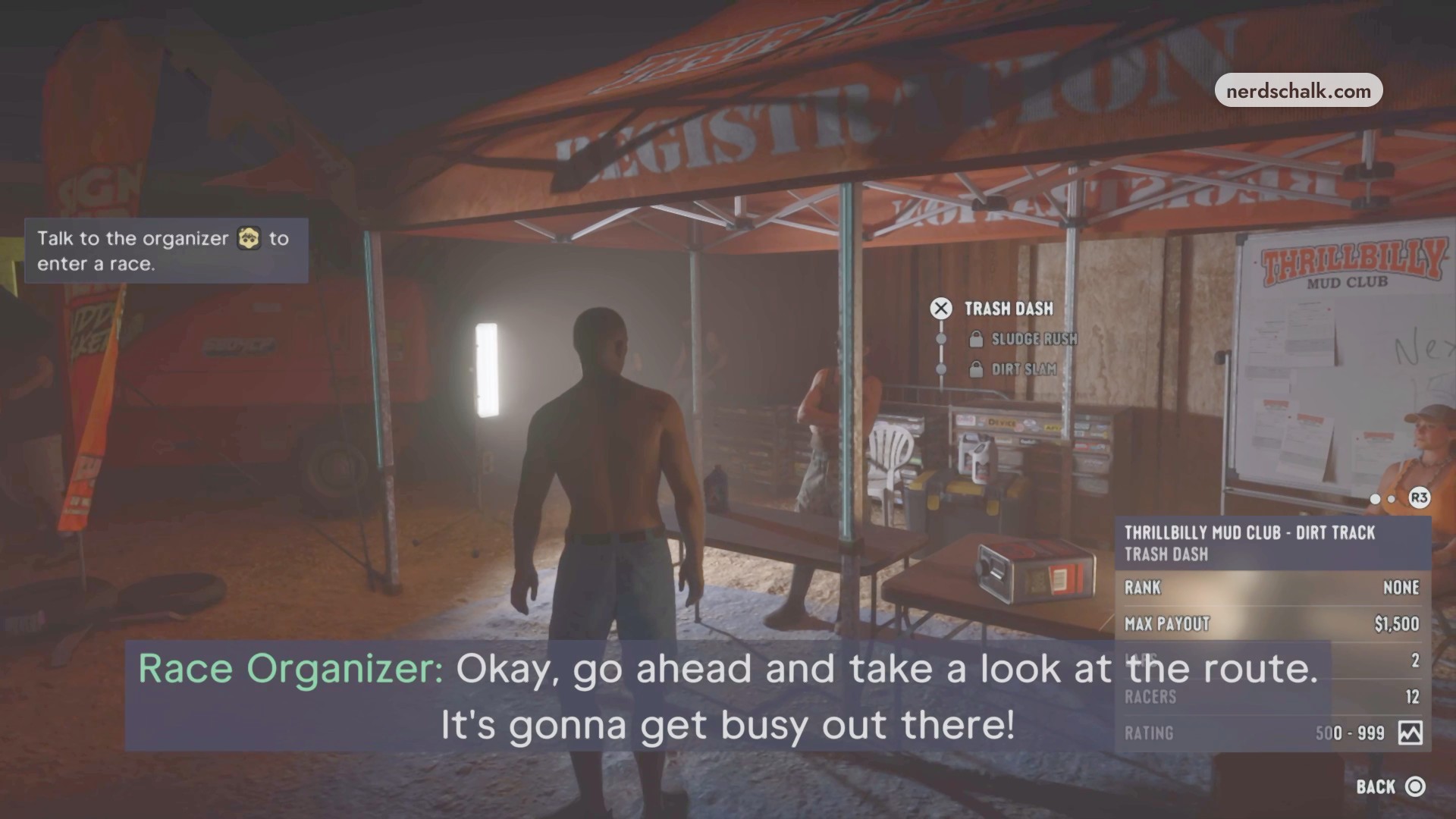
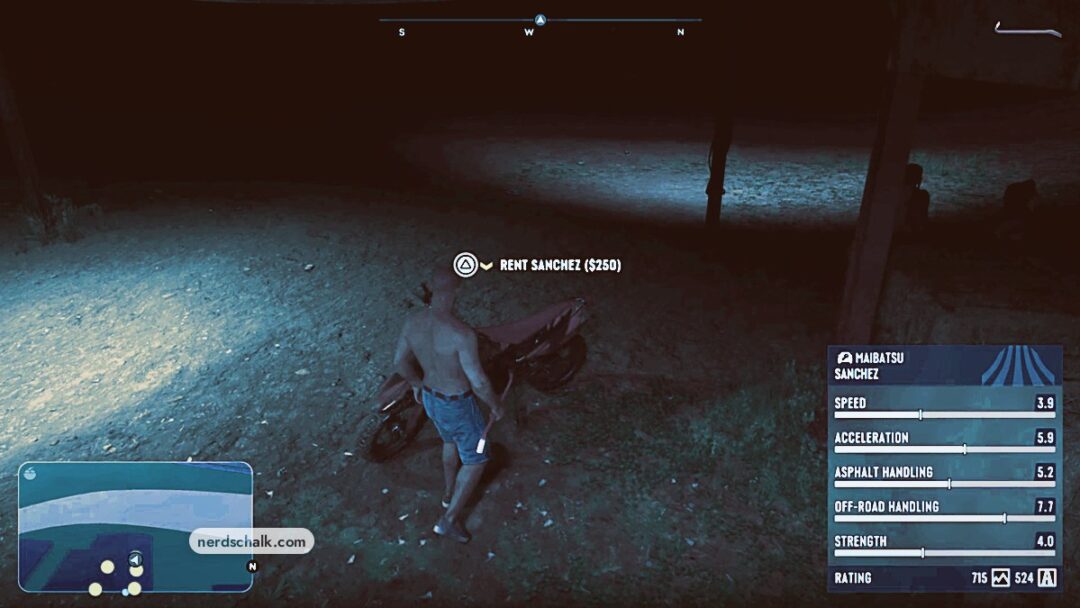
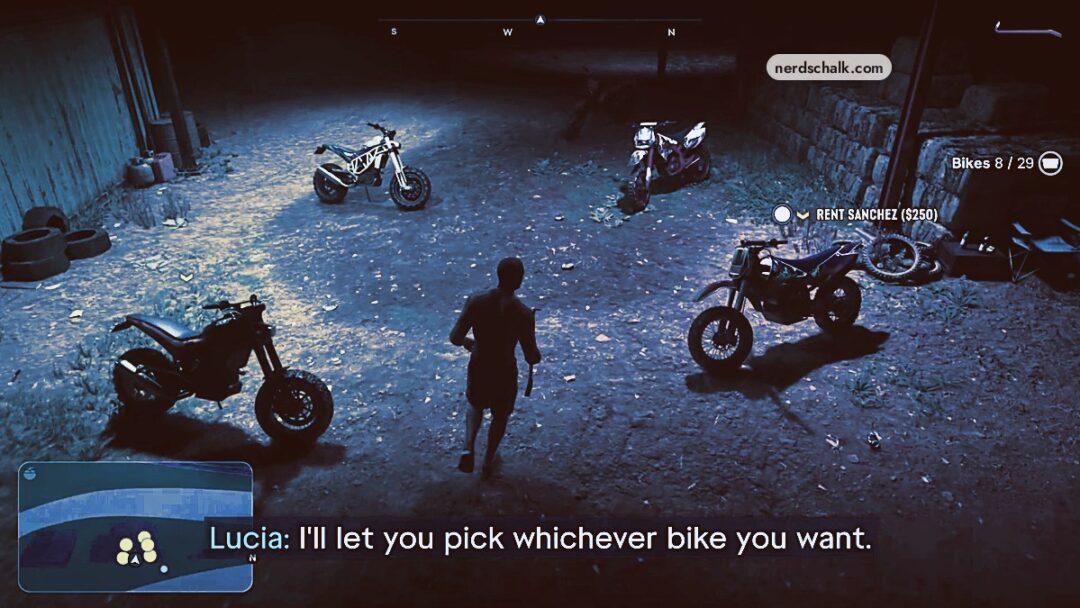
The rental menu displays a dirt bike; review the vehicle selection before confirming entry.
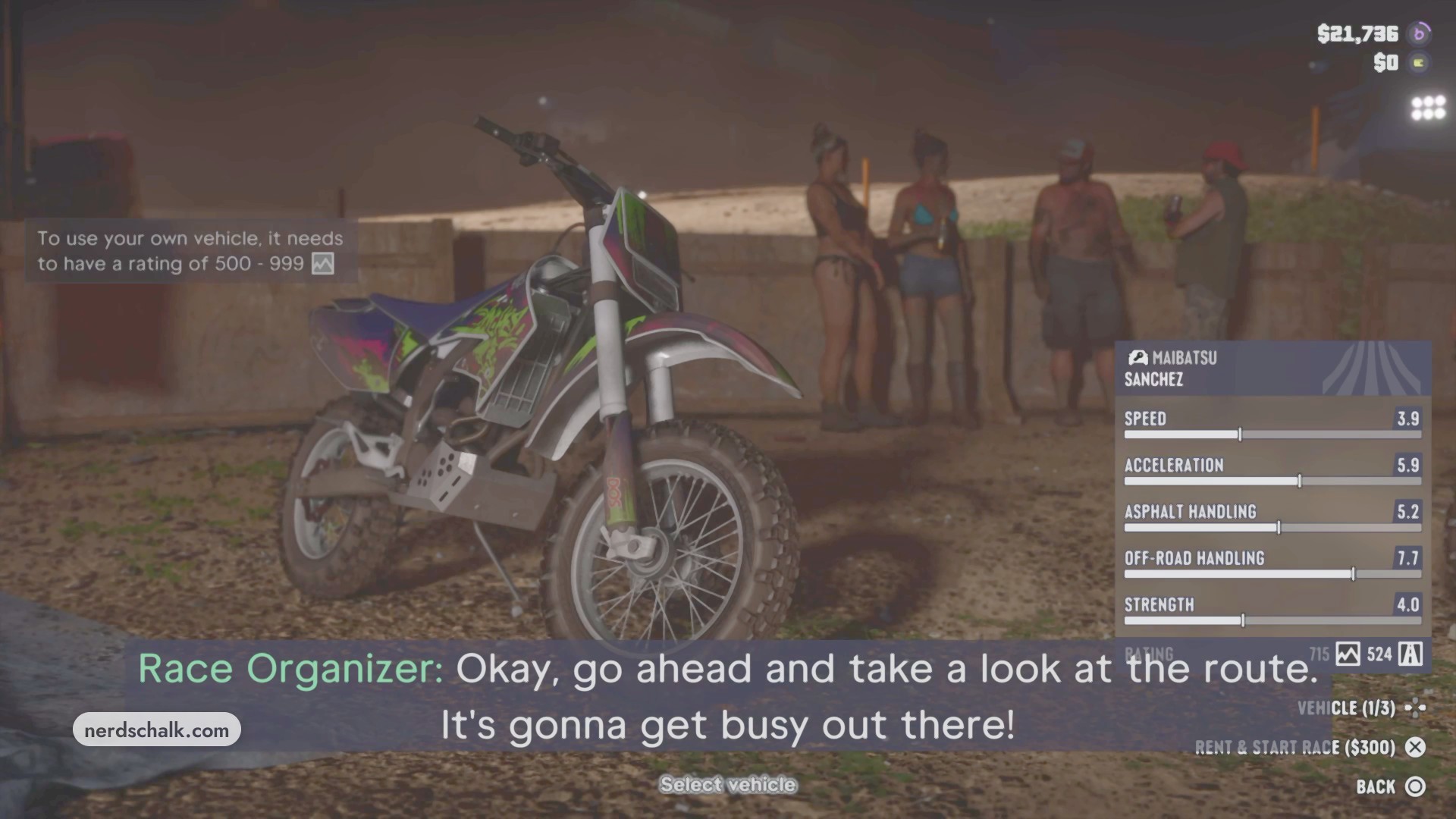
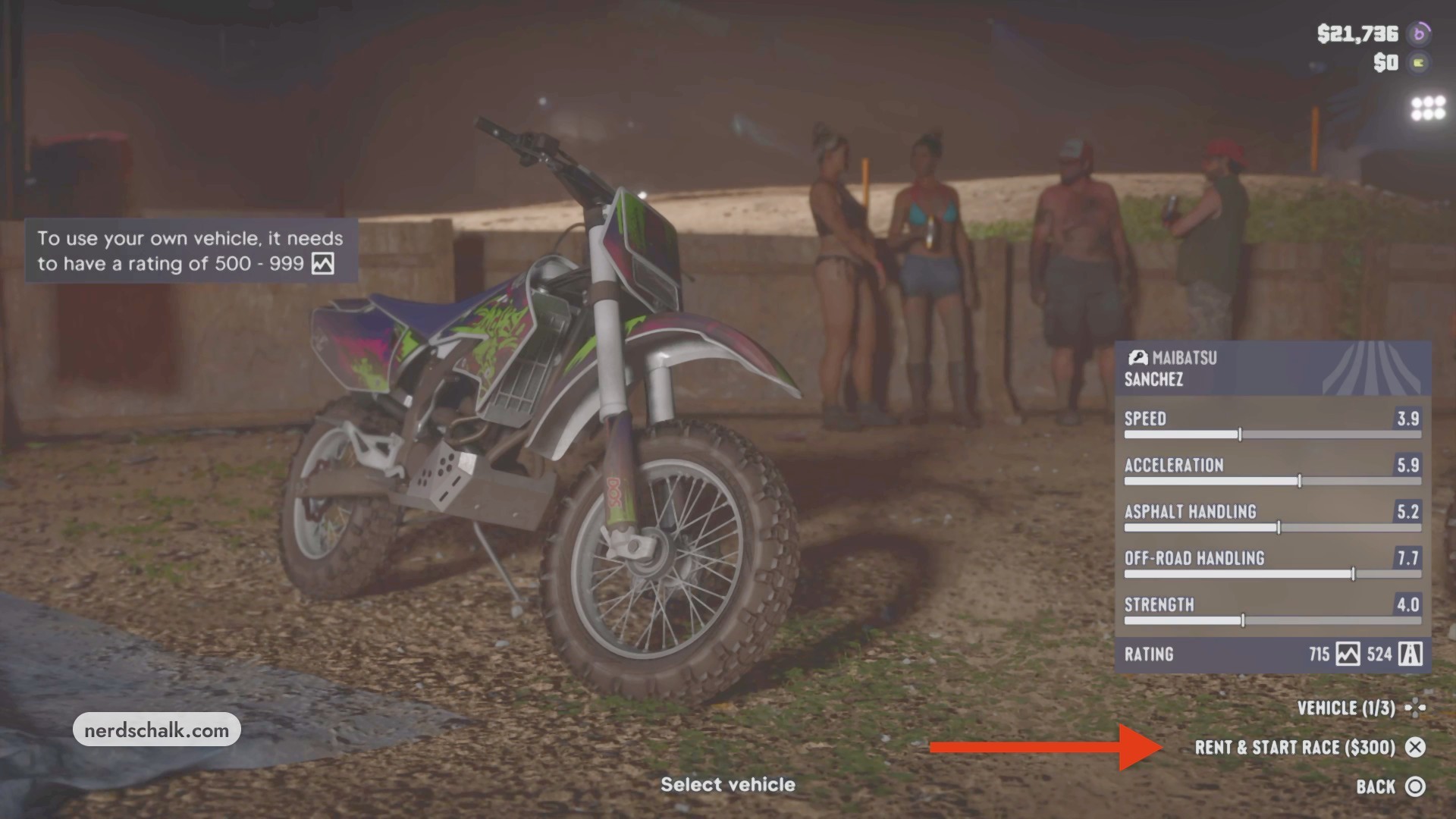
Choose a rental and start the race
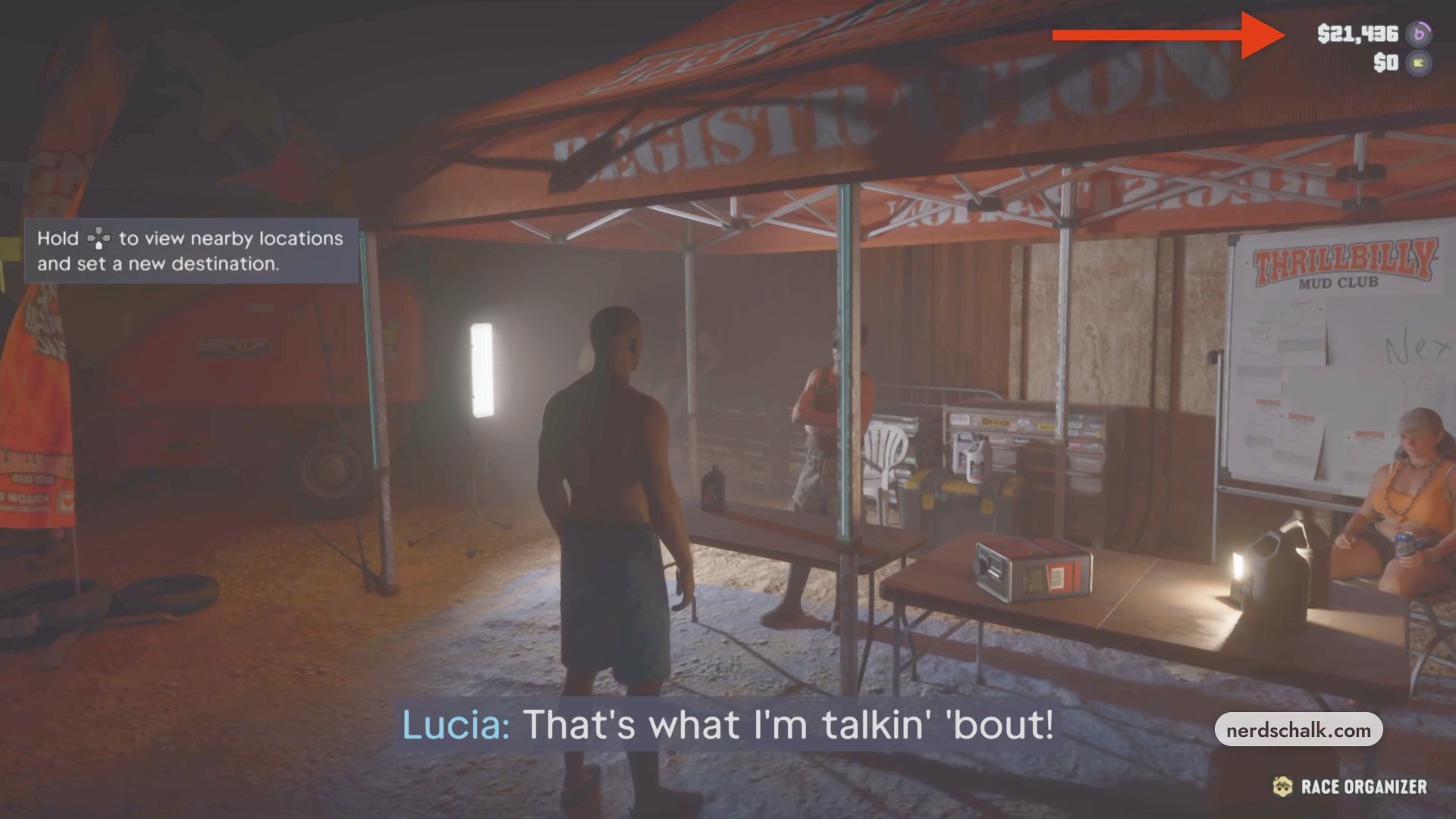
Choose the vehicle you want to rent and confirm RENT & START RACE ($300). The displayed Maibatsu Sanchez is a $300 rental option, and its selector reads VEHICLE (1/3). Registration deducts the rental fee and triggers a race setup cutscene. The countdown places the racers on the starting line at Thrillbilly Mud Club Dirt Track; accelerate along the dirt track when the race begins.
Registration is complete and the rental fee has been deducted; continue into the race setup.
Maibatsu Sanchez stats
| Maibatsu Sanchez stat | Value |
|---|---|
| Speed | 3.9 |
| Acceleration | 5.9 |
| Asphalt handling | 5.2 |
| Off-road handling | 7.7 |
| Strength | 4.0 |
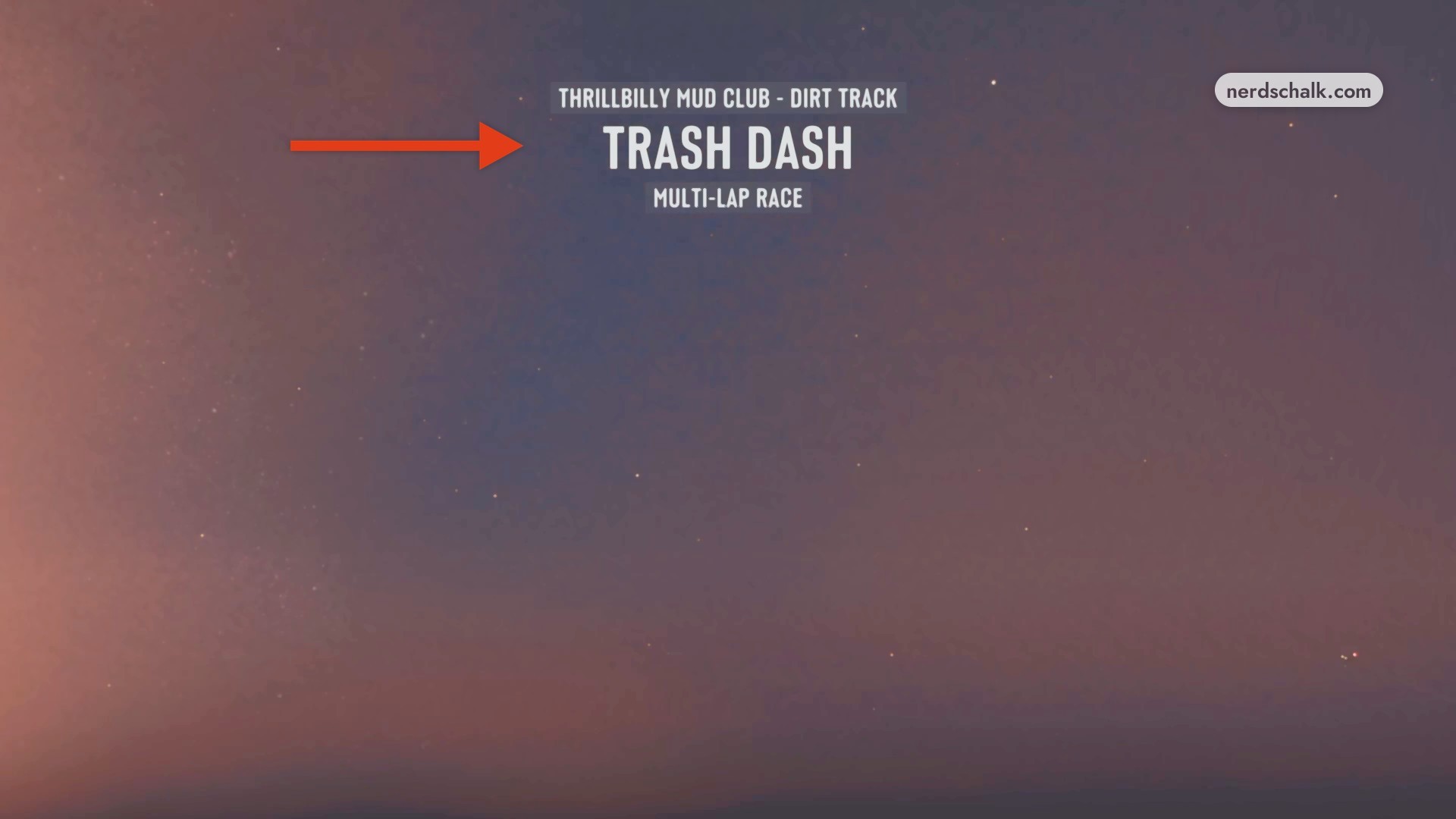
The Trash Dash title card identifies the event as a MULTI-LAP RACE.
Your objective is Beat a member of Billy’s crew.
Related Grand Theft Auto VI guides
Frequently Asked Questions
Can you return to the race list from vehicle selection?
Yes. Back out of vehicle selection to return to the track selection menu.
Leave a Reply