

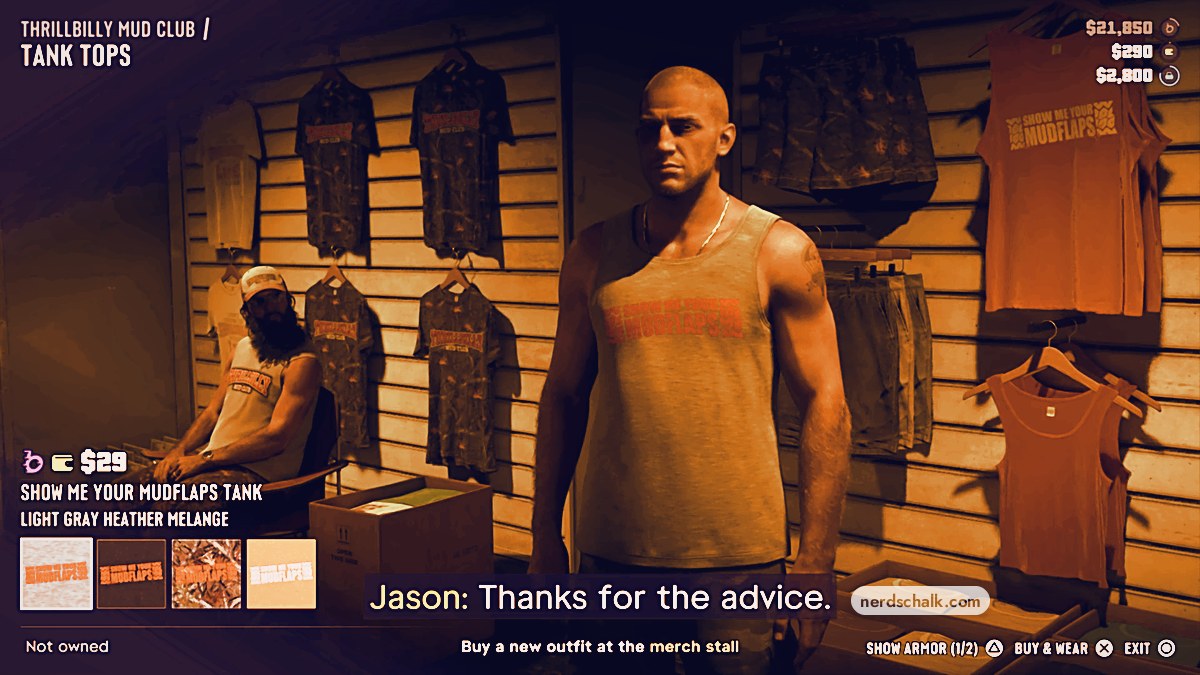
At Thrillbilly Mud Club, browse the clothing displays, use BUY & WEAR for your selections, and walk through the entrance when Leave the store appears.
Buy a new outfit at the merch stall is a shopping objective during THRILLBILLIES in Grand Theft Auto VI. Jason and Lucia arrive by car at the parking lot outside Thrillbilly Mud Club during a phone conversation with Wyman. It takes you to the club’s clothing counter, with separate tank-top interactions for Jason and Lucia. The shopping segment covered here ends with the Leave the store objective.
How to buy a new outfit at the merch stall in Grand Theft Auto VI
Head to the merch stall
Cross the dirt road from the parking lot toward the illuminated MERCH counter. For its location, open the pause menu’s MAP tab: it displays the Mud Club and the current shopping objective, with ADD MARKER, SET DESTINATION and EXIT available. The mission also asks you to explore the mud club’s offerings.
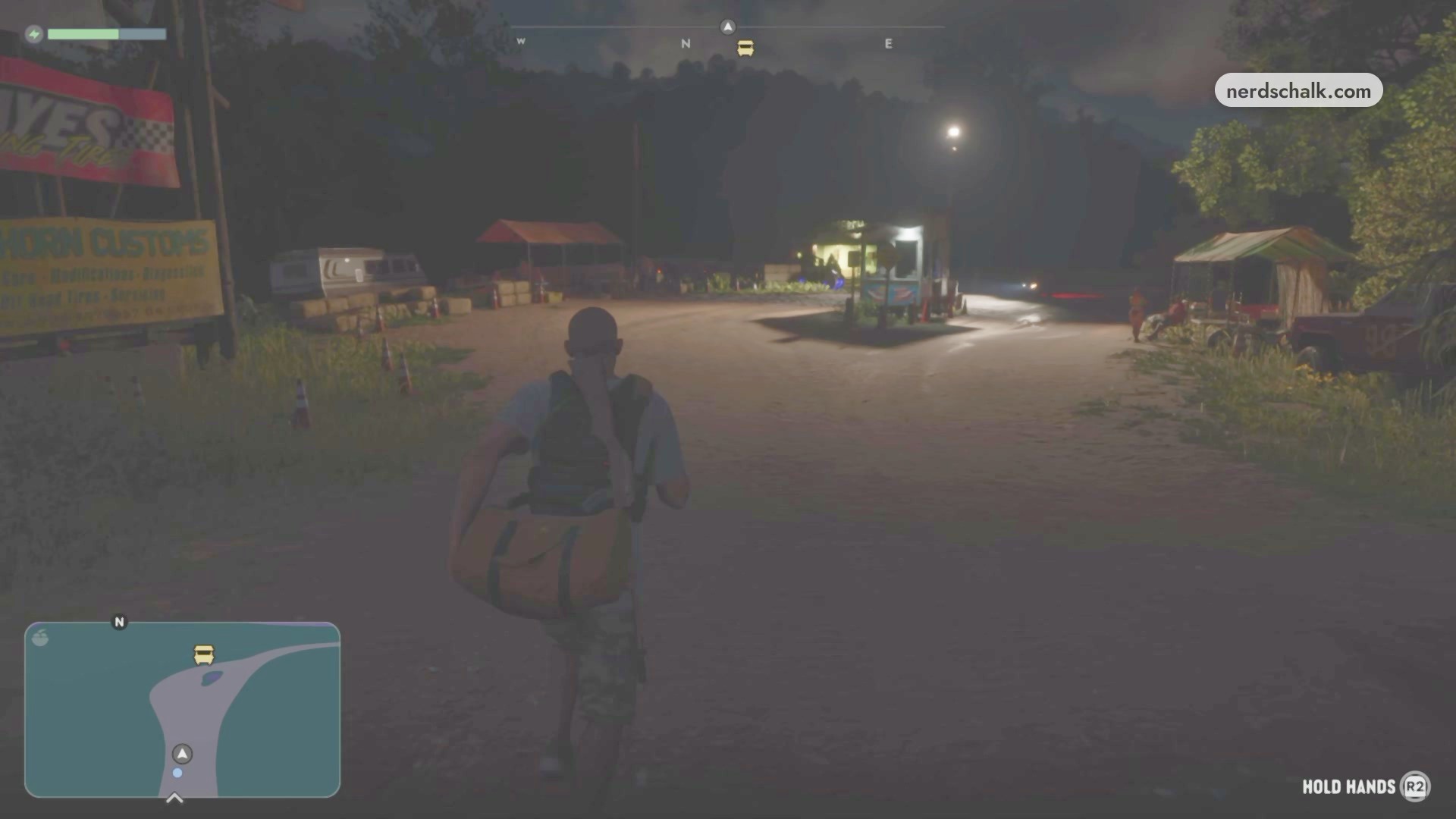
Locate the stall using the yellow bus marker on the pause-menu map.

Approach the clothing display
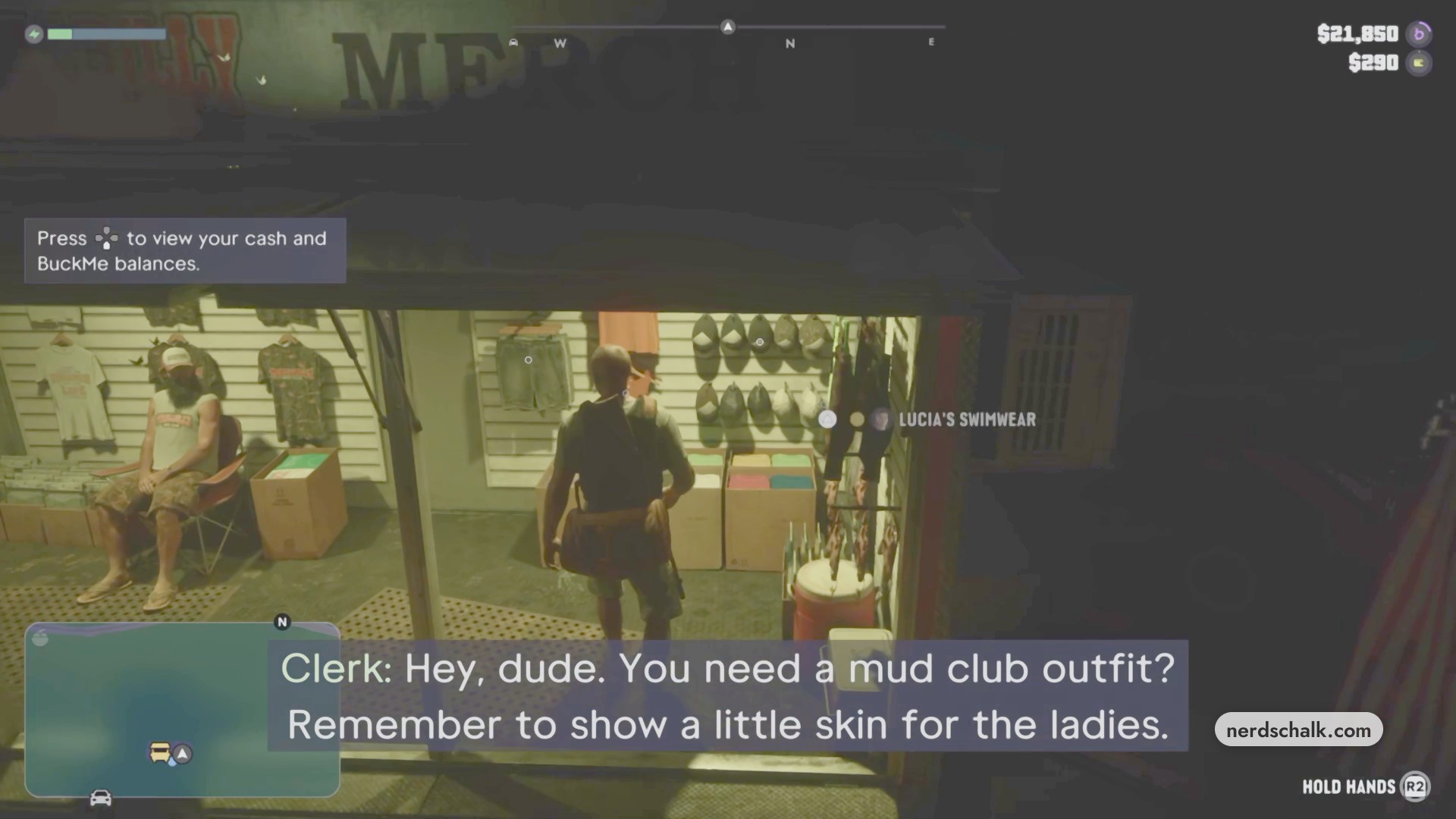
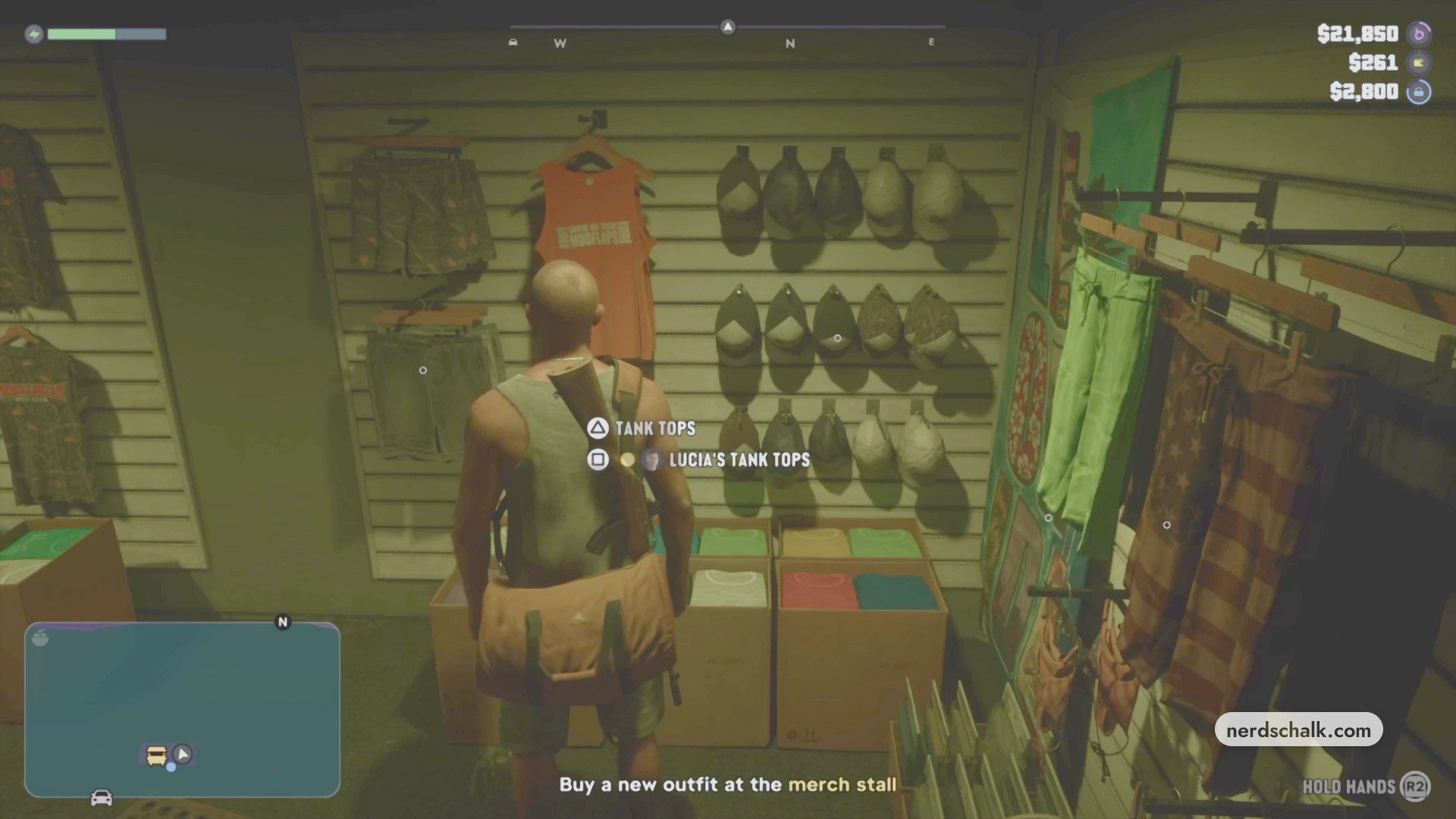
Move close to the counter and its wall-mounted display of tank tops, shorts and hats to bring up the clothing interactions.
Browse Jason’s tank tops
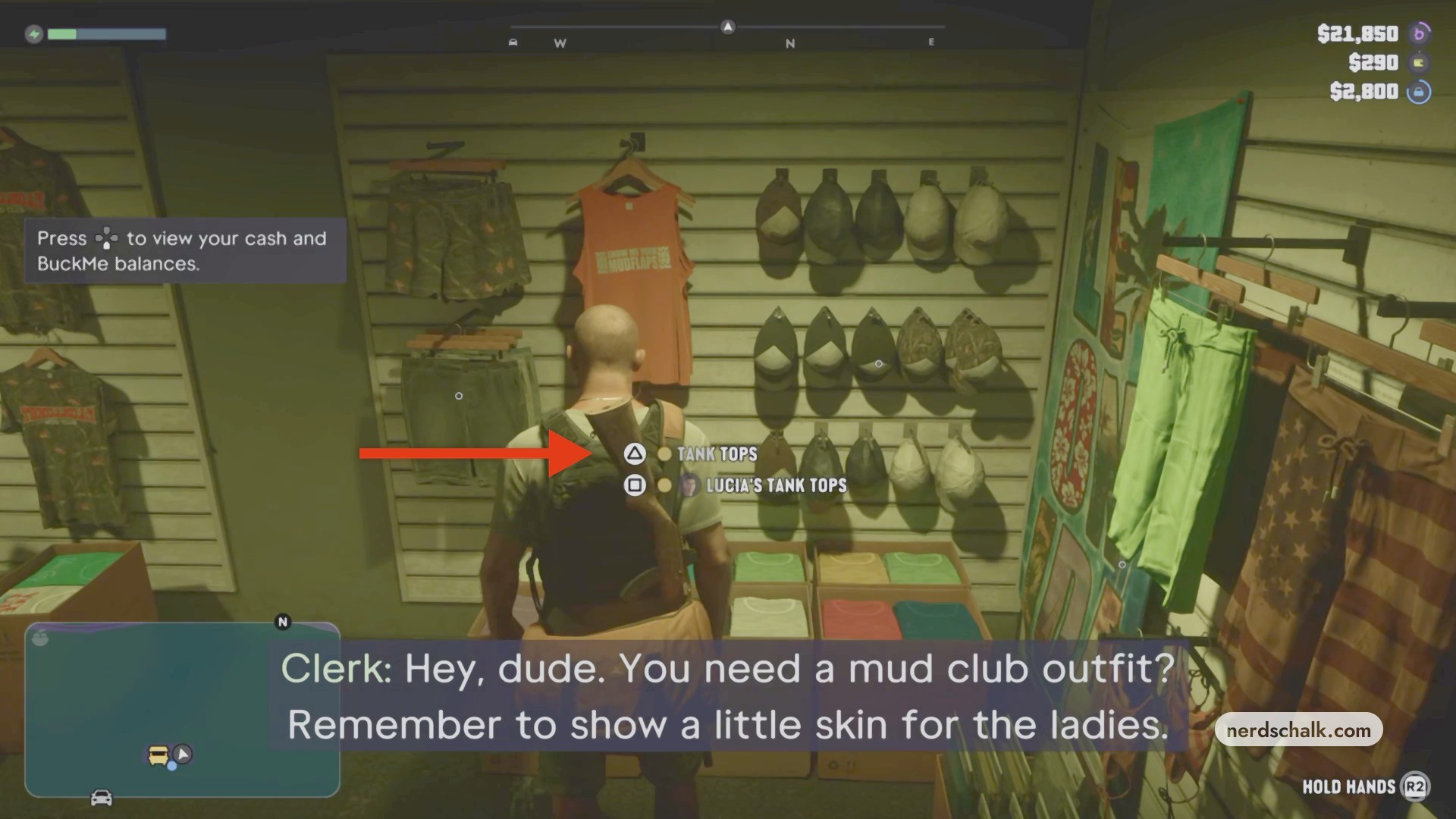
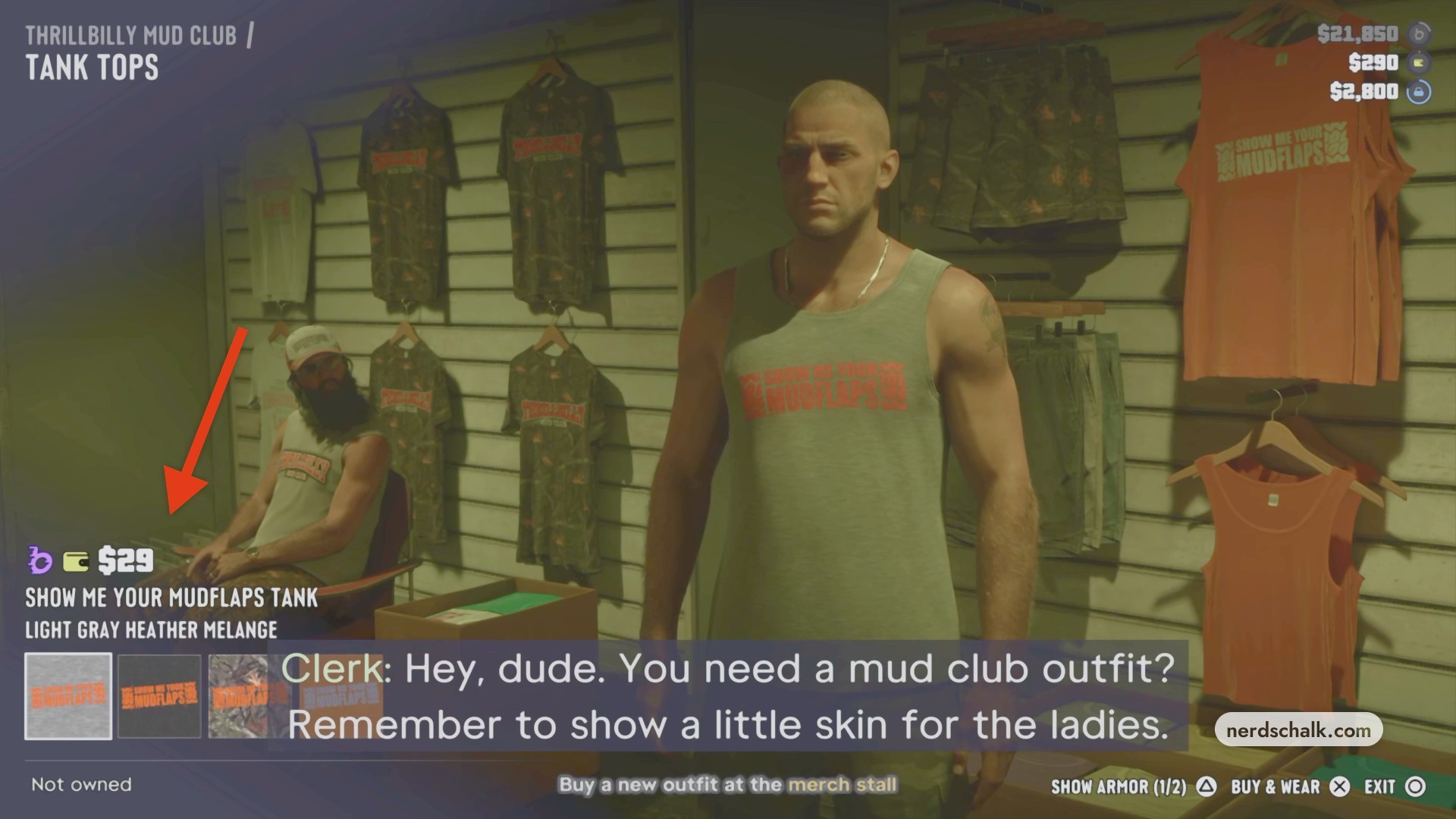
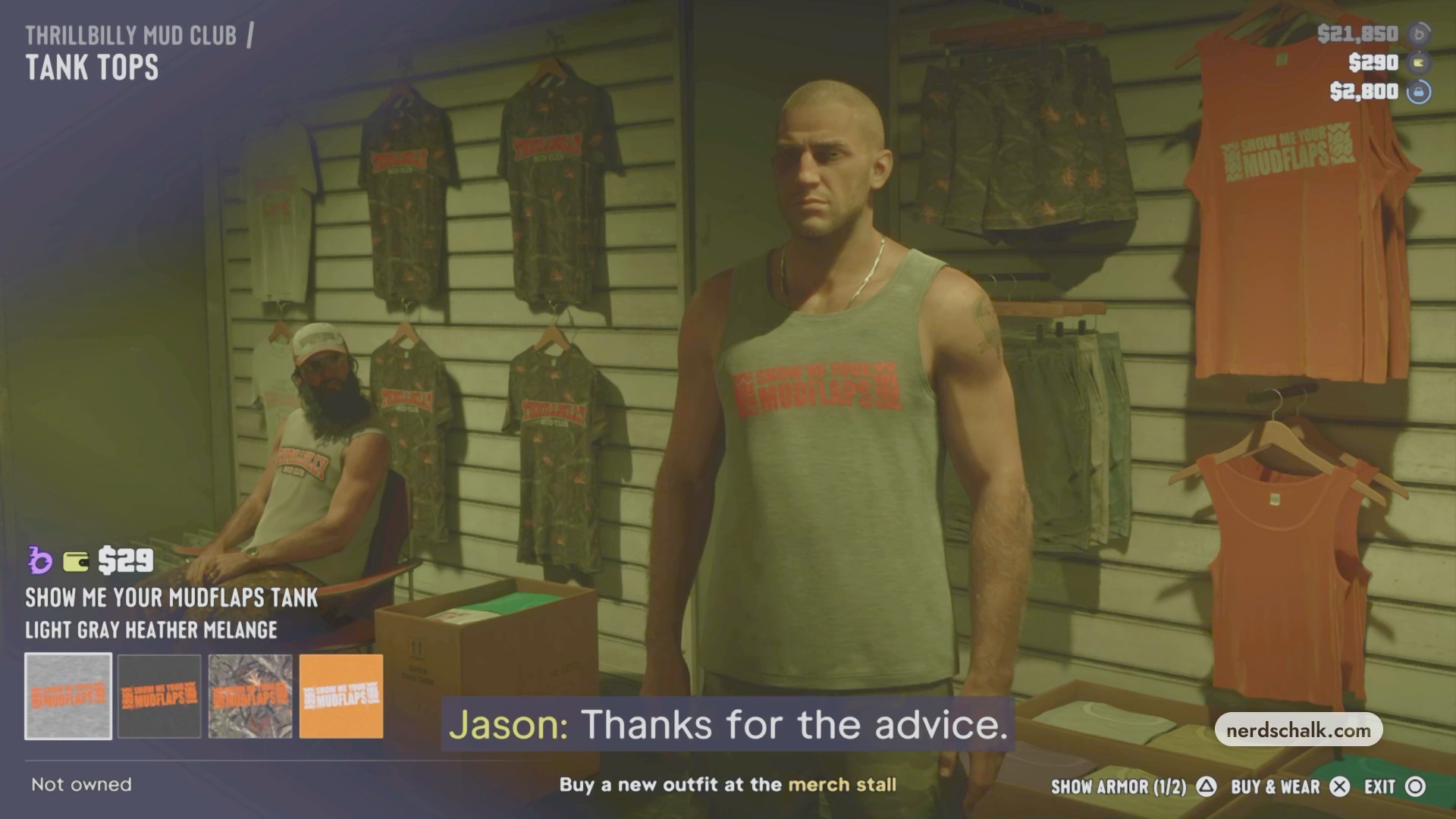
Press TriangleY at TANK TOPS to open Jason’s choices. The Show Me Your Mudflaps Tank preview is marked Not owned before purchase.
Preview the Show Me Your Mudflaps Tank in Jason’s clothing menu.
Buy and wear Jason’s tank top
With your tank top selected, choose BUY & WEAR to purchase and immediately equip it.
Close the clothing menu
Select EXIT to return to the stall counter and its clothing prompts.
Browse Lucia’s tank tops
Target the tank-top rack and press SquareX at LUCIA’S TANK TOPS to open her selection.
Buy and wear Lucia’s tank top
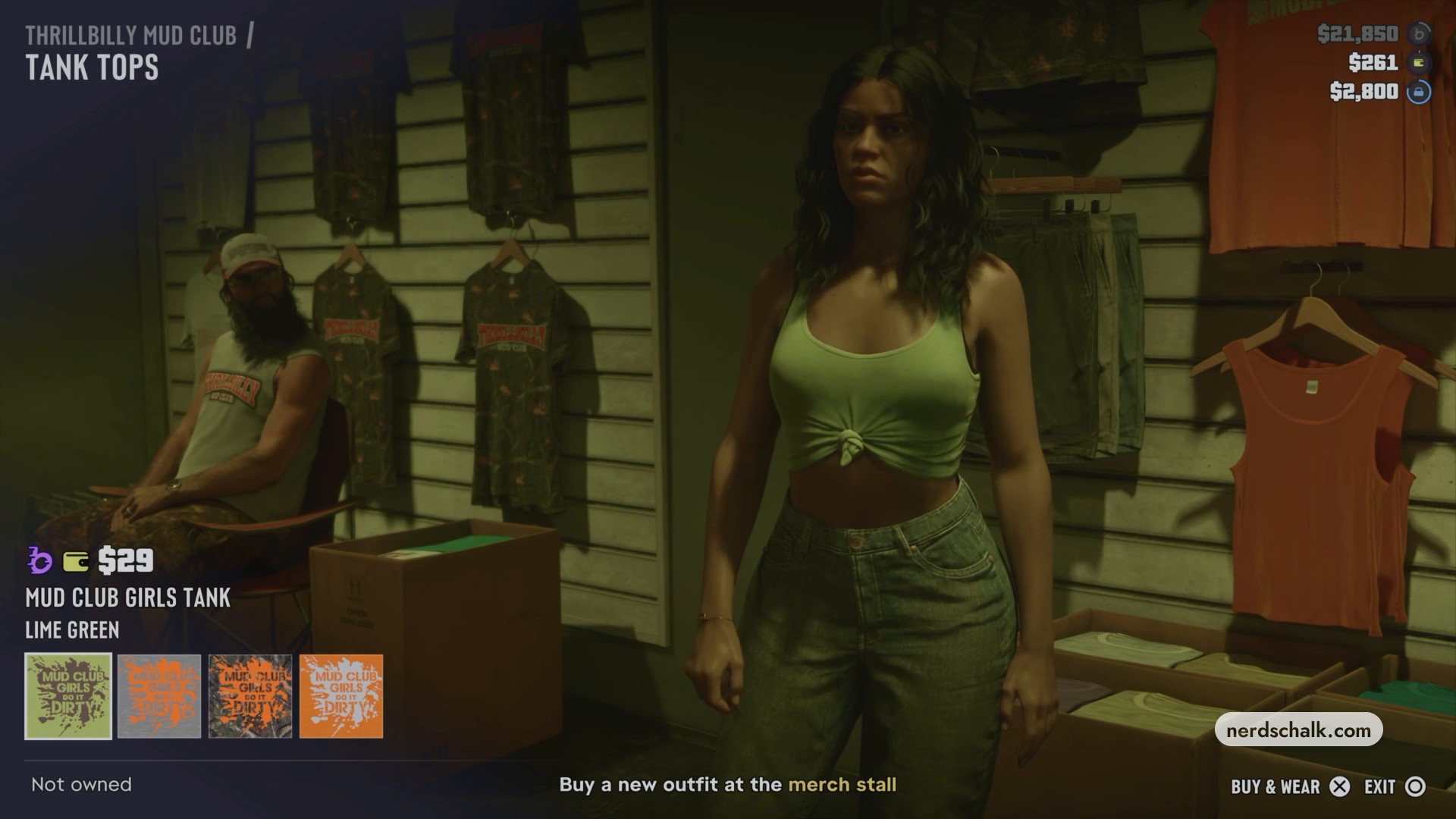
Select the Mud Club Girls Tank in Lime Green. Its preview reads Not owned; press TriangleY for BUY & WEAR to purchase and equip it on Lucia.
Inspect and buy shorts
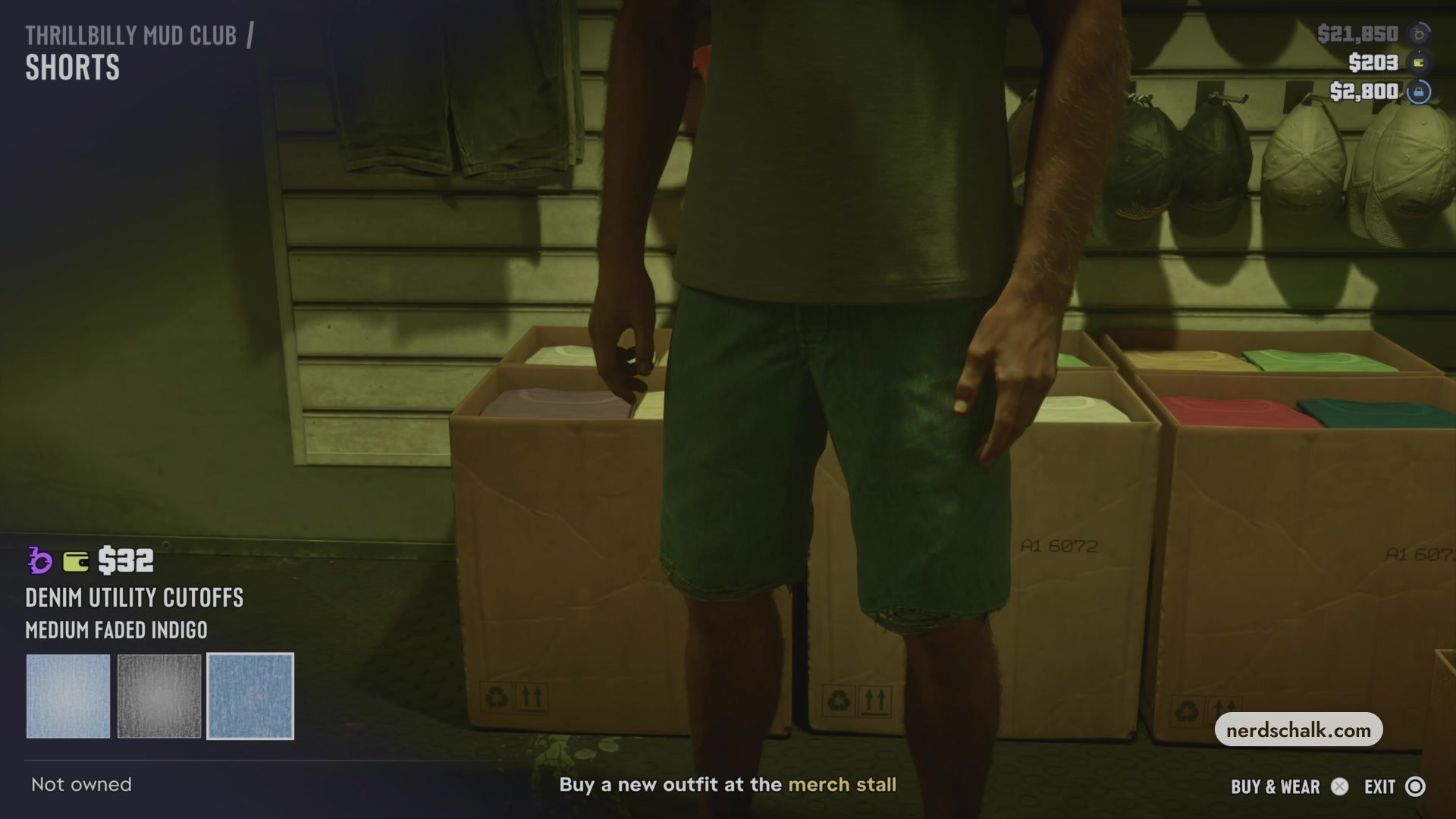
At the shorts rack, open SHORTS and choose Denim Utility Cutoffs. The pictured variants each read Not owned before purchase. Press TriangleY for BUY & WEAR to purchase your selected pair and equip it on Jason.
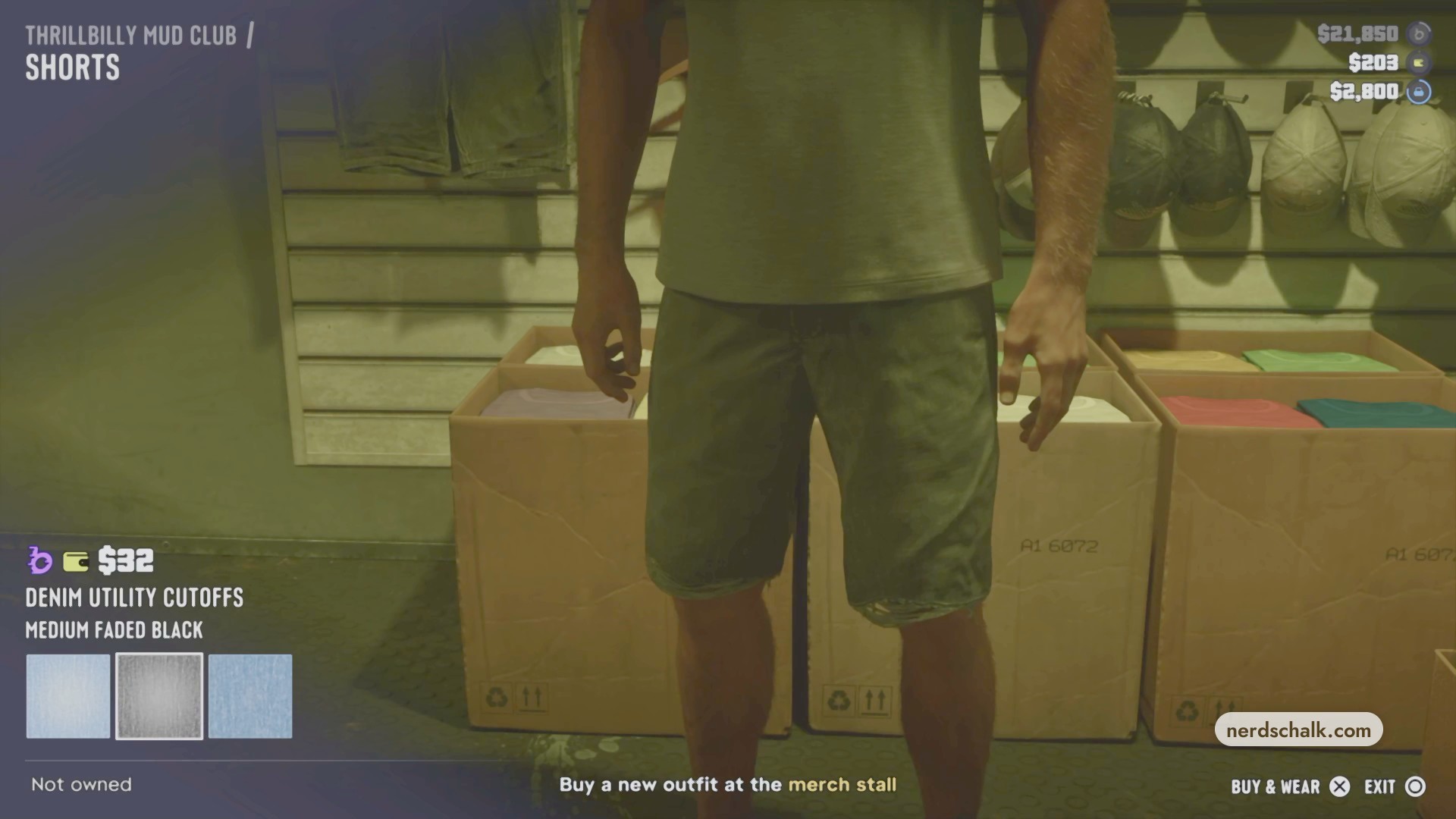
Preview another Denim Utility Cutoffs variant before choosing your pair.
Buy an additional T-shirt
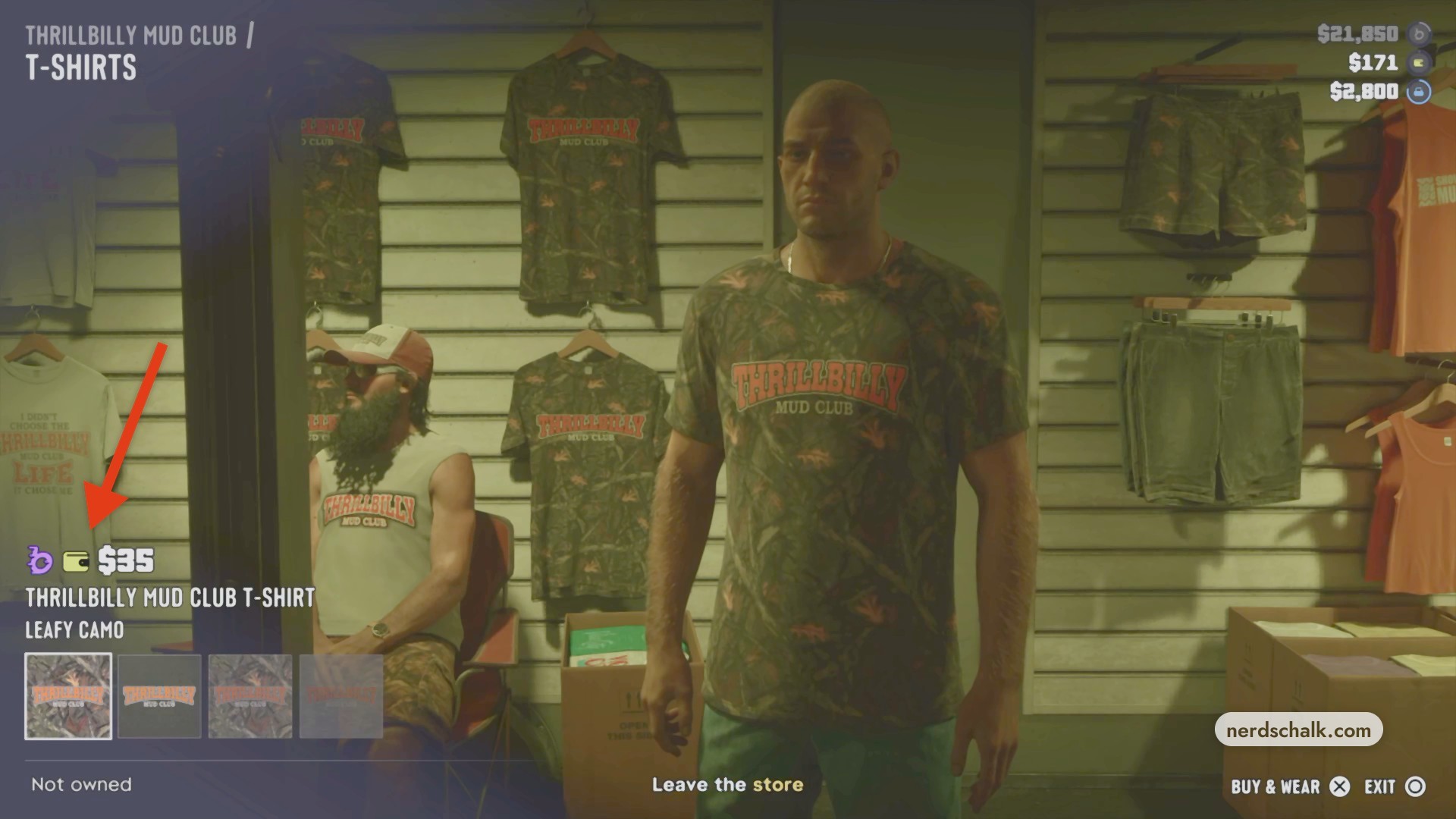
Open T-SHIRTS and select the Thrillbilly Mud Club T-Shirt in Leafy Camo to purchase it. The objective already reads Leave the store while this shirt’s preview still says Not owned.
Leave the merch stall
When Leave the store is active, walk out through the stall entrance to fulfill that objective. Lucia wears her new outfit outside the merch stall afterward.
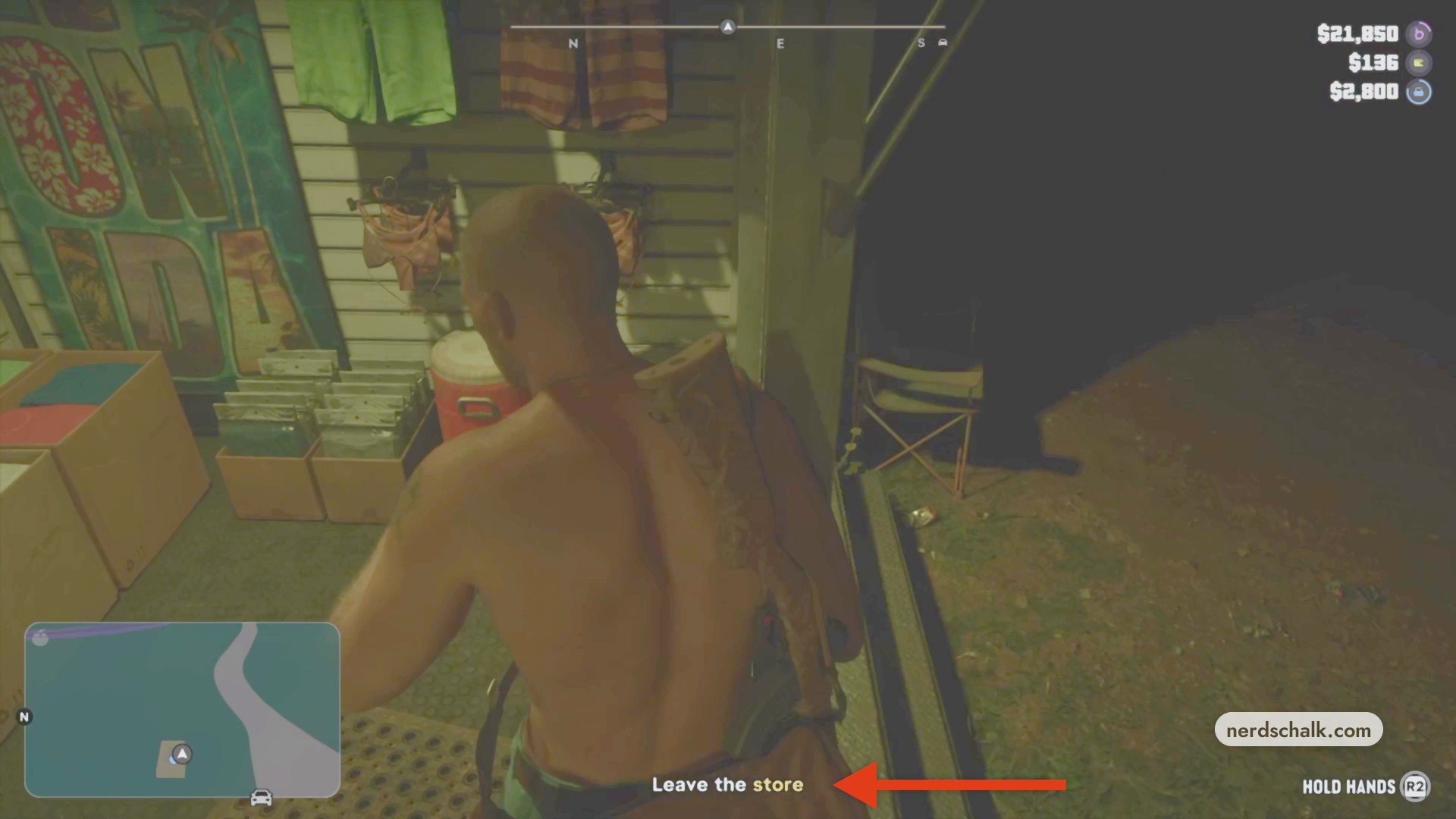
Use the HUD balance-check prompt to view your cash and BuckMe balances while browsing the stall.
What clothes and prices are at the Thrillbilly Mud Club merch stall?
| Clothing item | Variant | Price |
|---|---|---|
| Show Me Your Mudflaps Tank | Light Gray Heather Melange | $29 |
| Mud Club Girls Tank | Lime Green | $29 |
| Denim Utility Cutoffs | Medium Faded Black; Medium Faded Indigo | $32 |
| Thrillbilly Mud Club T-Shirt | Leafy Camo | $35 |
These are the clothing selections pictured at the stall. BUY & WEAR handles both the purchase and the outfit change.
Related Grand Theft Auto VI guides
Leave a Reply