
Topic
Google Drive
-
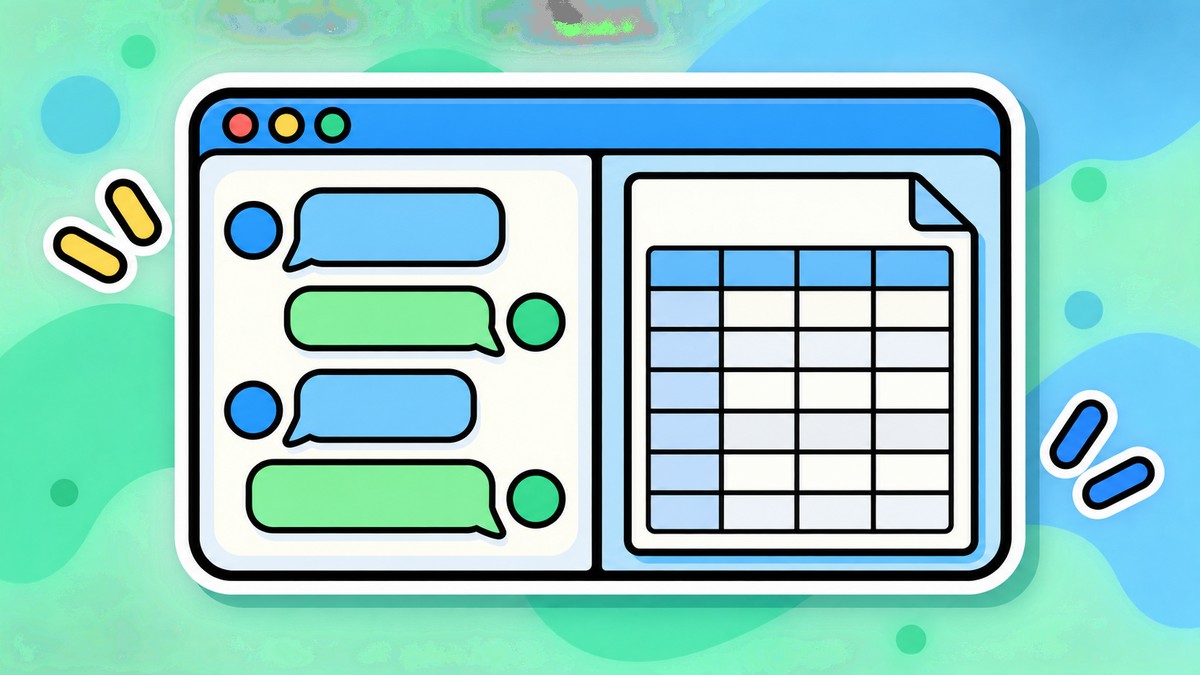
ChatGPT Can Now Open Google Docs, Sheets, and Slides Side by Side in Chat
ChatGPT can now keep a Google Doc, Sheet, or Slide open beside the conversation on the web, so a file can be read, summarized,…
-

Google Drive for Desktop Gets Major Redesign with Centralized Interface
Google Drive for desktop has rolled out a significant redesign, introducing a centralized interface that streamlines file management and enhances user experience.
-

Google Drive introduces Gemini’s new Catch me up command for quick document summaries
Google Drive adds a ‘Catch me up’ command to Gemini, letting users quickly get summaries of recent document activity and updates.
-

ChatGPT adds Google Drive and Box connectors plus meeting recording features
OpenAI’s ChatGPT now connects with Google Drive, Box and other services, while adding meeting recording capabilities to enhance productivity and information access.
-
Google Drive’s Gemini can now analyze your videos, saving you hours of watching time
Google has expanded Gemini’s capabilities in Google Drive to include video analysis, allowing users to get summaries, transcripts, and insights from video content without…
-
Snapdragon Laptops Get ARM Support in Google Drive’s New Beta Release
What to know Google Drive now works on Windows 11 devices with ARM processors through a new beta version. The beta works like the…
-
How to Use Files From Google Drive and OneDrive in ChatGPT
What to know ChatGPT lets you connect and upload files directly from Google Drive and Microsoft OneDrive. Connect your cloud service from Settings >…
-

How to Turn on Dark Mode on Google Drive
What to know Enable Dark mode on Google Drive for the web from Settings > General > Appearance. Enable Dark mode on Google Drive…
-
Our Top 6 Tips to Search Your Google Drive Files More Efficiently
What to know Google Drive allows several ways in which to search files. The fastest, most efficient ways to search files on Google Drive…
-
How to Find and Delete Whatsapp Backup on Google Drive
Starting December 2023, all your WhatsApp chat history backups will count towards your Google cloud storage quota. This policy change comes as a complete…
-

How to Transfer Your Google Drive to Another Account
What to know Personal account users do not get a native feature to transfer Google Drive from one account to another. You can move…
-
How to Annotate PDFs Using Google Drive on Android
Google Drive can help you edit files directly from its app or web client through Google Docs, Sheets, and Slides. The service offers all…
-

How to Add Google Drive, OneDrive, DropBox to Files App on iPhone
By default, the Files app on iOS will show your two storage locations – iCloud Drive and On My iPhone. When you use third-party…
-

How to Use Keyboard Shortcuts on Google Drive
Most of what you do with your Google account gets saved in your Google Drive including messages in Gmail and your Android backups as…
-

Top 3 Ways to Find or Recover Files on Google Drive
Google Drive has been at the forefront of consumer cloud storage services thanks to its attractive prices and storage offerings at each tier. If…
-
How to Access Google Drive Files Offline
What to know On the Desktop, enable the ‘Offline’ option from Google Drive Web app settings, then right-click your file and make it ‘Available…
-

How to Delete Files from Google Drive on iPhone
Google Drive lets you save up to 15 GB of data at once on your (free) account which wouldn’t take too long to fill…
-

How to Turn Off Drive Suggestions on New Tab Page on Google Chrome
Google is forever tinkering with the way its Chrome browser is set up, bringing new implementations and customization options to lace Chrome with new…
-
How to Block Someone on Google Drive and What Happens When You Do That
Separating yourself from known spammers is an important part of your online life. This requirement turns crucial when you are forced to go through…
-

What is Drive on Android?
If you just bought your first Android or have been using one for a while but with caution, you might have certainly come across…