
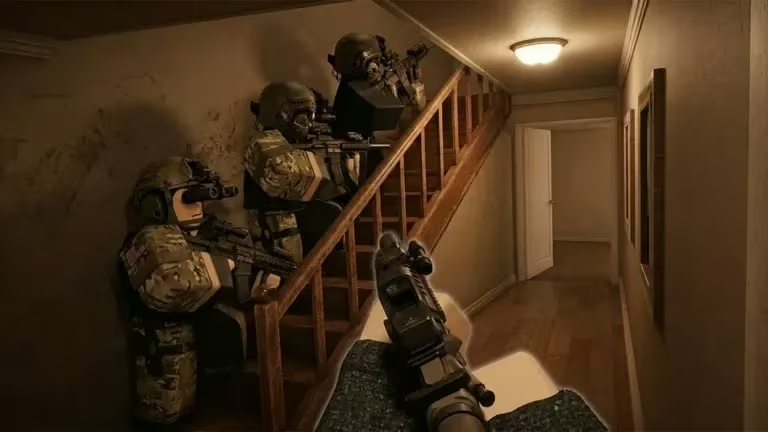
Tactical Swat Simulator is a Roblox experience built around gearing up your squad and running tactical missions, and its codes are a quick way to pad your Cash balance without grinding for it. If you’re jumping in today, redeeming a few codes before your first mission gives you a head start on gear.
Working Tactical Swat Simulator Codes
Here’s every code you can redeem right now, along with what each one pays out.
CLANS
321 Cash
New
GRENADES
123 Cash
New
HELLO
100 Cash
DIFFICULT
150 Cash
Type each code exactly as shown above, including capitalization, since the redemption box won’t accept a mismatched entry.
How to redeem codes in Tactical Swat Simulator
You don’t need any special gear or mission progress unlocked to redeem codes, the option is available to you from the moment you spawn in.
You’ll know it worked when your Cash total at the top of the shop screen updates right away. If nothing happens after you click Redeem, check the code’s spelling and capitalization and try again before assuming it’s dead.
Expired Tactical Swat Simulator codes
These codes no longer add Cash to your balance, so don’t waste time typing them in.
POWERPLANT
MUSEUM
SF
SURRENDER
How to get more Tactical Swat Simulator codes
New codes for Tactical Swat Simulator typically show up around updates, milestones, or community events, so keeping an eye on the game’s official channels is your best bet for catching them early. The developer’s Discord server is where announcements tend to land first, and the game’s Roblox community page is worth checking too. We’ll keep this page updated with fresh codes and pull expired ones as soon as we spot them.
Are Tactical Swat Simulator codes free?
Yes. Every code on this page is free to redeem, and each one simply adds Cash to your in-game balance at no cost to you.
Why didn’t my code work?
The most common cause is a typo or a case mismatch, since codes are entered exactly as written. If a code is spelled correctly and still doesn’t add Cash, it has likely expired.
Check back here whenever you’re stocking up on gear, since fresh Cash from a new code can make the difference on your next loadout.






Leave a Reply