
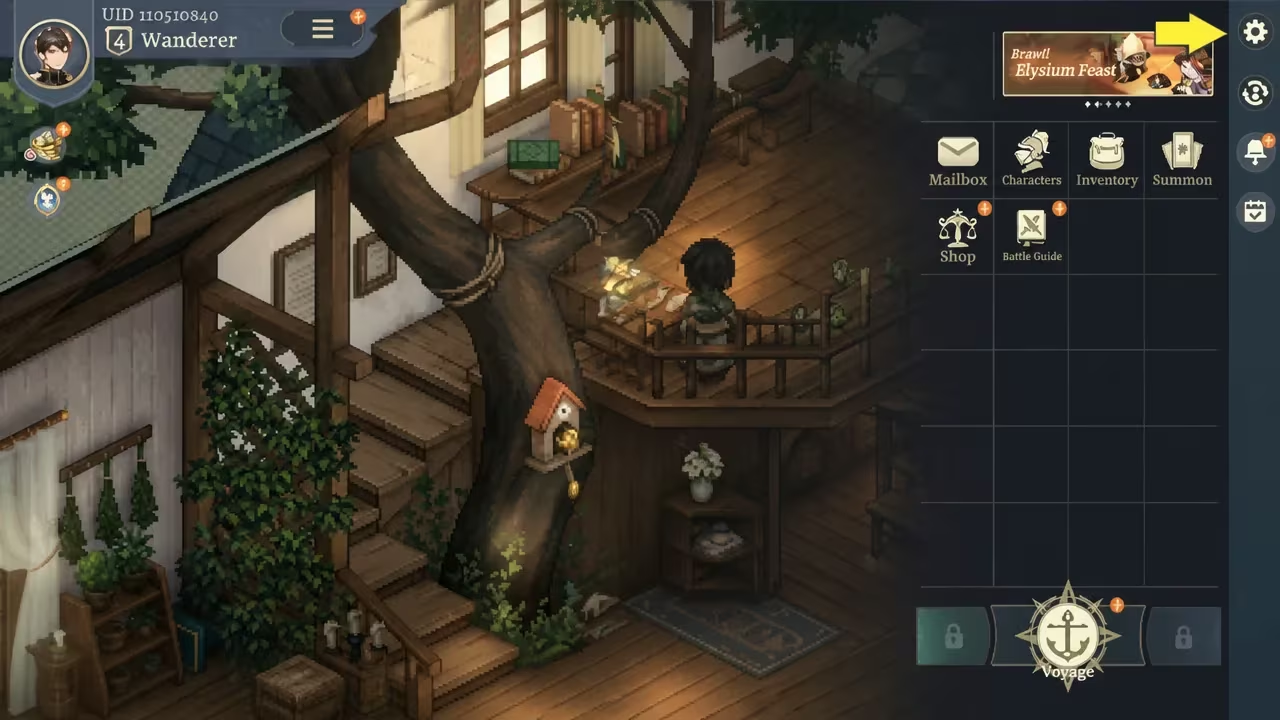
Sword of Convallaria is a tactical RPG where Luxite acts as one of the most valuable currencies, letting you pull for new heroes and gear. The developers hand out redemption codes tied to anniversaries and milestones, and each one drops free Luxite or other rewards straight into your mailbox once you enter it correctly.
Working Sword of Convallaria Codes
Here’s every code you can redeem right now, along with what it gets you.
2YEARSWITHEN
Free rewards
New
EN2NDANNIV
Free rewards
New
THANKYOU2EN
Free rewards
New
elamanEN2026
300 Luxite
New
1NHALFHBDEN
200 Luxite
New
ENFUTURE
200 Luxite
New
PEACE26EN
200 Luxite
New
SOCWITCHER3EN
200 Luxite
New
Codes are case-sensitive, so type them exactly as shown, including capital letters, or copy and paste them directly to avoid a typo that stops the redemption from going through.
How to redeem codes in Sword of Convallaria
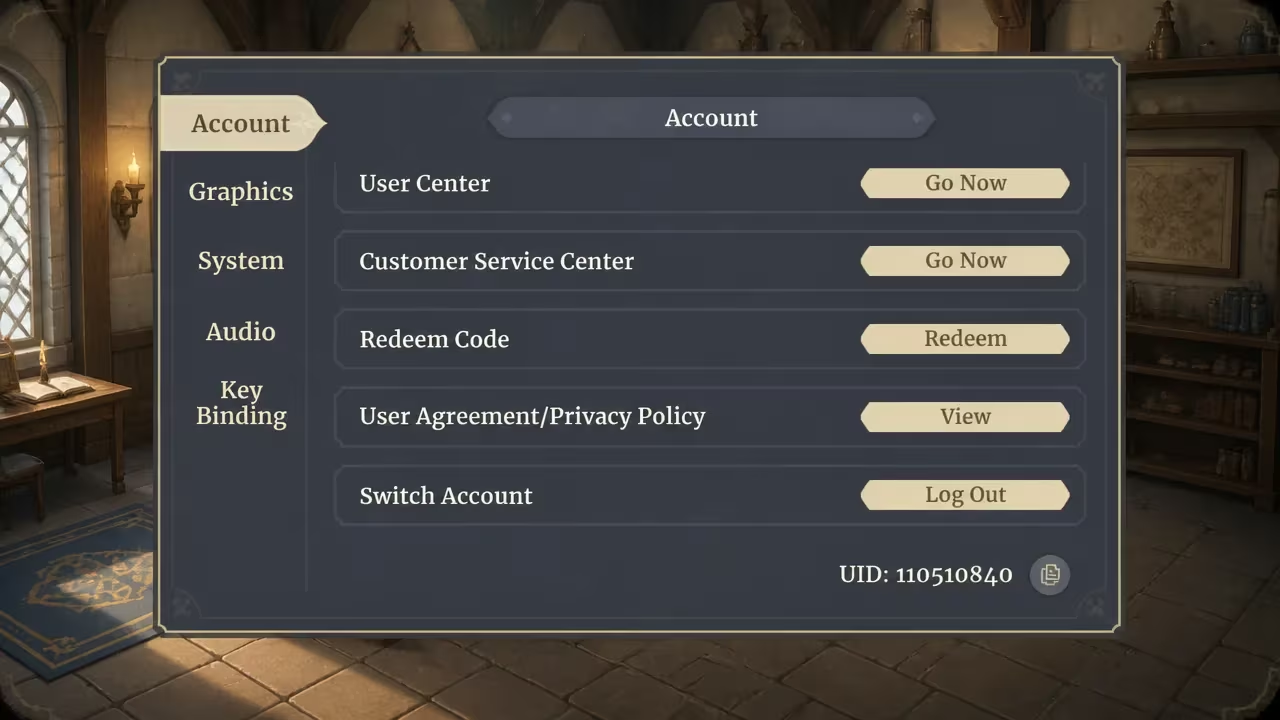
You won’t find a dedicated “codes” button floating on the main screen here. Redemption lives inside your account settings, and the game mails your rewards to you instead of applying them instantly, so you’ll need to check your inbox afterward.
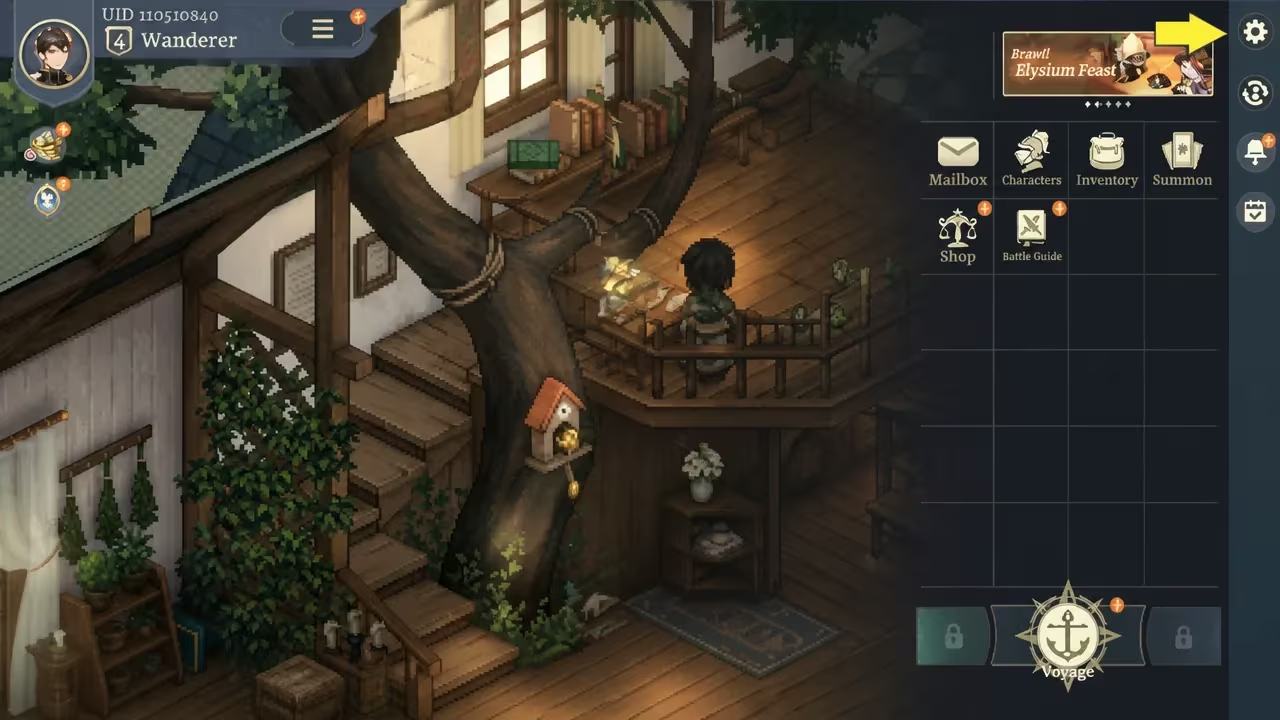
If a code doesn’t produce anything in your mailbox after redeeming, it likely means the code has already expired or was mistyped.
Expired Sword of Convallaria codes
These codes have stopped working, so don’t waste time entering them.
1STANNIVEN
FORPEACEEN
SOCDEVLOG4
ENMOONCAKE
SUPERJULY7
SOC20KDC
SOCTimaeuSS
SOCMLSTN40K
SOCENLAUNCH
SOCBRAXO
SOCCREATOR
SOCDORO
SOCUBER
SOCFORCE
SOCTACTICS
SOCTLP
SOCMTASHED
SOCSEACHEE6R
SOCSEAUP13
SOCSEABRAV27O
SOCSEAGIF82T
HOMASTREAS
24XMASEN
NIGHTCRIMSON
NEVERAPARTSOC
Dec10thGOTD
PEACE2025EN
HalfAnnivEN
MERRYXMAS24
c41bxj5v7xd8s
SOCEN100D
How to get more Sword of Convallaria codes
New codes tend to show up around anniversaries, major content updates, and other milestone celebrations, so don’t expect a fresh batch every week. Your best bet for catching them early is joining the game’s official Discord server, where the team posts codes alongside other announcements. Checking back here regularly also works, since we keep this list updated as new codes go live and remove ones that stop working.
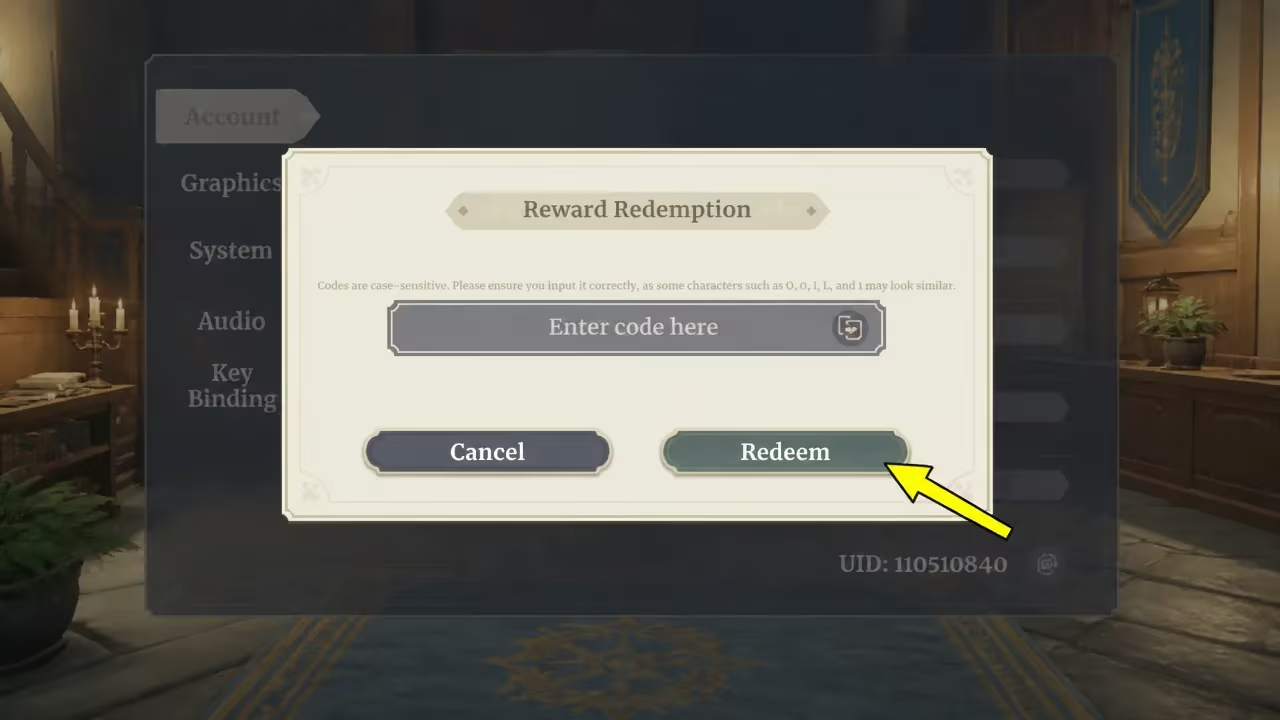
Why didn’t my code work?
The most common reasons are a typo in the code or trying one that’s already expired. Double-check the spelling and capitalization against the list above, and remember that rewards land in your mailbox rather than applying instantly, so give it a moment before assuming it failed.
Redeem the working codes while they’re still active, since Luxite and free rewards from these promotions don’t come around often outside of anniversary events.






Leave a Reply