
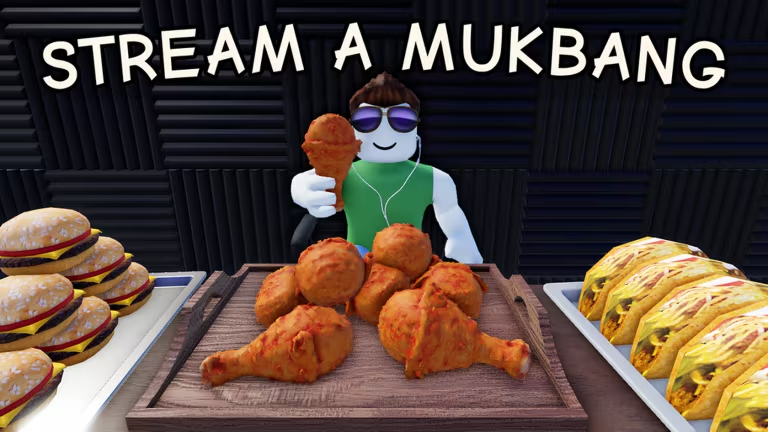
Stream a Mukbang puts you behind the camera as a food streamer on Roblox, and the developer hands out codes that pad your Cash balance and drop free food items straight into your inventory. Here’s every code that’s redeemable right now, plus the exact steps to cash them in.
Working Stream a Mukbang codes
Type these in exactly as shown, since a stray space or wrong capital letter will stop them from working.
10MILLION
67,000 Cash and five food items
New
1MILLION
50,000 Cash, a chocolate cake, a supreme pizza, and a birria taco
RELEASE
1,000 Cash
How to redeem codes in Stream a Mukbang
You won’t find a redemption page on the web for this one. Codes only work from inside the game itself, so you’ll need to load in before you can claim anything.
You’ll know a code worked the moment your Cash counter jumps and the reward pop-up confirms it. If nothing happens after clicking Redeem, double-check your spelling before assuming the code is dead.
Expired Stream a Mukbang codes
This code no longer gives out its reward, so don’t waste a redemption attempt on it.
FREEFOOD
Previously gave a Chicken reward
How to get more Stream a Mukbang codes
New codes tend to show up around Cash milestones and other in-game celebrations, so keep an eye on your Cash total as it climbs. The developer’s official Discord server is where announcements land first, and joining it is the fastest way to catch a fresh code before it goes stale. You can also check back here, since we regularly check for new codes and update this list once we confirm them.
If you haven’t tried the game yet, you can jump into Stream a Mukbang on Roblox and start redeeming codes as soon as you load in.
Why didn’t my code work?
The most common reason is a typo, since codes are case-sensitive and won’t register if a letter is capitalized differently than shown. The other reason is that the code has simply expired, like FREEFOOD, and no longer holds a reward.
Grab the working codes now while they’re still active, since Cash and free food items don’t cost you anything but a few seconds of typing.






Leave a Reply