


Choose a garage in Storage Hunters, press E at Start Auction, and click the button when it reaches the green bar.
Garage auctions in Storage Hunters put you up against other players bidding on items. Finding the auction prompt gets you started, but placing your bids comes down to timing.
The Mines and Shipyard each list a net worth requirement. This guide covers those requirements, the bidding controls, and recovering items left behind.
What net worth do The Mines and Shipyard require in Storage Hunters?
| Location | Net worth required |
|---|---|
| The Mines | $30,000 |
| Shipyard | $125,000 |
How to bid in an auction in Storage Hunters
STEP 1/6
17%
Choose a garage
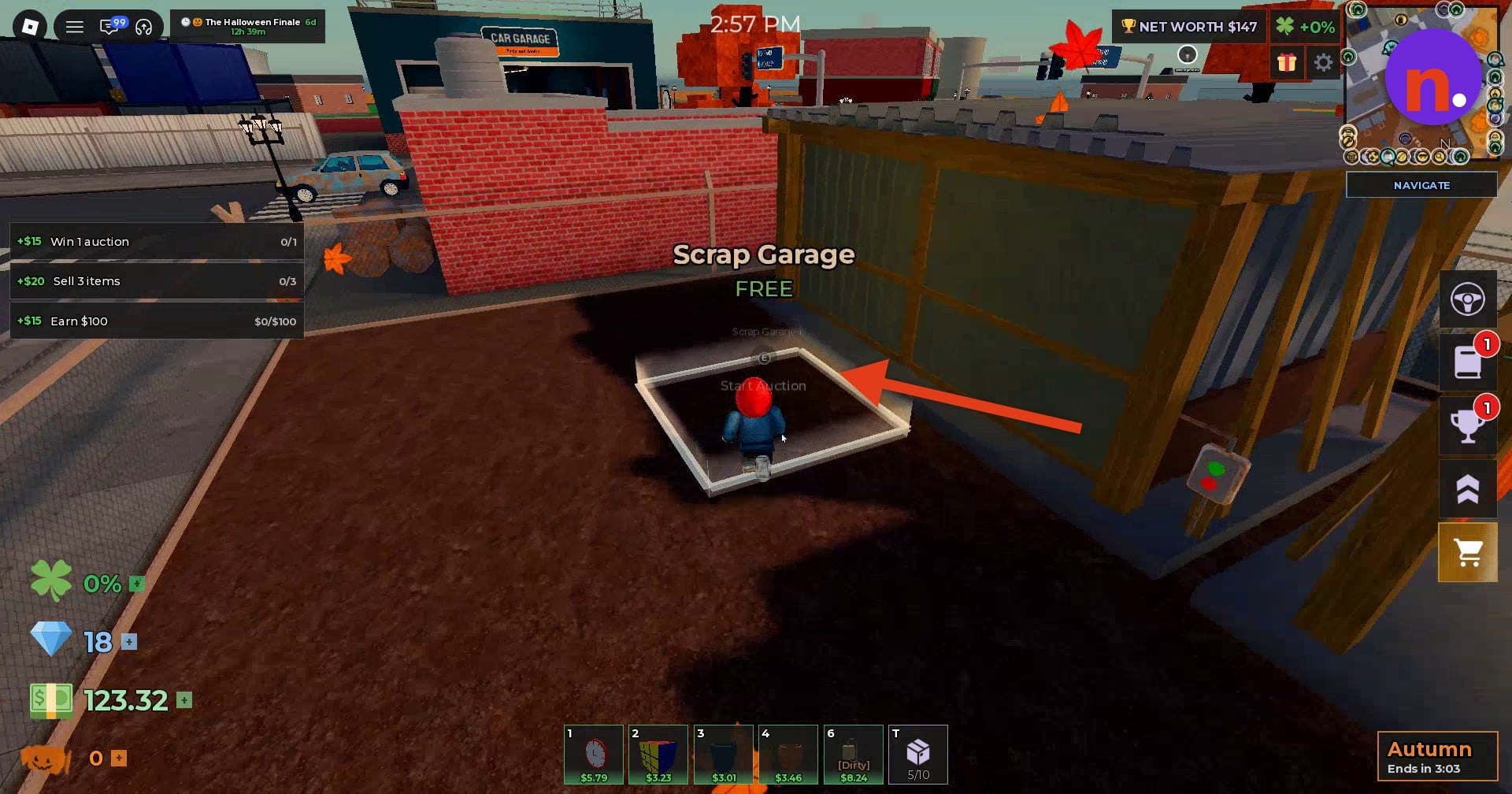
Select the garage where you want to bid. At Scrap Garage, look for the identifier Scrap Garage 1 and the FREE label.
STEP 2/6
33%
Start the auction
Stand on the Scrap Garage interaction pad and press E when the Start Auction prompt appears.
STEP 3/6
50%
Wait for the countdown
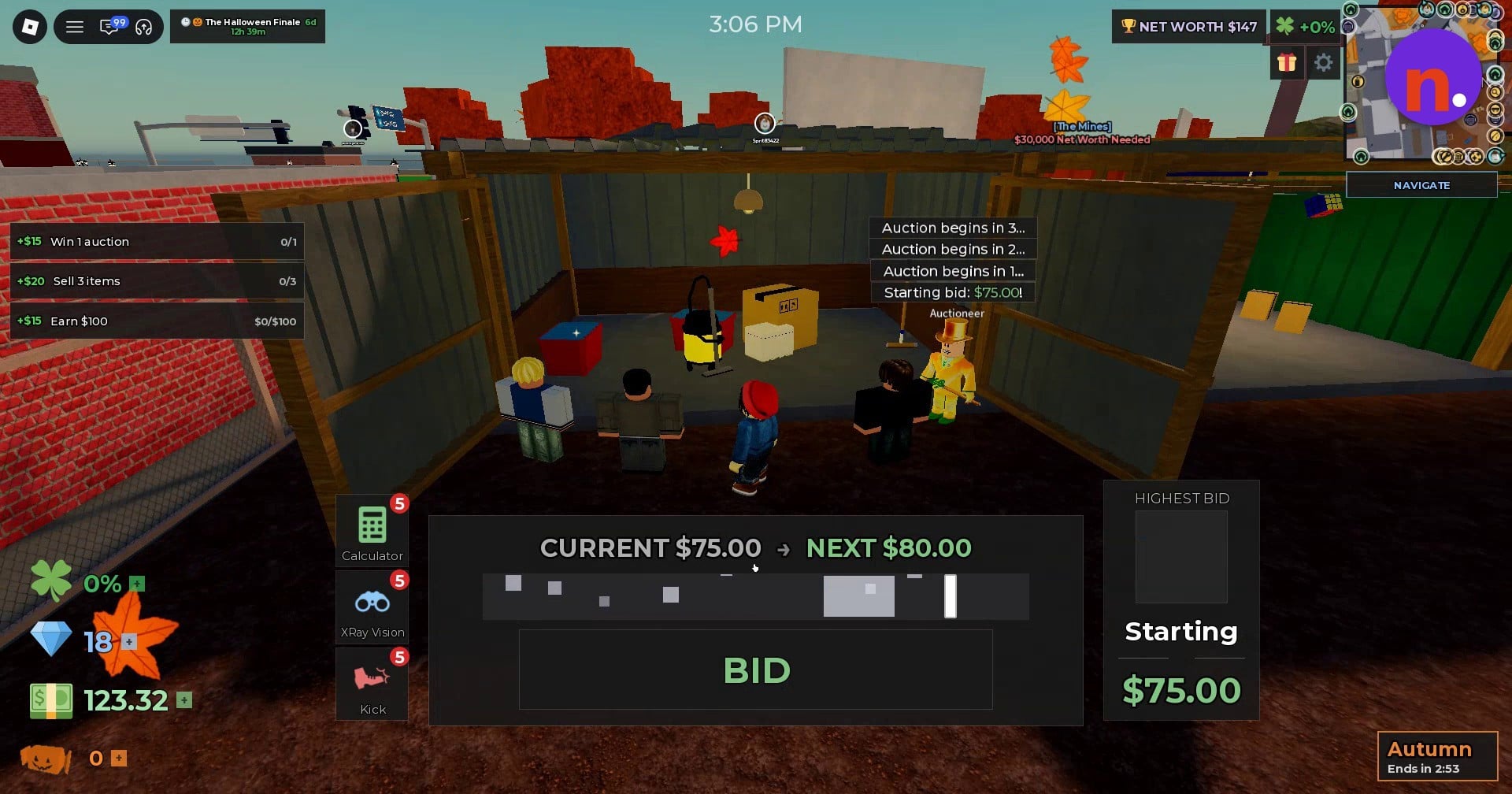
The auction counts down through 3, 2, 1 before bidding begins.
STEP 4/6
67%
Read the bidding display
The interface displays Starting bid: $75.00, CURRENT $75.00 and NEXT $80.00, and includes a HIGHEST BID field.
STEP 5/6
83%
Time your bid
Click the button as it reaches the green bar. The interface also has a control labeled BID.
STEP 6/6
100%
Recognize a win
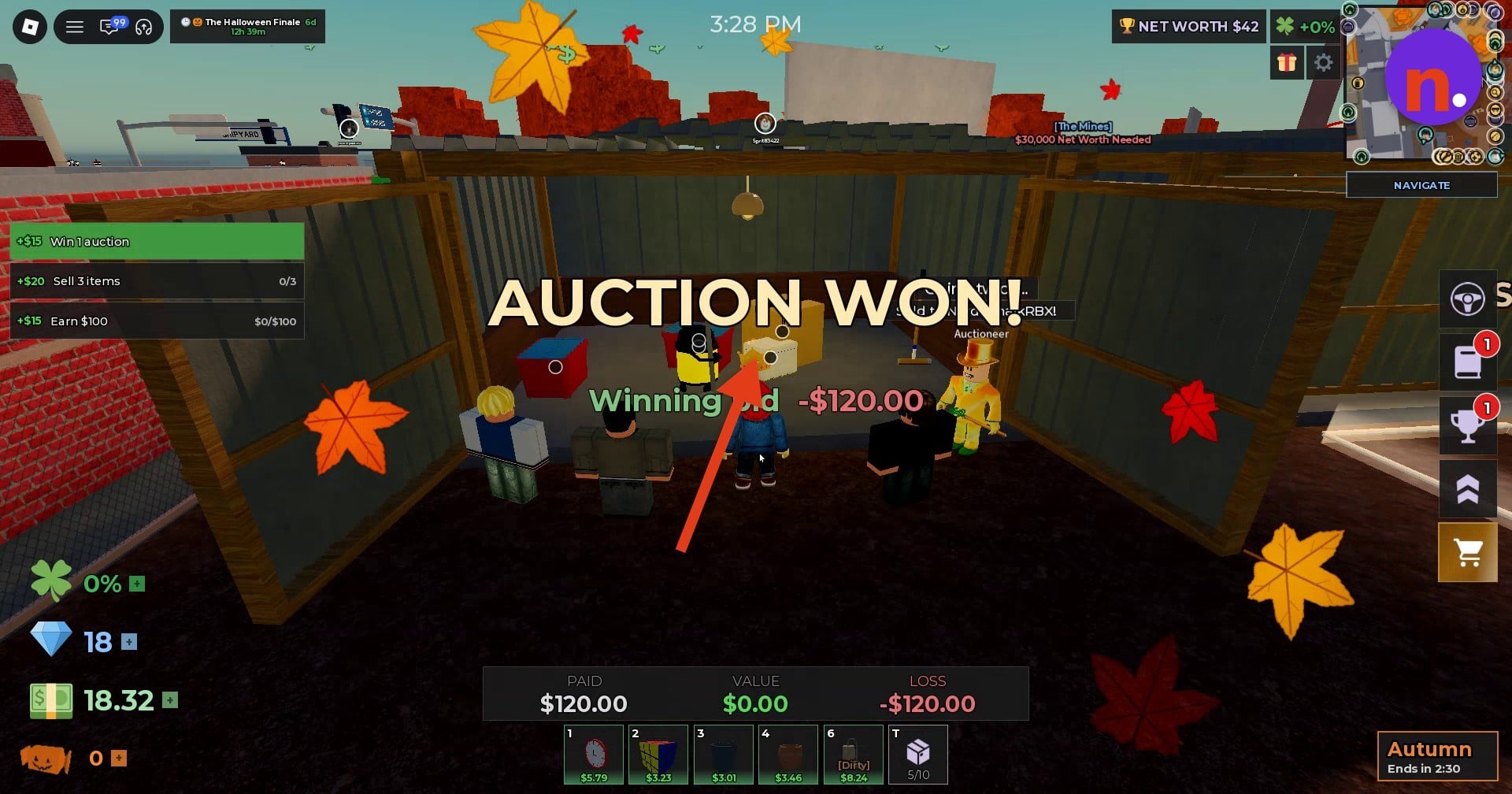
Look for AUCTION WON! to know you’ve won the auction.
The bidding display includes CURRENT, NEXT, and HIGHEST BID.
A win displays AUCTION WON!.
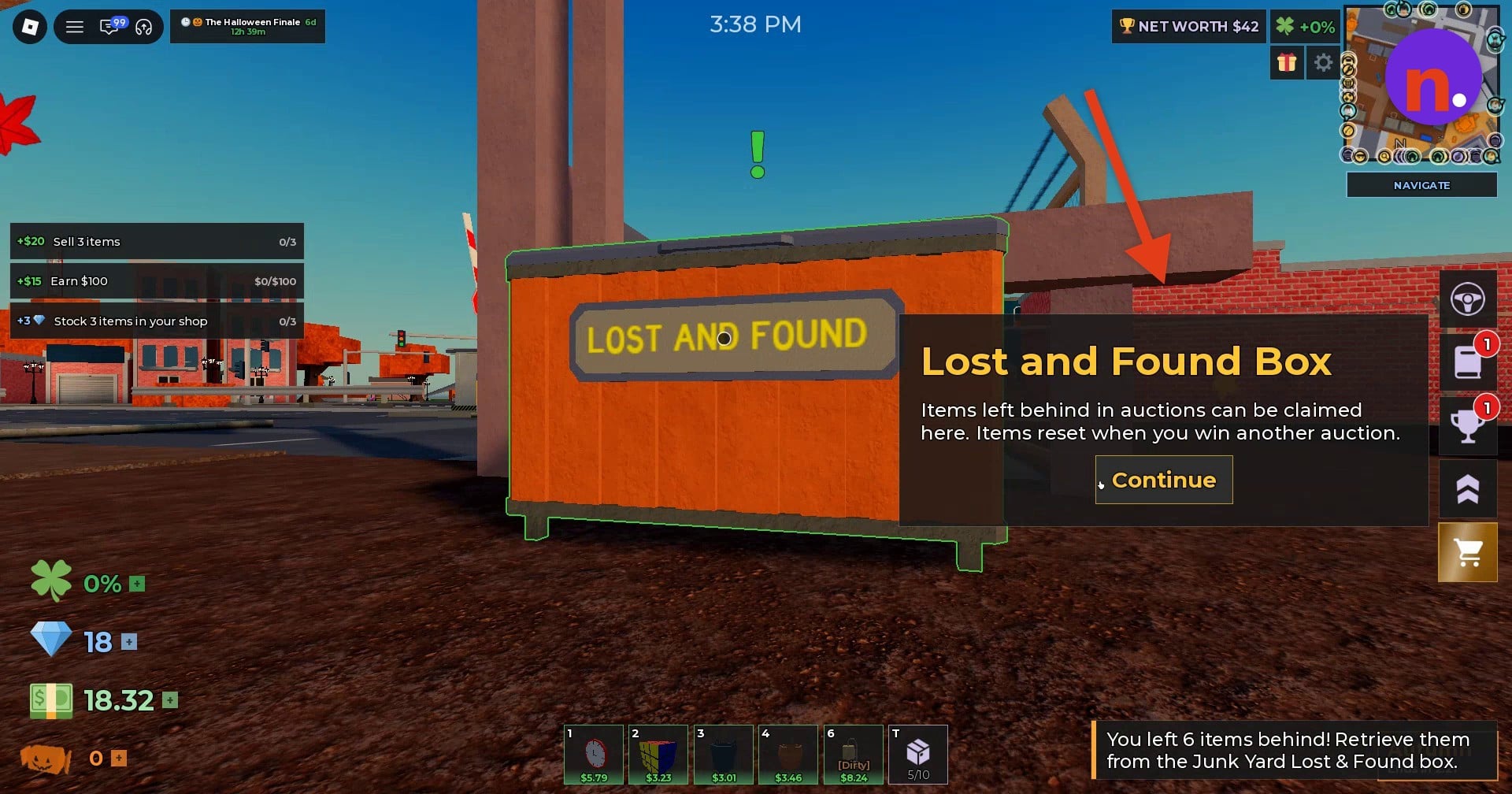
Where do items left behind after an auction go in Storage Hunters?
You can claim abandoned auction items from the Junk Yard Lost & Found box. Look for the large orange dumpster, the visible landmark beside the Lost and Found Box information.
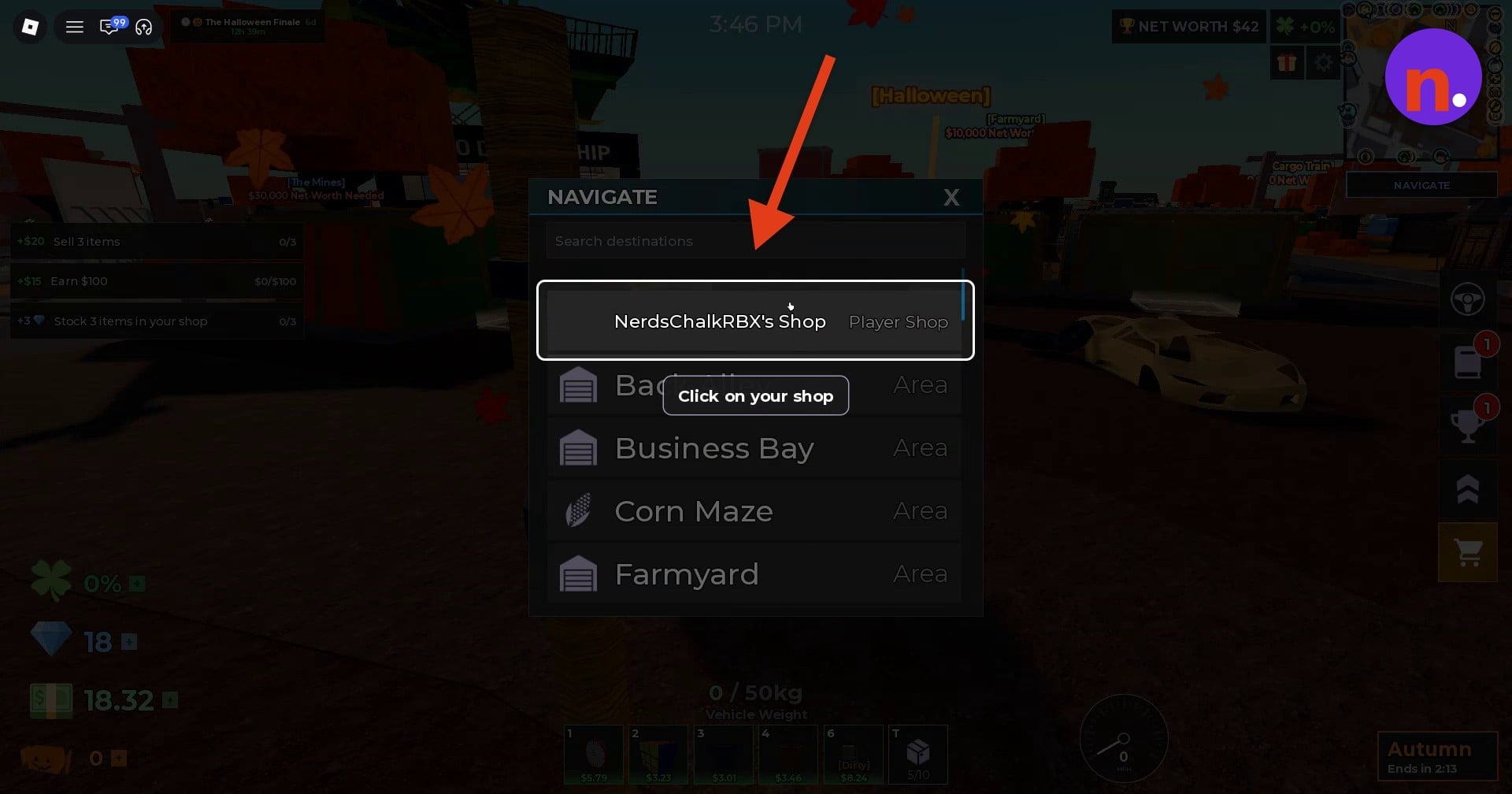
With your auction items collected, select your shop, labeled Player Shop, in the navigation menu. Follow the navigation arrows to reach it.
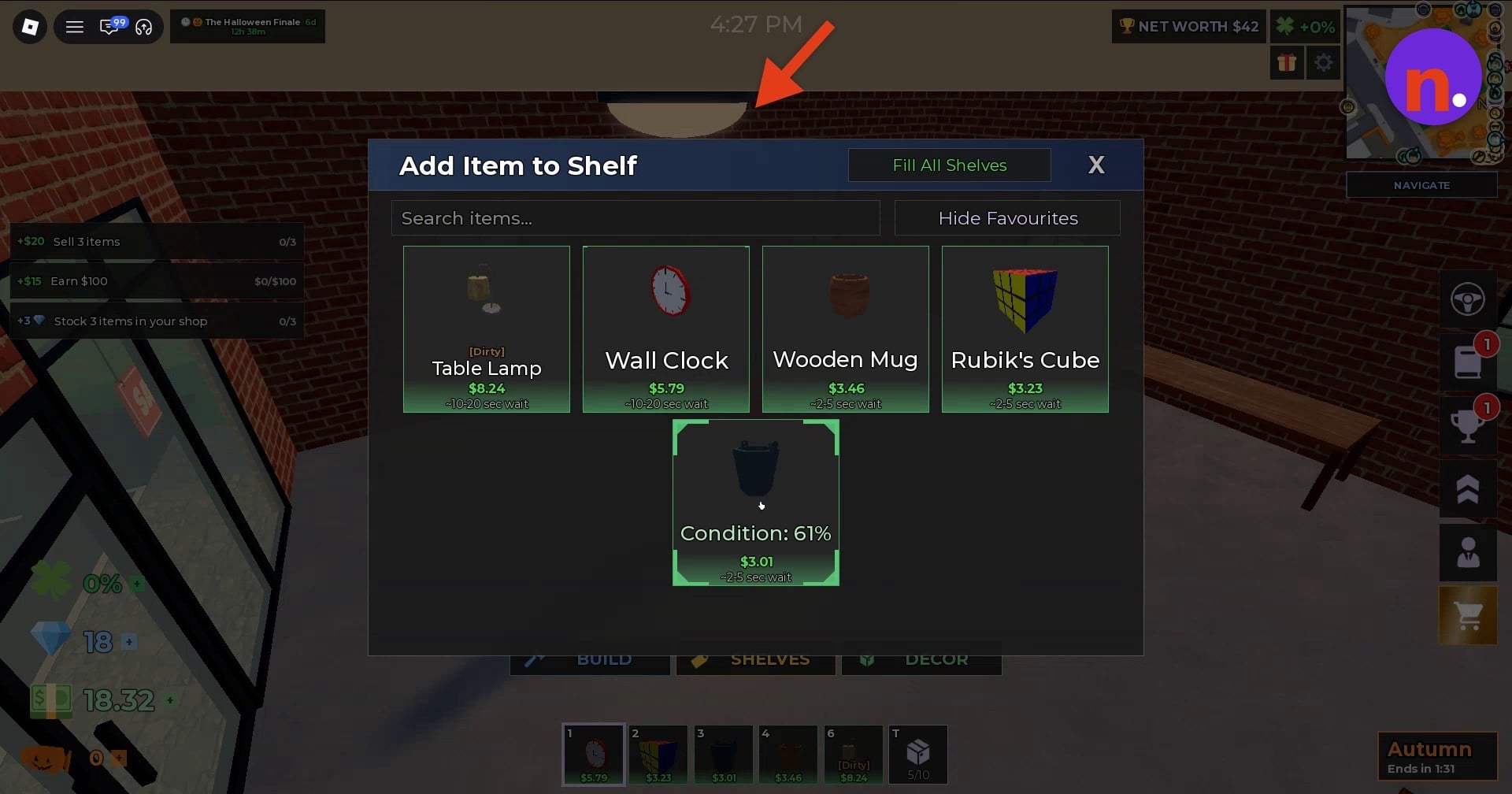
At the shop, place your items on shelves through Add Item to Shelf. This puts your auction finds on display for customers.
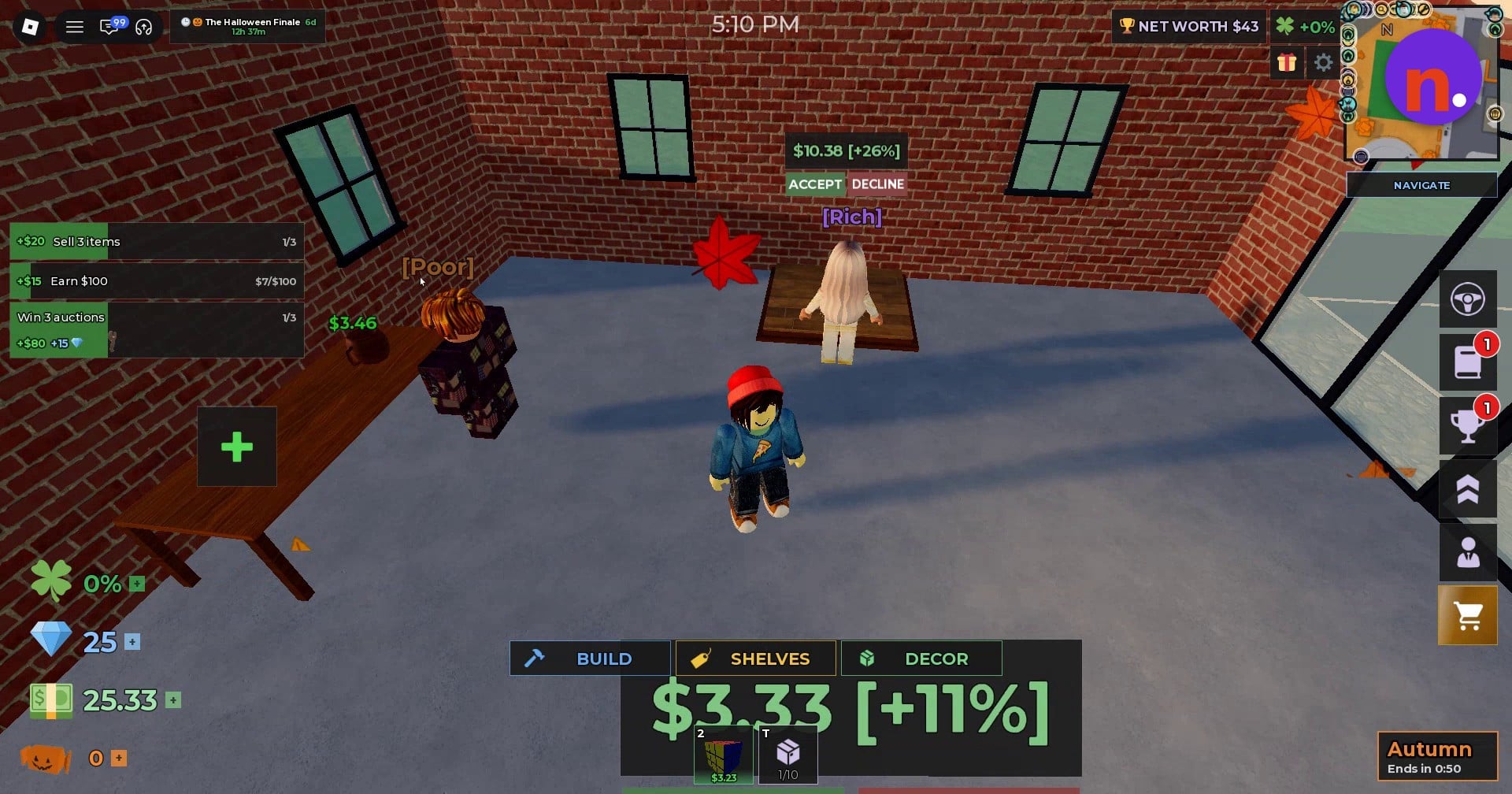
When shoppers make offers on displayed items, choose ACCEPT to sell them. That takes your auction haul through to a shop sale.
Related Storage Hunters guides




Leave a Reply