
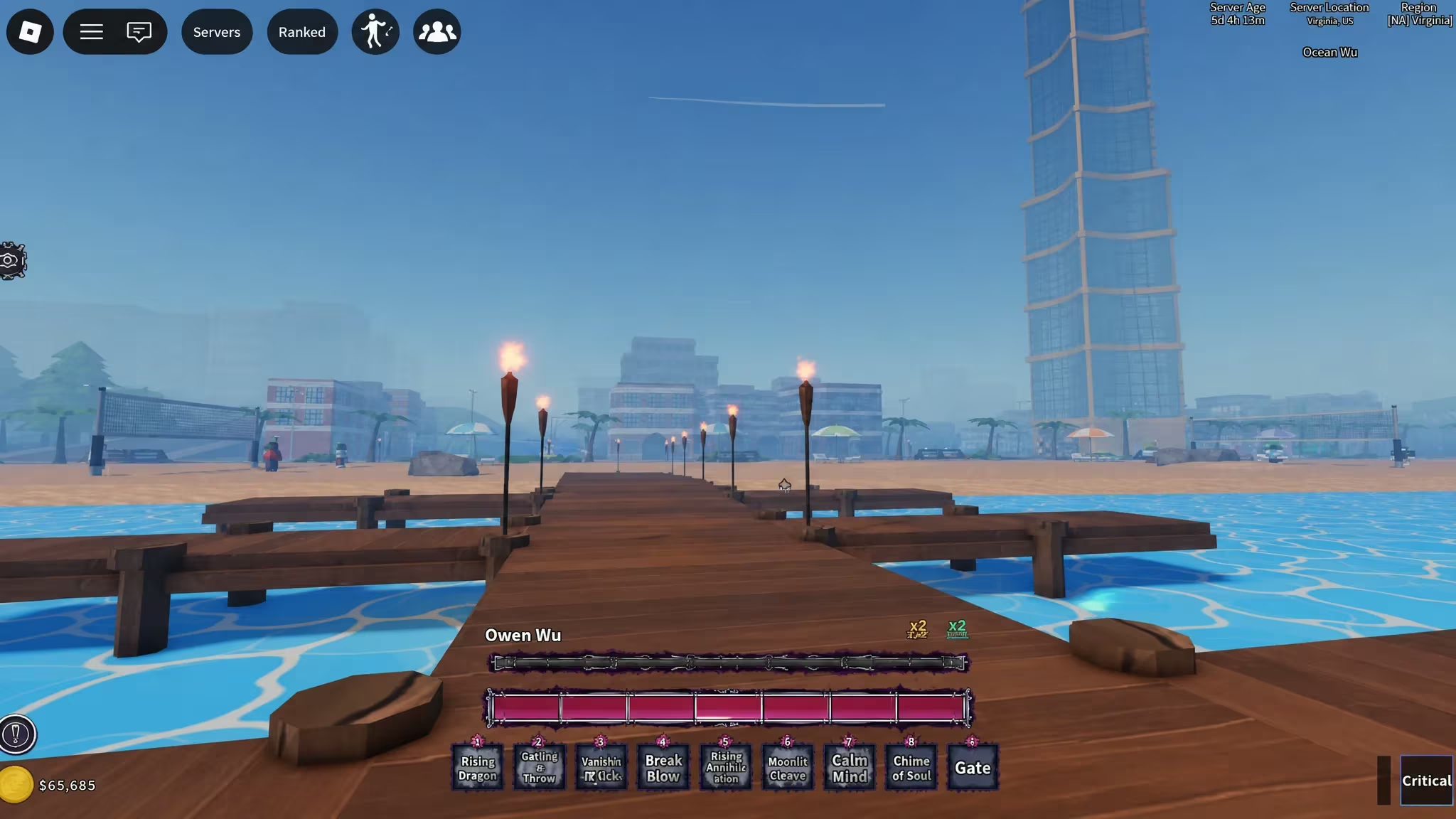
STARVERSE is a Roblox experience where you can punch in codes for free in-game currency and reroll items, including Money Bags, Star Fragments, and various Reroll Essence types. Here’s every code you can redeem right now, plus the exact steps to claim them.
Working STARVERSE Codes
These codes are confirmed active, so redeem them soon since codes like these tend to get shut off without warning.
BLACKBEARDJOESTAR
1x StarSphere, 4x Reroll Essence
New
JOSEPHDTEACH
1x Mode Reroll Essence, 2x Clan Reroll Essence
New
TREASUREOHMY
5x Star Fragment
New
SHUTDOWN7
2x Money Bag, 2x Clan Reroll Essence, 2x Star Fragment
SHUTDOWN6
2x Money Bag, 2x Clan Reroll Essence, 2x Star Fragment
SHUTDOWN5
2x Money Bag, 2x Clan Reroll Essence, 2x Star Fragment
SHUTDOWN4
2x Money Bag, 2x Clan Reroll Essence, 2x Star Fragment
SHUTDOWN3
2x Money Bag, 2x Clan Reroll Essence, 2x Star Fragment
SHUTDOWN2
2x Money Bag, 2x Clan Reroll Essence, 2x Star Fragment
SHUTDOWN1
2x Money Bag, 2x Clan Reroll Essence, 2x Star Fragment
STARVERSE
2x Race Reroll
RELEASE
5x Clan Roll Essence
How to redeem codes in STARVERSE
STARVERSE doesn’t hide its code box in a plain settings menu. You’ll need to talk to an NPC called A Greedy Merchant inside the game, so follow these steps in order.
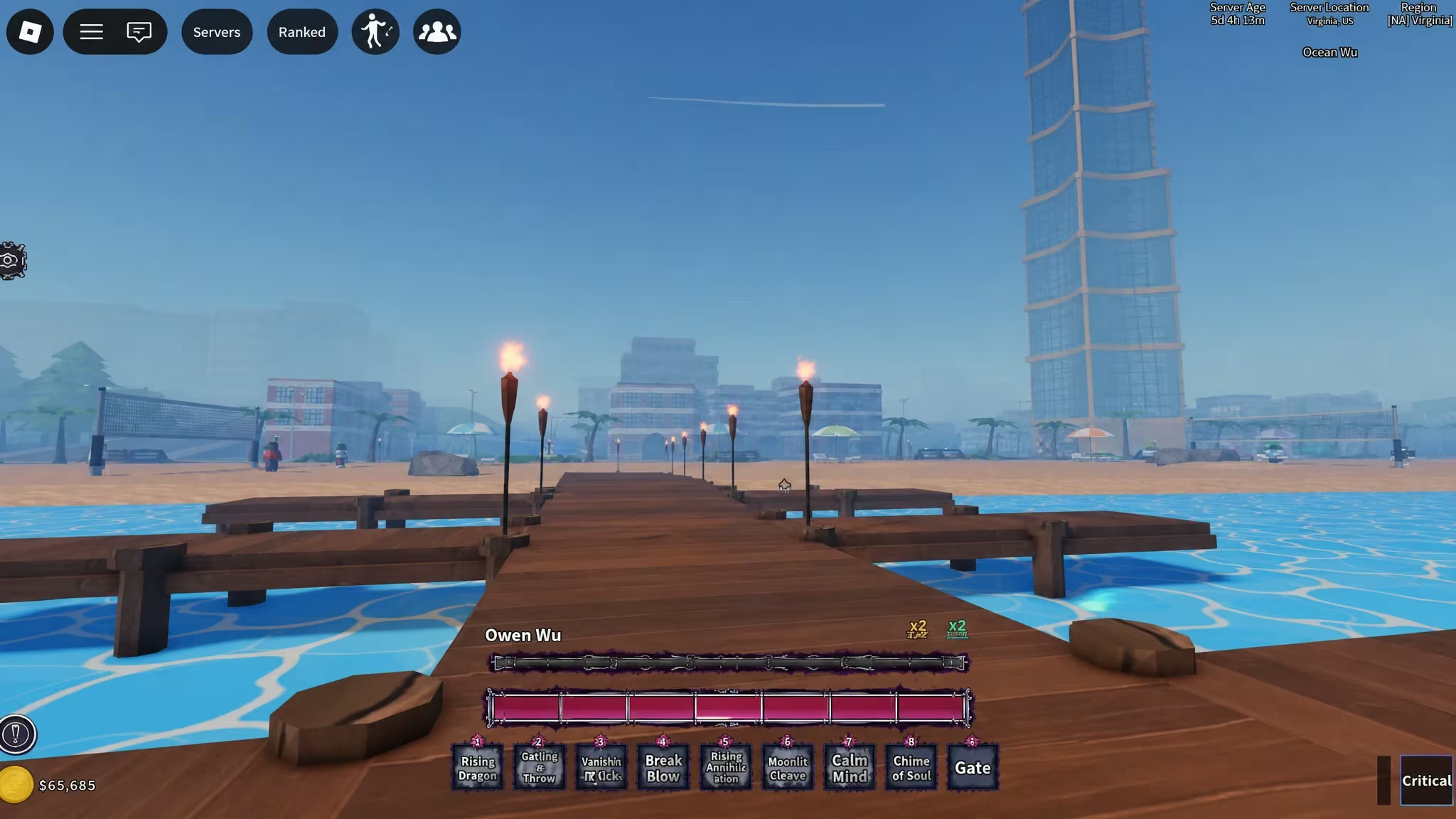
You’ll know a code worked when your Money Bags, Star Fragments, or Reroll Essence balance updates right after you press Enter. If nothing changes, double-check your capitalization and spacing before trying again.
Expired STARVERSE codes
These no longer work, so don’t waste time typing them into the Codes box.
DAY1
FIRSTTEST
MEOW
CHUNGUS
TEST
How to get more STARVERSE codes
New codes usually show up around updates, shutdown events, or milestones, so keep an eye on the game’s official channels rather than guessing at random codes. The official STARVERSE Discord server is where announcements tend to land first, and the Porpoise Lagoon Roblox group page is also worth checking periodically for any pinned updates.
Why didn’t my code work?
Codes are case-sensitive, so a stray capital letter or extra space will stop them from registering. Retype the code carefully into the Codes section of the merchant’s Settings menu, and if it’s on the expired list above, it simply won’t redeem anymore.
Check back on this list from time to time and redeem anything new before it gets pulled.






Leave a Reply