

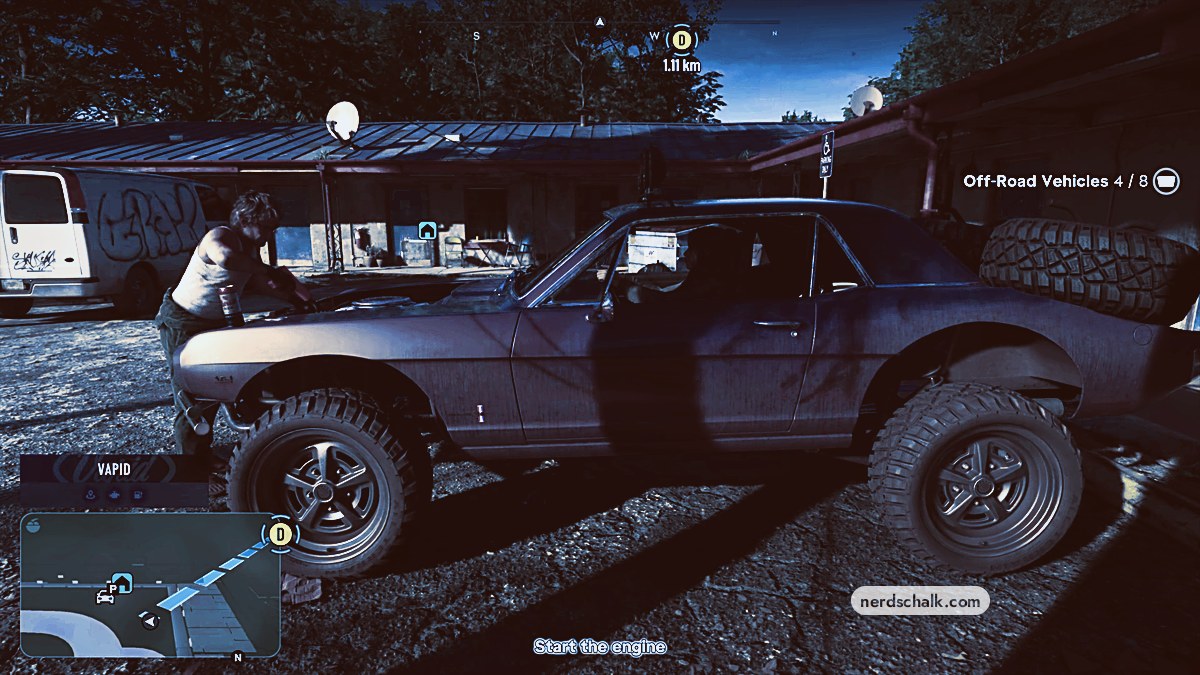
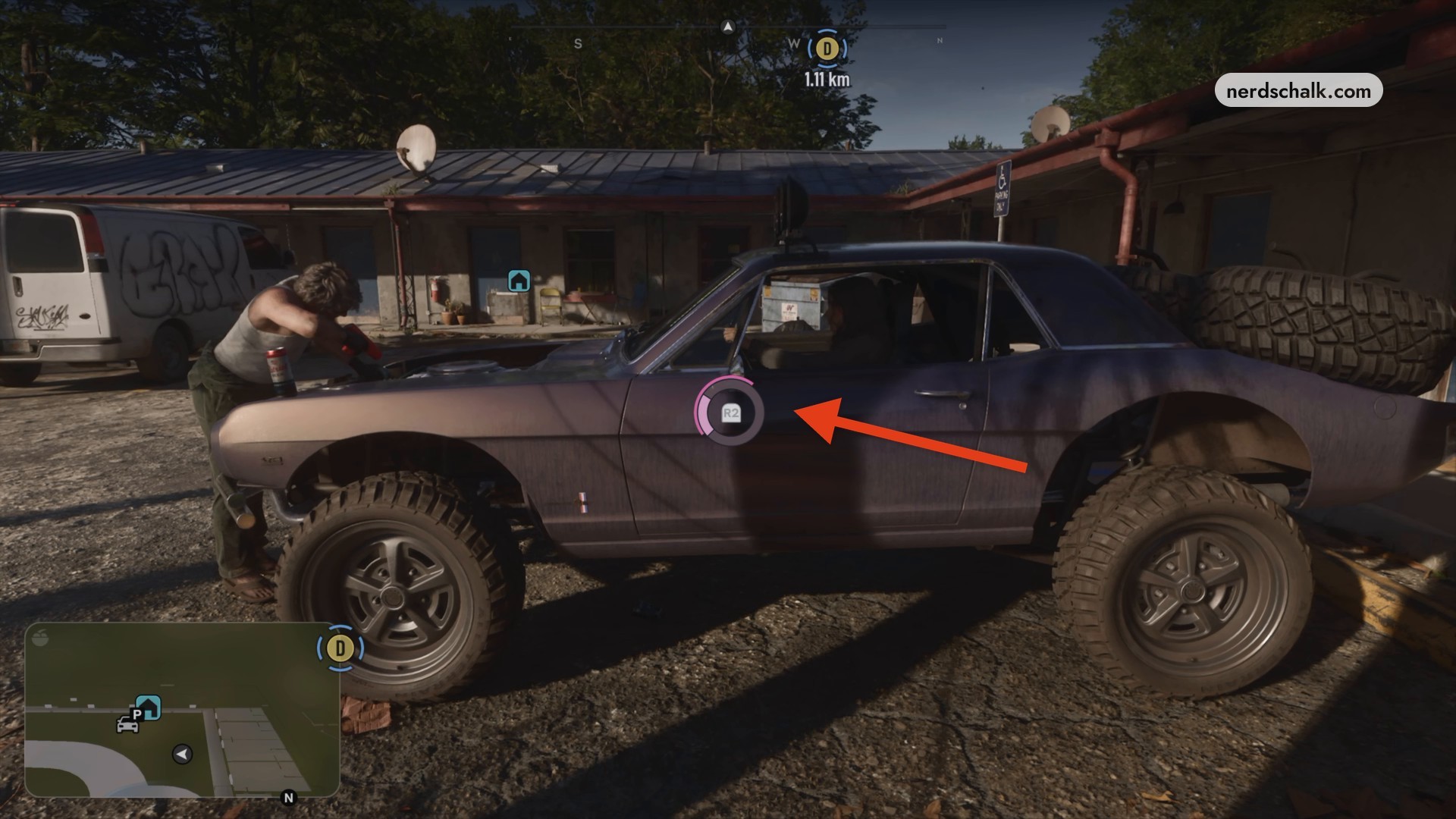
To start Wyman’s car, agree to help him, take the driver’s seat, and press R2 when the engine-start prompt appears.
Wyman’s request in Grand Theft Auto VI is a vehicle-tuning interaction that takes you across a parking lot to his car. The game’s platforms are PlayStation 5 and Xbox Series X|S. This guide covers starting the engine and completing the throttle tests that follow.
Follow Wyman’s timing cues as you adjust R2; his directions set the pace for the tuning checks.
How to start the engine and complete Wyman’s tuning test in Grand Theft Auto VI
Agree to help Wyman
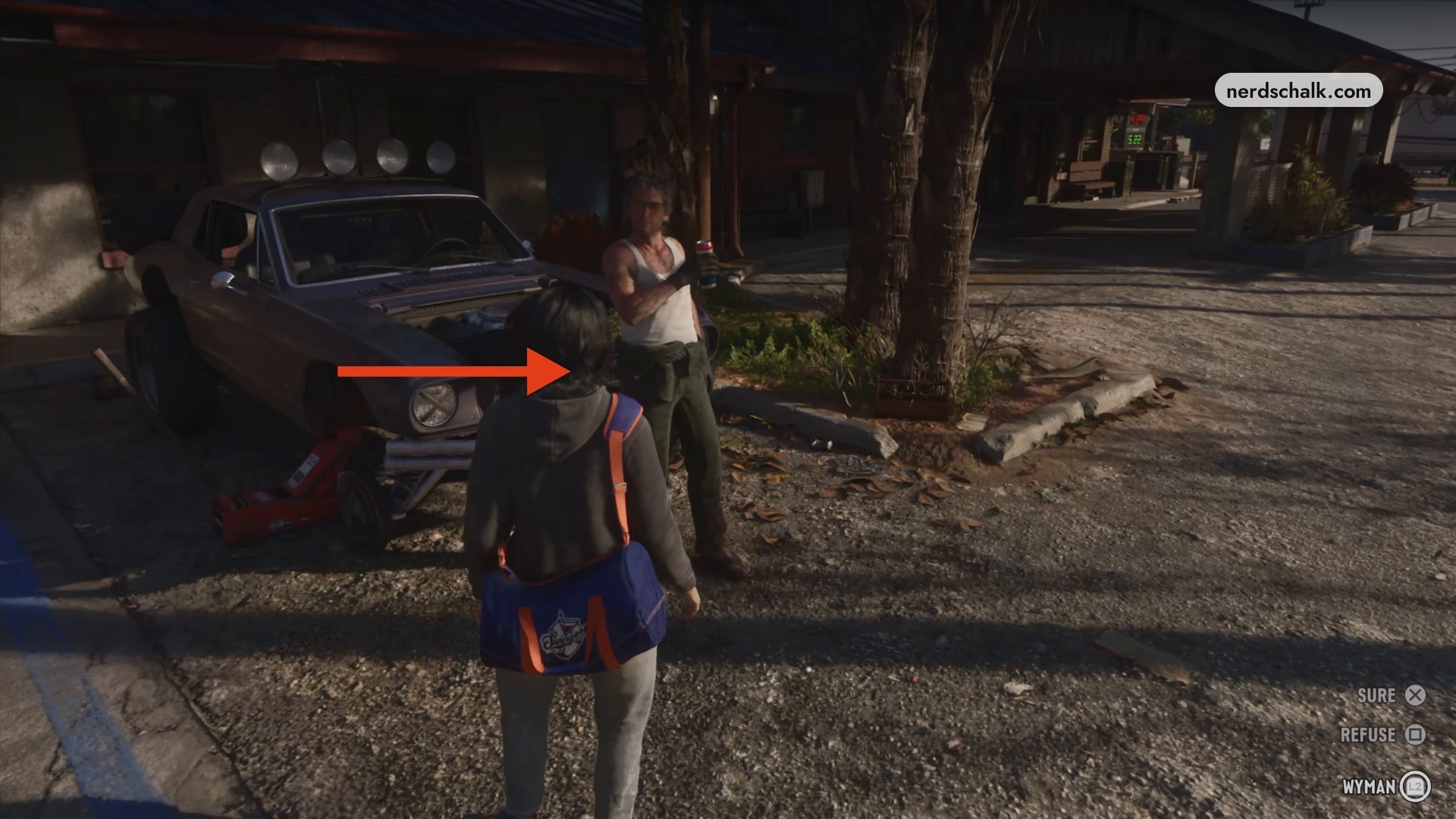
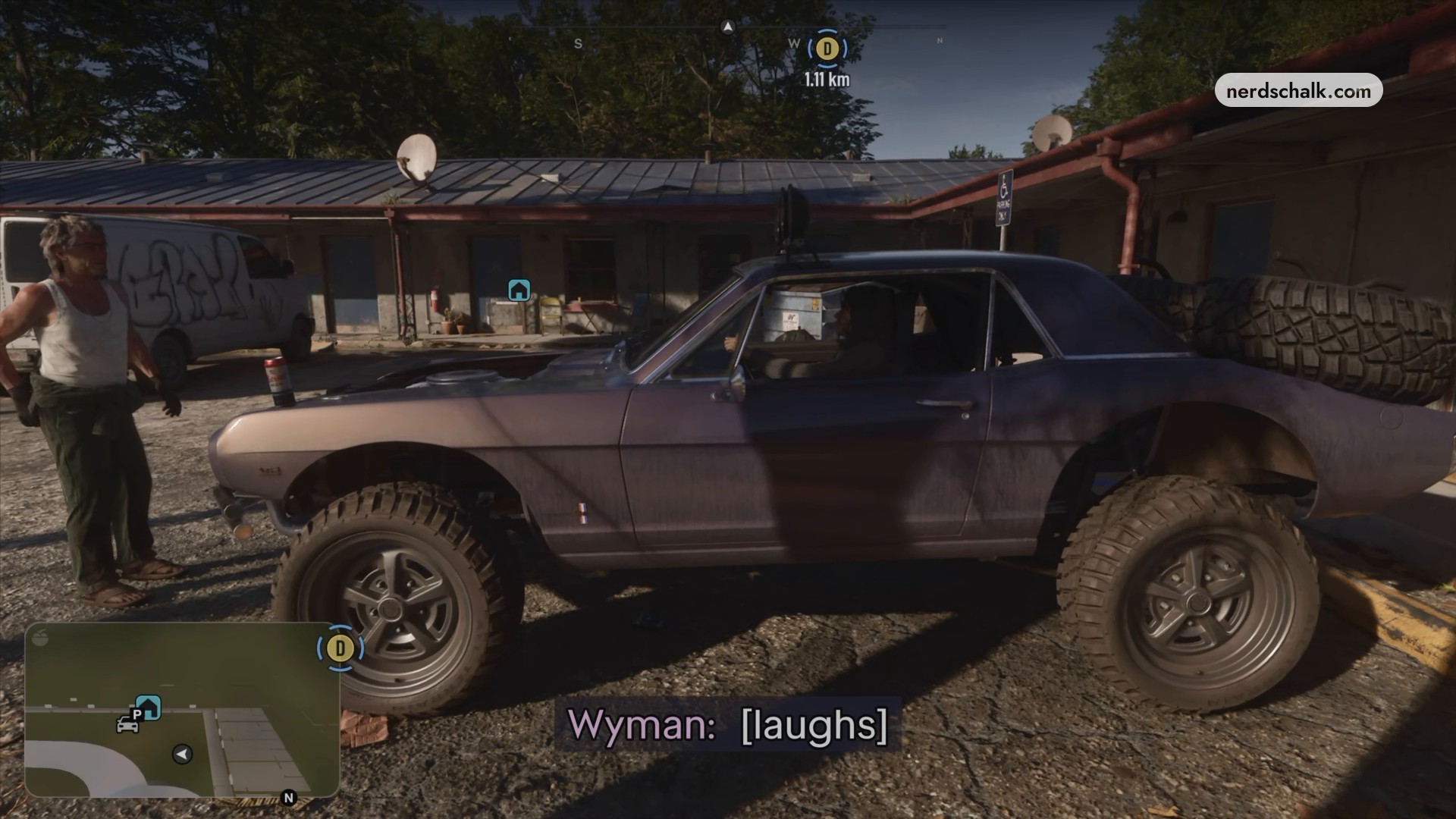
Approach Wyman beside his vehicle outside the motel. Choose SURE to help him as Lucia; REFUSE declines the request.
Take the driver’s seat
Walk up to the driver’s side door and get into the driver’s seat. Wyman stays beside the open engine bay while you handle the controls.
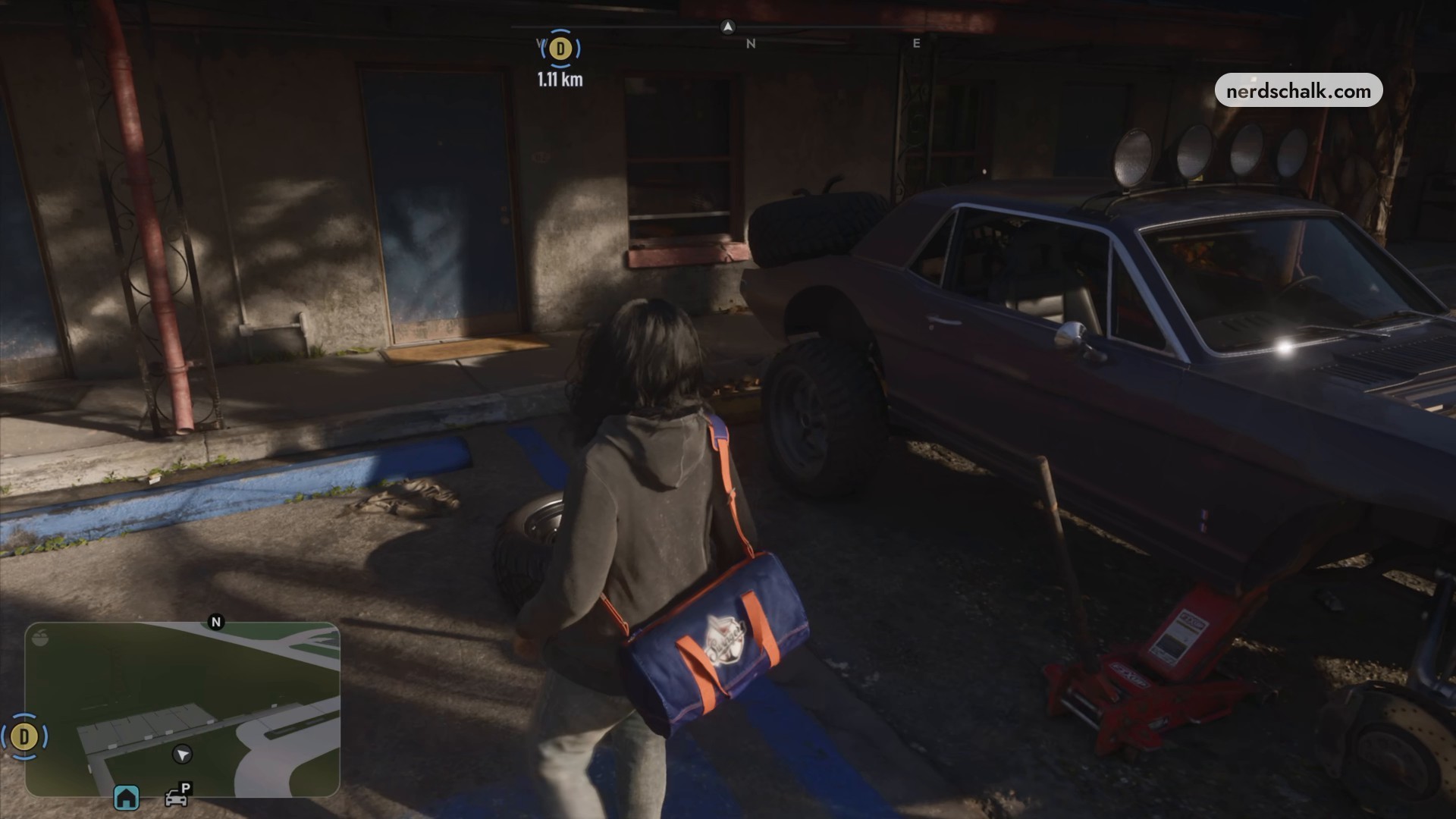
With Wyman beside the exposed engine, take the driver’s seat to handle the controls.
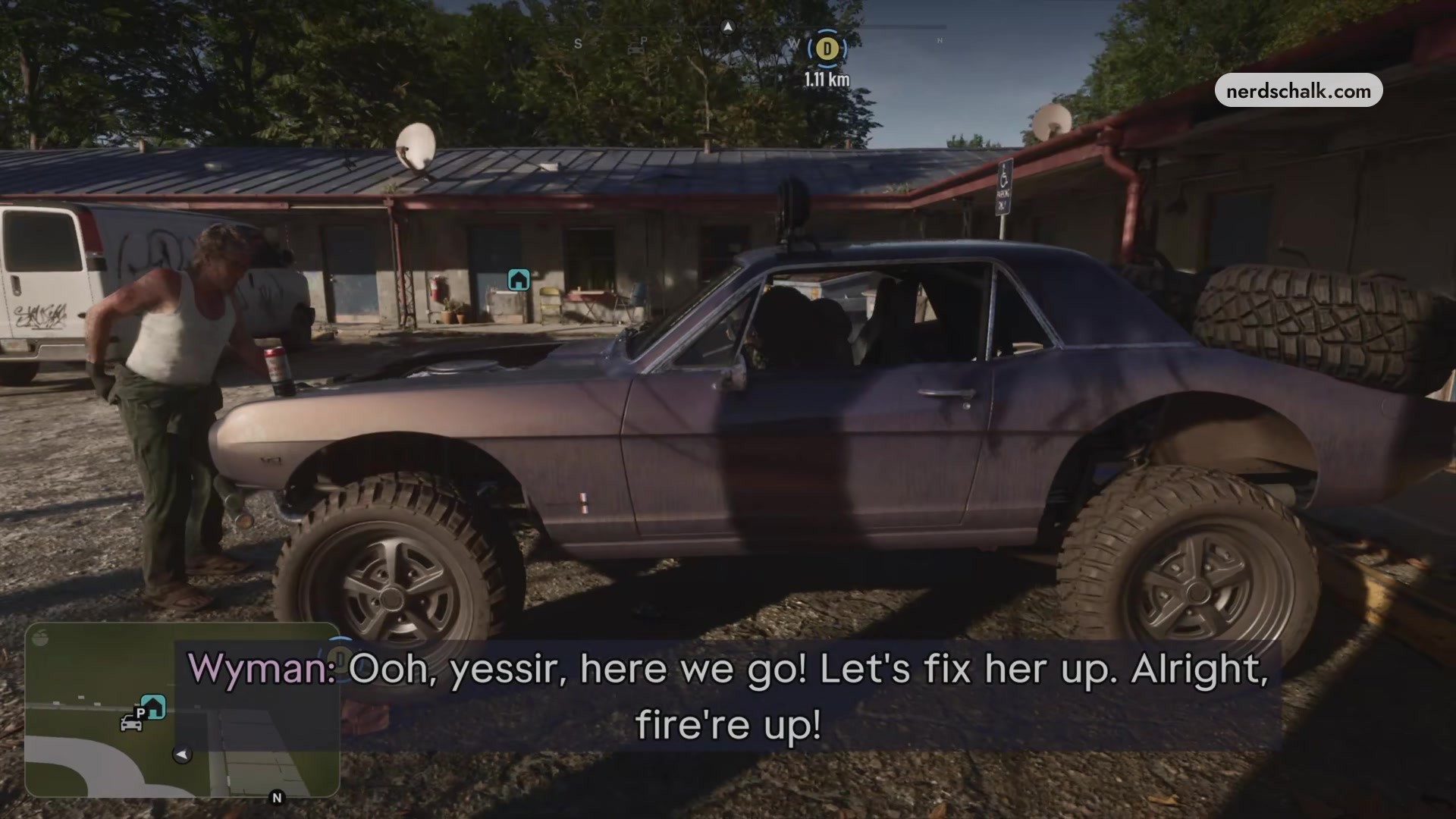
Start the engine
When Start the engine appears, press R2 using the displayed R2 START control to crank it.

Begin the initial throttle hold
With the engine running, follow Wyman into the first throttle-hold stage.
Reach the second target
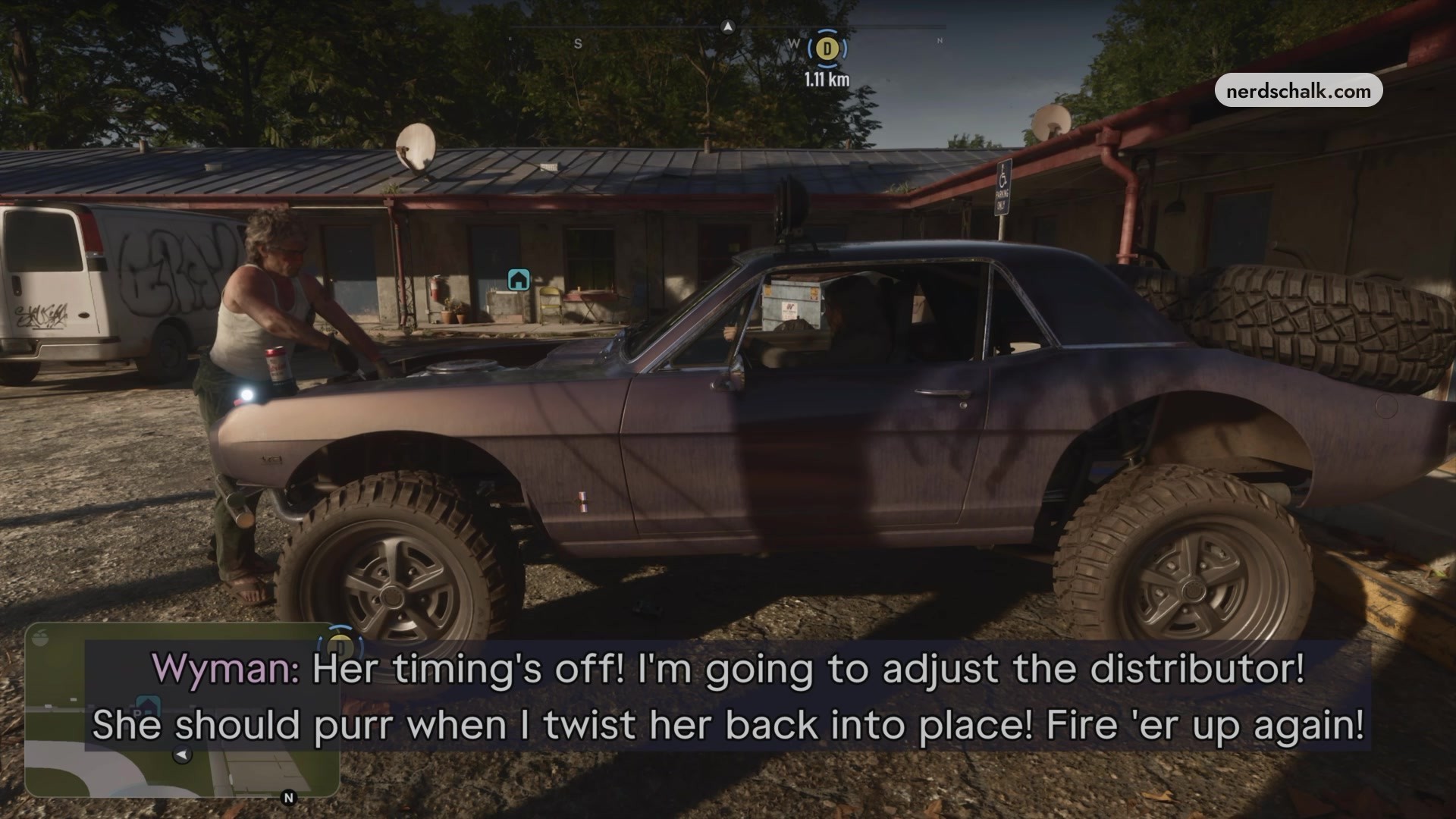
Wyman identifies a timing problem and adjusts the distributor before asking you to start the engine again. Use R2 to fire it up, then bring the needle into the second target area and hold as instructed.
Raise the revs, then check throttle response
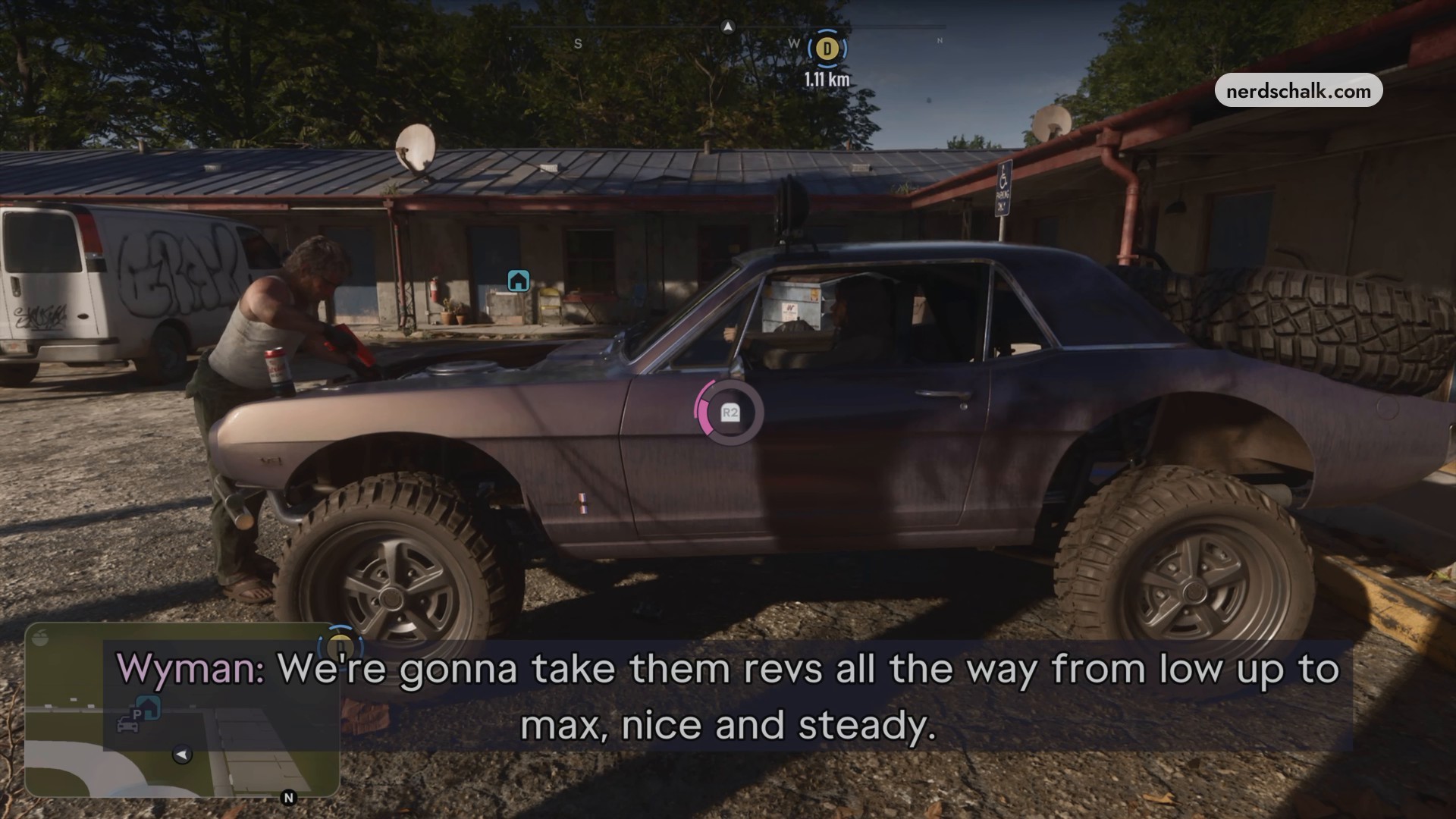
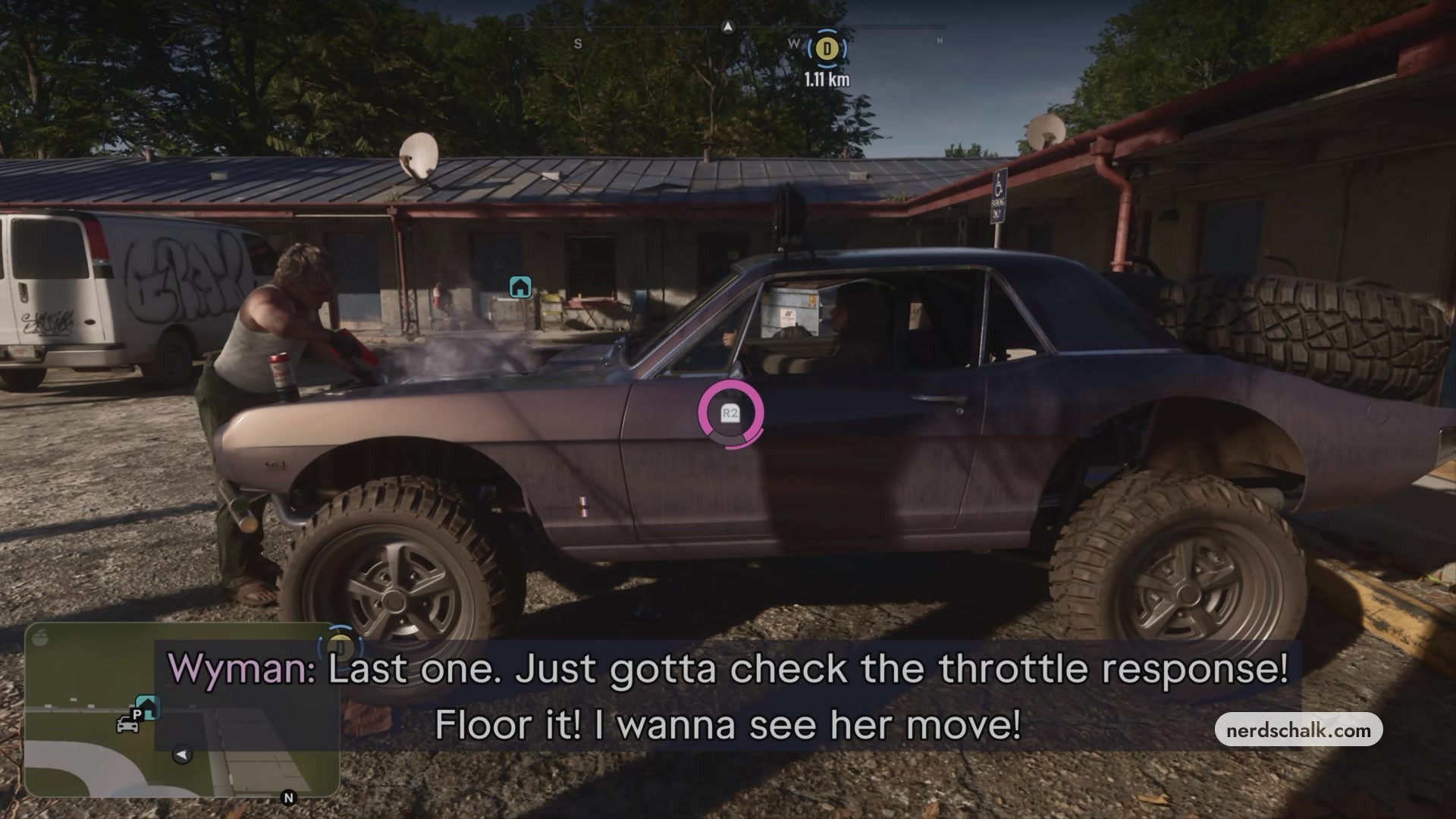
After the hold, Wyman changes the settings and asks you to raise the revs from low to maximum, nice and steady. To complete the test, gradually squeeze R2 fully down to reach max revs. He then calls for the final throttle-response check: when he says Floor it!, follow his full-throttle instruction as the gauge fills to maximum.
Wyman leans over the smoking engine as you respond to his final full-throttle instruction.
Leave the car and collect the buff
Exit the car after the test to finish the interaction and receive the Focus buff. The completion notification reads Focus buffed.
Related Grand Theft Auto VI guides

Leave a Reply