

Once Trick offers the rescue request around Cycle 5, agree to help, then use the Den Holotable to select Contact Sawtooth on Ryloth, spend 50 Intel, choose an approach, assign two operators, and confirm the three-turn operation.
Contact Sawtooth is a short strategic operation tied to Trick’s rescue request. Its setup happens entirely at the Den’s Holotable; the tactical rescue comes afterward.
Contact Sawtooth unlock condition and requirements

Around Cycle 5, Trick tells you a fellow clone is trapped behind enemy lines and asks for help. Agree to the rescue to add Contact Sawtooth to the Holotable.
Key Launching it requires 50 Intel and two operators, and the Holotable lists a duration of three turns. Have the Intel and operatives ready before opening the operation.
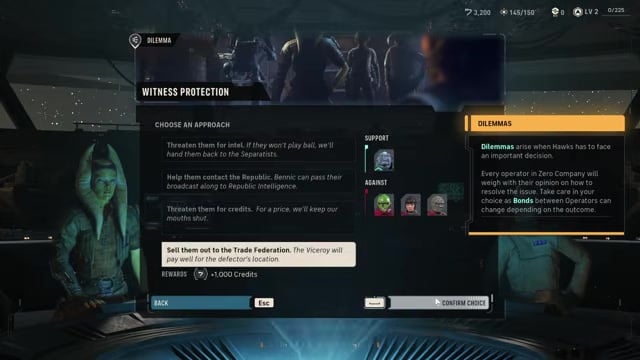
If the Holotable first opens Dilemma: Witness Protection or Smugglers’ Manifest, work through those screens to return to Operations. They may be campaign-state prompts rather than universal requirements for Contact Sawtooth.
How to launch Operation Contact Sawtooth in Star Wars Zero Company
Use the Den’s Holotable to find the Ryloth operation and deploy your team.
STEP 1/8
Enter the Holotable room
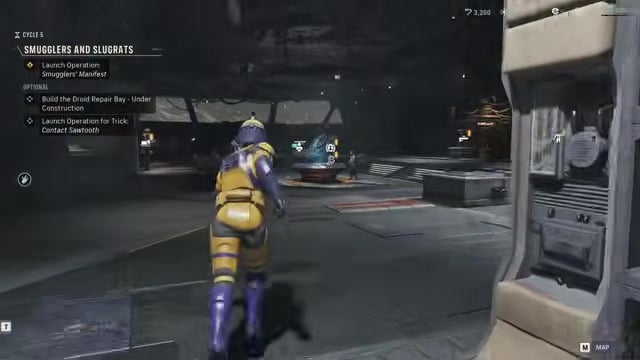
Head into the Den’s command room, where the Holotable sits between Bennic and Runa.
STEP 2/8
Interact with the Holotable
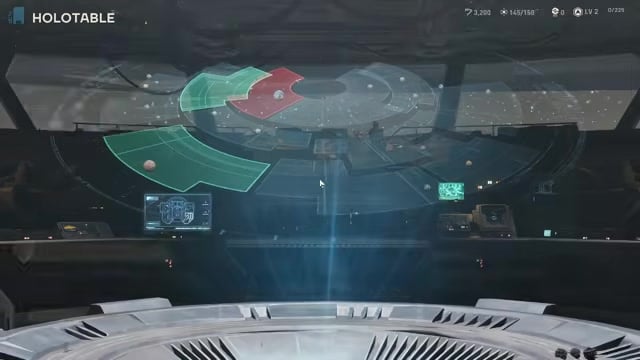
Use the central table to open its galactic interface.
STEP 3/8
Open Operations
Select Operations from the Holotable interface.
STEP 4/8
Clear the Holotable prompts
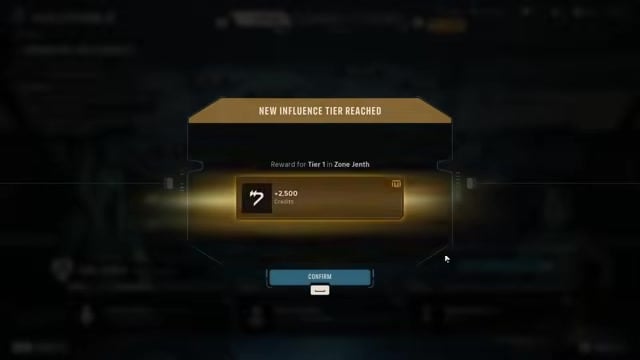
Work through any prompts your campaign presents, then return to Operations.
STEP 5/8
Select Ryloth
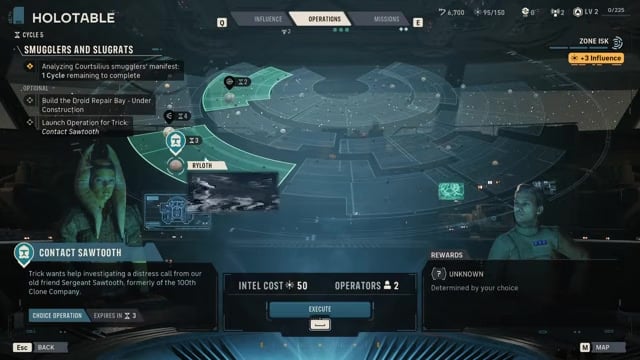
Choose the Ryloth node at the bottom of the Holotable and open Contact Sawtooth.
STEP 6/8
Launch Contact Sawtooth
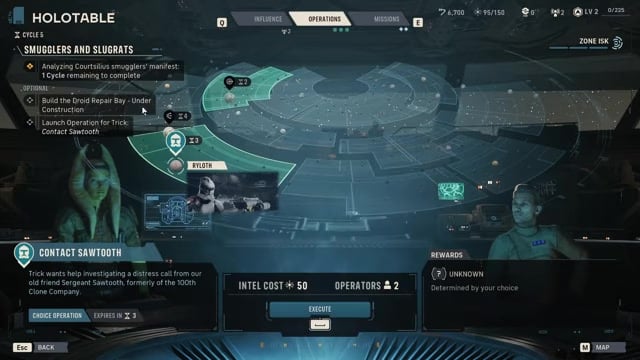
Spend 50 Intel and select Launch Operation; the operation takes three turns.
STEP 7/8
Choose a communications approach
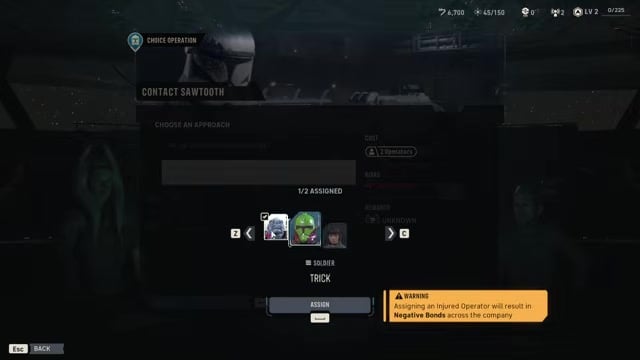
Select either of the two setup options to continue.
STEP 8/8
Assign two operators
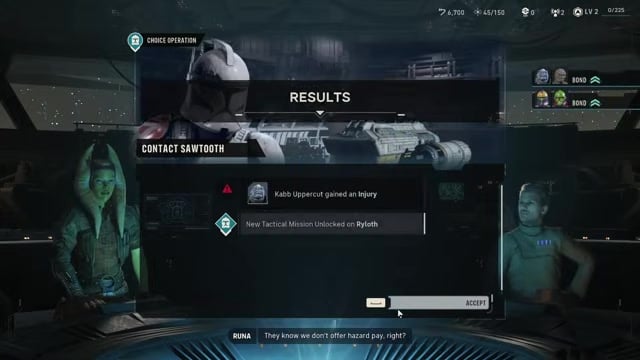
Choose two operators, then confirm the assignment to begin the operation.
Video help
Contact Sawtooth approach choices and follow-up mission
Contact Sawtooth offers two communications setups: set up comms in a secure area or set up comms as close as possible to Sawtooth’s distress signal. Either approach advances the chain.
The closer approach can leave the deployed operators with injuries, so plan for a medbay visit when they return. This is a launch consequence, not a different route through the later rescue.
Assign healthy operators before confirming; the assignment screen warns that using an injured operator will cause Negative Bonds across the company.
Once Contact Sawtooth is complete, No Clone Left Behind unlocks as the next tactical mission.



Leave a Reply