

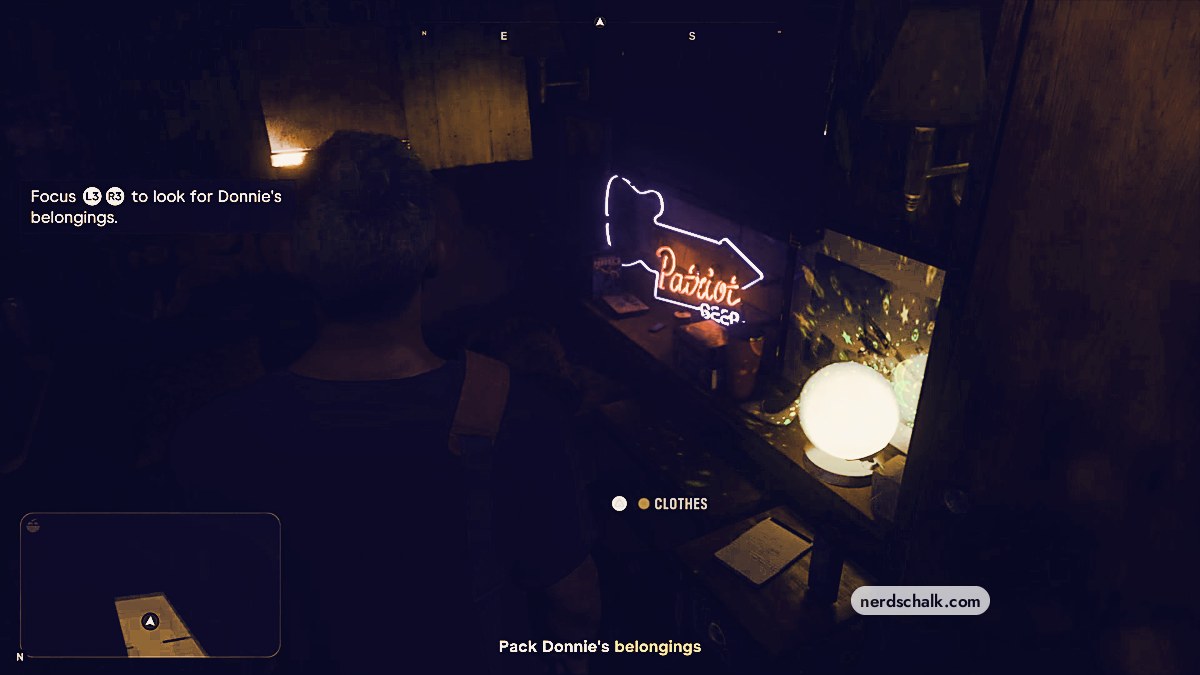
Approach the hallway answering machine, then use PLAY MESSAGES at the landline on the desk counter beside the bathroom sink and mirror to start playback.
Donnie’s answering machine is an interaction during Don Gone in Grand Theft Auto VI. During the belongings search, use L3 and R3 to activate Focus and help find Donnie’s belongings. This guide covers finding the phone and listening through its messages.
How to play Donnie’s answering machine messages in Grand Theft Auto VI
Approach the hallway counter
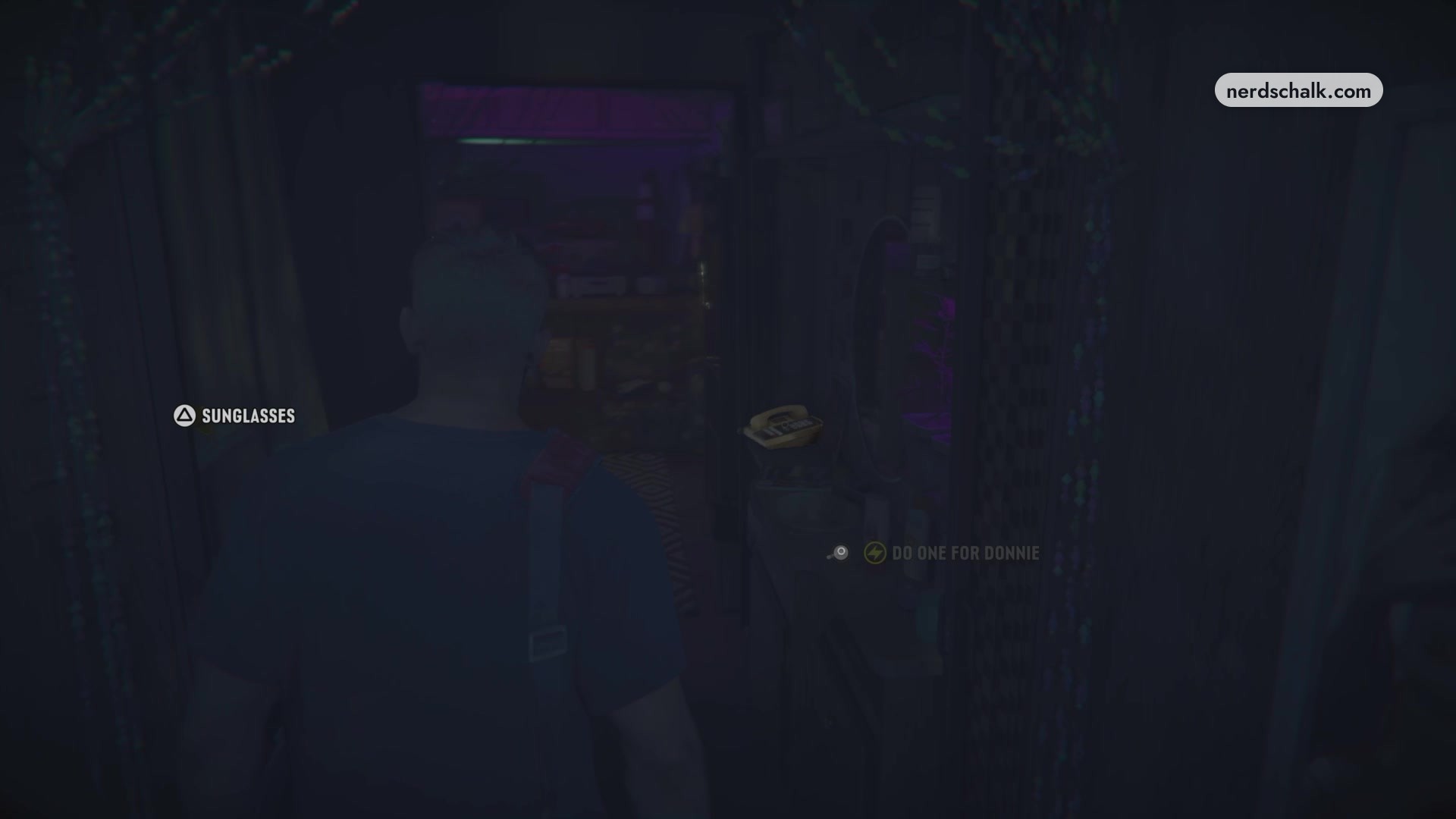
Turn around in the bedroom and head into the hallway. Walk past the bathroom vanity toward the telephone on the desk counter beside the sink and mirror.
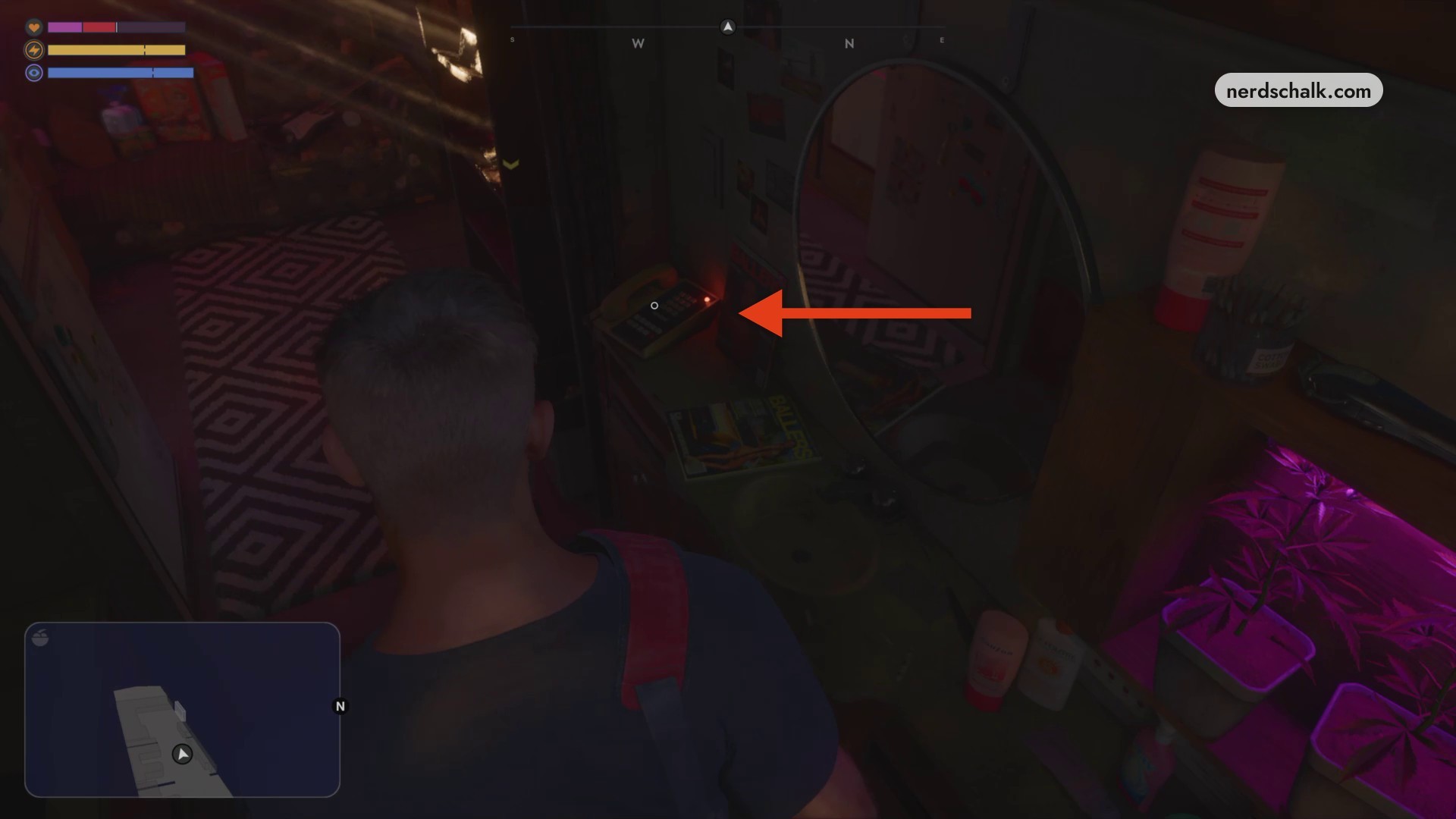
Start message playback
With the landline in front of you, use your interact control when PLAY MESSAGES appears above it to start playback.
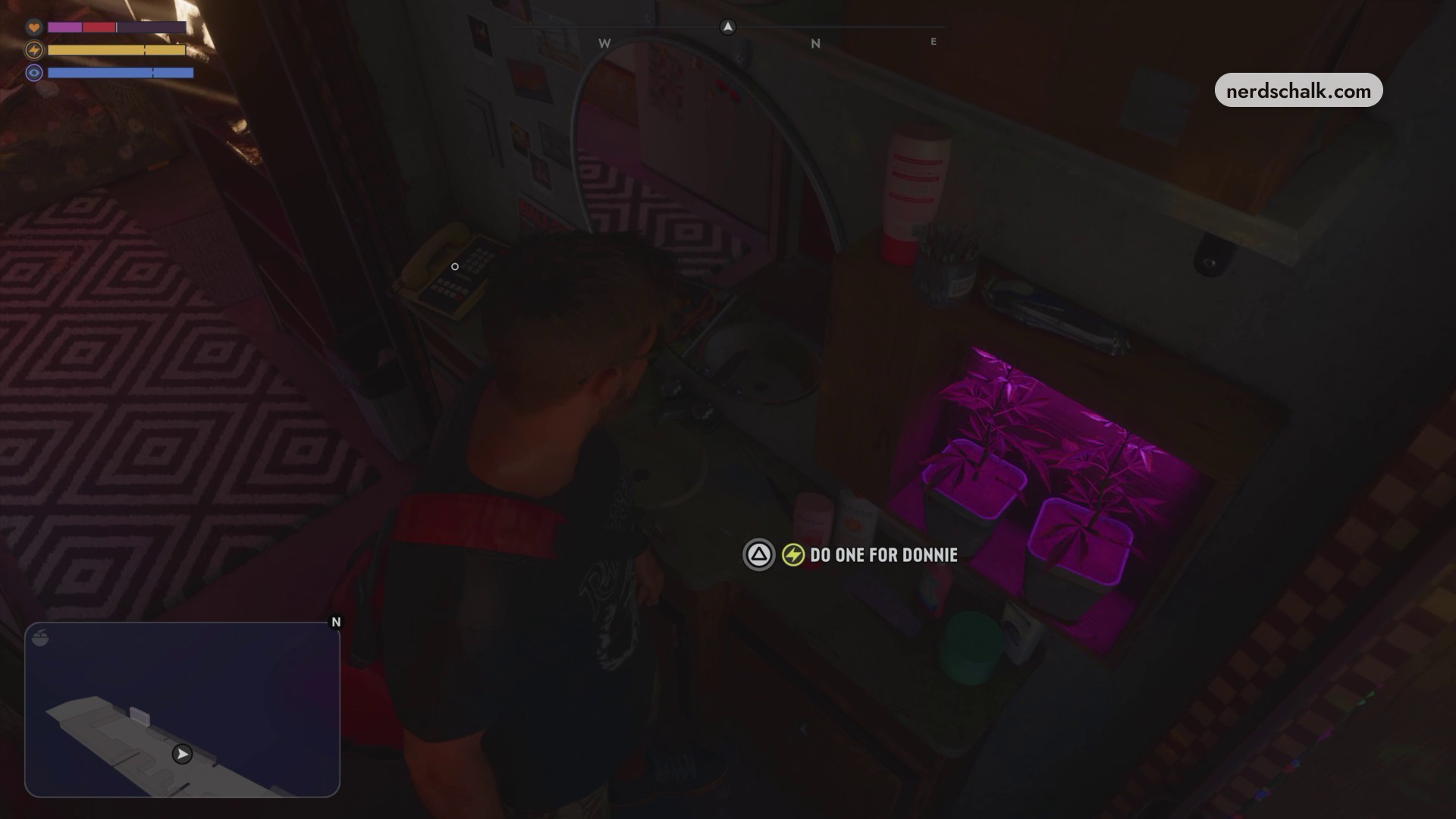
Listen through the recordings
Listen to Donnie’s recorded greeting, then continue through the message from Aviator.
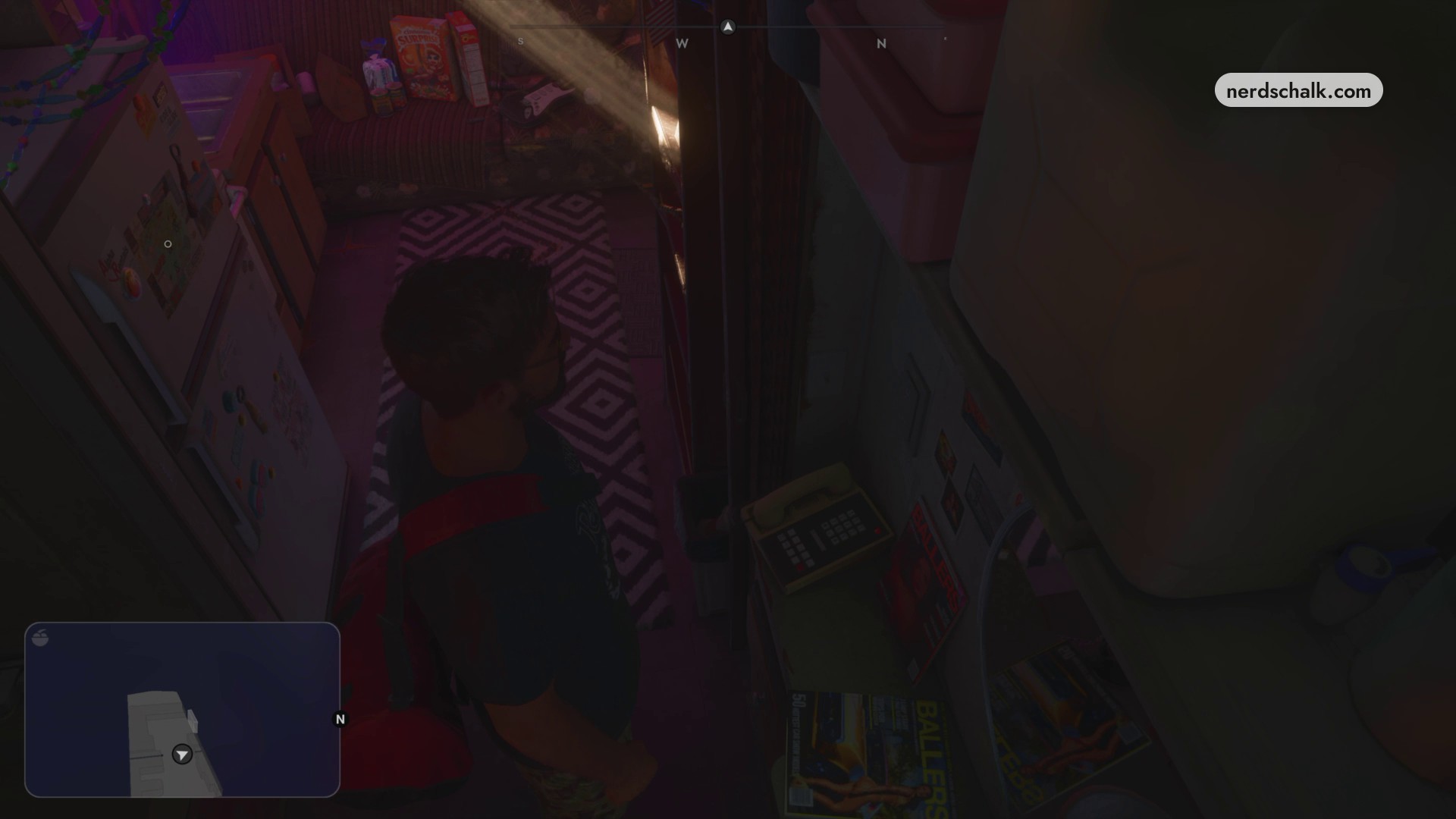
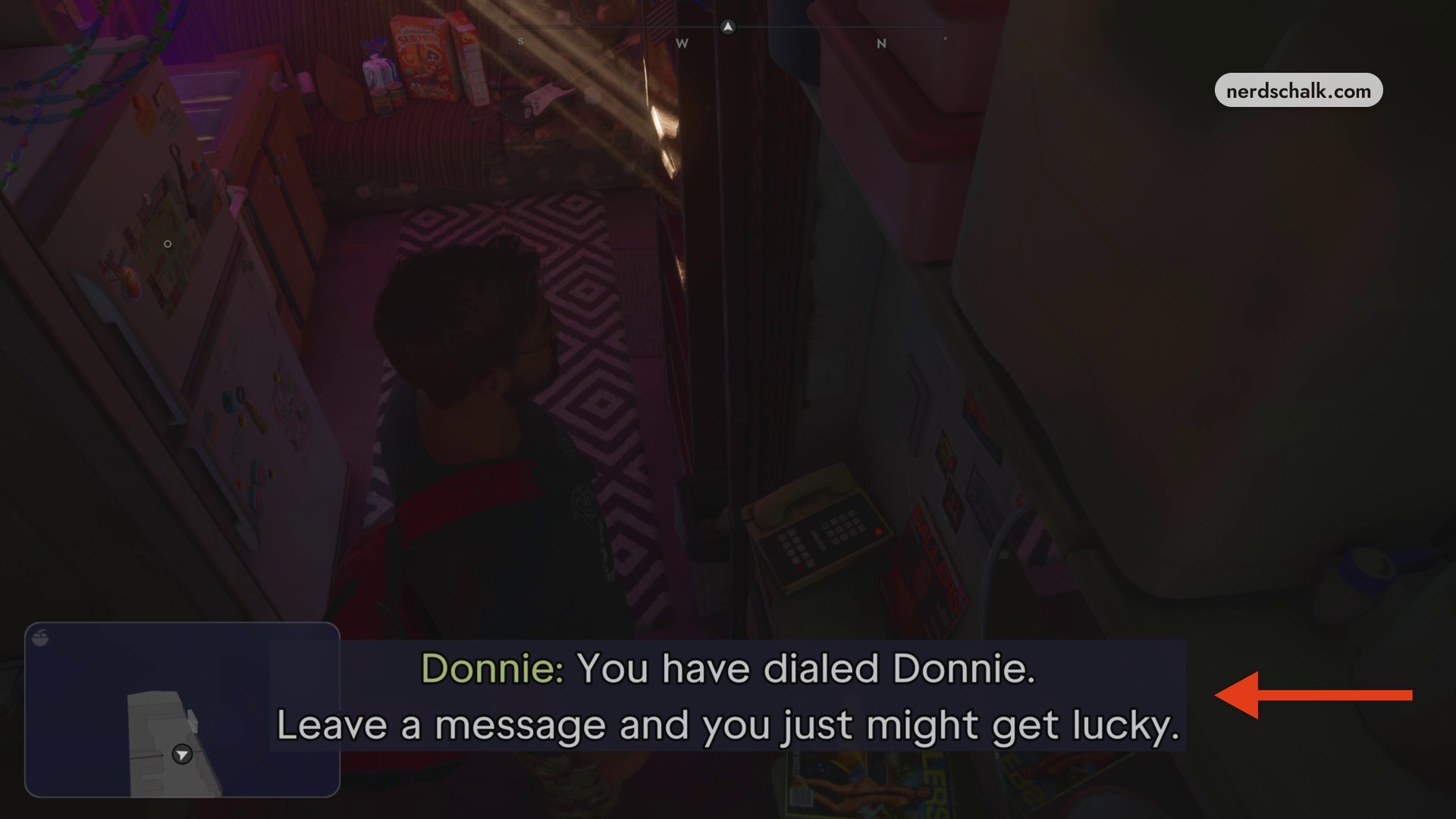
Donnie’s greeting subtitles appear while you continue listening.
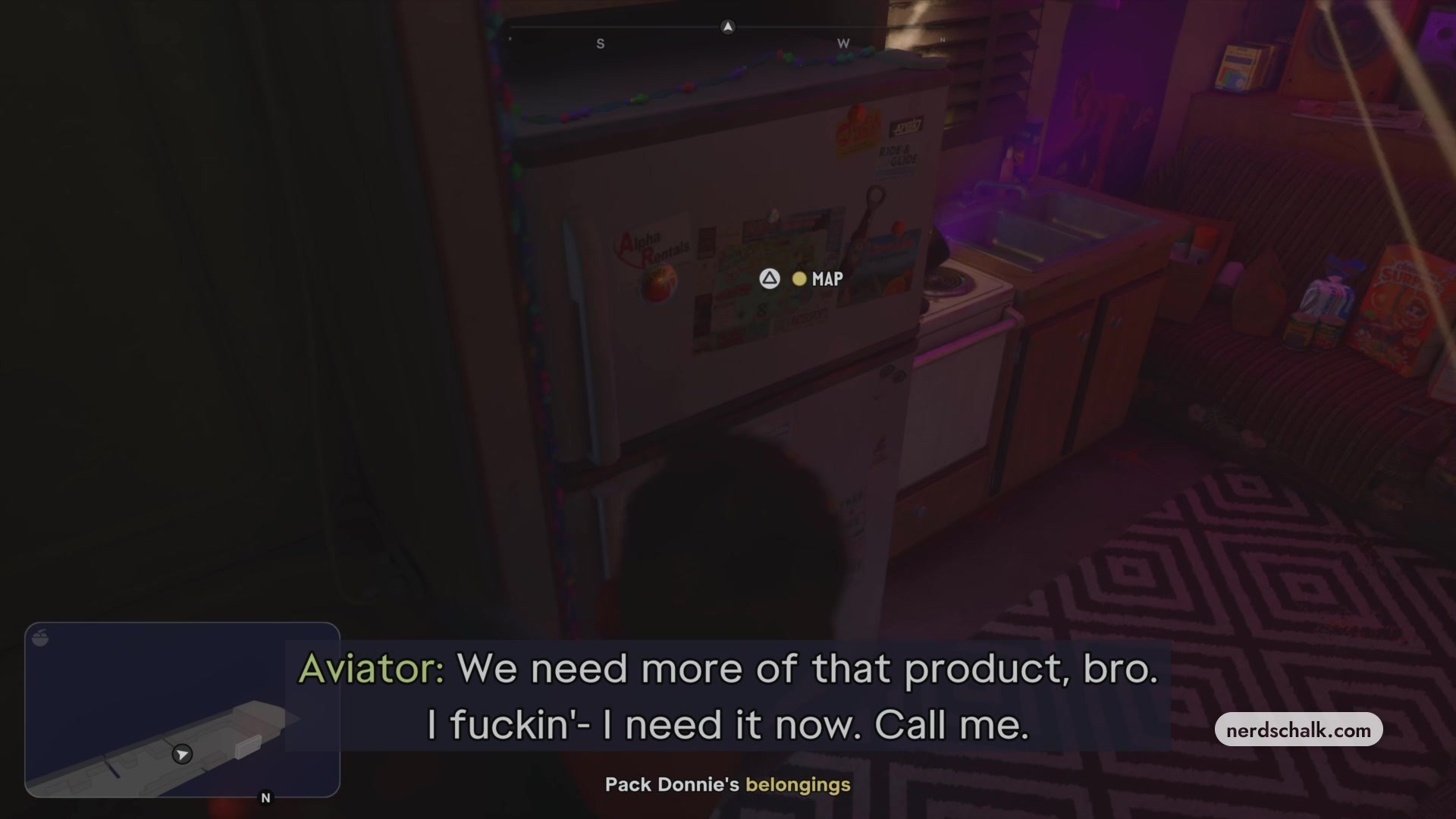
Keep listening as the message continues with a map interaction prompt in view at the refrigerator.
› story detailsSpoilers for the story. Open to read.
Spoilers: What the answering machine messages say
Donnie’s recorded greeting identifies him and asks callers to leave a message, suggesting they might get lucky.
Aviator leaves a frustrated message saying he has called six times, asking where Donnie is and urgently requesting more product and a return call.
Before this part of Don Gone
Before reaching the answering machine, Jason enters the trailer, collects Donnie’s bag from the bed and picks up dirty clothes; LOWER FLAG appears beside Donnie’s flagpole and BREAK OPEN at the front door, while entering brings up the objective Find Donnie’s bag.
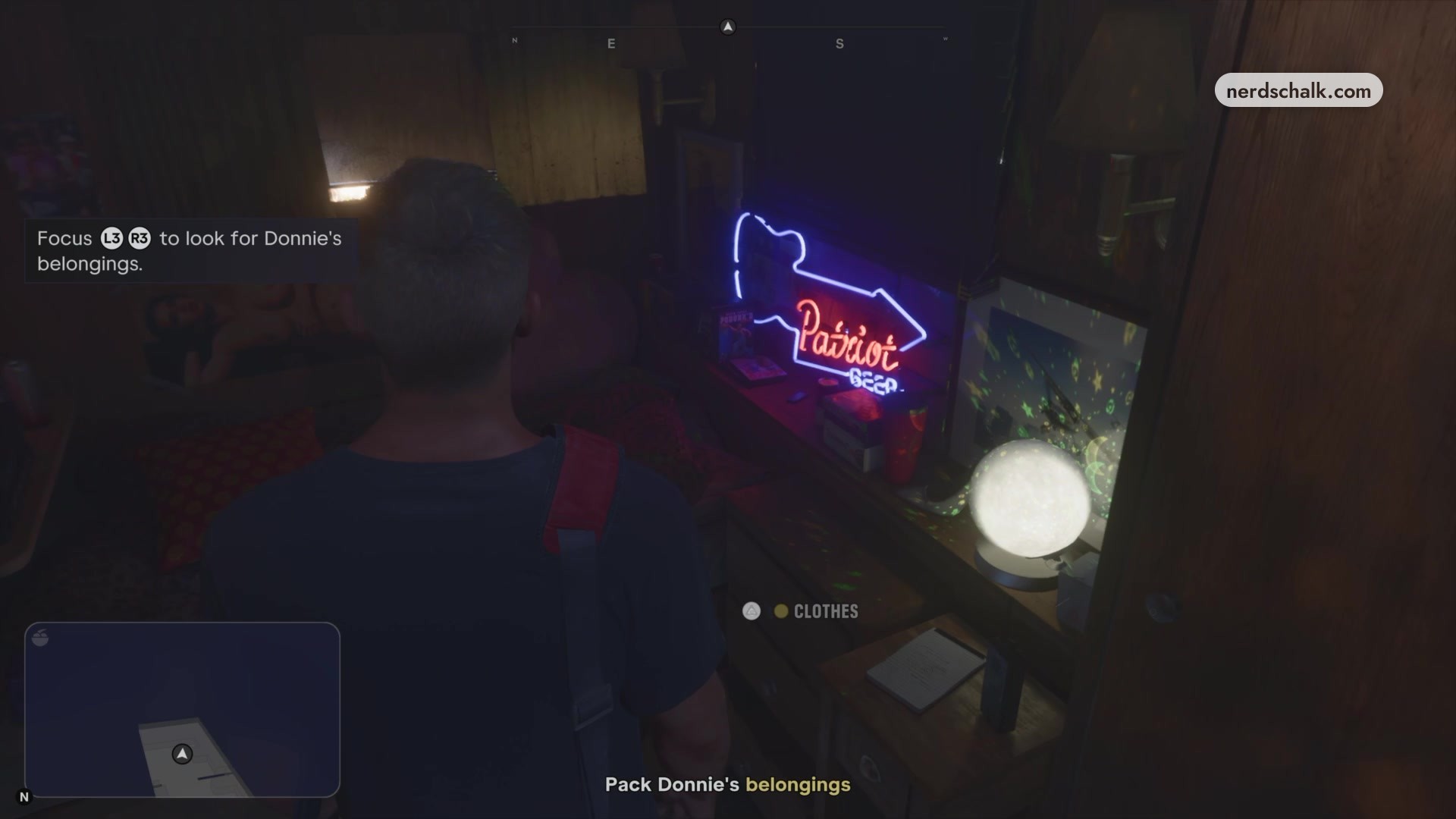
During the bedroom search, he puts on Donnie’s yellow sunglasses and examines the handwritten flight schedule notepad and its tucked photograph.
He also examines the framed gang photo and packs it into his bag.
What comes next in Don Gone
While the recordings play, Jason inspects a tourist map.
He then finds and examines Donnie’s Leonida driver’s license on a shelf, identified by the DONNIE’S ID prompt.
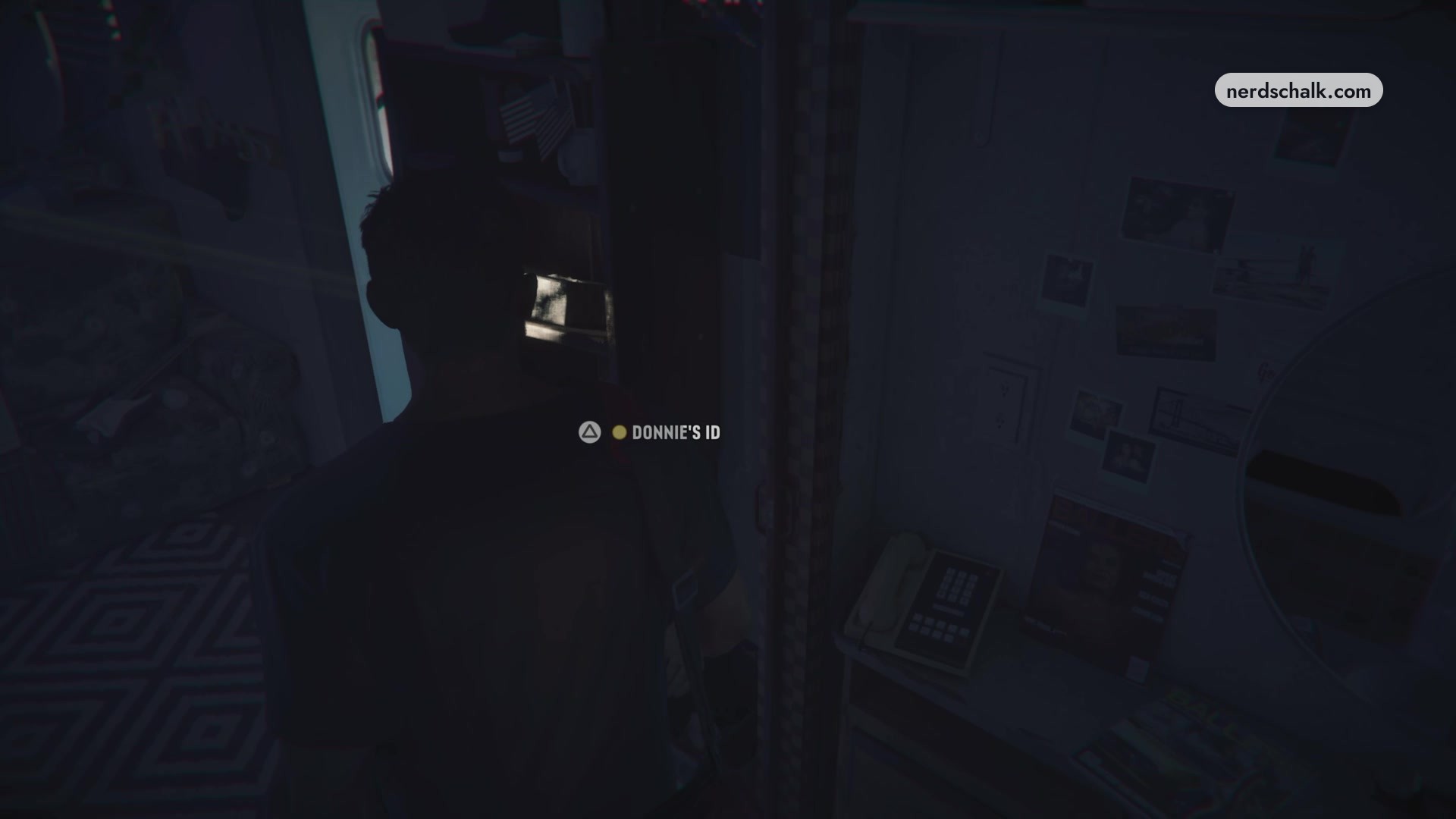
- Where to find Donnie’s ID in GTA 6
- How to Leave Donnie’s Trailer in GTA 6
- Don Gone mission walkthrough: First part in GTA 6
Related Grand Theft Auto VI guides
Leave a Reply