
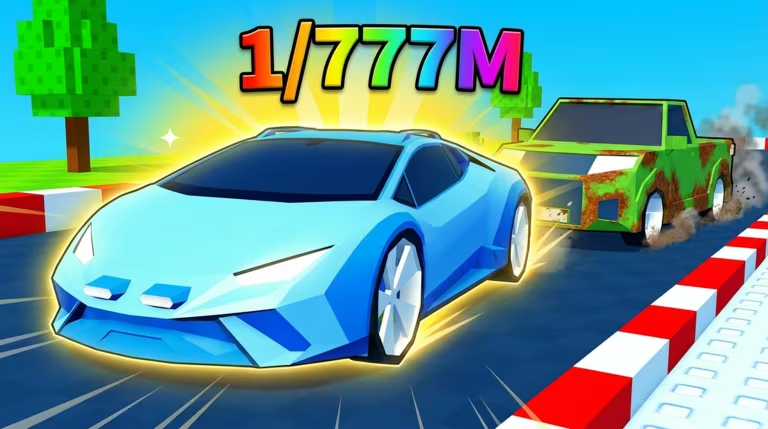
Spin a Car is a Roblox racing experience where codes hand you Nitro, Dice, and Potions to speed up your progress without grinding for them. Below are the codes currently redeemable, plus the exact steps to claim them.
Working Spin a Car Codes
Both codes below are live and ready to redeem, so type them in before they get pulled.
LAP_SHOP
3 Nitro and 1 Dice
New
FINALLY_SETTINGS
Potions
New
How to redeem codes in Spin a Car
You redeem codes right inside the shop menu, not through a separate codes button. Here’s the exact path.
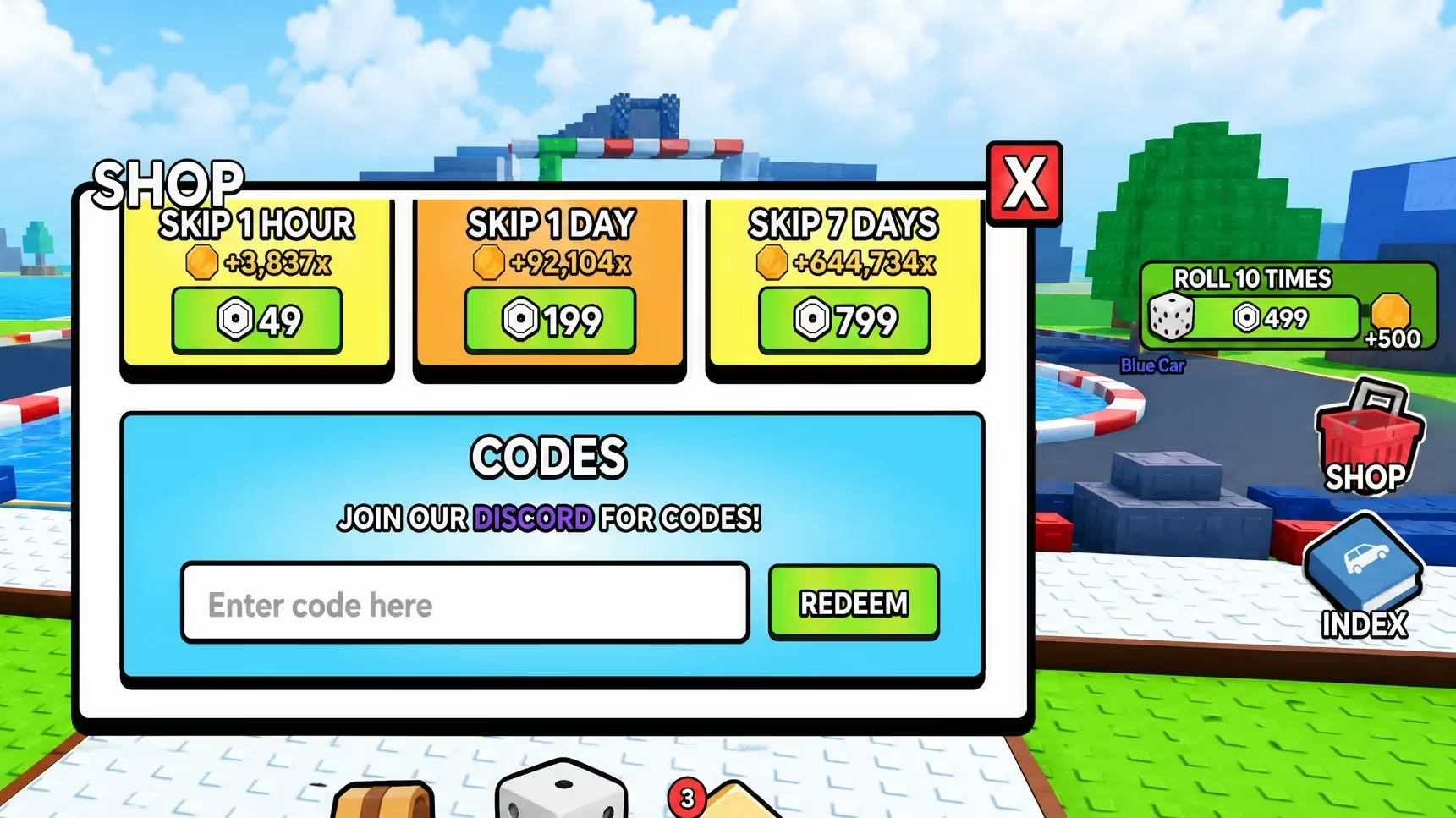
If nothing happens after you hit REDEEM, double-check your spelling and capitalization since the shop reads codes exactly as they’re written.
Expired Spin a Car codes
This one no longer redeems, so don’t bother typing it in.
CarLevels
Previously gave 2 Gasoline and 1 Coin Potion
How to get more Spin a Car codes
New codes for Spin a Car tend to show up around updates and milestones, so the fastest way to catch them is to follow the game’s own channels directly. Join the official Spin a Car Discord server where announcements typically go out first, and follow the Frenzy Rollers Roblox community page tied to the game for group updates. Checking back on the in-game shop’s CODES section every so often is also worthwhile since that’s where you’ll redeem anything new.
Are Spin a Car codes free?
Yes. Every code listed above is free to redeem and only requires an active Roblox account playing Spin a Car.
Why didn’t my code work?
The most common reason is a typo, since the redemption box needs the code typed exactly as shown, underscores included. The other reason is that the code has expired, which happens once the developer retires it, as with CarLevels above.
Grab LAP_SHOP and FINALLY_SETTINGS now while they’re active, and keep an eye on the shop’s CODES section for whatever comes next.





Leave a Reply