

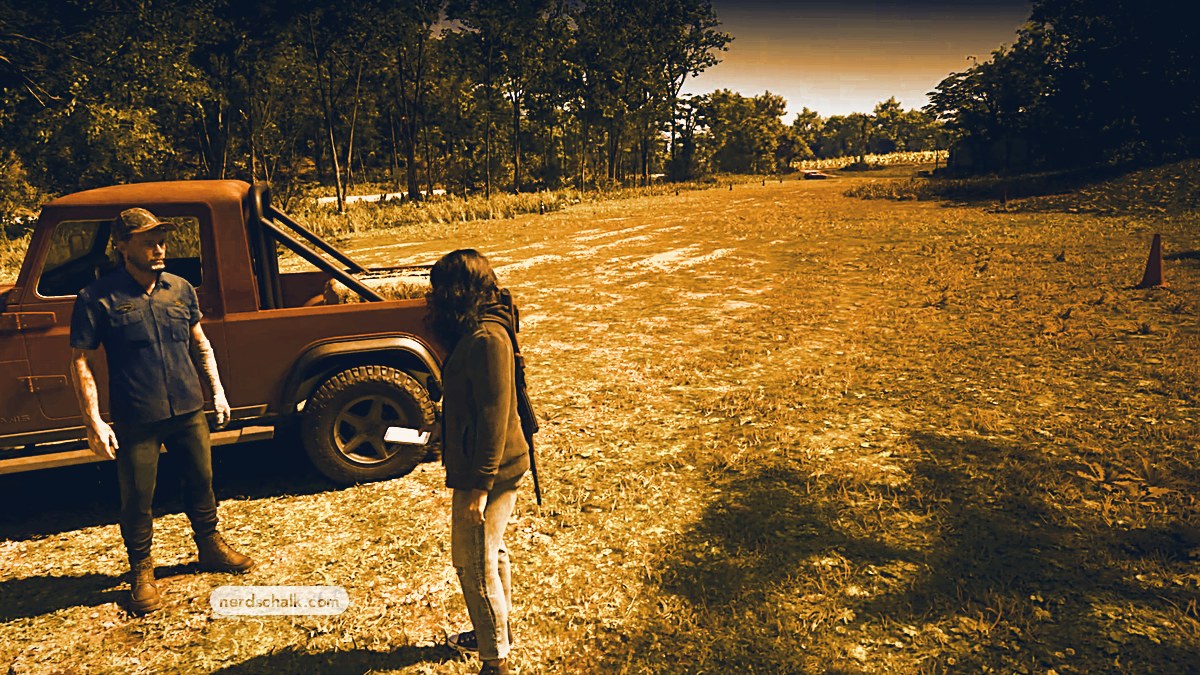
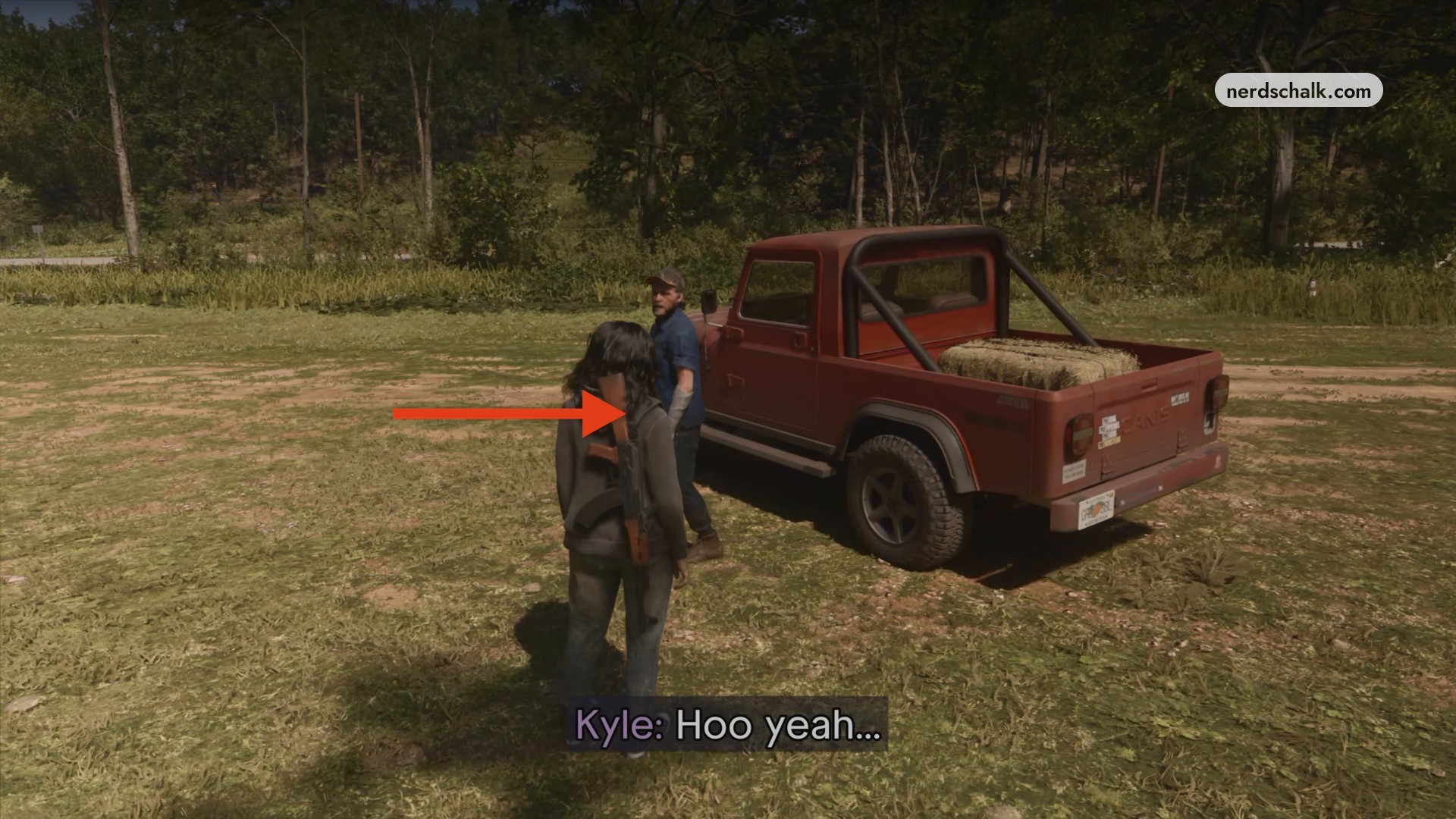
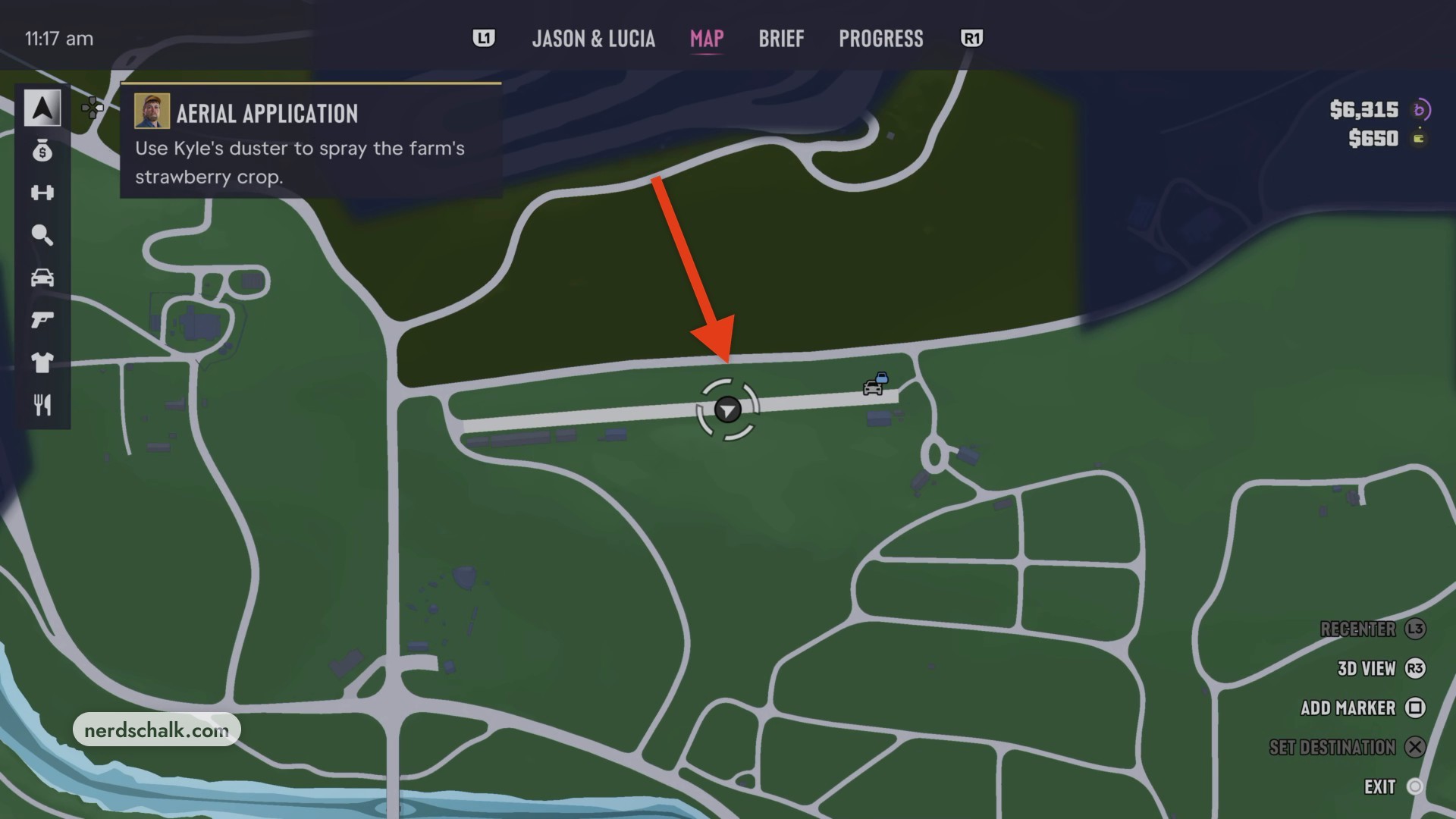
To speak to Kyle during Aerial Application, exit the landed crop duster, follow the dirt strip toward his red pickup, and approach him.
Speak to Kyle is the on-foot objective following the flight in Aerial Application in Grand Theft Auto VI. This guide covers reaching Kyle beside his pickup and completing the conversation, contact exchange and payment.
How to speak to Kyle during Aerial Application in Grand Theft Auto VI
Begin at the crop duster on the grassy dirt airstrip.
Exit the crop duster
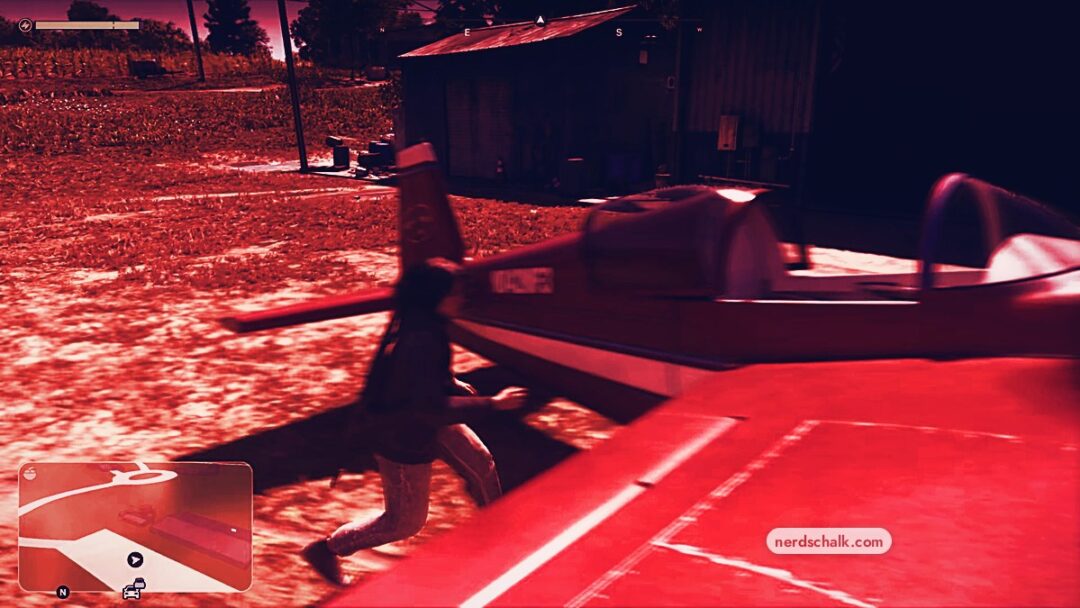
Use the exit vehicle button to have Lucia climb out of the parked red crop duster.
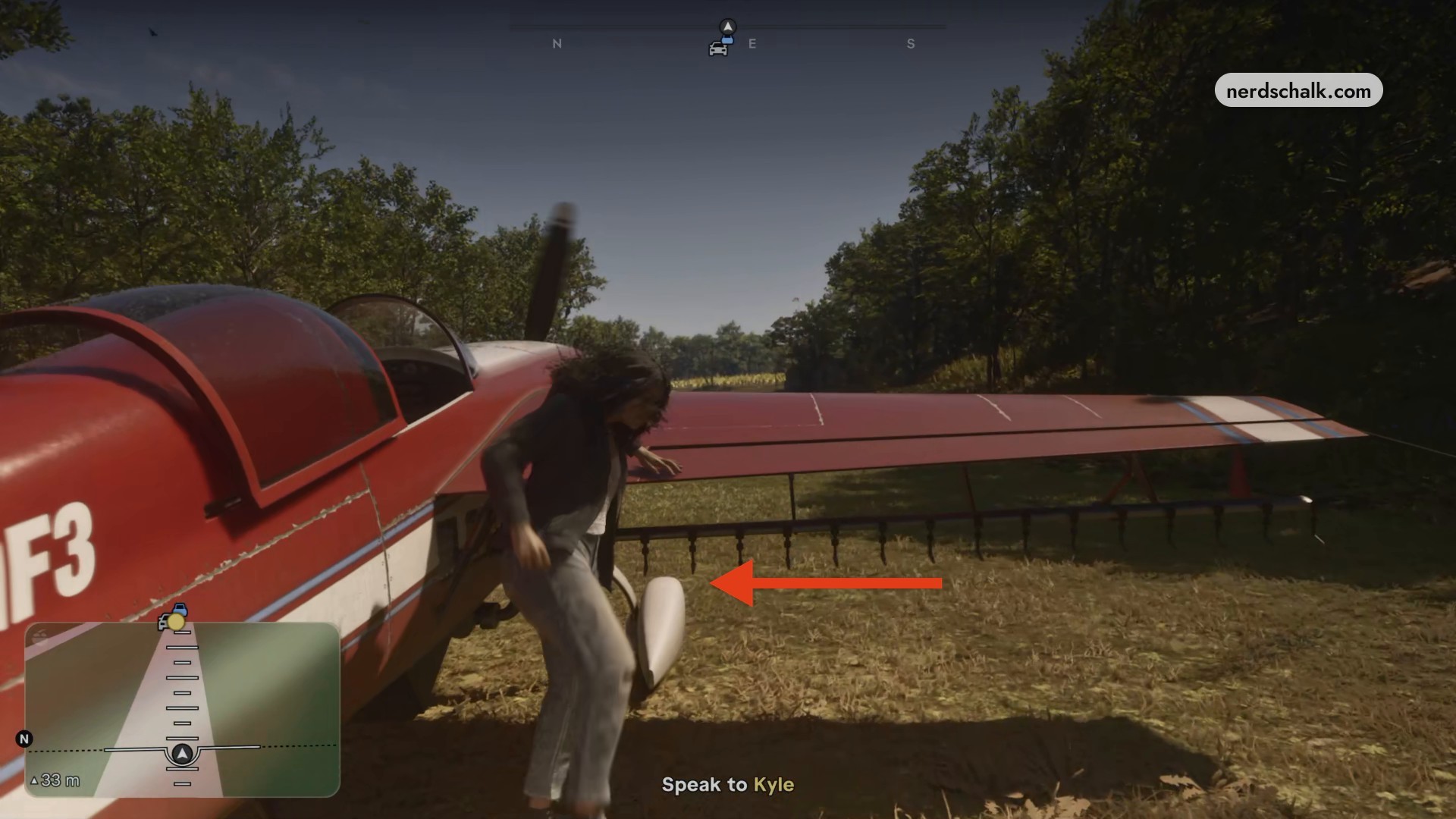
The parked aircraft and bottom-screen Speak to Kyle objective identify where to begin your approach.
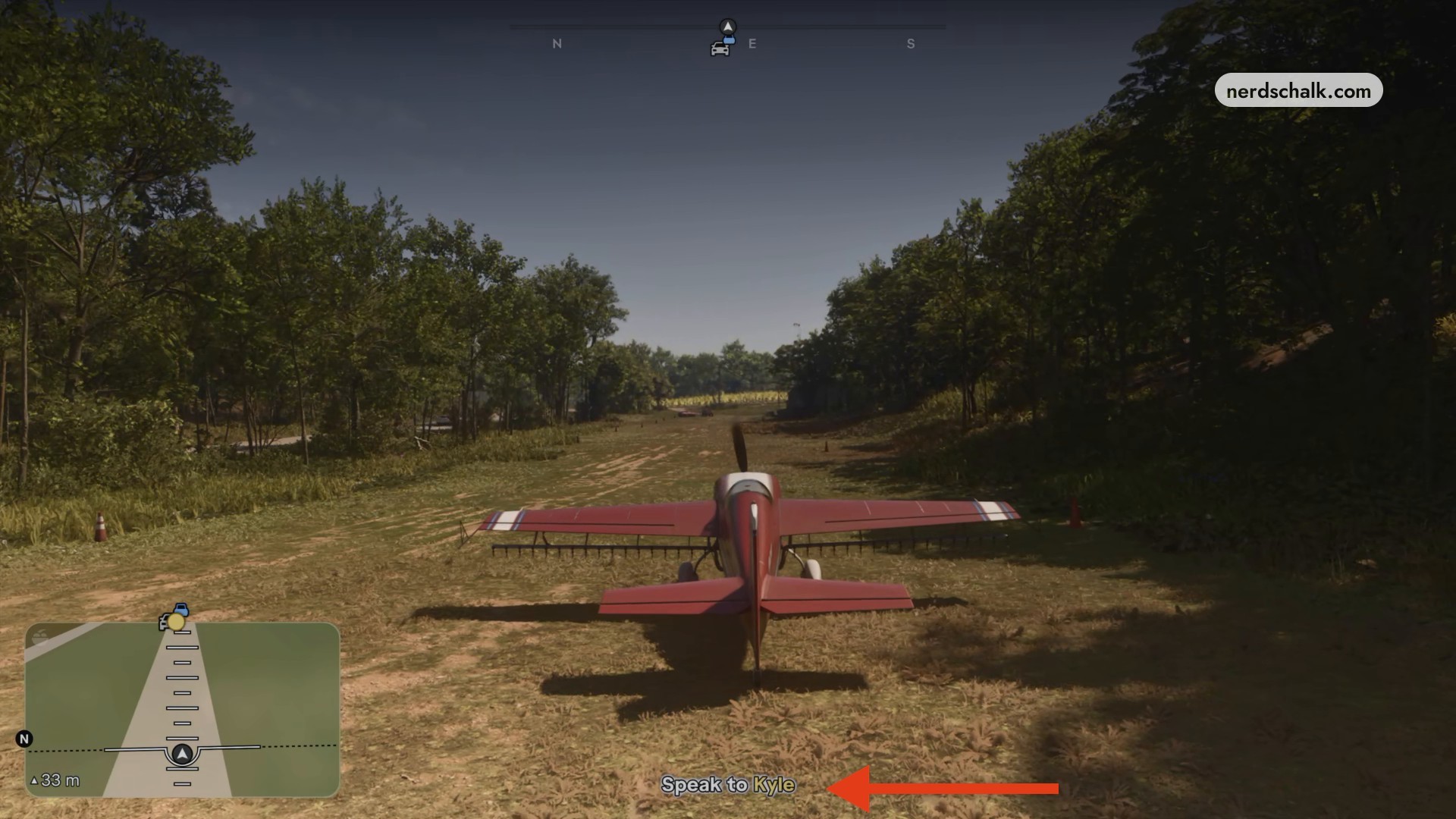
Approach Kyle’s red pickup
Sprint straight ahead along the dirt strip, crossing the open grassy clearing toward the approaching red pickup. It pulls up and parks on the dirt path, then Kyle gets out; look for the hay bales in the truck.
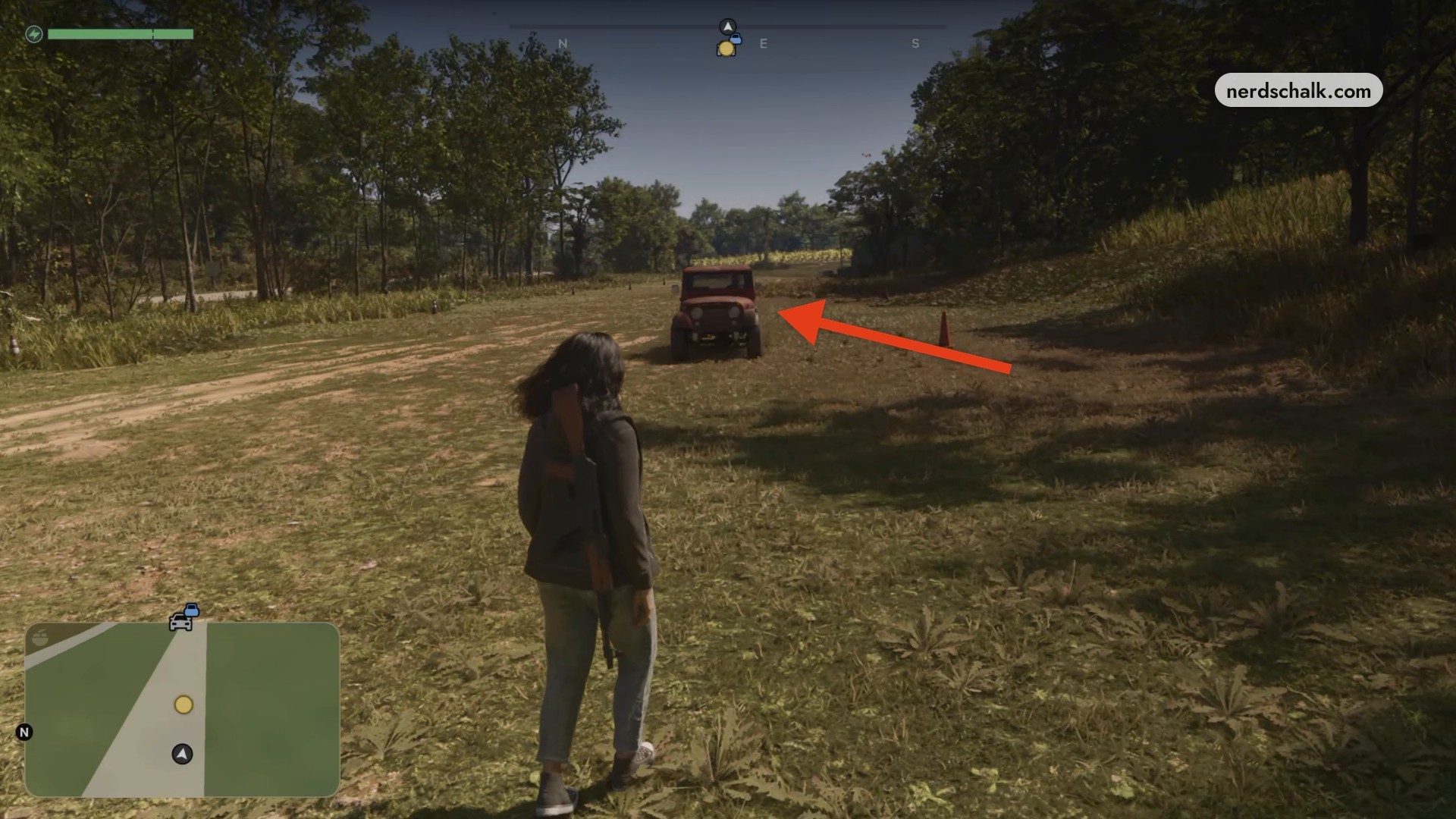
Speak to Kyle
Move close to Kyle beside the truck to start the conversation, then listen to his remarks about the crop-dusting run.
Exchange contact information
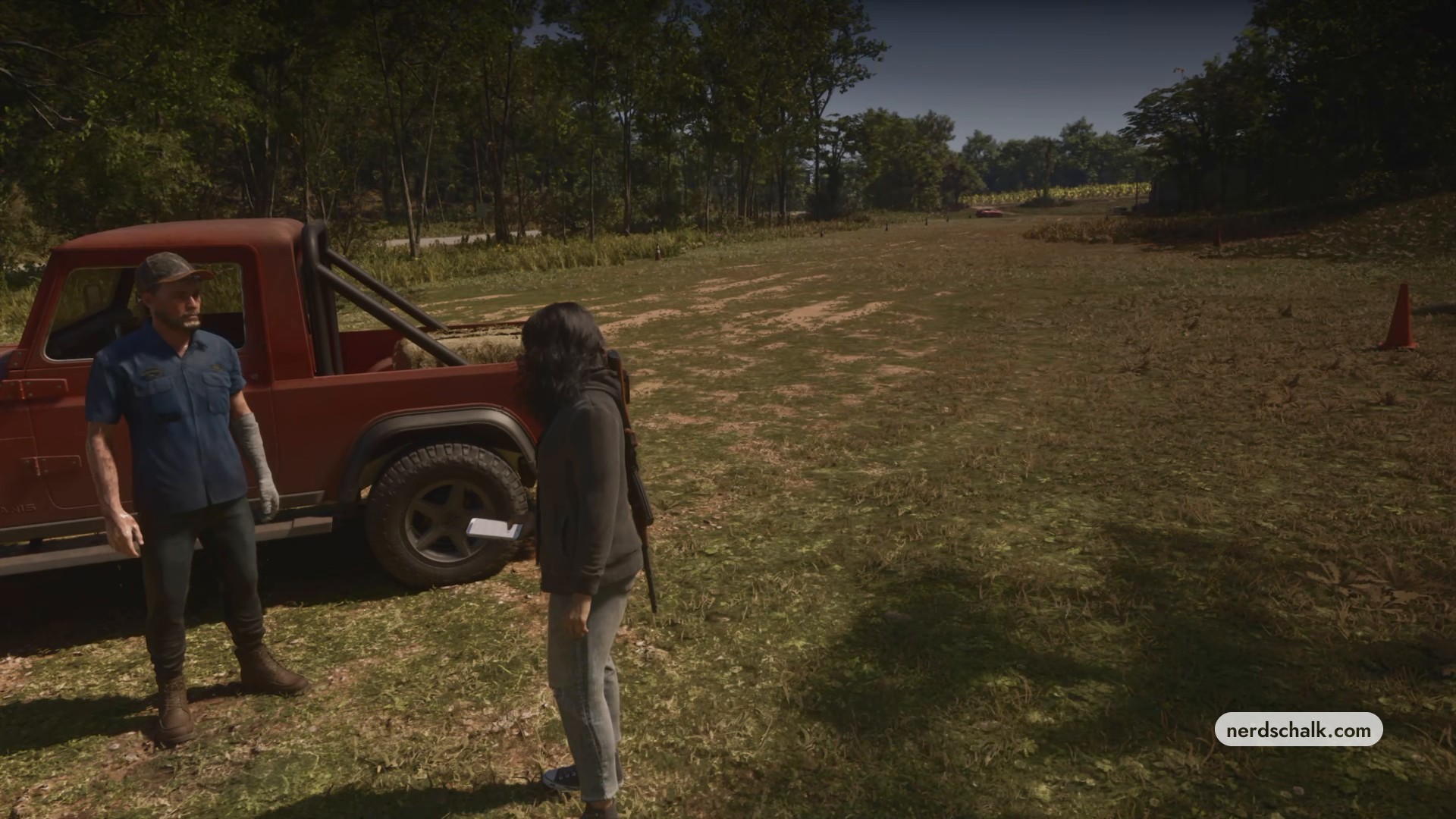
Give Kyle your phone number when prompted to exchange contact details. The Kyle New Contact Added notification confirms that he’s registered in your contacts.
Receive Kyle’s payment
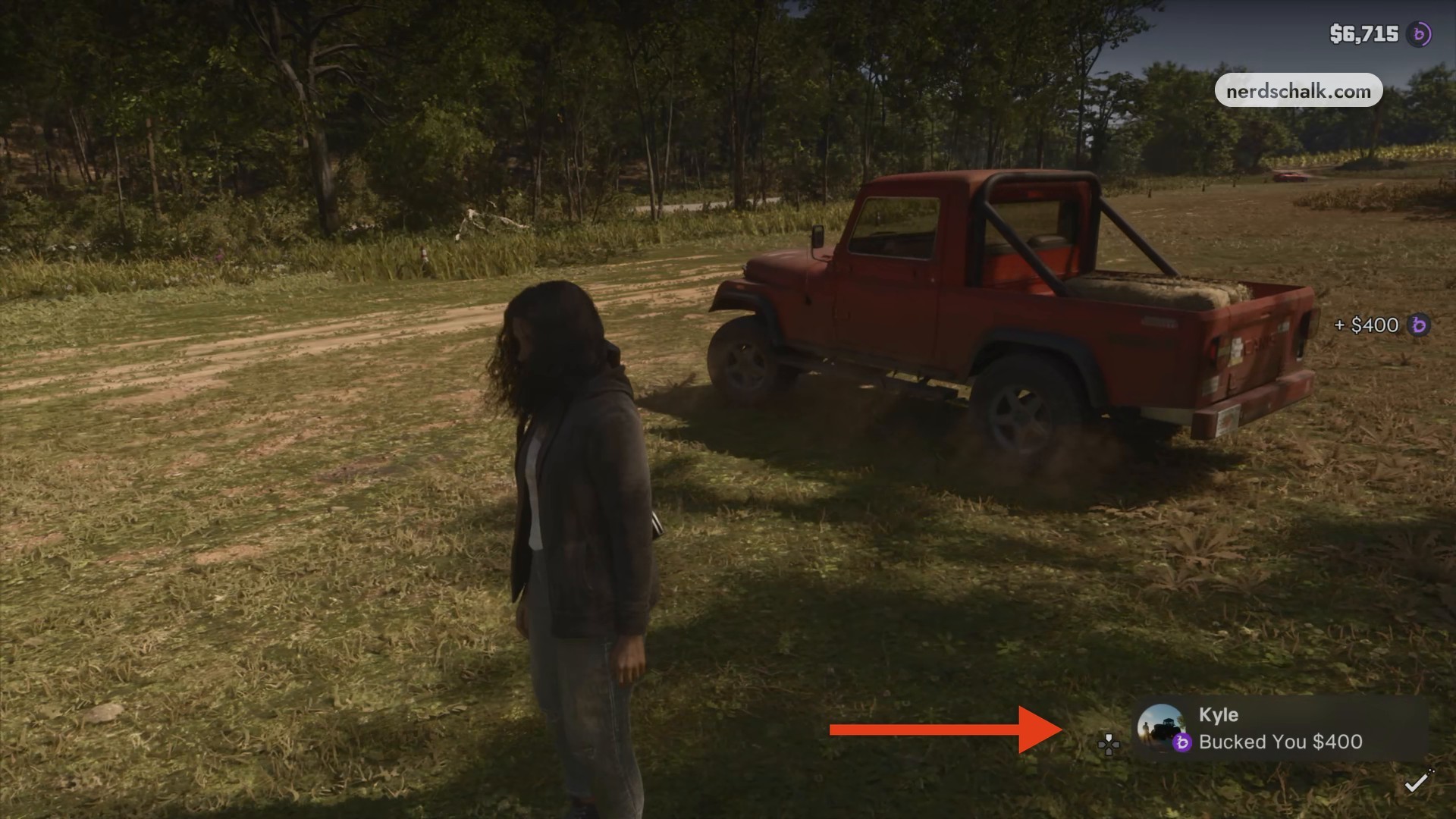
Wait briefly for the $400 transfer. The payment notification names Kyle and reads Bucked You $400, marking the payment for the flight.
QUICK WIN
› story detailsSpoilers for the story. Open to read.
Kyle saves Lucia’s number in his phone contacts.
He finishes his farewell, returns to the pickup and drives away.
Before this part of Aerial Application
Earlier, Lucia turns the crop duster around and lines up for another spraying run over Kyle and his truck in the strawberry field, under the objective Crop dust over Kyle.
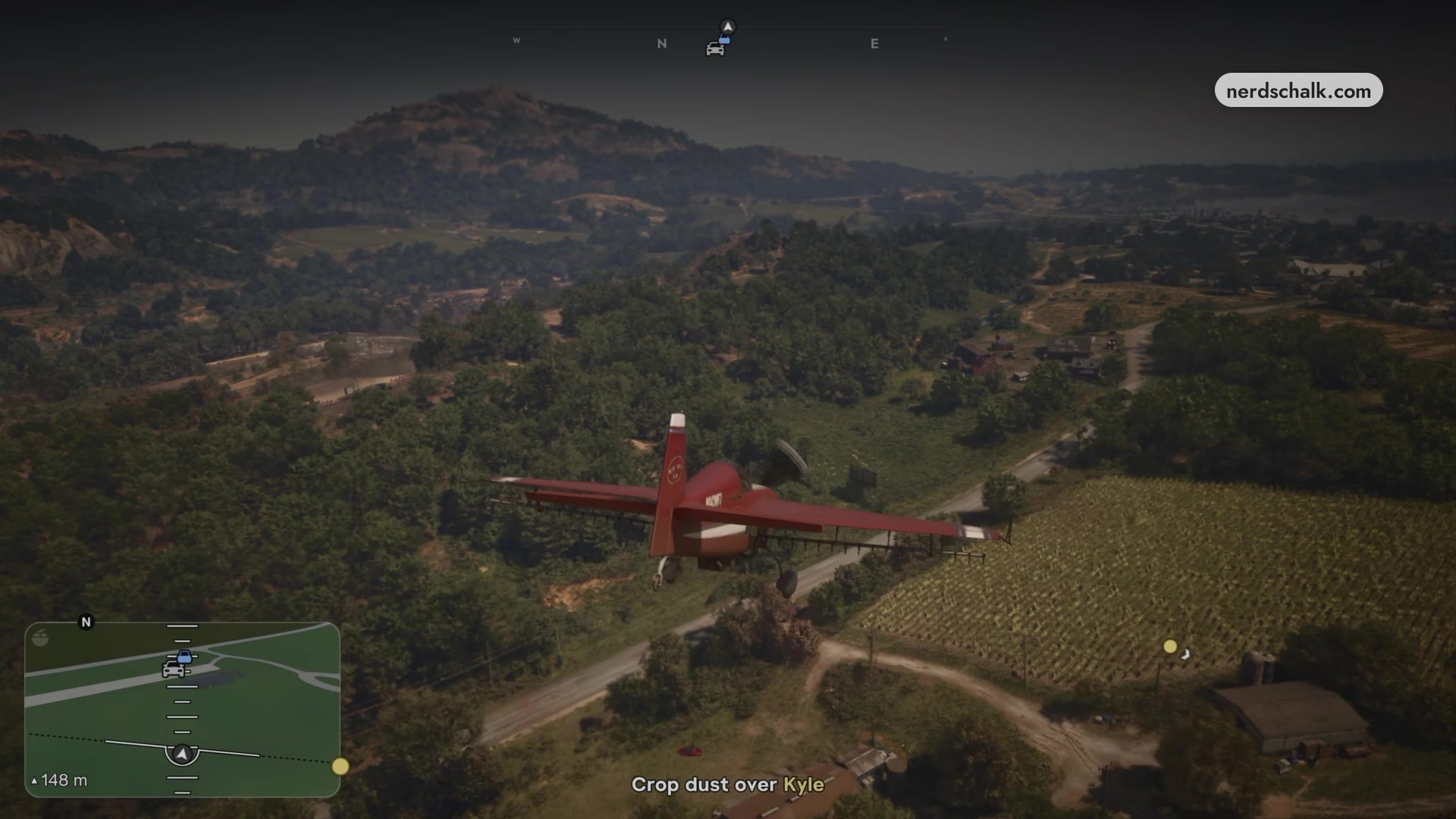
The preceding flight also takes the aircraft banking above trees and farmland.
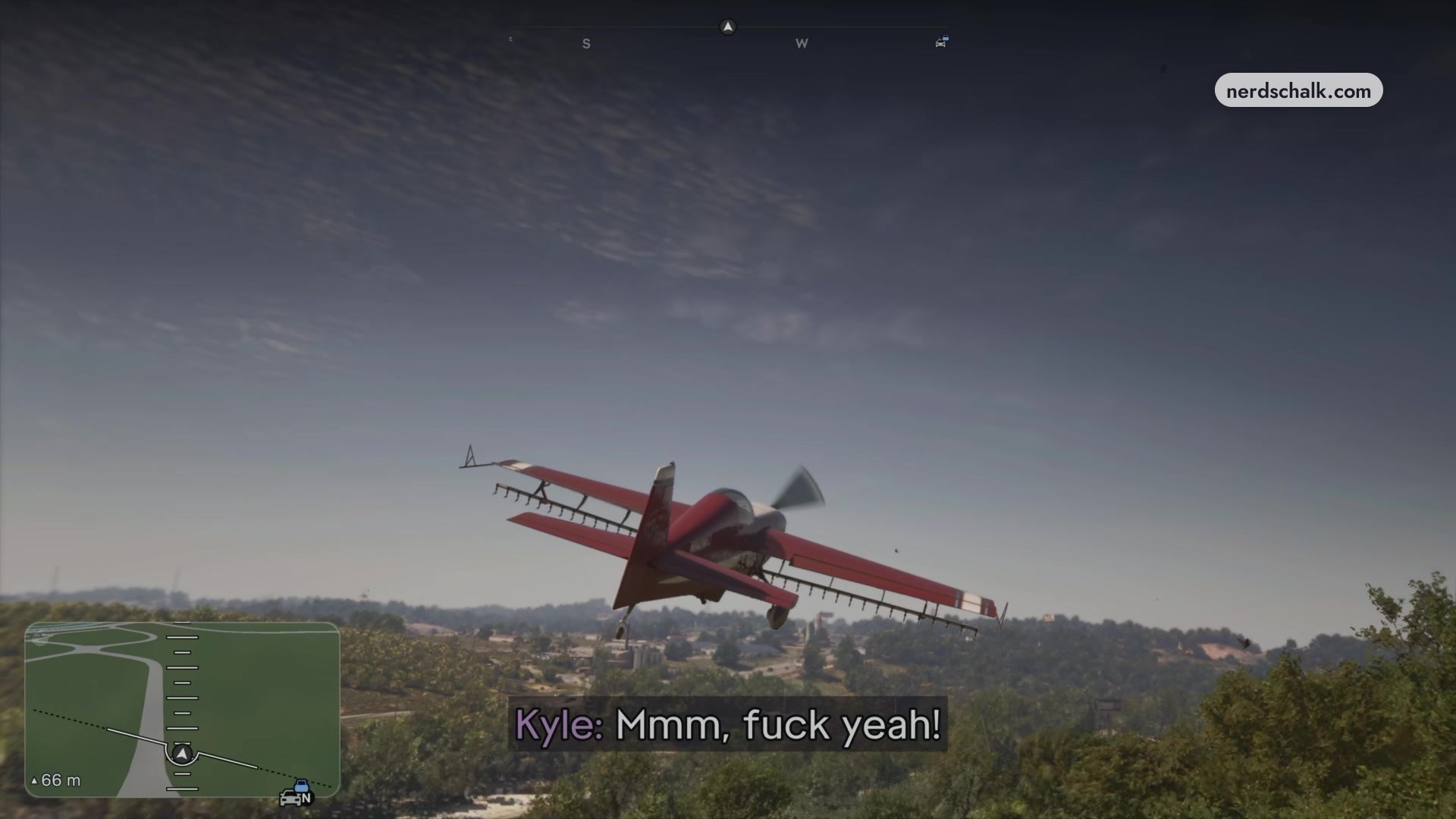
The objective Land the crop duster on the runway then sends Lucia back toward the dirt airstrip to line up and land.
That wraps up Speak to Kyle after the crop-dusting run.
Related Grand Theft Auto VI guides


Leave a Reply