Gaming

GTA 6 Aerial Application Crop Duster: Boarding, Controls, and Takeoff Steps

Learn how to board the GTA 6 Aerial Application crop duster, use its rudder controls, line up with the dirt runway, and build enough speed for takeoff before climbing above the trees.

Learn how to board the GTA 6 Aerial Application crop duster, use its rudder controls, line up with the dirt runway, and build enough speed for takeoff before climbing above the trees.

0 Comments
QUICK ANSWER
Board Kyle’s plane outside the hangar, align with the dirt runway, then accelerate and pull back once you’ve gained enough speed.

The Take off objective in Aerial Application begins beside Kyle’s plane outside the airstrip hangar. This guide covers the mission’s takeoff segment in Grand Theft Auto VI.

missionAerial Applicationaircraft modelLAPWINGaircraft variantKYLE’S MALLARDrudder controlHold SquareX or CircleB

buttons PS5 / Xbox

How to take off during Aerial Application in Grand Theft Auto VI

STEP 1

Board the crop duster

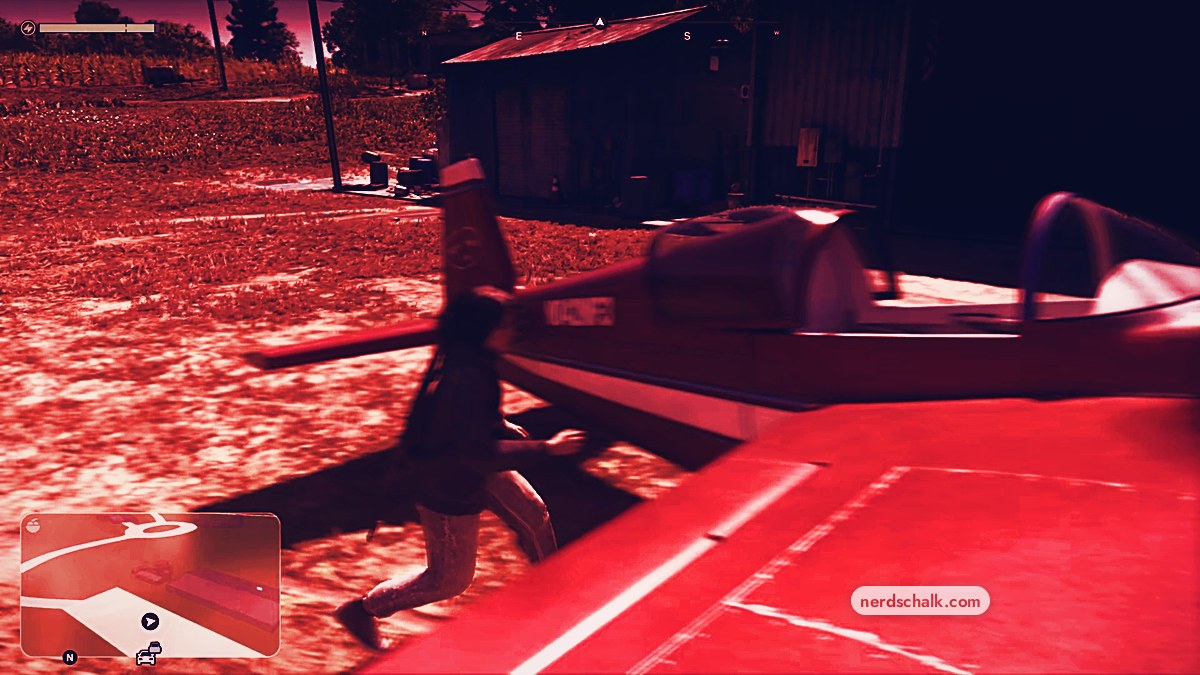
Approach the red crop duster outside the hangar and get into its cockpit.
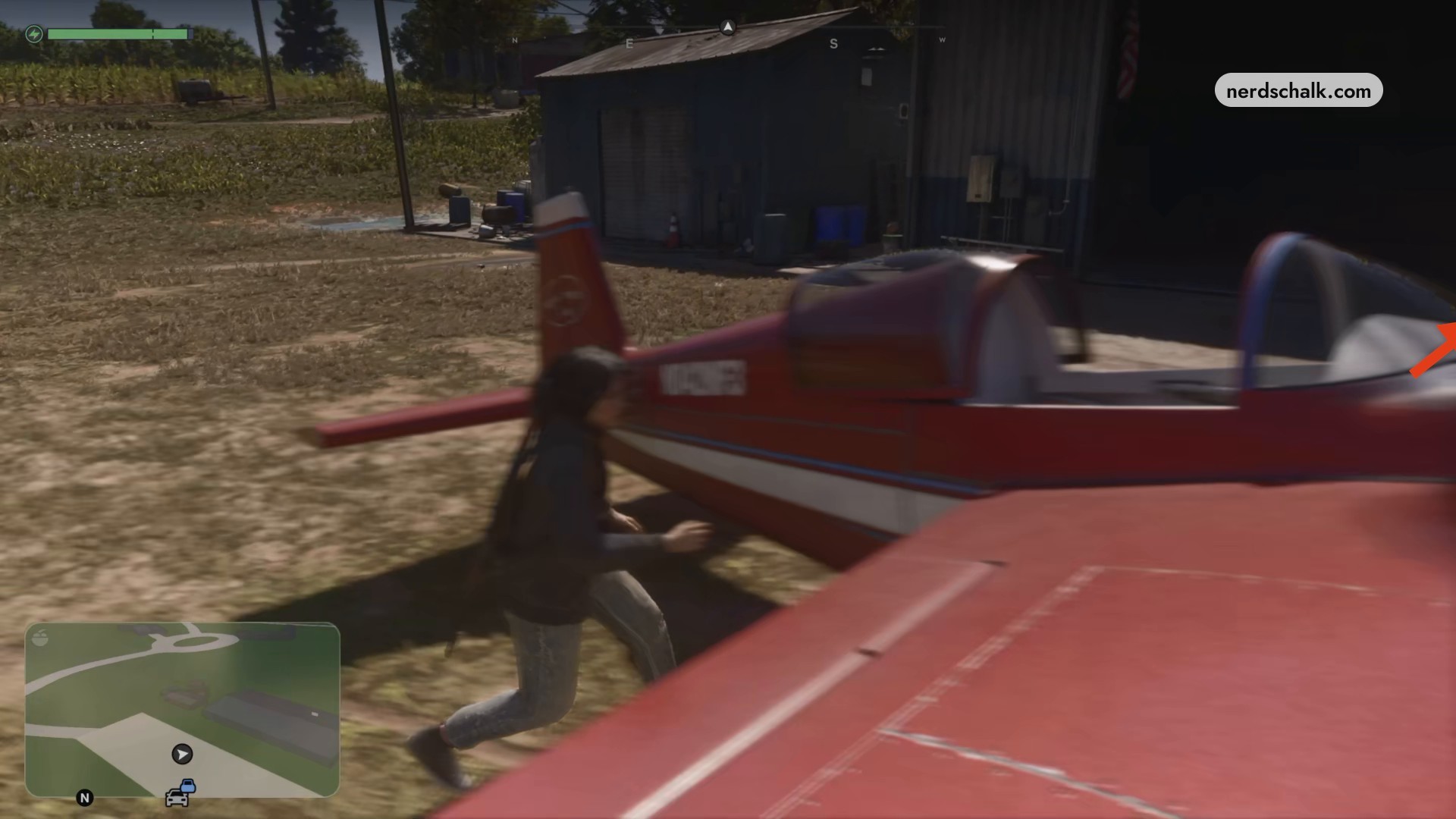
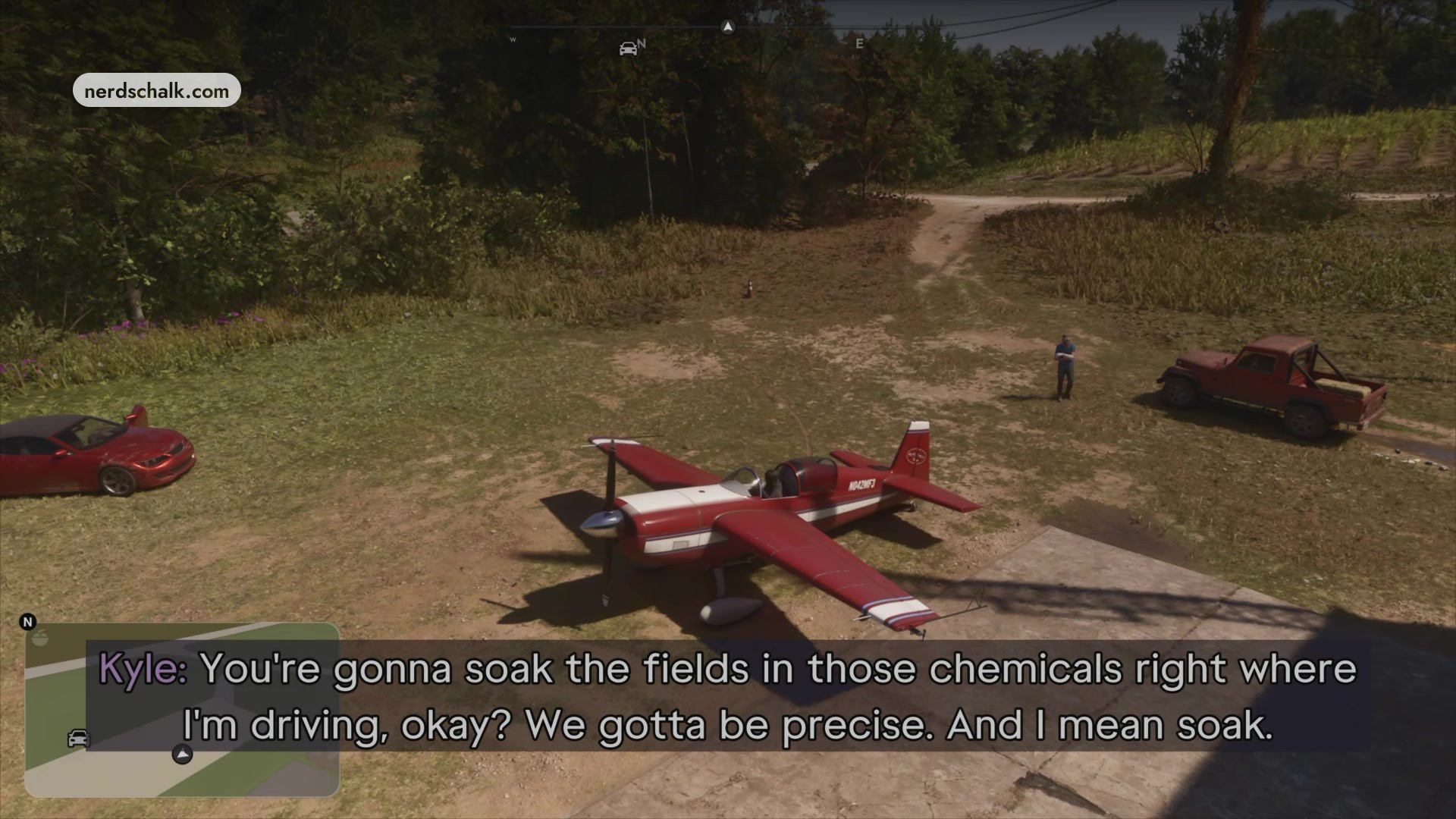
Approach the red plane's cockpit for takeoff in Aerial Application.
Approach the red plane’s cockpit for takeoff in Aerial Application. · Screenshot by NerdsChalk

Cross the grass from behind the car toward the plane; the red car is parked beside the aircraft.
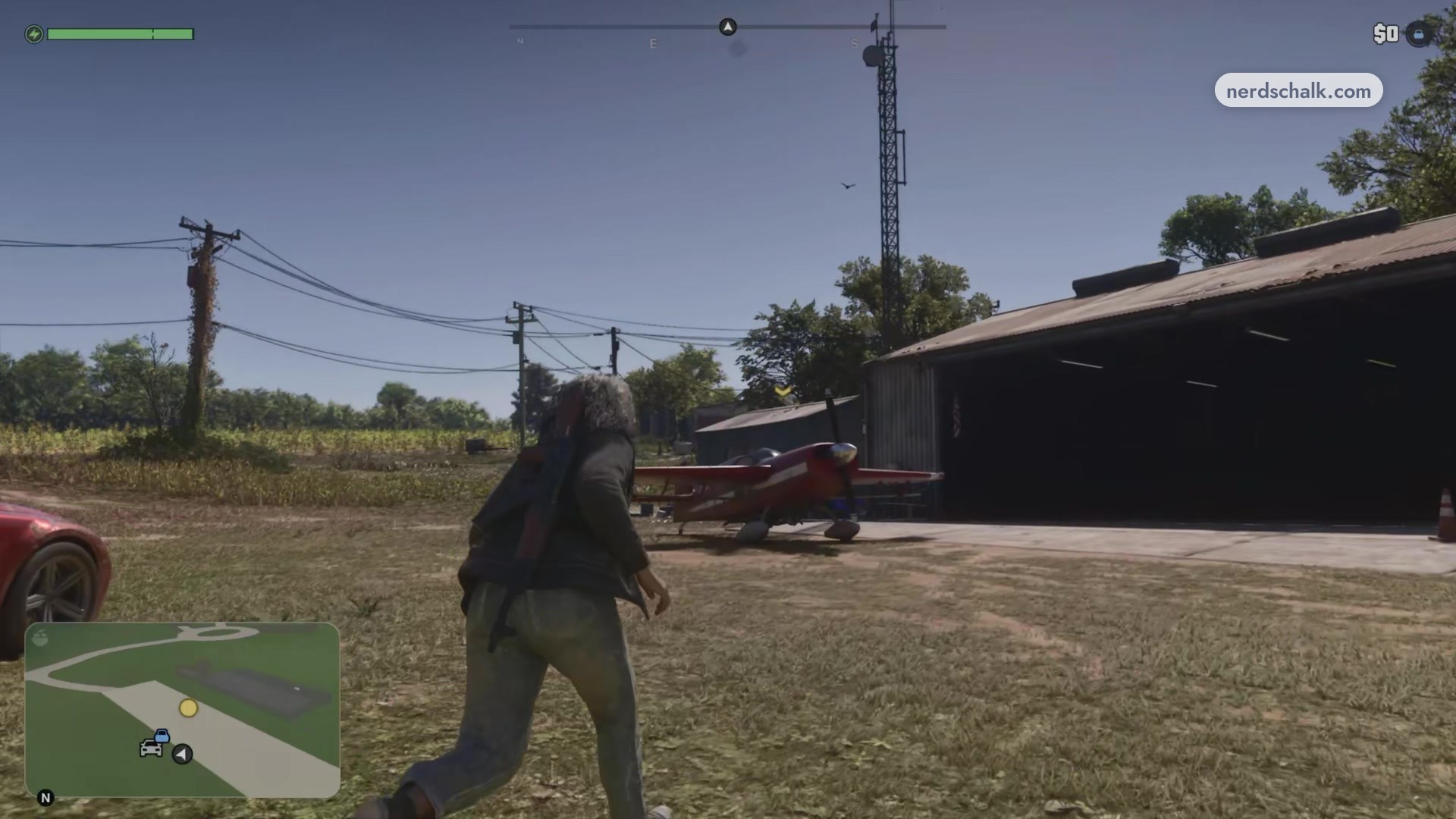
Cross the grass to reach the plane for takeoff in Aerial Application.
Cross the grass to reach the plane for takeoff in Aerial Application. · Screenshot by NerdsChalk
STEP 2

Align with the dirt runway

Taxi onto the straight, cleared dirt runway leading away from the hangar, lining up before you begin the acceleration run.
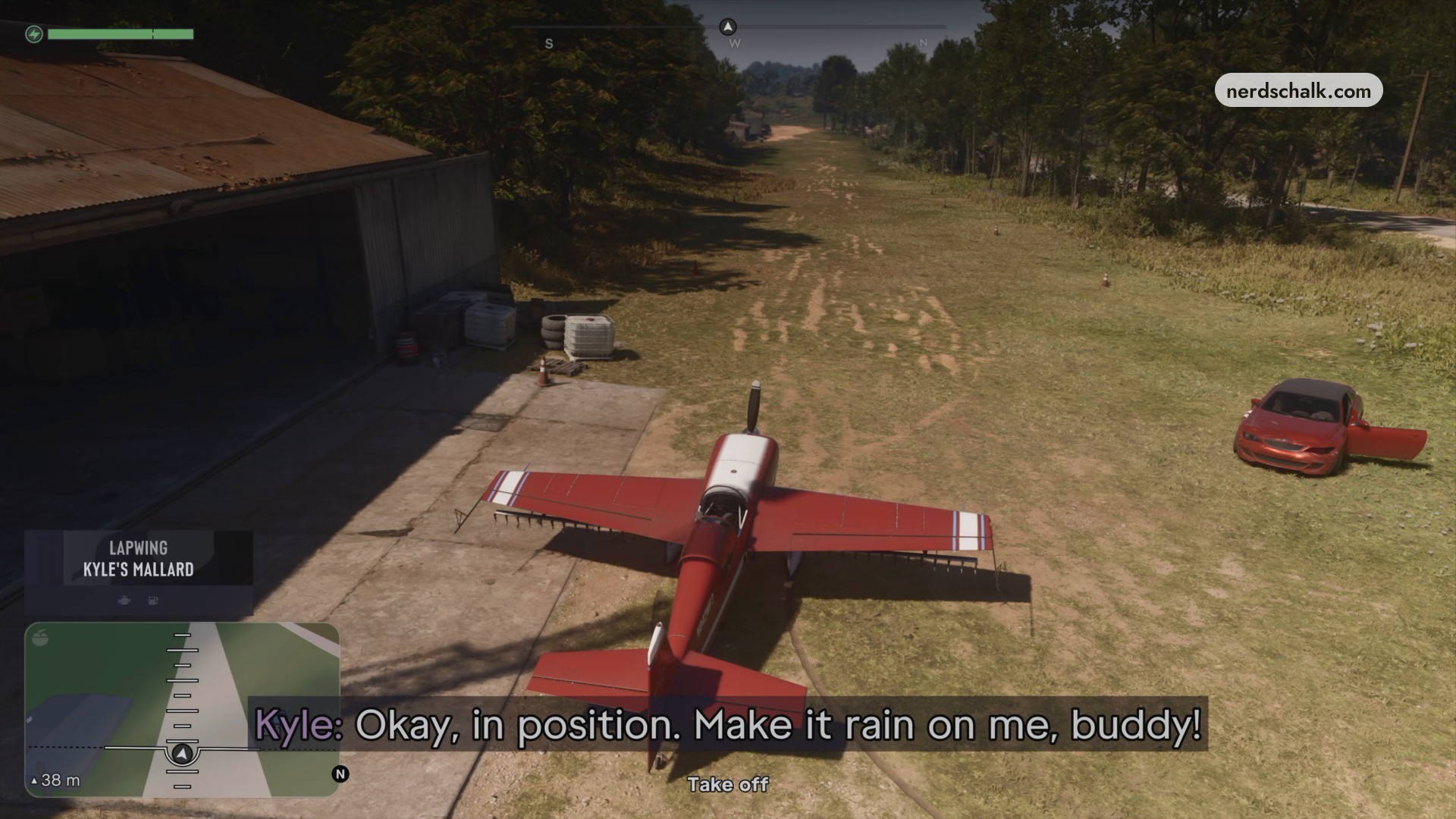
Line up with the cleared dirt airstrip for takeoff in Aerial Application.
Line up with the cleared dirt airstrip for takeoff in Aerial Application. · Screenshot by NerdsChalk
STEP 3

Accelerate and take off

Use the throttle to build speed along the dirt airstrip. Once the plane has sufficient speed, pull back to lift off.
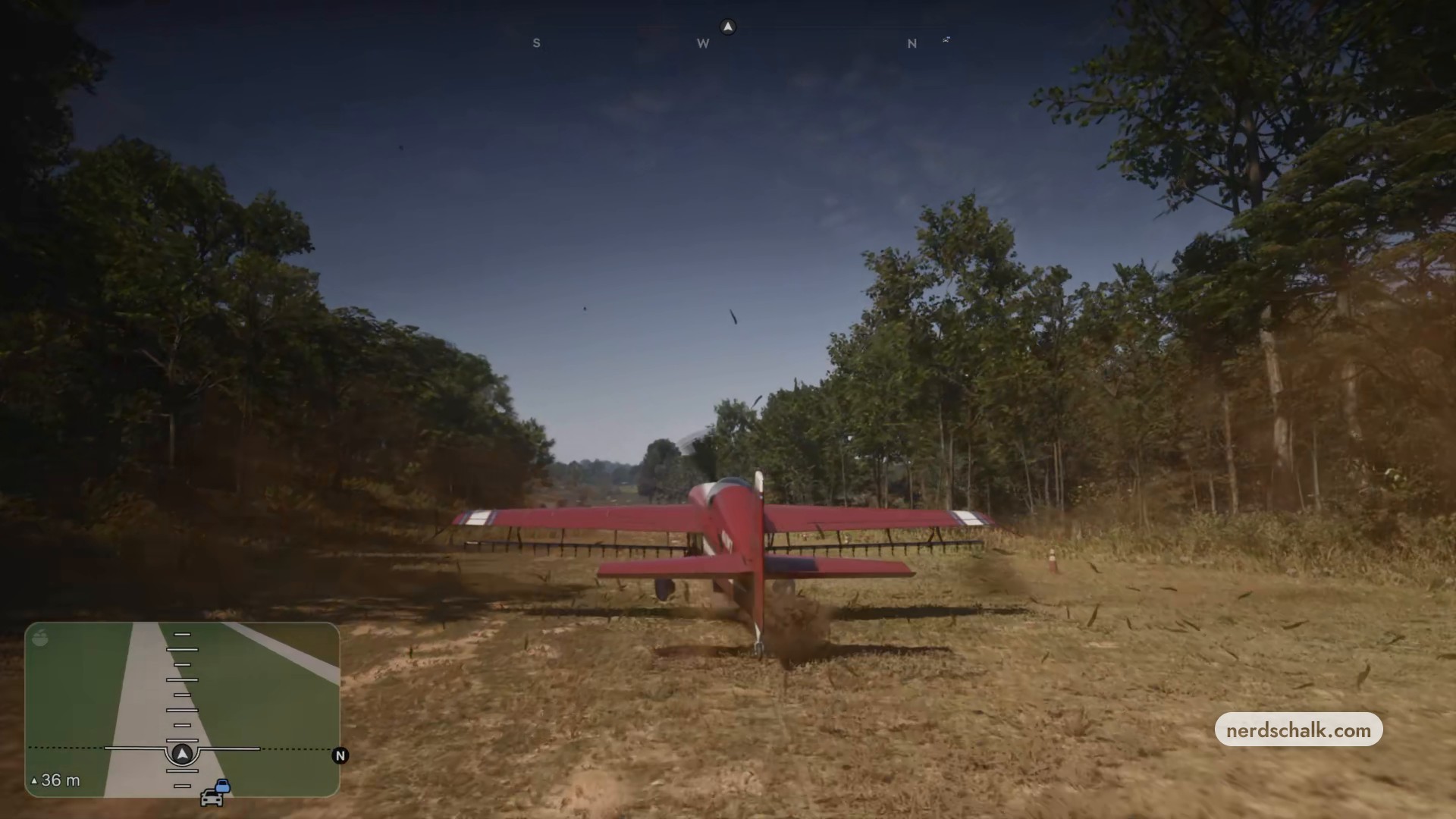
Build speed along the dirt airstrip for takeoff in Aerial Application.
Build speed along the dirt airstrip for takeoff in Aerial Application. · Screenshot by NerdsChalk

Before this part of Aerial Application

Lucia climbs into the plane and sits in its cockpit, then exits and returns to the red convertible.
Don’t miss thisKeep climbing after liftoff until the objective changesContinue climbing above the trees until the prompt reads Crop dust over Kyle. That objective change marks completion of the takeoff task.
The plane and nearby vehicles before the takeoff segment of Aerial Application.
The plane and nearby vehicles before the takeoff segment of Aerial Application. · Screenshot by NerdsChalk

She opens the trunk and stows her bag inside. The boarding objective reads Get in the crop duster, followed by the instruction to take off.
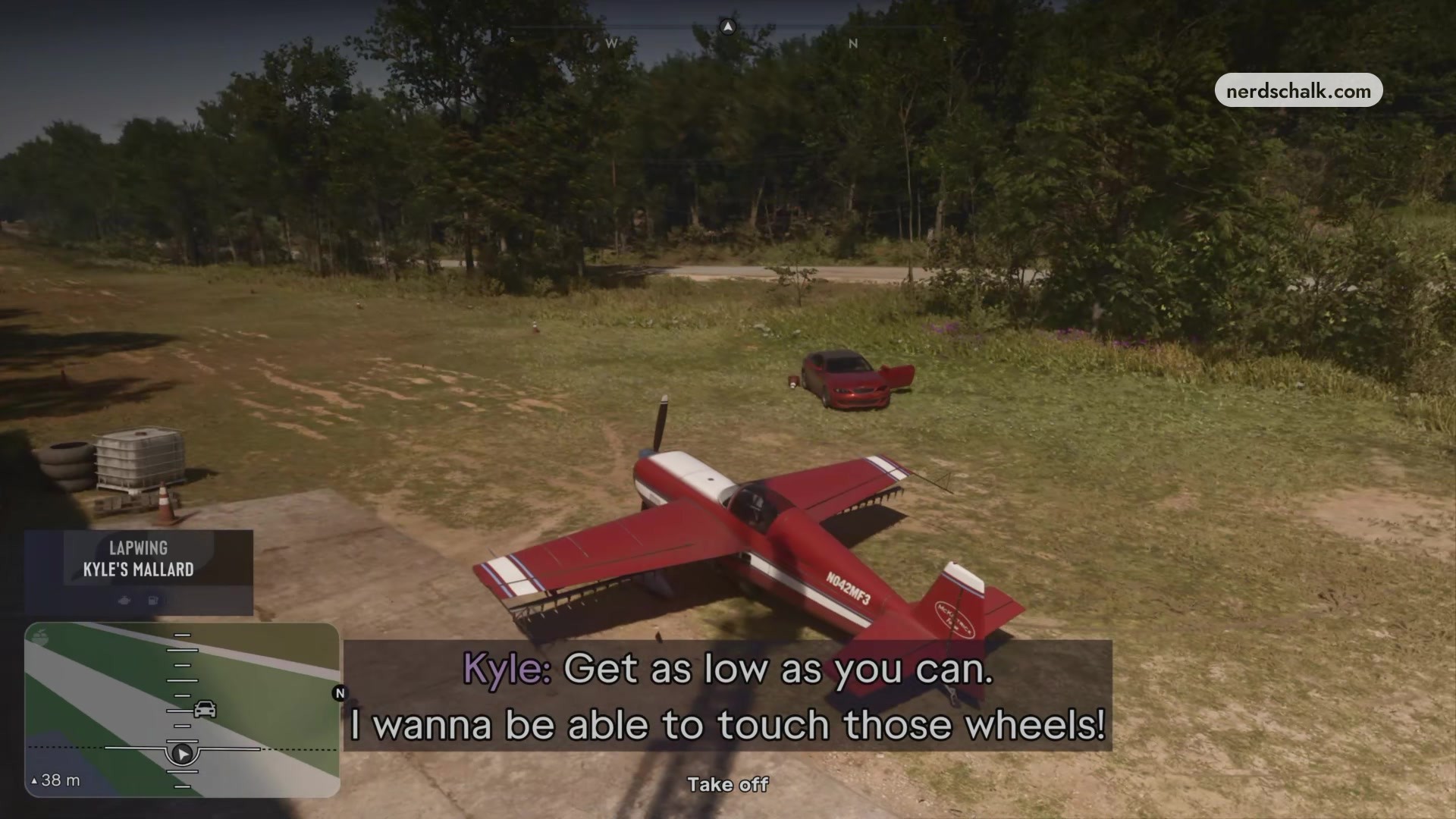
The parked crop duster with the Take off prompt in Aerial Application.
The parked crop duster with the Take off prompt in Aerial Application. · Screenshot by NerdsChalk

What comes next in Aerial Application

Fly low over the fields toward Kyle, who asks you to get as low as possible.
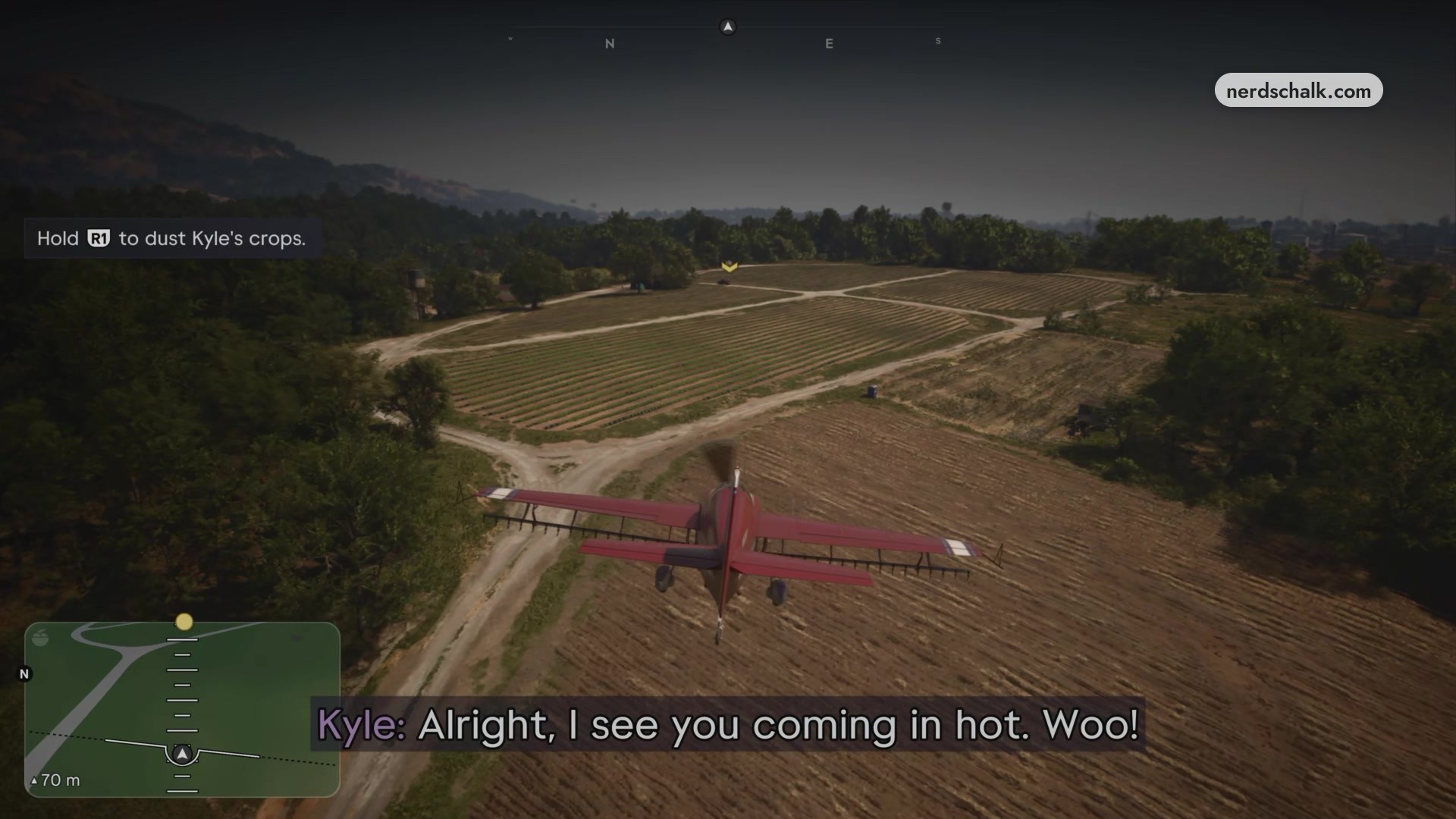
Approach the fields for crop dusting after takeoff in Aerial Application.
Approach the fields for crop dusting after takeoff in Aerial Application. · Screenshot by NerdsChalk

Hold R1 to dust Kyle’s crops, precisely soaking the fields with chemicals where he’s driving. After spraying the crops, land on the field.

releaseNovember 19, 2026platformsPlayStation 5, Xbox Series X|SeditionsStandard Edition, Ultimate EditionratingsUS: ESRB M (Mature 17+); Europe: PEGI 18

Related Grand Theft Auto VI guides
Leave a Reply

Your email address will not be published. Required fields are marked *