
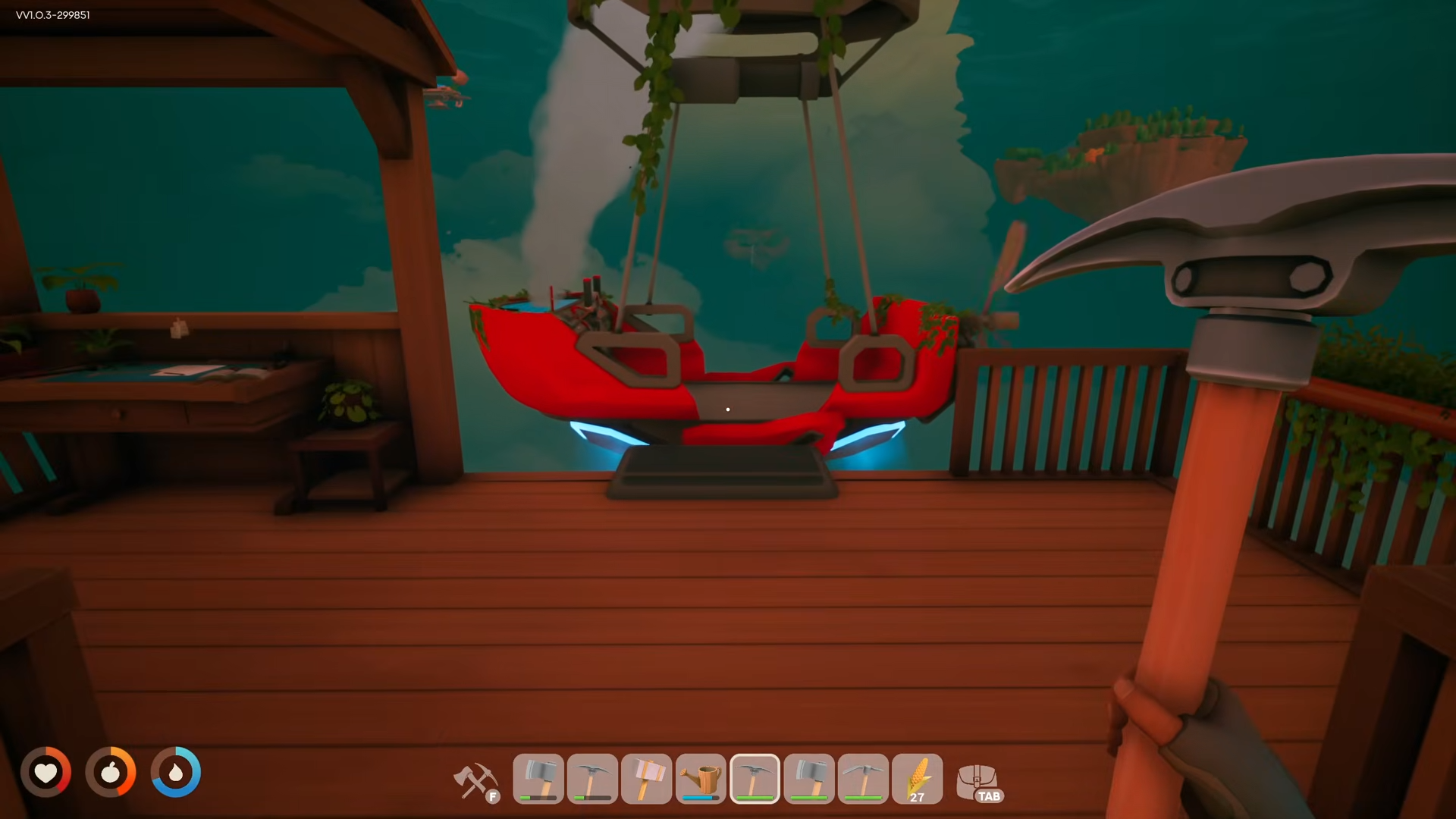
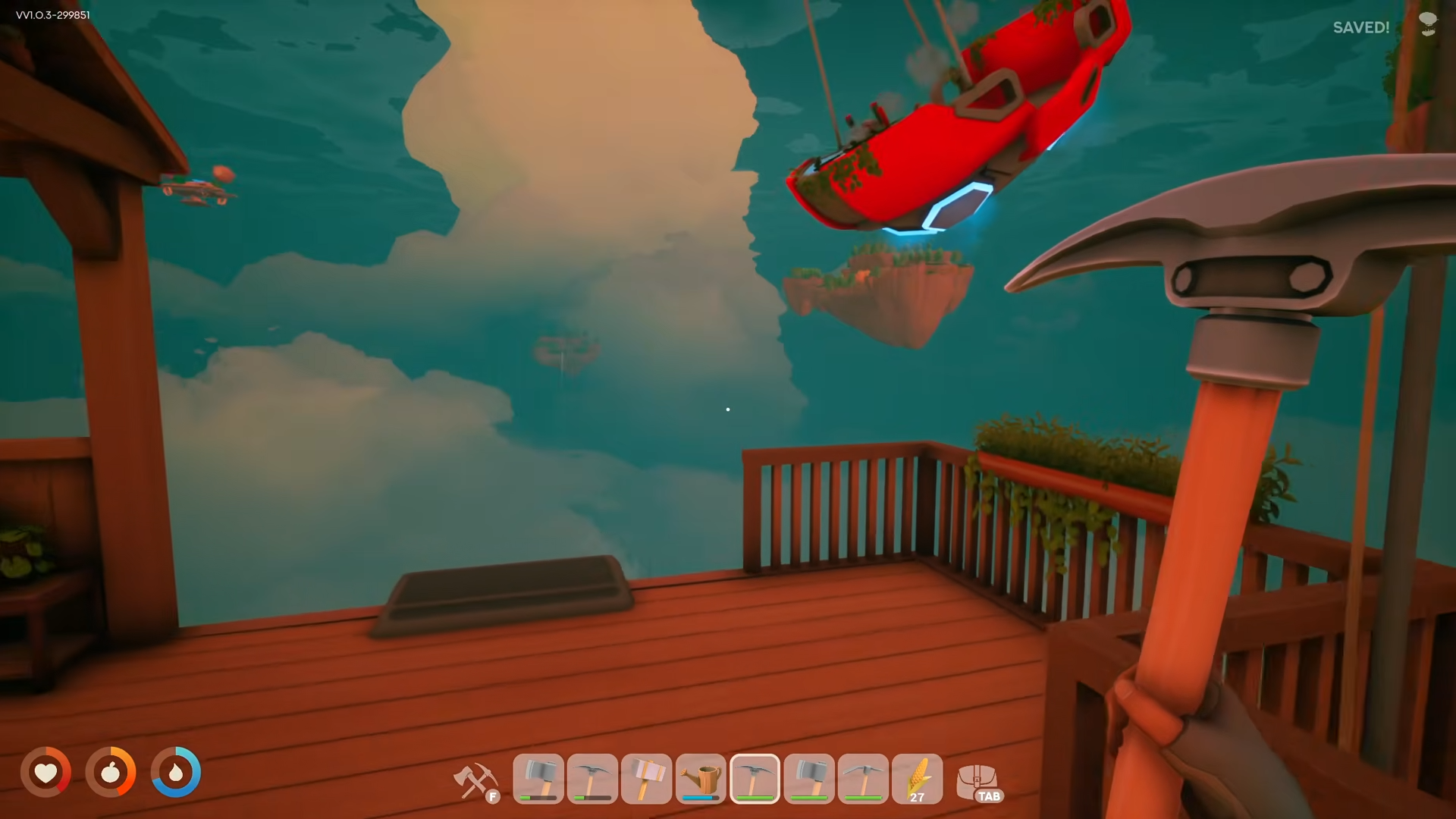
To recall your airship in Solarpunk, go to your airship dock and use the dock interface (the same one you used to build the airship) to select the recall option—your ship will fly back to you.
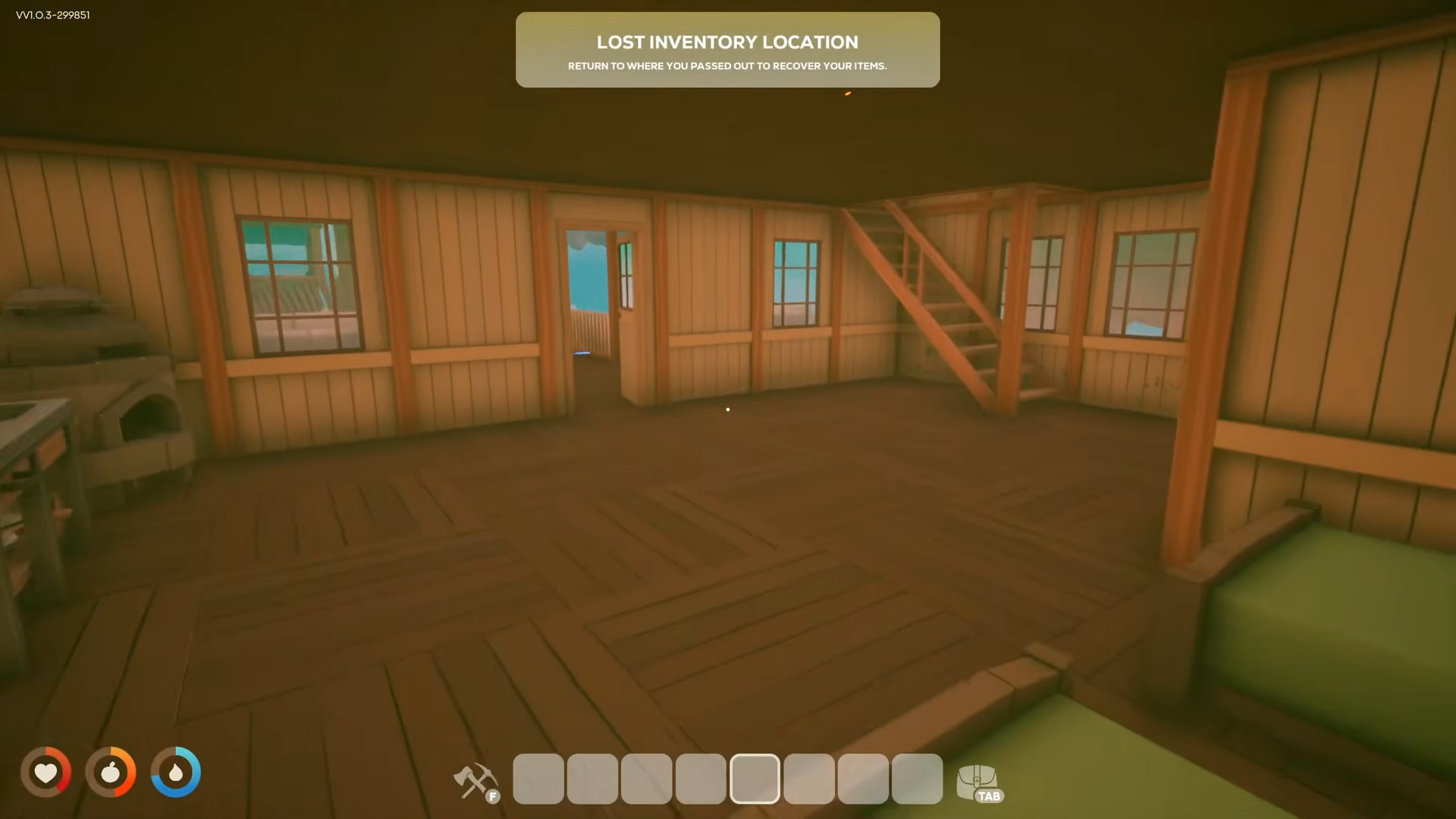
To recover loot after passing out or dying, return to the last solid ground location where you touched down before falling/knocking out—a chest containing your dropped inventory will be there.
How to Recall Your Airship
Step 1: Return to Your Airship Dock
Walk to the airship dock on your home island (the starting island where the little robot guy is). This is the same dock structure where you originally built your airship.
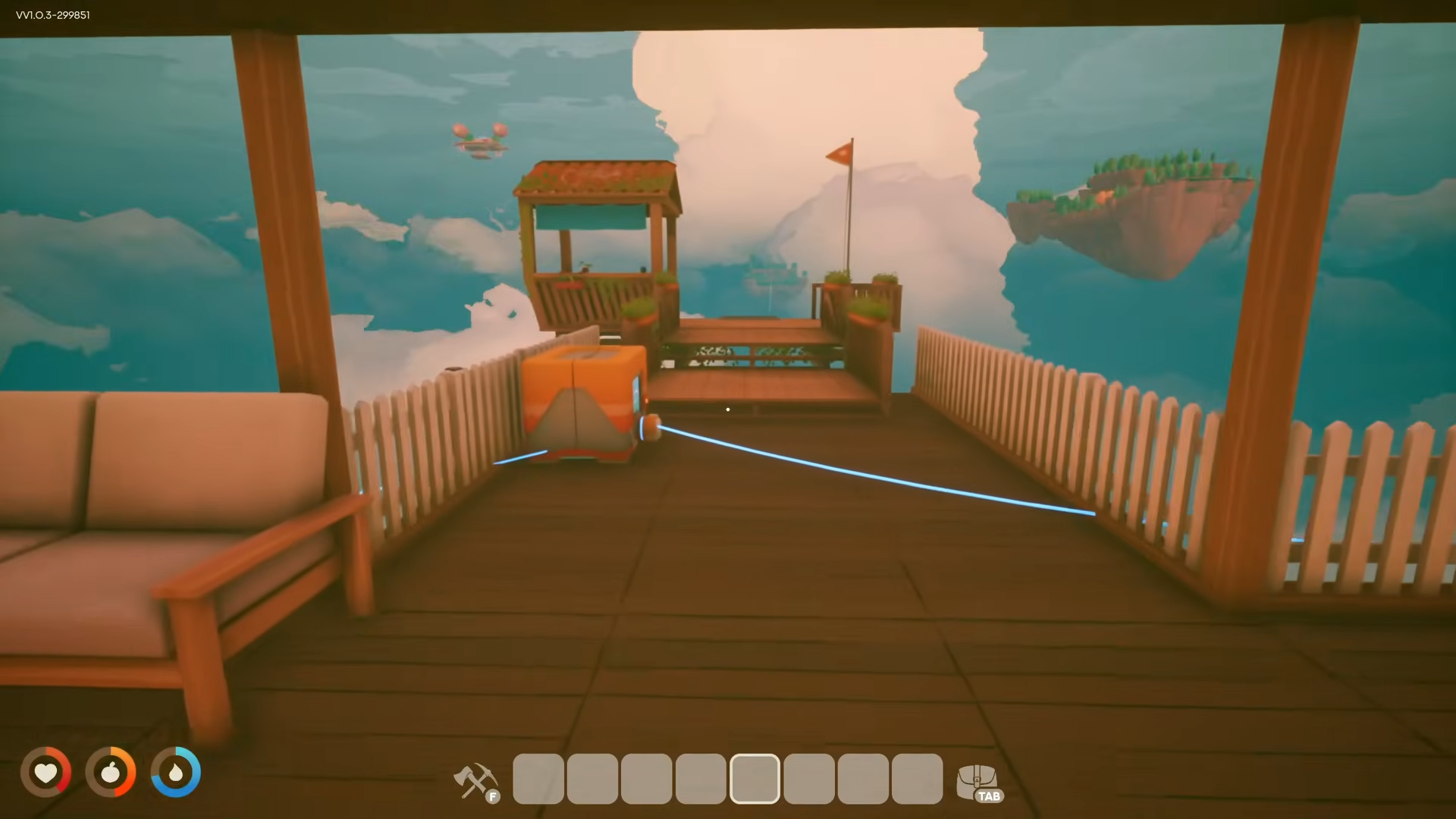
Step 2: Use the Dock Interface
Interact with the dock interface—this is the exact same menu you used when building the airship initially.
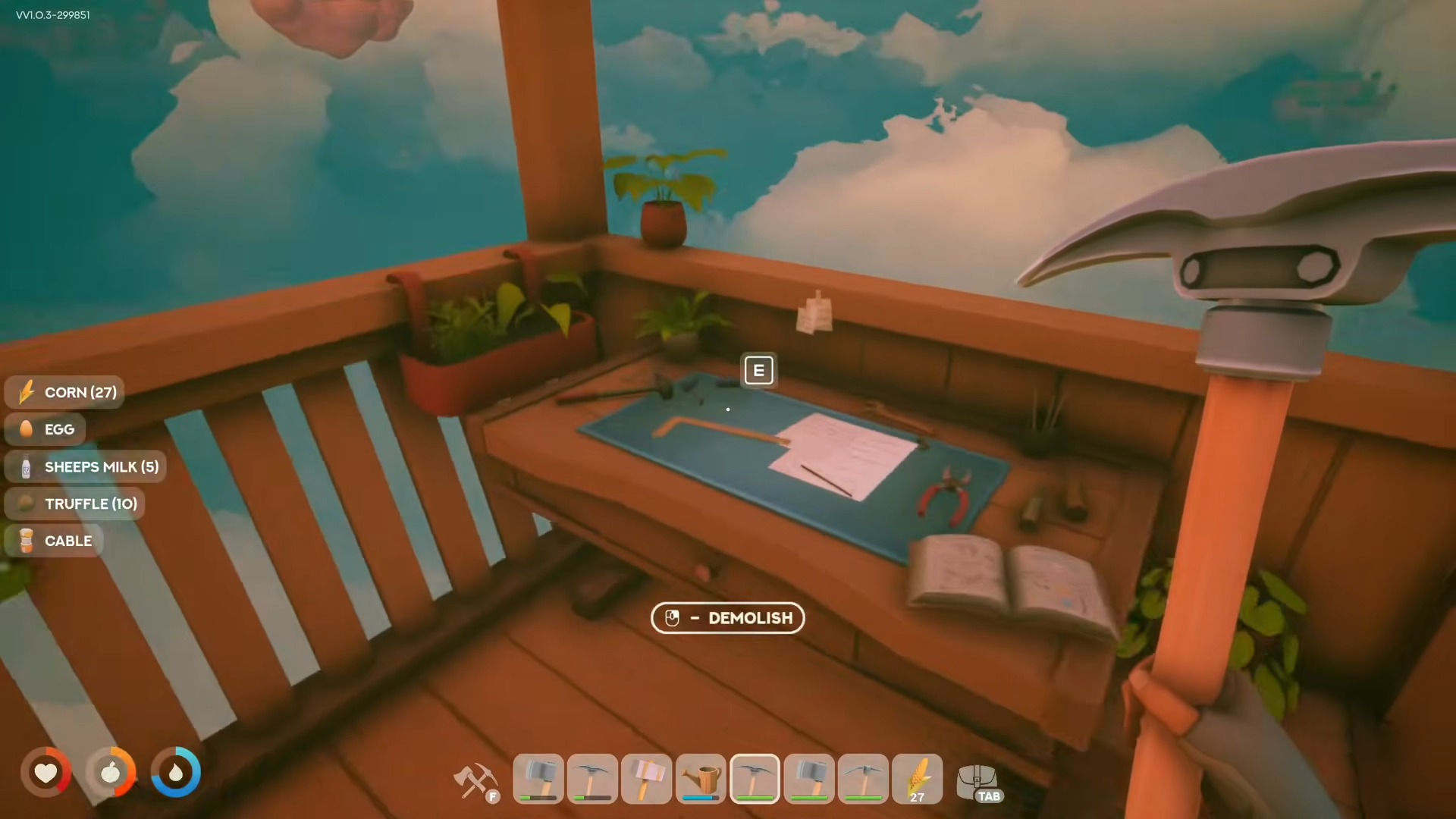
Step 3: Select Recall
Click on Retriever Airship.
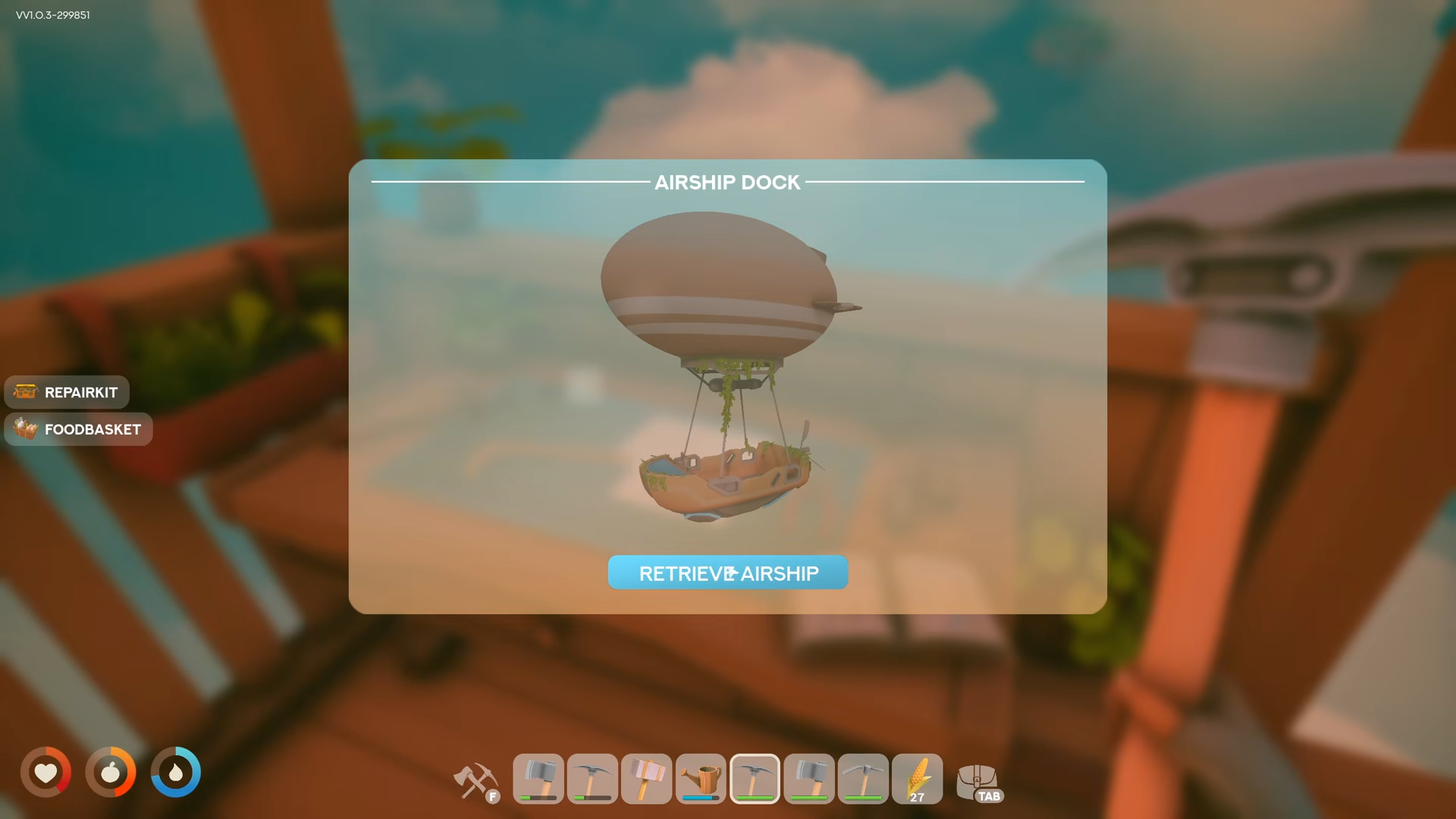
Your airship will automatically fly back to your current location at the dock.
Important Notes for Ship Recall
-
If your ship is lost, crashed, or landed awkwardly somewhere unreachable, the dock recall is your solution.
-
The ship does not spawn via a key command—you must use the dock interface.
-
If you quit the game on the first island, your blimp may disappear and you could be stranded.
How to Recover Loot After Passing Out
Step 1: Identify Where You Dropped Items
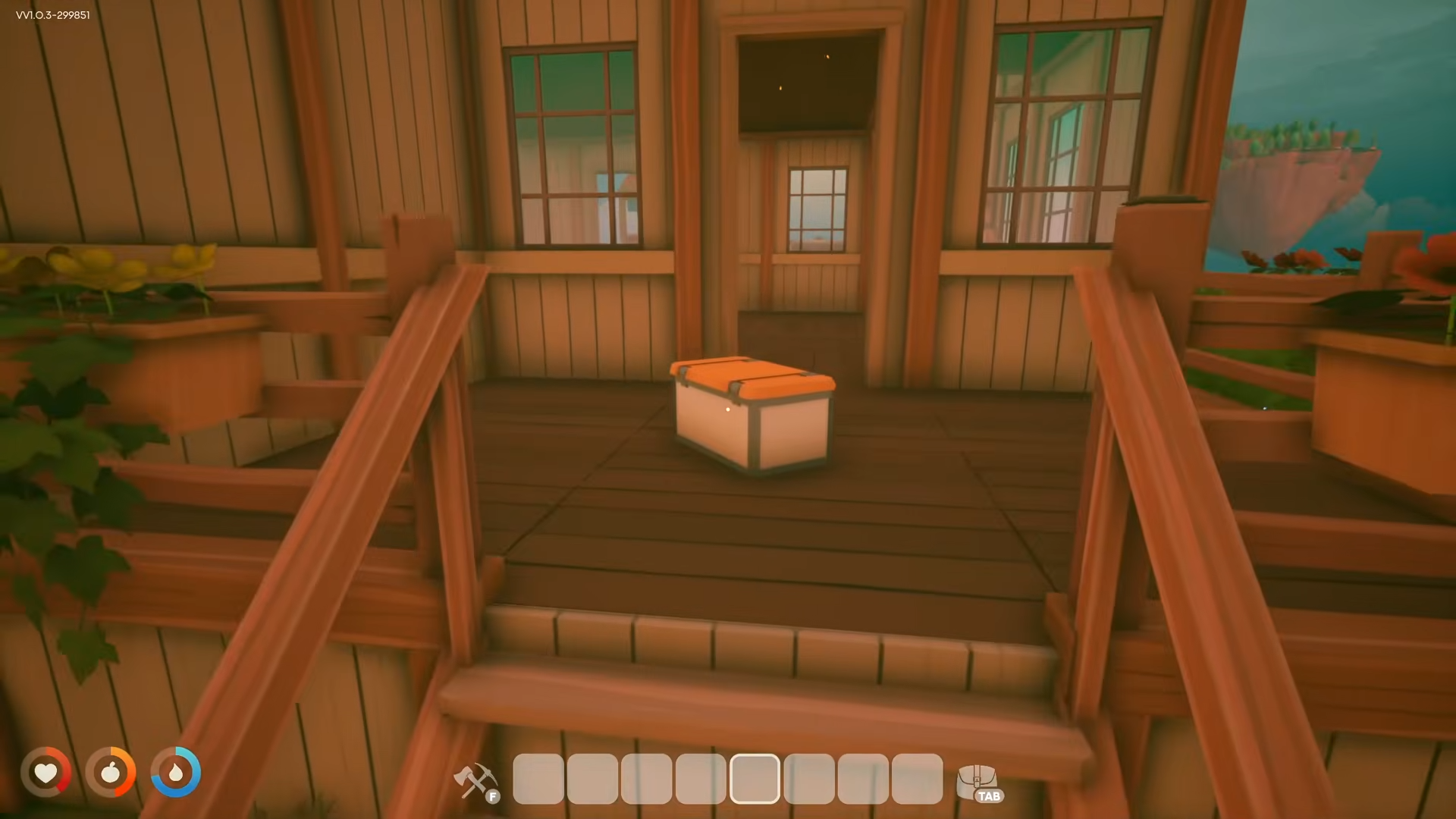
When you pass out or die, your inventory doesn’t disappear—it goes into a chest/backpack at the last solid ground location where you touched down before falling.
Step 2: Return to That Location
Fly your airship back to the island where you last landed. The chest will be near your landing spot.
Step 3: Look for Visual Markers
-
The chest may show a shining white/yellowish beacon light that becomes visible when you’re close enough
-
You can also use the backpack icon on your map (press M)—it shows where your death loot dropped
Step 4: Open the Chest
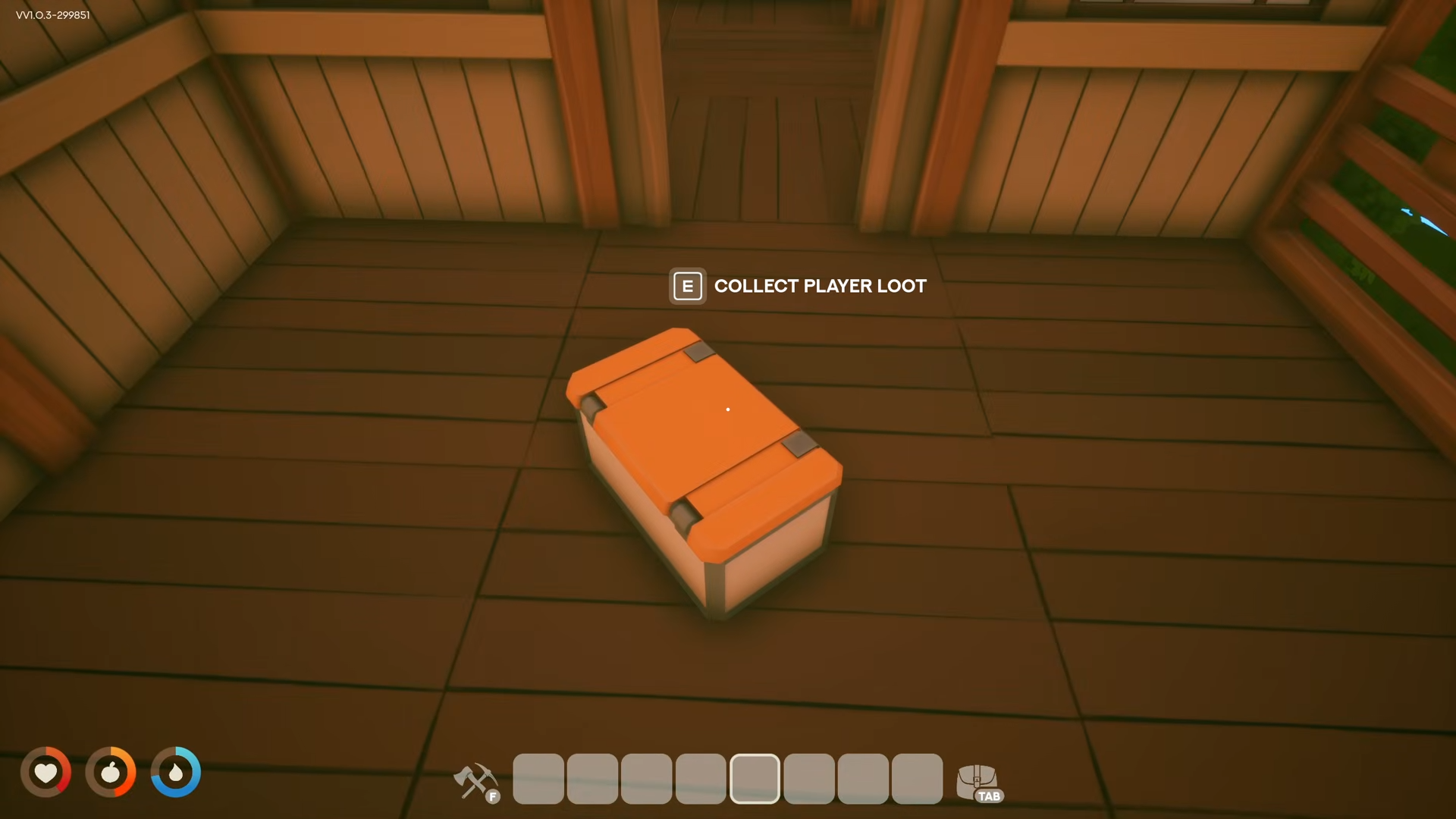
Interact with the chest to retrieve all your dropped items—nothing is permanently lost.
Common Errors That Waste Time
-
Quitting the game on the first island: Your blimp disappears and you’re stranded
-
Trying to find a “summon key”: No key exists—you must use the dock interface
-
Assuming inventory is lost on death: Items go into a chest, not deleted
-
Not checking the last landing spot: Loot drops where you last touched solid ground, not where you died
Difficulty Mode Differences
If You’re Stuck Without Ship Access
-
Jump off the island into the void to respawn at home island.
-
Recall your ship from the dock.
-
Fly back to retrieve your loot.
-
Alternative: Use the “Unstuck Me” button in Settings → General → bottom of menu.
Pro Tip: Store Items Safely
Build a chest on islands you visit and store valuable items there before exploring further. This prevents losing seeds and rare materials if you pass out.
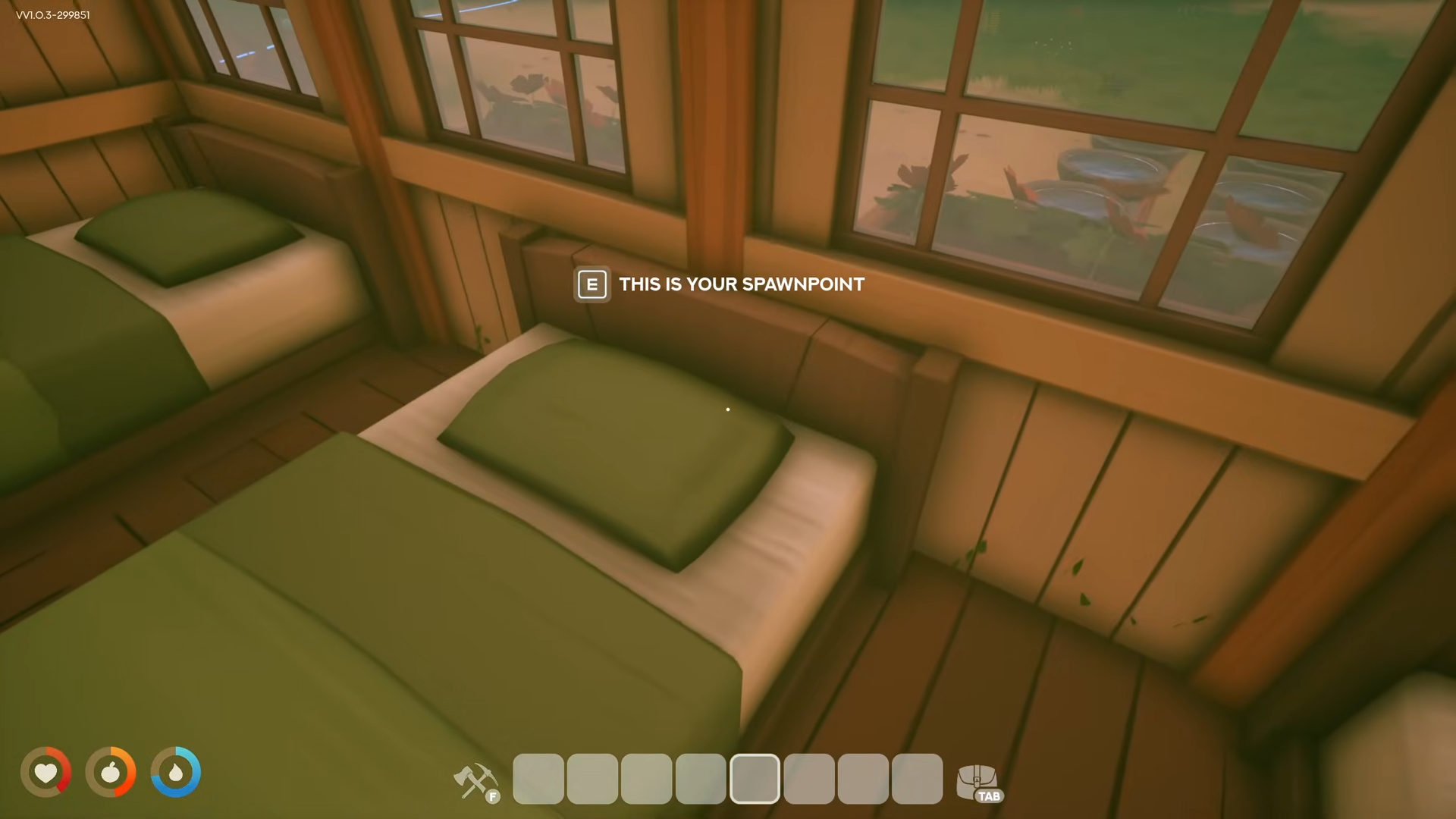
Recalling your ship and recovering loot are essential survival mechanics in Solarpunk that prevent permanent progression loss. Master the dock interface for ship recall, and always remember your loot awaits at your last landing spot—nothing is truly lost if you know where to look.



Leave a Reply