
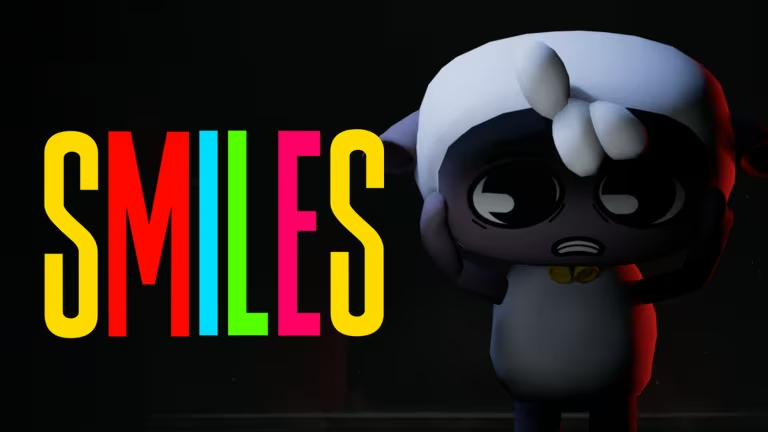
Smiles has you running a factory on Roblox, and codes are the fastest way to stack up Fluff, the game’s core currency, without grinding for it. A couple of codes also hand you a temporary speed boost, which helps if you’re trying to push through tasks quickly.
Working Smiles Codes
Type these in exactly as shown, exclamation mark included, since a small typo is the most common reason a code fails.
100K!
100 Fluff
New
CONSOLE!
150 Fluff
1MVISIT!
150 Fluff
HAPPINESS!
A 1.25x speed multiplier that lasts 10 minutes
RELEASE!
150 Fluff
How to redeem codes in Smiles
You can’t redeem Smiles codes from a website. There’s no external redemption page, so you need to be inside a live server before any code will work.
Expired Smiles codes
These codes no longer work if you try to enter them.
FLUFF!
PRIVATE!
SMILE!
How to get more Smiles codes
New Smiles codes tend to show up around milestones, things like visit counts or console launches, so checking back after the game hits a new number is a good habit. The developer’s official Discord server is where announcements land first, and it’s worth joining if you want codes as soon as they go live. You can also jump straight into the Smiles experience on Roblox to check the Settings panel yourself whenever a new code drops.
Why didn’t my code work?
The most likely reason is a mistyped code, since Smiles codes require the exact spelling and the trailing exclamation mark. Codes also stop working once they expire, so double check the working list above before assuming there’s a problem with your account.
Keep an eye on your Fluff total after each redemption to confirm it actually went through, and don’t burn through the speed boost code until you’re ready to make use of the extra pace.






Leave a Reply