
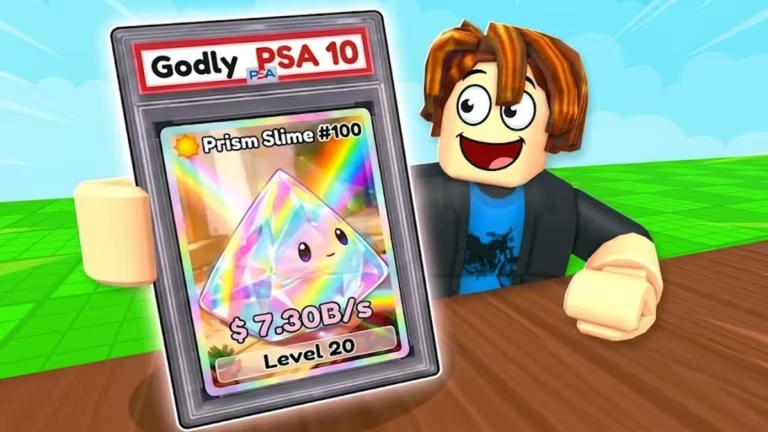
Slime Card Collection is a Roblox hatching game where you collect slime cards and hatch them using potions and tokens. The developers hand out codes every so often, and redeeming them is the fastest way to stock up on Plerts potions and InstaHatch tokens without grinding for them.
Working Slime Card Collection codes
Type these in exactly as shown, since the redemption box is case-sensitive. The newest additions are marked below.
BugPack
1 Superplets Potion
New
EquipmentShop
1 Superplets Potion
New
Yummy
1 Superplets Potion
New
Secrets
1 Superplets Potion
New
OnlineRewards
1 Superplets Potion
Ghost
1 Superplets Potion
Anime
1 SuperPlerts Potion
Sand
1 SuperPlerts Potion
PSA
1 SuperPlerts Potion
Void
3 Plerts Potions
Million
1 InstaHatch Token
Quest
5 Plerts Potions
Boost
2 Plerts Potions
Index
2 InstaHatch Tokens
Auction
Potions
How to redeem codes in Slime Card Collection
Redemption happens entirely inside the shop menu rather than through a separate codes button, so you’ll need to dig into the store first.
You’ll know a code worked when the potion or token lands directly in your inventory, ready to use right away. There’s no separate pop-up confirmation to wait for beyond that.
How to get more Slime Card Collection codes
New codes tend to show up alongside updates, milestones, or special events, so keeping an eye on the game’s own channels is your best bet for catching them early. Join the official Slime Card Collection Discord server for announcements, and check back on this page as new codes get added.
You can also jump straight into the Slime Card Collection experience on Roblox to redeem codes as soon as you spot them, since potions and tokens are most useful early when you’re still building up your collection.
Are Slime Card Collection codes free?
Yes. Every code listed above is free to redeem and gives you potions or tokens at no cost, as long as it’s still active when you try it.
Why didn’t my code work?
Double-check that you typed the code exactly as shown, including capitalization, since the redemption box doesn’t correct for typos or spacing.






Leave a Reply