
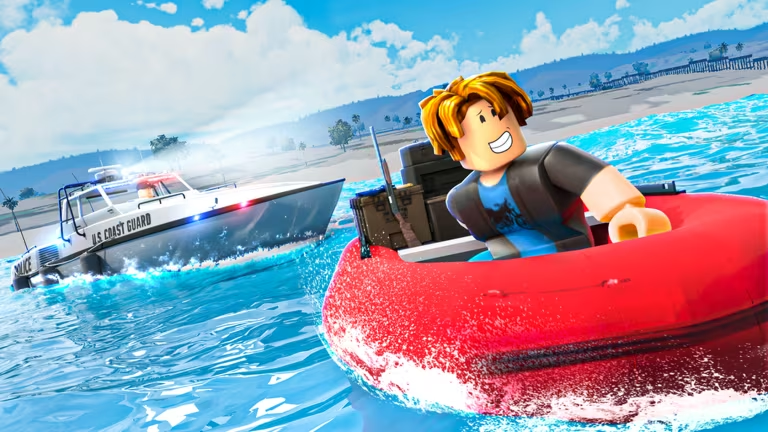
San Diego Border Roleplay is a Roblox experience built around cargo, vehicles, and border-town roleplay, and its codes hand you free Cash to spend on gear, rides, and other in-game purchases without grinding for it.
Working San Diego Border Roleplay codes
Here’s every code you can redeem right now, along with what each one pays out. Type them in carefully since a single typo or extra space will stop a code from going through.
CARGOSHIP
50,000 Cash
New
UPDATEBONUS
200,000 Cash
GOLDCURRENCY25
25,000 Cash
Back
20,000 Cash
VEHICLETRADING25
20,000 Cash
ElDiabloIsntGettingBuffed
10,000 Cash
Note: The Back and ElDiabloIsntGettingBuffed codes use unusual casing, so copy them exactly as shown rather than retyping them from memory.
How to redeem codes in San Diego Border Roleplay
Redeeming codes here only takes a few taps once your character has loaded into the map. Follow these steps in order for each code you want to claim.
How to get more San Diego Border Roleplay codes
New codes usually show up around content updates, so keeping an eye on the game’s official channels is your best bet for catching them early. The developers post announcements and new code drops through the game’s official Discord server, and the Roblox community page is another place where updates get shared directly.
There’s no fixed schedule for when new codes drop, so checking back after major updates or cargo-related events gives you the best chance of grabbing rewards before they run out.
Are these codes free to use?
Yes. Every code listed here is redeemed for free and simply adds Cash to your account once claimed through the Rewards tab.
Why didn’t my code work?
Double-check the spelling and capitalization against the code list before trying again, since the entry box requires an exact match to register the Cash reward.






Leave a Reply