
What to know
- Samsung Notes is testing a new S Pen action called “Drag handwriting.”
- The feature lets you press and hold handwriting, then drag it to create more space in a note.
- Samsung Notes v4.4.45.37 includes the new tool text, but the feature is not live in the app yet.
Samsung Notes already gives Galaxy users a deep set of handwriting tools, especially on devices with S Pen support. The next useful editing upgrade is built for a common problem: making room on a crowded handwritten page without rewriting the note.
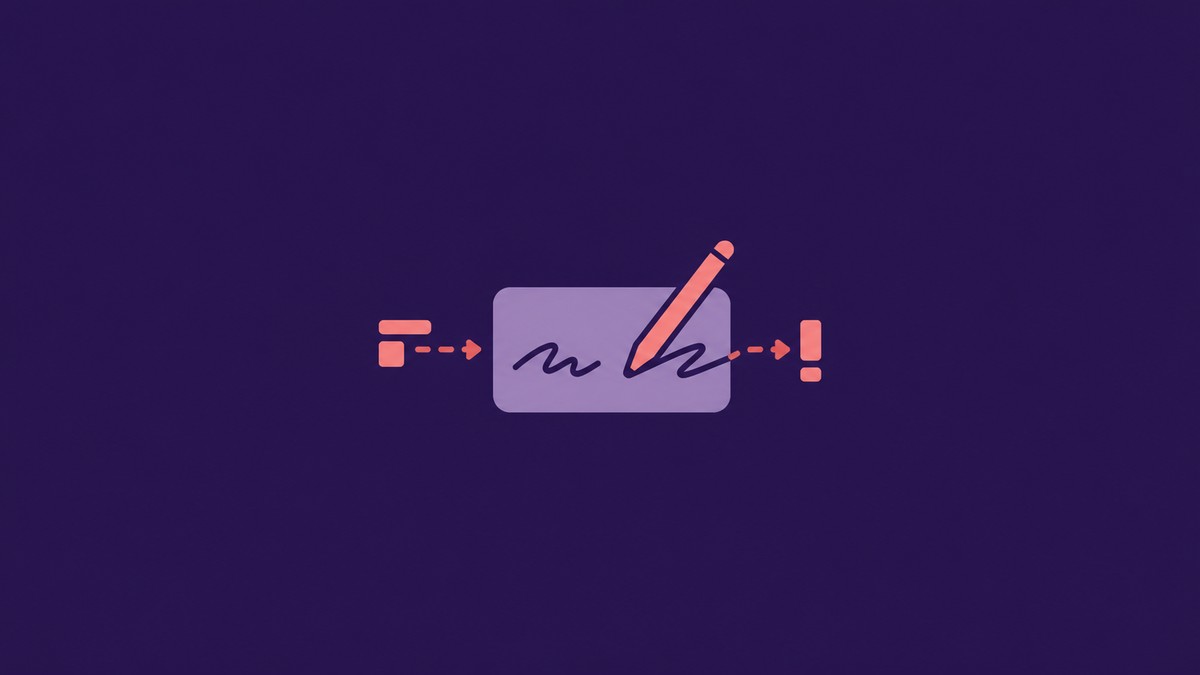
Samsung Notes v4.4.45.37 includes a new S Pen handwriting action called “Drag handwriting.” It works by pressing and holding handwritten content, then dragging it with the S Pen to create more space inside the note.
Samsung Notes points to a new Drag handwriting tool
The main addition is the toolbar label itself. Samsung has added a new handwriting toolbar string named “Drag handwriting,” along with the instruction for the gesture: press and hold, then drag handwriting with your S Pen to create more space.
That describes the feature clearly. Instead of selecting handwriting only to move or edit it, Samsung is building a spacing action around handwritten ink. For anyone who uses Samsung Notes like a real notebook, this makes it easier to insert extra room between lines, expand a section after the fact, or clean up dense handwritten notes without rewriting a page.
Code in Samsung Notes v4.4.45.37 references the new S Pen handwriting action here:
The same build also adds newer-note safeguards
The build also includes strings for notes created in a newer version of Samsung Notes. These messages say a note can be blocked from opening, or opened as read-only, until the next app update is available for the phone or tablet.
These strings are separate from the drag-handwriting tool, but they show Samsung preparing compatibility handling for notes that rely on newer app-side features. The app text says some content can look different or be hidden, and editing can require a future app update.
Drag handwriting is in Samsung Notes v4.4.45.37, but it is not available to users yet. Future Samsung Notes builds should show when the new S Pen action is ready to roll out.
Related guides





Leave a Reply