
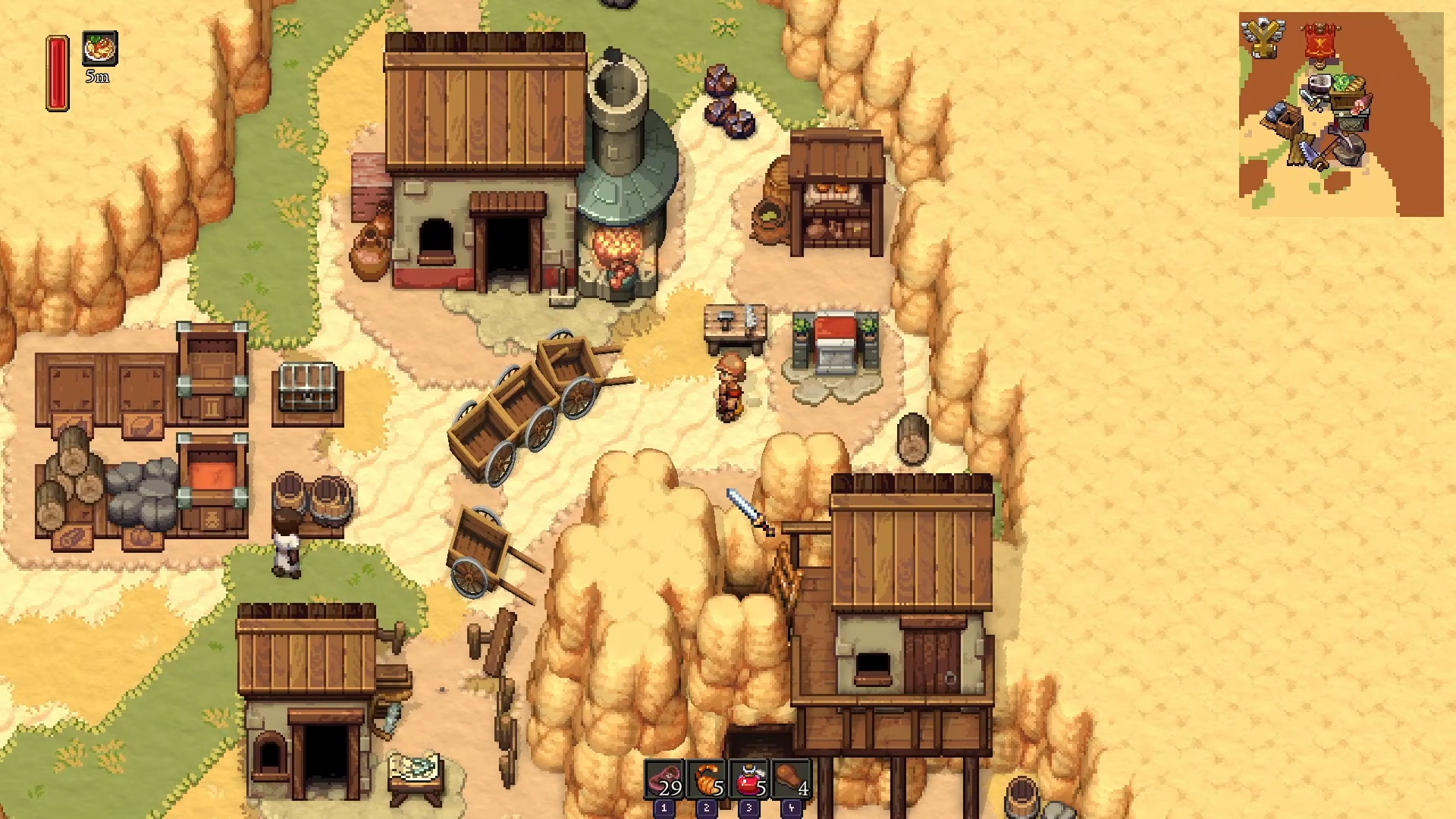
To teleport between towns in Romestead, you need to unlock the altar teleport button by completing the Giant Owl quest, upgrading at least two altars to level 2 (one in each town), and obtaining the Teleport worship unlock.
Teleport Requirements
How to Teleport Between Towns
Step 1: Complete the Giant Owl Quest
Go to your altar and notice the teleport button is locked.
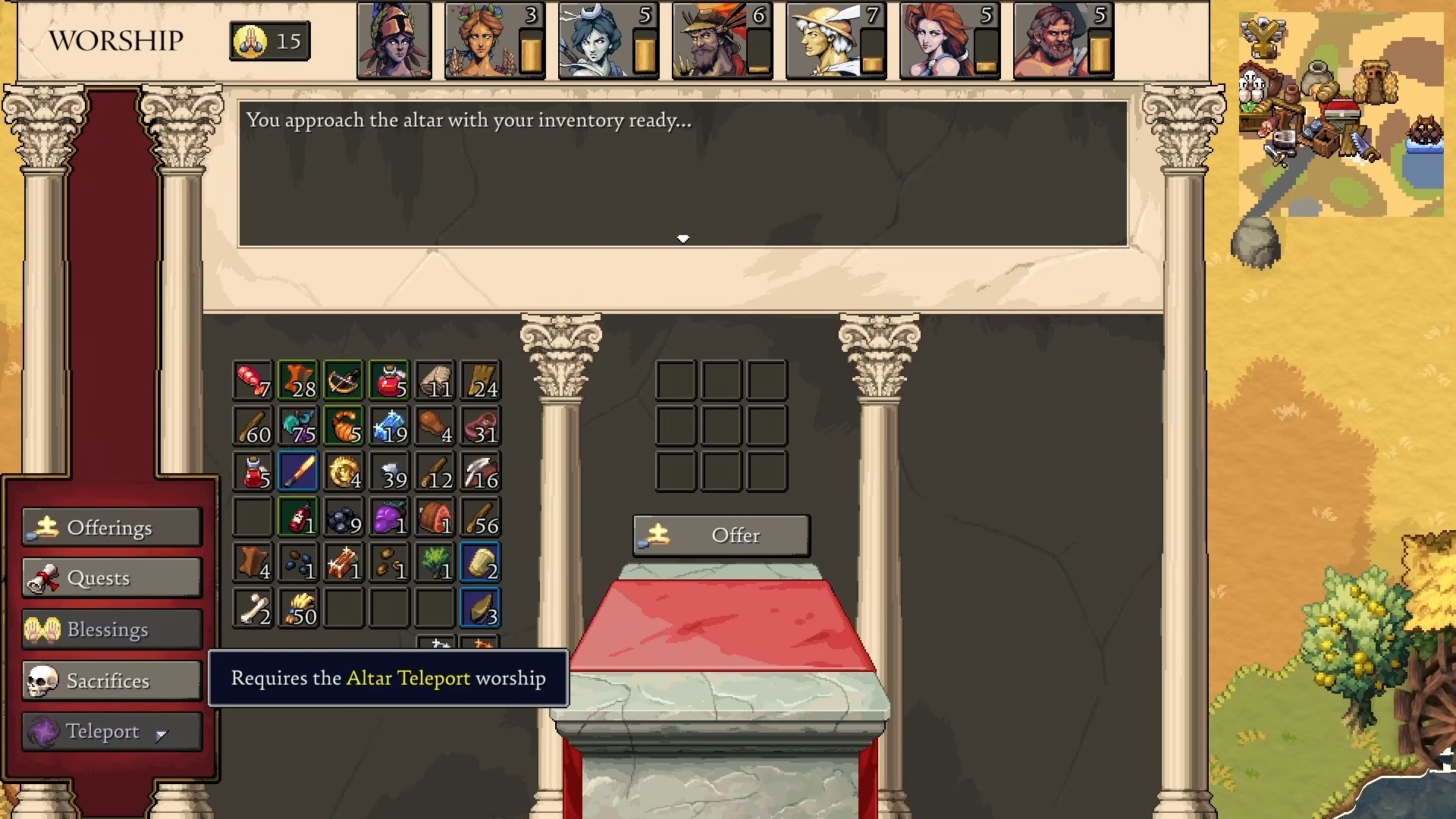
The first requirement to unlock it is completing the Giant Owl quest, which requires your altar to be at Level 2.
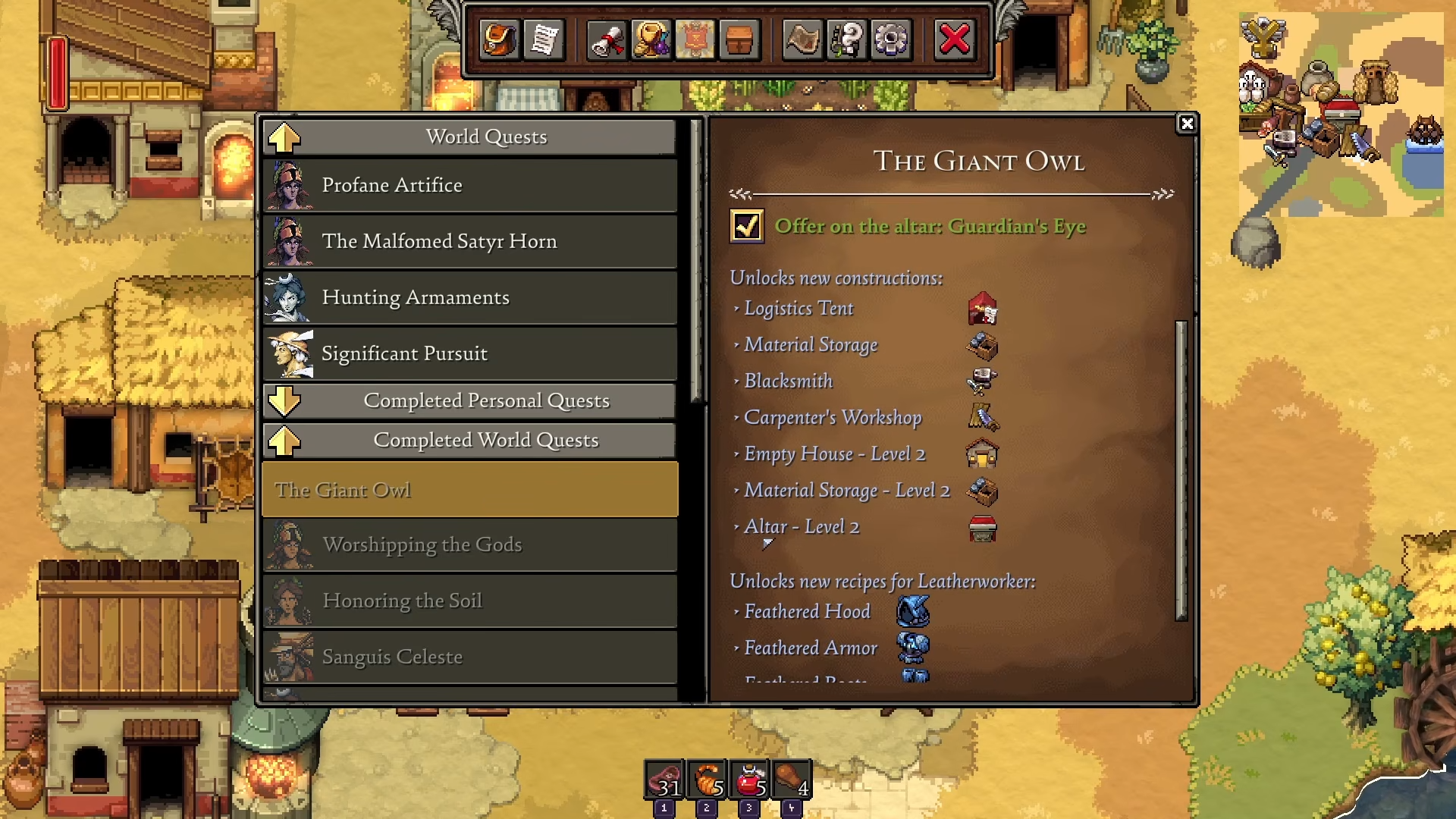
Step 2: Upgrade Your Altar to Level 2
Navigate to your workshop, click on the altar.
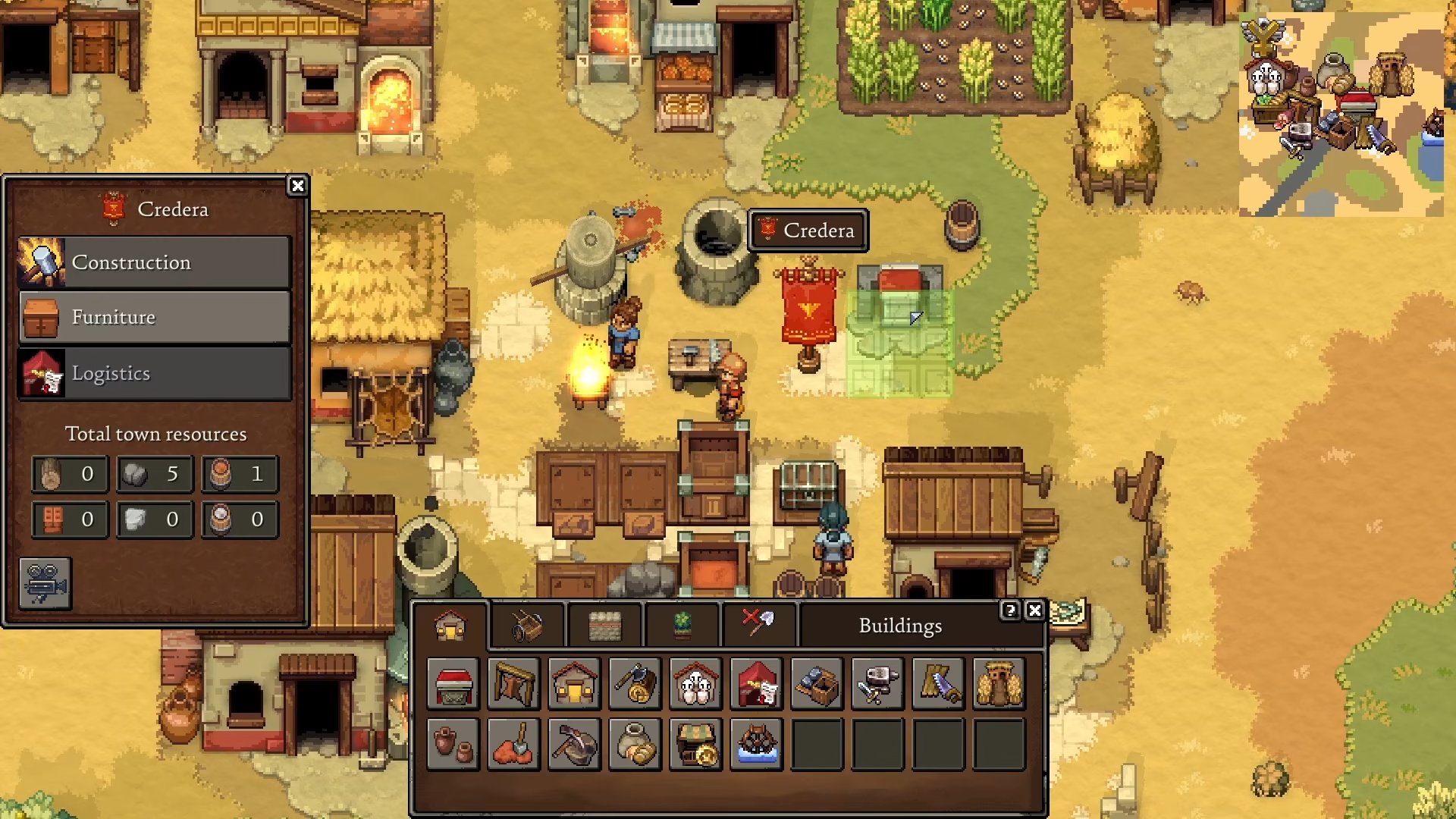
Select upgrade.
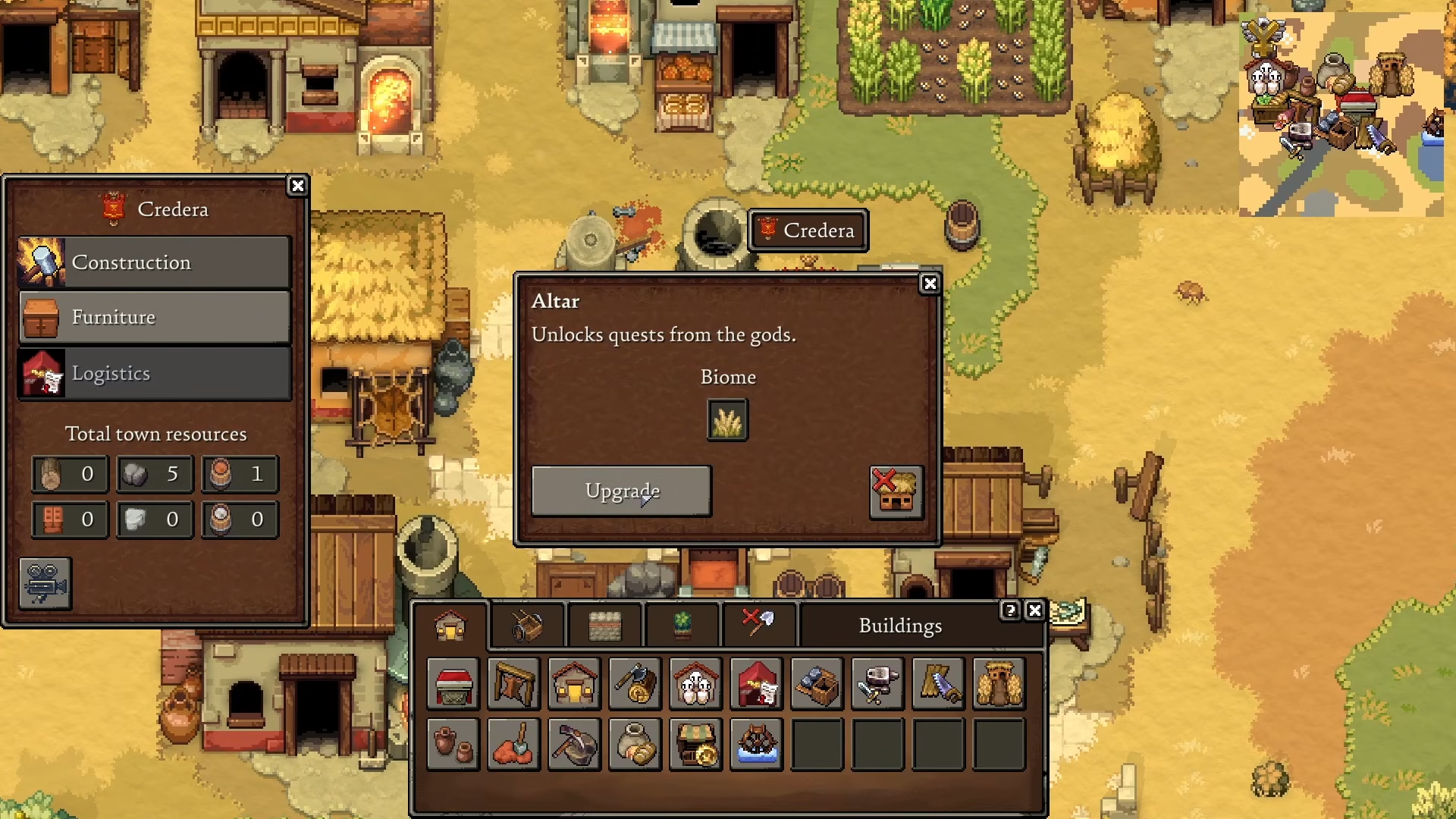
And upgrade to Altar Level 2.
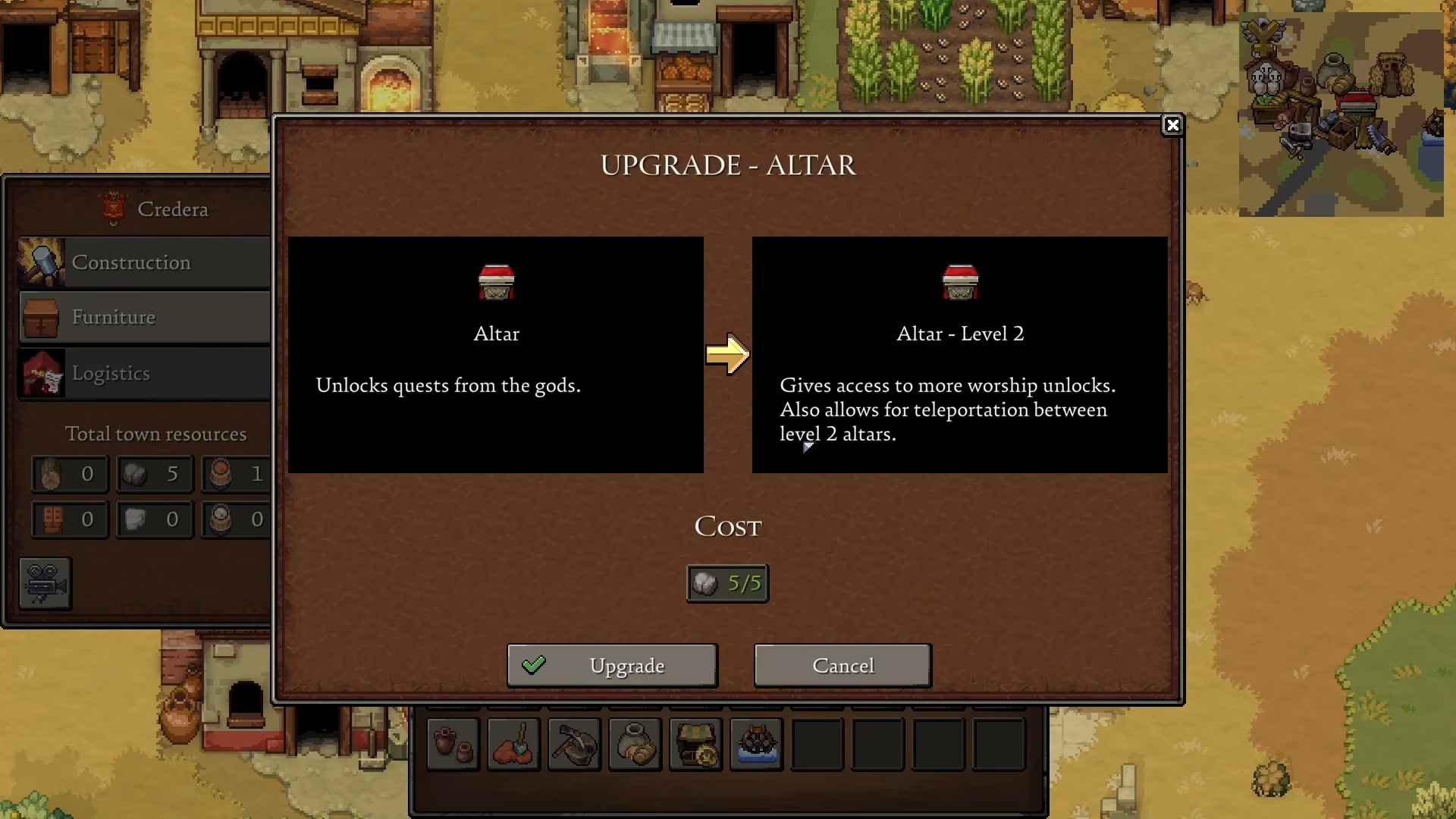
This level gives access to more worship unlocks and allows teleportation between Level 2 altars.
Step 3: Unlock Teleport Worship
Go to your Level 2 altar and select the god pillar (the Level 2 pillar icon). This unlocks the altar teleport feature, which enables teleporting between altars upgraded to Level 2.
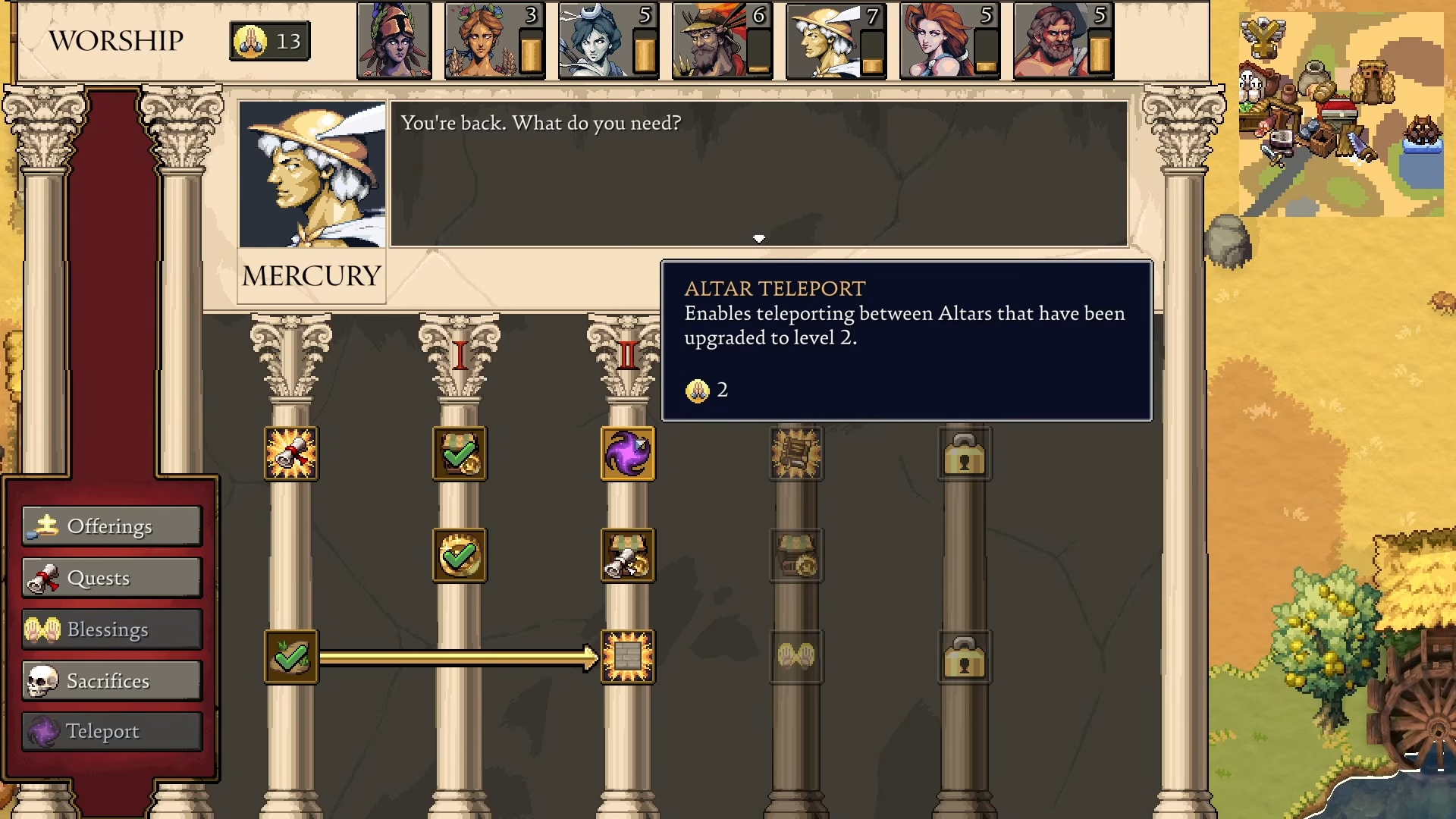
Step 4: Build a Second Altar in Another Town
Take the teleport worship and build another altar in a different city. You must have at least two different altars at Level 2 — one in each town you want to teleport between.
Step 5: Use the Teleport Button
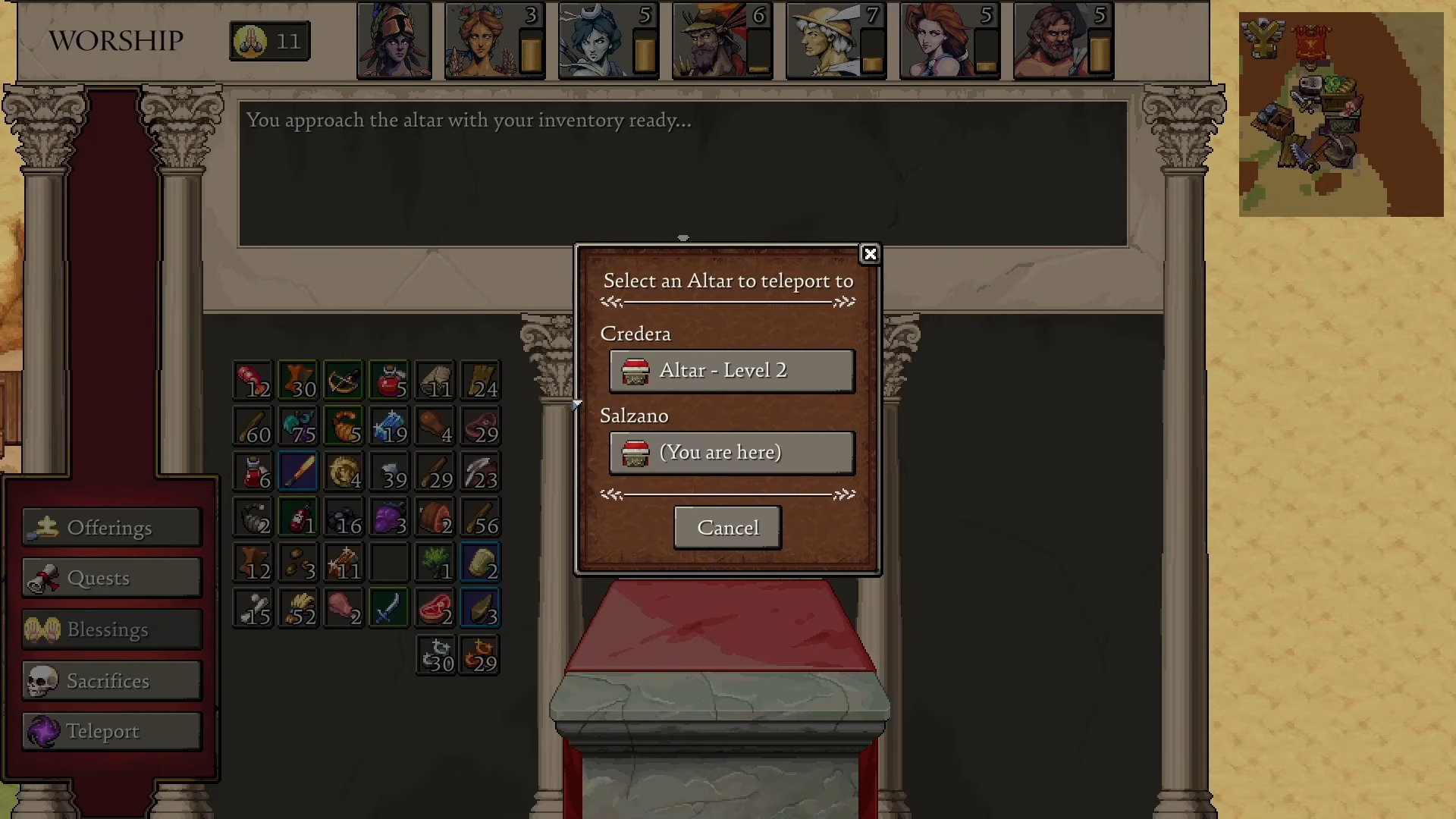
When you have two+ Level 2 altars and the Teleport worship, click the teleport button on your altar. You’ll see your current town and can select a different town to instantly teleport there.
Critical Mistakes to Avoid
-
Don’t upgrade only one altar — you need at least two Level 2 altars (one per city) for teleportation to work
-
Skip the Giant Owl quest — the teleport button stays locked until you complete this quest
-
Forget the Teleport worship unlock — upgrading the altar alone doesn’t unlock teleport; you must select the god pillar to get the worship unlock
-
Assuming it costs resources — teleportation is completely free, so use it whenever you need fast travel.
Mastering fast travel between settlements saves massive time when managing multiple towns in Romestead. Once you’ve unlocked altar teleportation, you’ll never need to carry resources across the map manually again.



Leave a Reply