
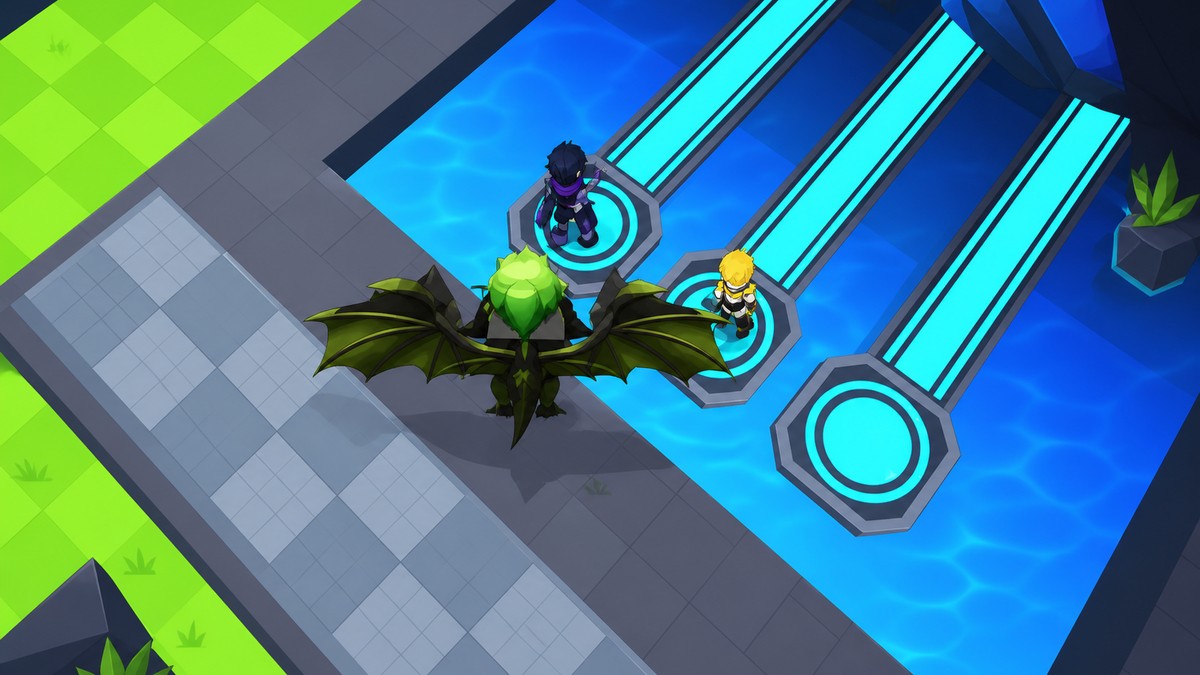
To get better animes in Roll Anime to Fight, keep rolling for higher-rarity units, use eligible codes for Gold or Diamond fighters when available, then open Enemies and press Equip Best to auto-equip your strongest anime.
Roll Anime to Fight uses animes as the fighters you collect, improve, and equip before pushing farther. The loop is simple: build your inventory through rolls and rewards, then refresh your loadout from the Enemies menu so your strongest anime is actually active.
What animes mean in Roll Anime to Fight
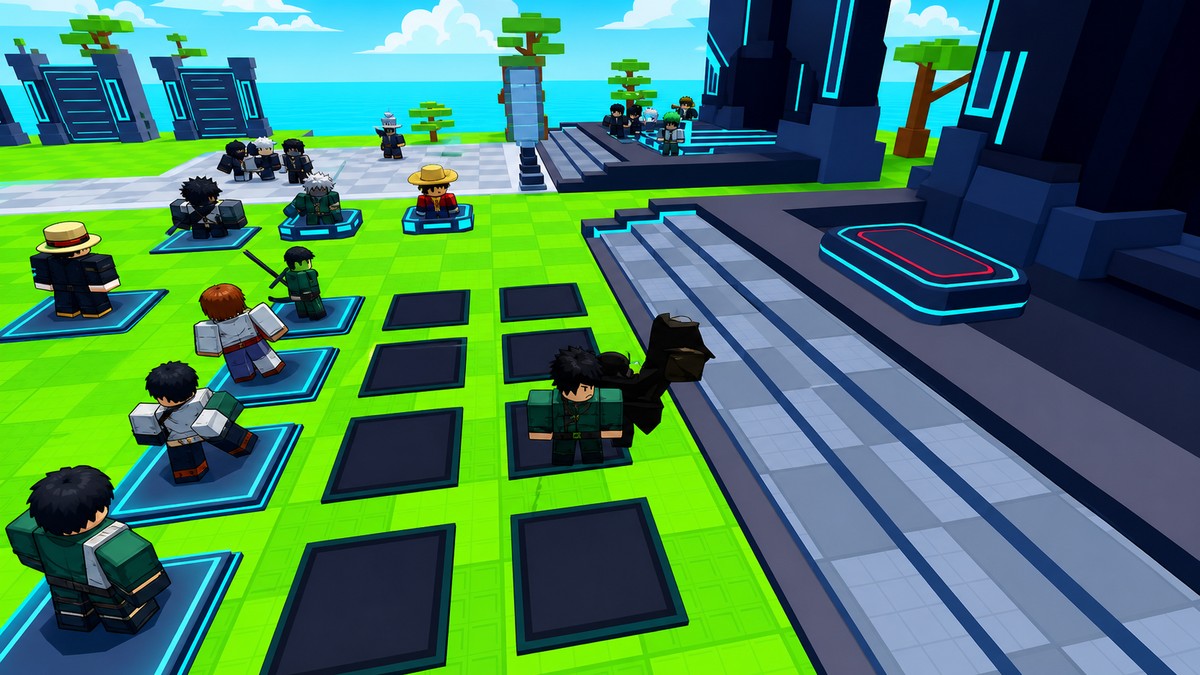
In Roll Anime to Fight, animes are the fighter units, also treated as enemies in the inventory menu. When you roll or claim a reward, the useful result is not just having another name in the list; it is getting a unit strong enough to replace what you already have equipped.
The best anime for your account is the one with the strongest current stats and rarity in your inventory. Diamond and Gold units such as Diamond Toji, Diamond Rengoku, Diamond Broly, Diamond Ace, Diamond Ulquiorra, Gold Megumi, and Gold Kenpachi are premium examples from recent code batches, but rankings can shift when rewards and balance change.
How to get and equip more anime units in Roll Anime to Fight
Use rolls to expand your anime inventory, then let the Enemies menu slot the strongest unit you have.
STEP 1/7
Start rolling for more enemies
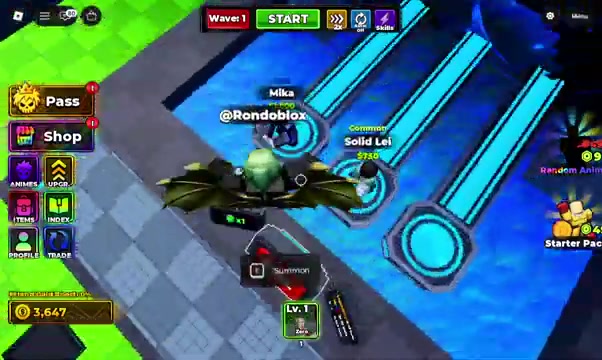
Go to the roll area and begin picking new enemies so your anime inventory starts filling out.
STEP 2/7
Use the roll screen
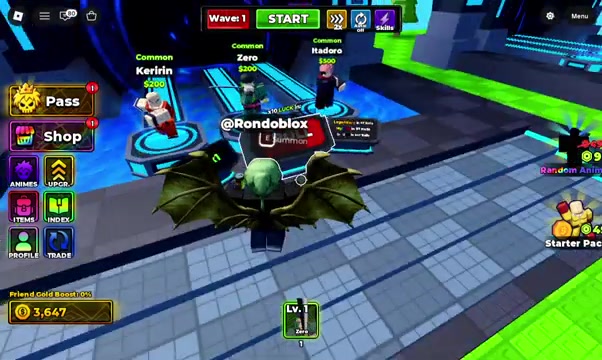
Roll from the summon area where luck can increase while rerolls continue.
STEP 3/7
Press roll now
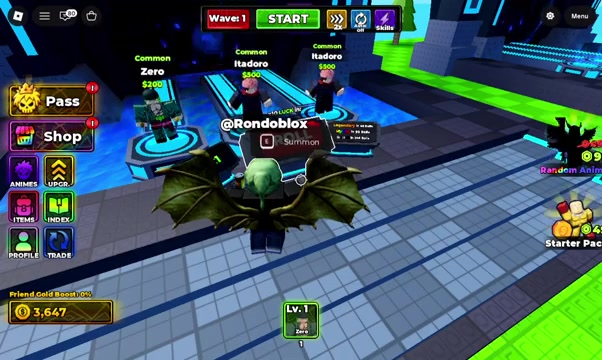
Keep rolling until stronger rarity results appear in your inventory.
STEP 4/7
Watch the rarity counters
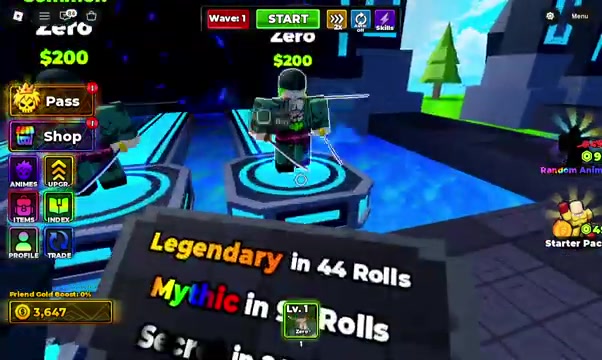
The run shows Legendary in 45 rerolls, Mythic in 94 rerolls, and Secret in 244 rerolls as on-screen targets, not universal drop rates.
STEP 5/7
Open Enemies
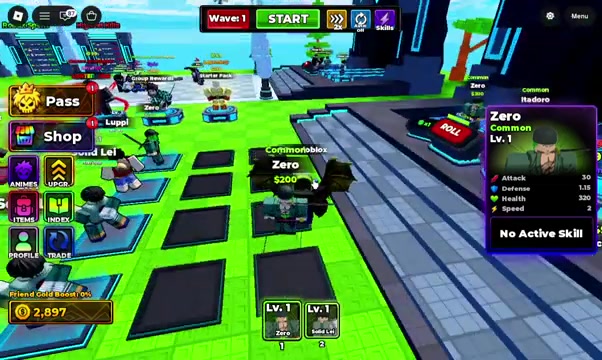
After rolling, open Enemies to view the anime units available to equip.
STEP 6/7
Press Equip Best
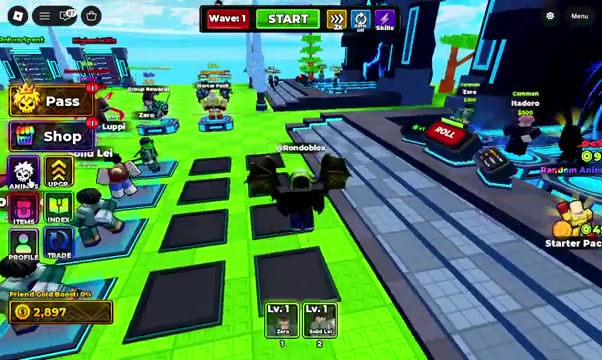
Press Equip Best so the game automatically chooses your strongest available anime.
STEP 7/7
Check the equipped slot
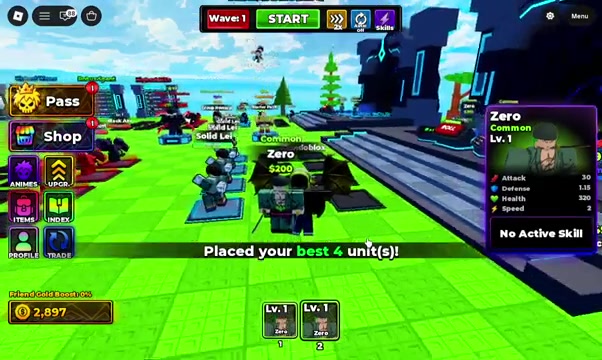
Confirm the anime in your active slot changed before you continue farming.
Video help
| Code | Main reward | Requirement |
|---|---|---|
| TRADING&BATTLEPASS! | 350,000 Gold, Gold Megumi, Super Time Potion, 3 Trading Tickets | Wave 76 |
| SORCERERPART2! | 200,000 Gold, Diamond Toji, 3 Time Potions, 2 Luck Potions | Wave 76 |
| SORCERERISHERE! | 150,000 Gold, Diamond Rengoku, Trait Shards, God Essence | High-wave code |
| EVOLUTIONMACHINE! | 200,000 Gold, Gold Gyomei, Trait Shards, Cursed Fingers, Six Eyes | High-wave code |
| BLEACHPART2! | Diamond Broly, Gold, Trait Shards | High-wave code |
| ADMINABUSE! | Diamond Ace, Gold, Trait Shards | High-wave code |
| INFINITETOWER! | Gold Kenpachi, Infinite Tickets, Trait Shards | High-wave code |
| SLAYERISHERE! | Diamond Ulquiorra, Infinite Tickets, Trait Shards | High-wave code |
| SLAYERSISHERE! | Diamond Ulquiorra, Infinite Tickets, Trait Shards | High-wave code |
KEY!
Rolling is the repeatable way to grow your unit list, but premium anime often comes from codes and high-wave rewards. Many stronger reward codes require Wave 76, and the code text must match exactly, including capitals, &, and !.
To redeem one, open the in-game Codes or Settings menu, enter the full string, and press Redeem. If the code grants a unit, it goes to your inventory, so run Equip Best afterward.
Press Equip Best every time your inventory changes so a stronger roll or code unit does not sit unused.
Mistakes that slow stronger anime farming
The most common code problem is treating a failed redemption as a dead code before checking the basics. If you are below the required wave, missing a symbol, or changing the capitalization, the reward will not claim cleanly.
Farming can also stall when you chase enemies that take too long to kill. Push waves, but keep your farming target fast enough that you are gaining rewards efficiently instead of spending too much time on each fight.
Related Roll Anime to Fight guides
Frequently Asked Questions
What should I do if Equip Best does not choose the anime I expected?
Check the active slot after pressing Equip Best. If the unit you expected is not selected, the game is valuing another anime in your inventory higher for your current loadout.
Why is a code not working even when typed correctly?
A correctly typed premium code can still fail if your account has not reached its wave requirement, especially for Wave 76 rewards. Reach the gate first, then try the same code again from Codes or Settings.






Leave a Reply