
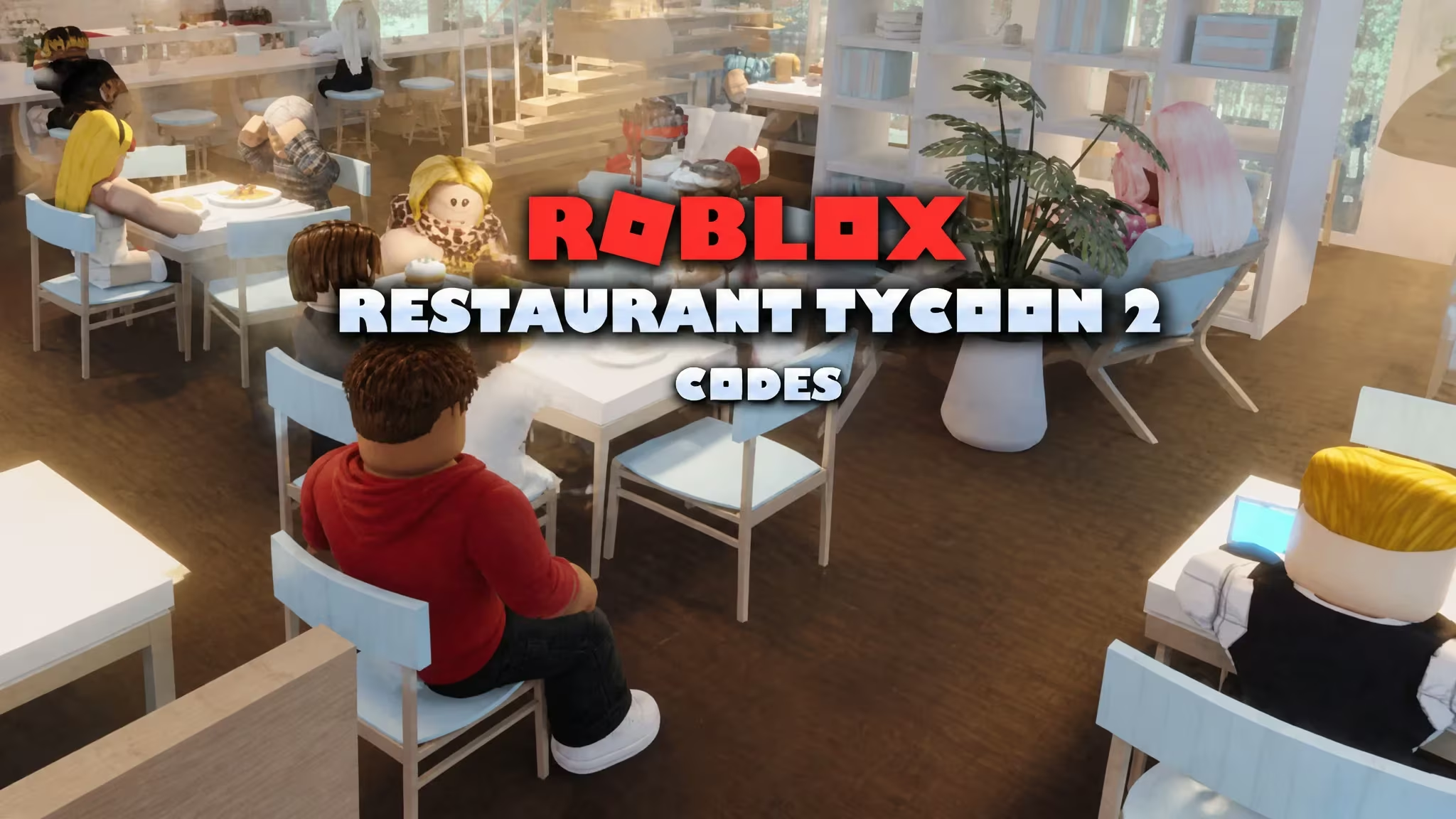
Restaurant Tycoon 2 is the Roblox experience where you build and run your own restaurant, and codes are the fastest way to pad out your starting budget. Redeeming one hands you Cash, Diamonds, or a decoration item you can place around your dining room without grinding for it first.
Working Restaurant Tycoon 2 codes
Type these into the game exactly as they appear below, since Restaurant Tycoon 2 codes are case sensitive.
Gruffalo
10 Diamonds
Subtoveddev
250 Cash
Ocean
Dolphin decoration item
light it up
Wireframe Lights item
Razorfishgaming
250 Cash
UltrawEats
Grants a special pack
grass99
500 Cash
horse2026
250 Cash
vip123
15 Diamonds
heart5
10 Diamonds
gift123
15 Diamonds
christmasmiracle
250 Cash
snowball
250 Cash
bacon
250 Cash
thanks5
10 Diamonds
outrage
5 Diamonds
spotlight
150 Cash
birthday
5 Diamonds
spook1
5 Diamonds
How to redeem codes in Restaurant Tycoon 2
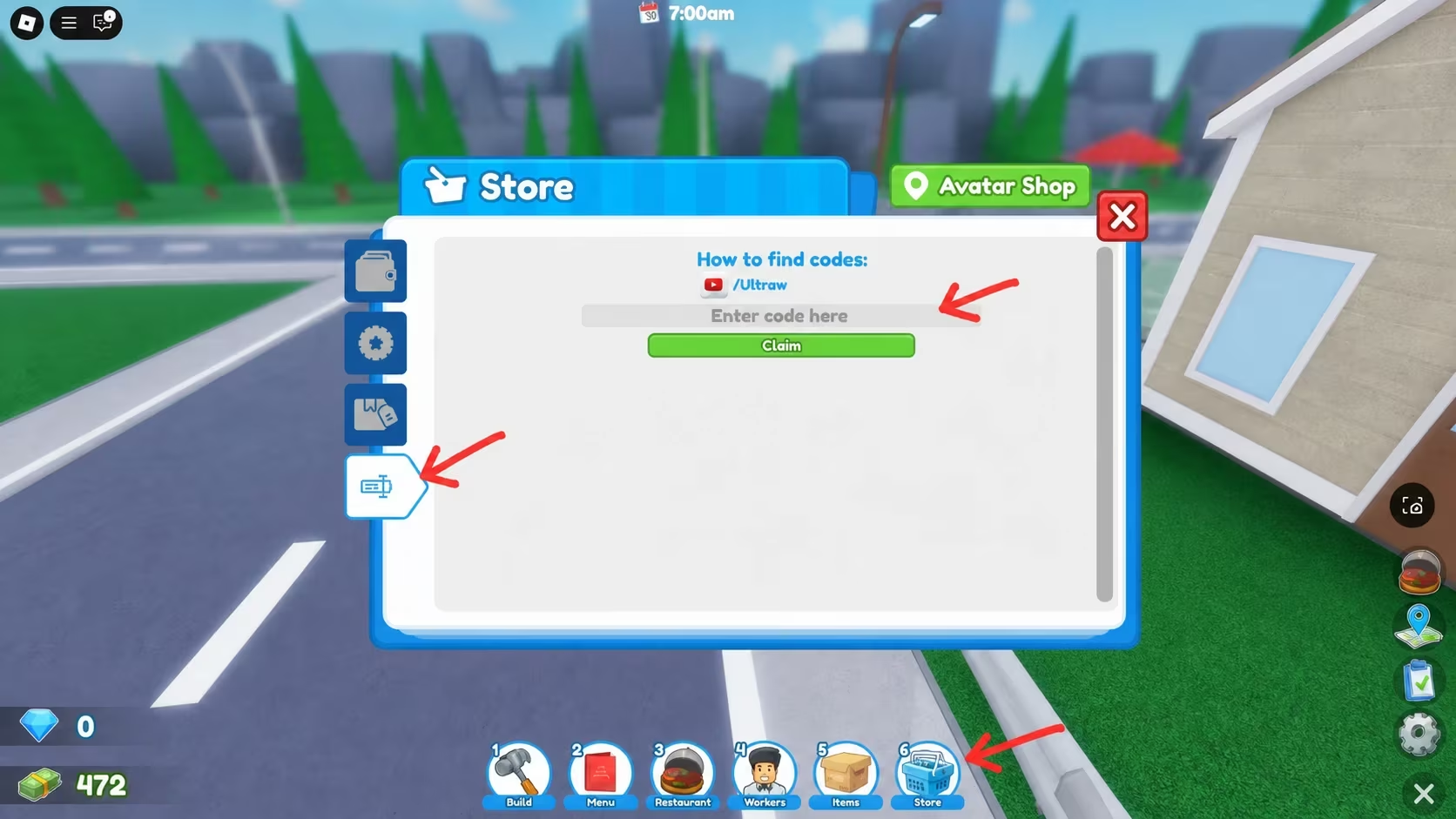
Redeeming a code takes you through the in-game Store rather than a menu on the main screen, so look for the shopping icon once you’re inside your restaurant.
You’ll know a code went through when a confirmation message pops up on screen. Your Cash, Diamonds, or decoration item should show up in your inventory right away, ready to spend or place around your restaurant.
Expired Restaurant Tycoon 2 codes
These codes no longer work, so don’t waste a redemption attempt typing them in.
winter2024
slimy
alien
future
underwater
billion
sunset
Luxury
How to get more Restaurant Tycoon 2 codes
New codes usually tie into holidays, milestones, or in-game events, so you won’t see a fixed schedule for them. Your best bet is checking the game’s official Discord server, where the developers post announcements, and the Roblox community group for the experience. You can also jump straight into the Restaurant Tycoon 2 experience page on Roblox to check for updates tied to code drops.
Why didn’t my code work?
A code that’s already expired, or one typed with the wrong spacing or capitalization, won’t go through. Double-check the code against the working list above and copy it exactly, since a single missed character or extra space stops the Claim button from registering it.
Redeem the working codes above while they last, since some carry small Cash or Diamond rewards that add up fast if you’re still building out your first restaurant.






Leave a Reply