Gaming

How to Push the Van Out of the Mud in GTA 6

Learn how to push the van out of the mud in GTA 6 on Bushwack Rd, use the correct controls, and collect Zombix from the grateful driver afterward.

Learn how to push the van out of the mud in GTA 6 on Bushwack Rd, use the correct controls, and collect Zombix from the grateful driver afterward.

0 Comments
QUICK ANSWER
Behind the van on Bushwack Rd, press SquareX, then hold L2LT and R2RT until it rolls free; approach the driver to collect Zombix.

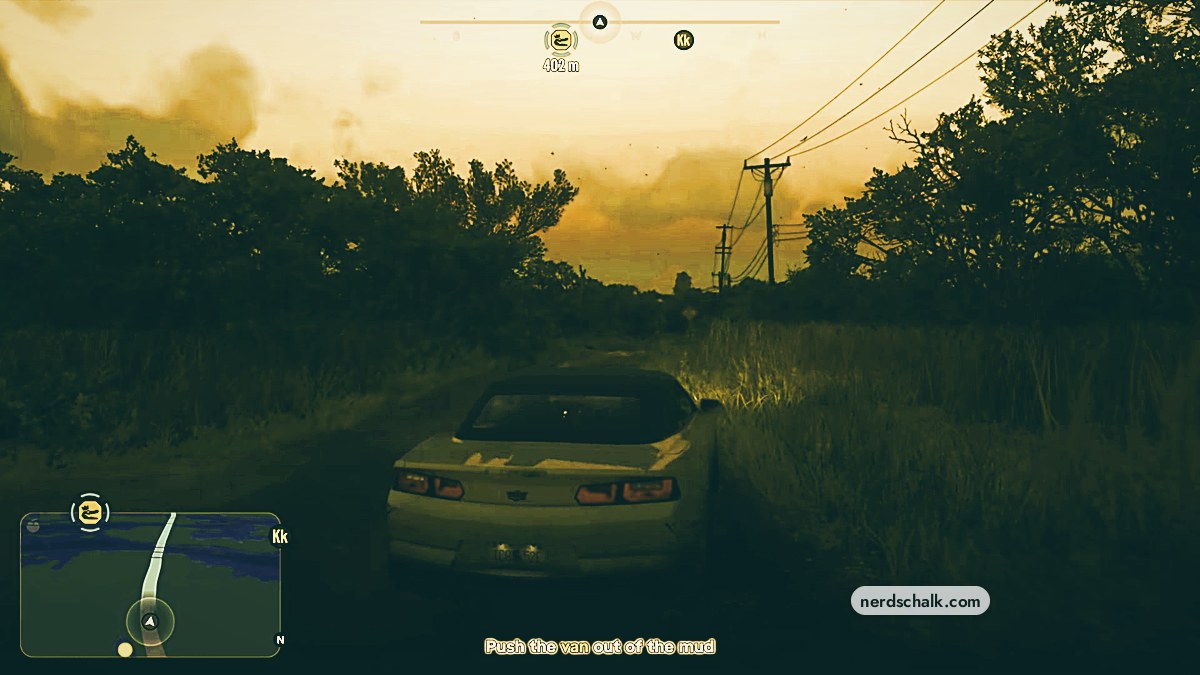
The stranded black van is trapped in mud, with a yellow objective chevron marking the vehicle you need to help.

objectivePush the van out of the mudlocationBushwack RdrewardZombix

How to push the van out of the mud in Grand Theft Auto VI
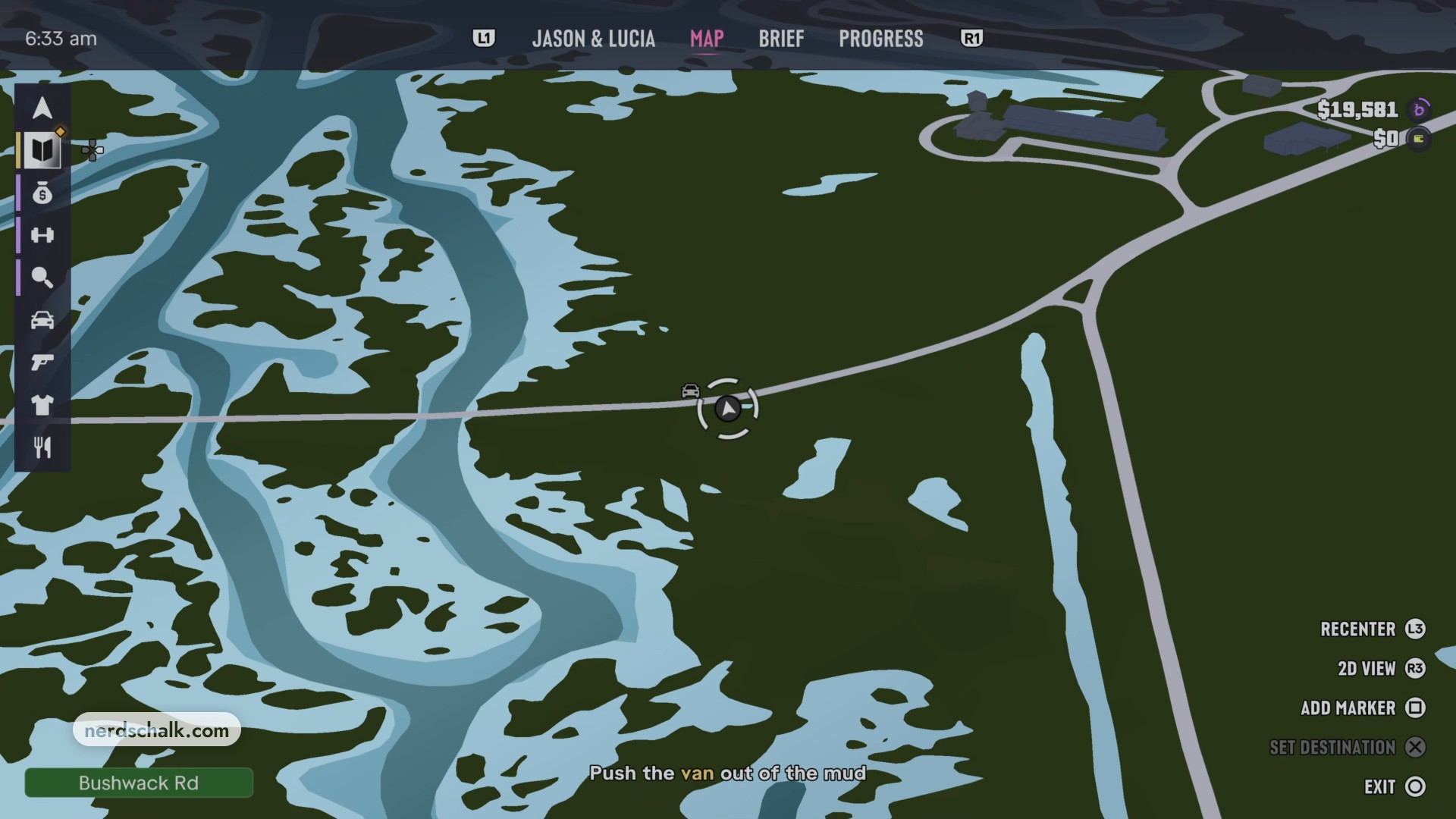
The stranded van's location on Bushwack Rd
The stranded van’s location on Bushwack Rd · Screenshot by NerdsChalk
The OPEN prompt operates the van’s rear door. Use the pushing interaction for this objective.
STEP 1

Approach the van’s rear

Walk up behind the stranded van and look for the PUSH interaction.
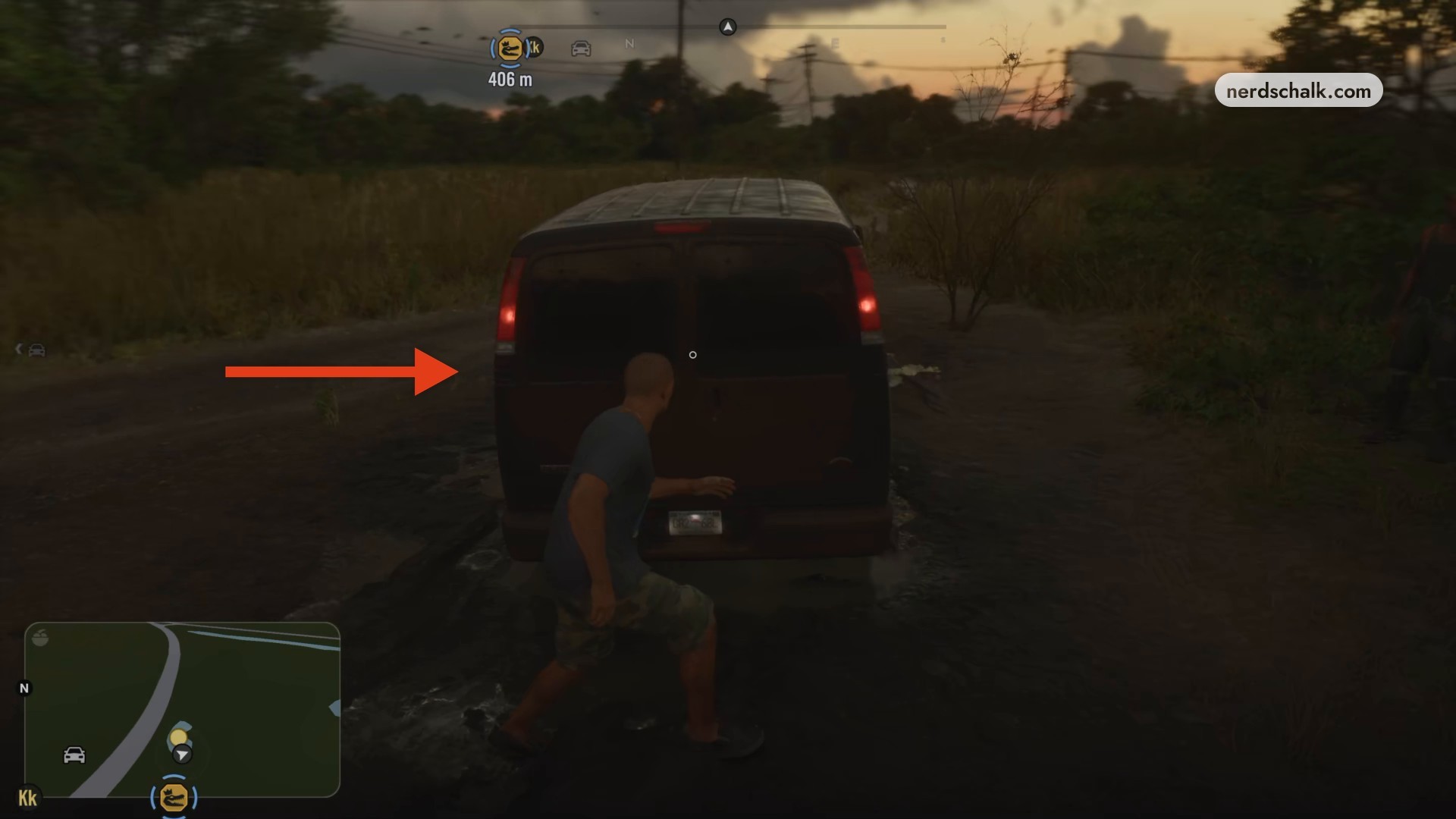
Approach the rear of the stranded van
Approach the rear of the stranded van · Screenshot by NerdsChalk
STEP 2

Get into pushing position

Press SquareX to take your pushing stance behind the vehicle. The PUSH L2LT R2RT prompt gives you the controls to follow.

The pushing position shows the L2 and R2 prompt to follow.
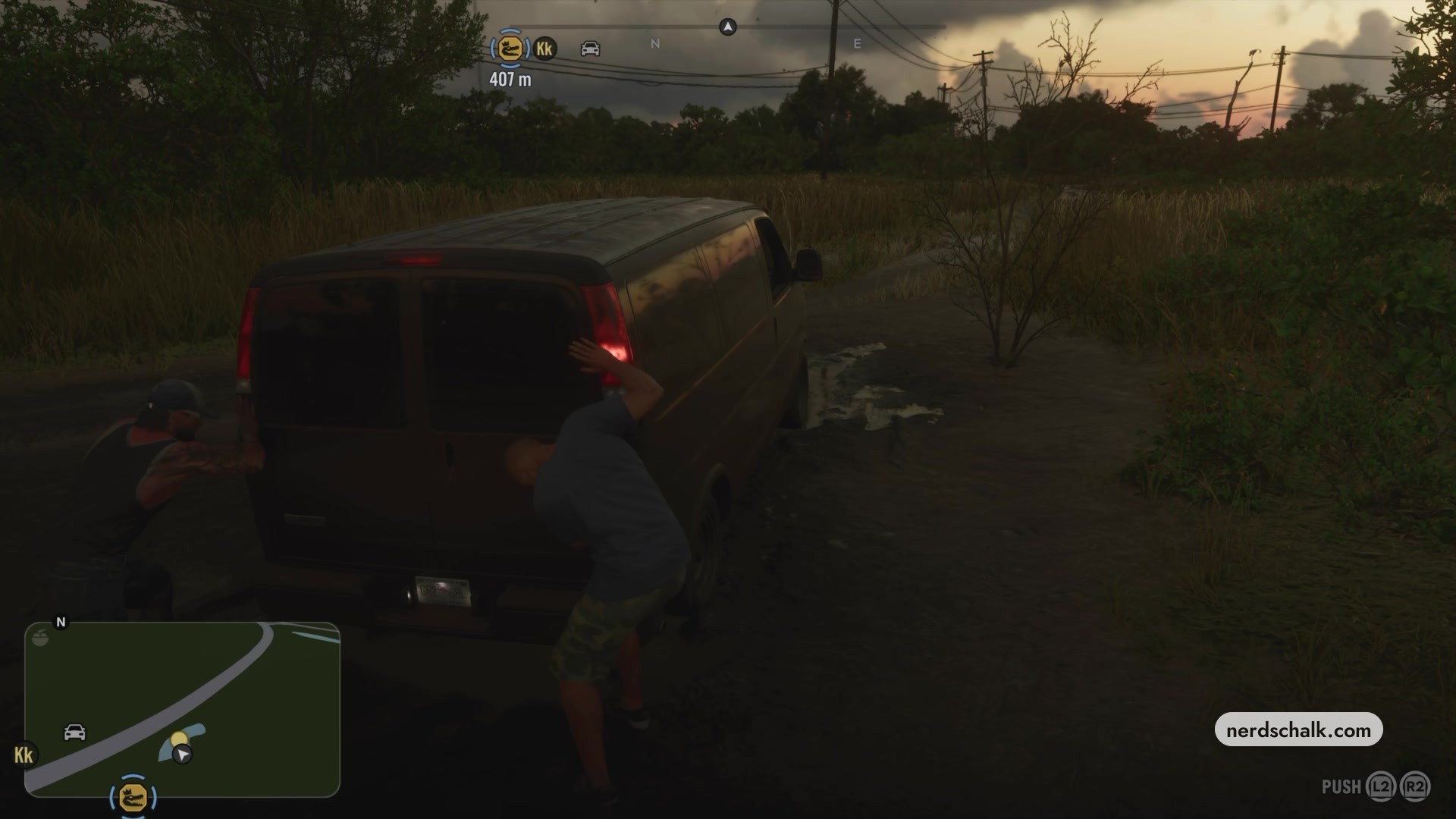
Two characters at the rear of the van with the pushing controls visible
Two characters at the rear of the van with the pushing controls visible · Screenshot by NerdsChalk
STEP 3

Push the van clear

Hold L2LT and R2RT while the local helps you push. Keep both triggers held until the van moves forward and rolls clear of the mud.
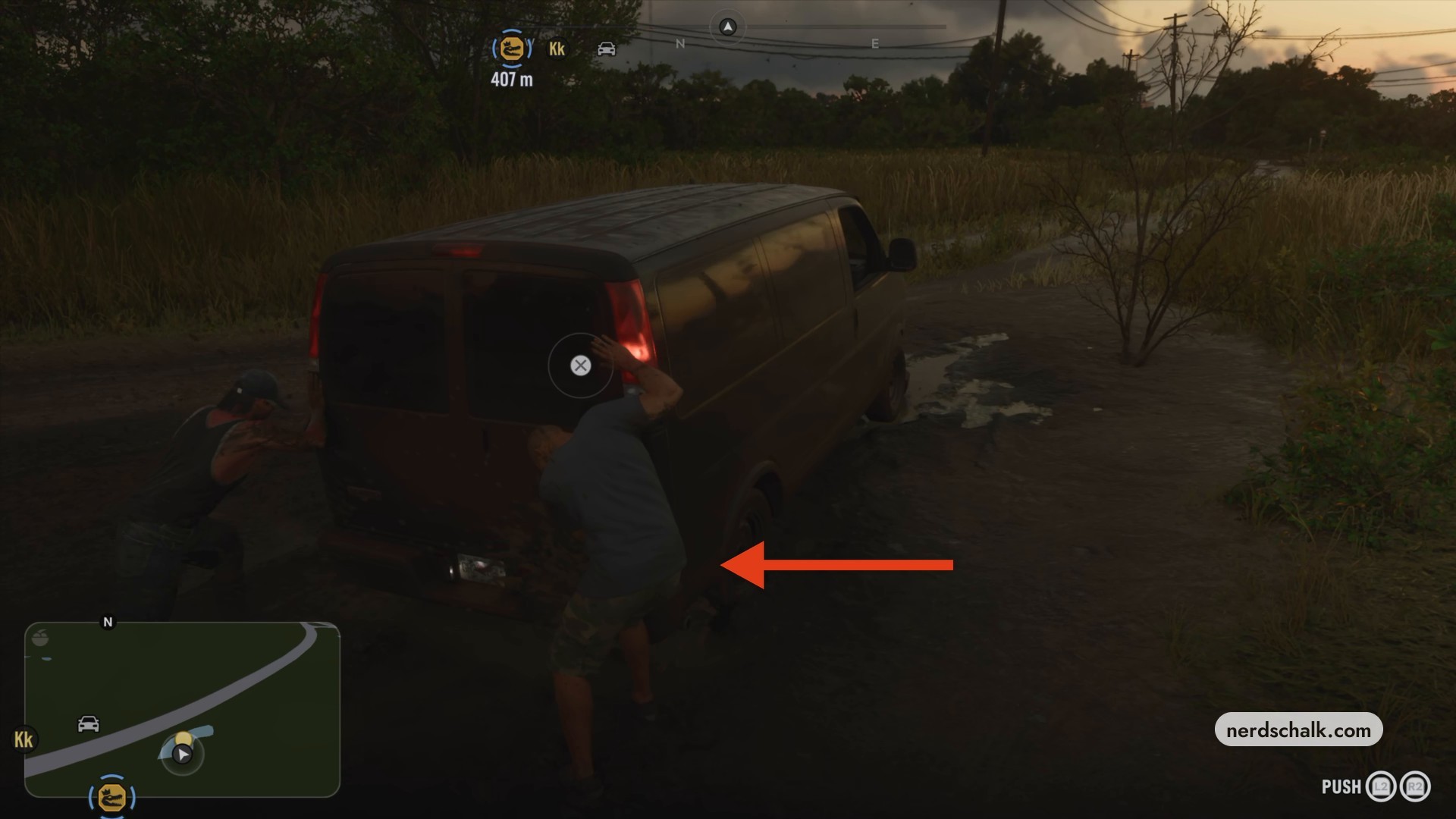
Push together with the local until the van clears the mud
Push together with the local until the van clears the mud · Screenshot by NerdsChalk
STEP 4

Approach the driver

Once the driver exits the van, walk over to him to hear his thanks.

STEP 5

Collect the offered reward

Accept the driver’s reward at the ZOMBIX prompt, then look for the Zombix inventory notification on the right.
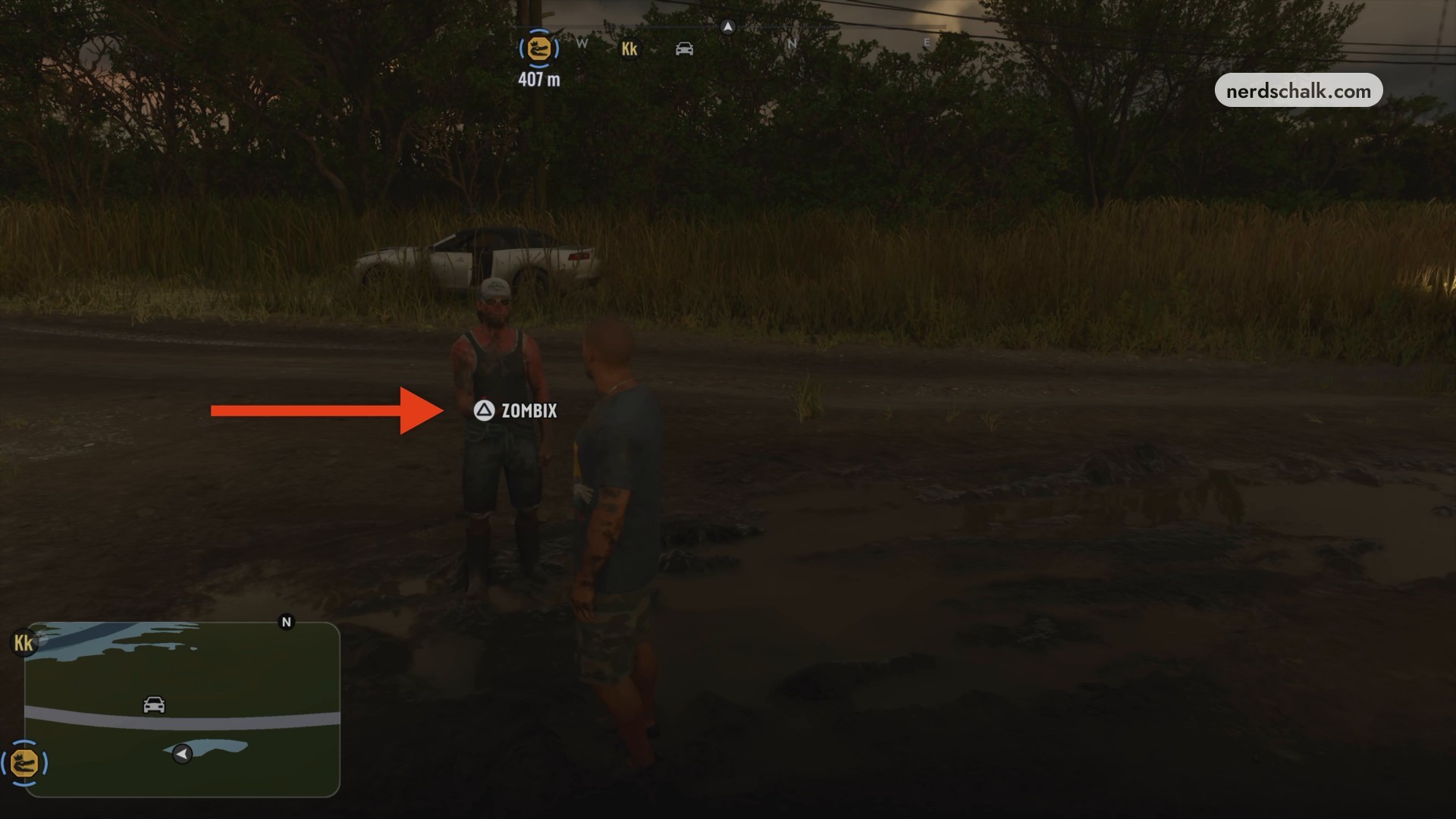
The ZOMBIX reward prompt during the driver interaction
The ZOMBIX reward prompt during the driver interaction · Screenshot by NerdsChalk

Check the Zombix inventory notification after accepting the driver’s reward.
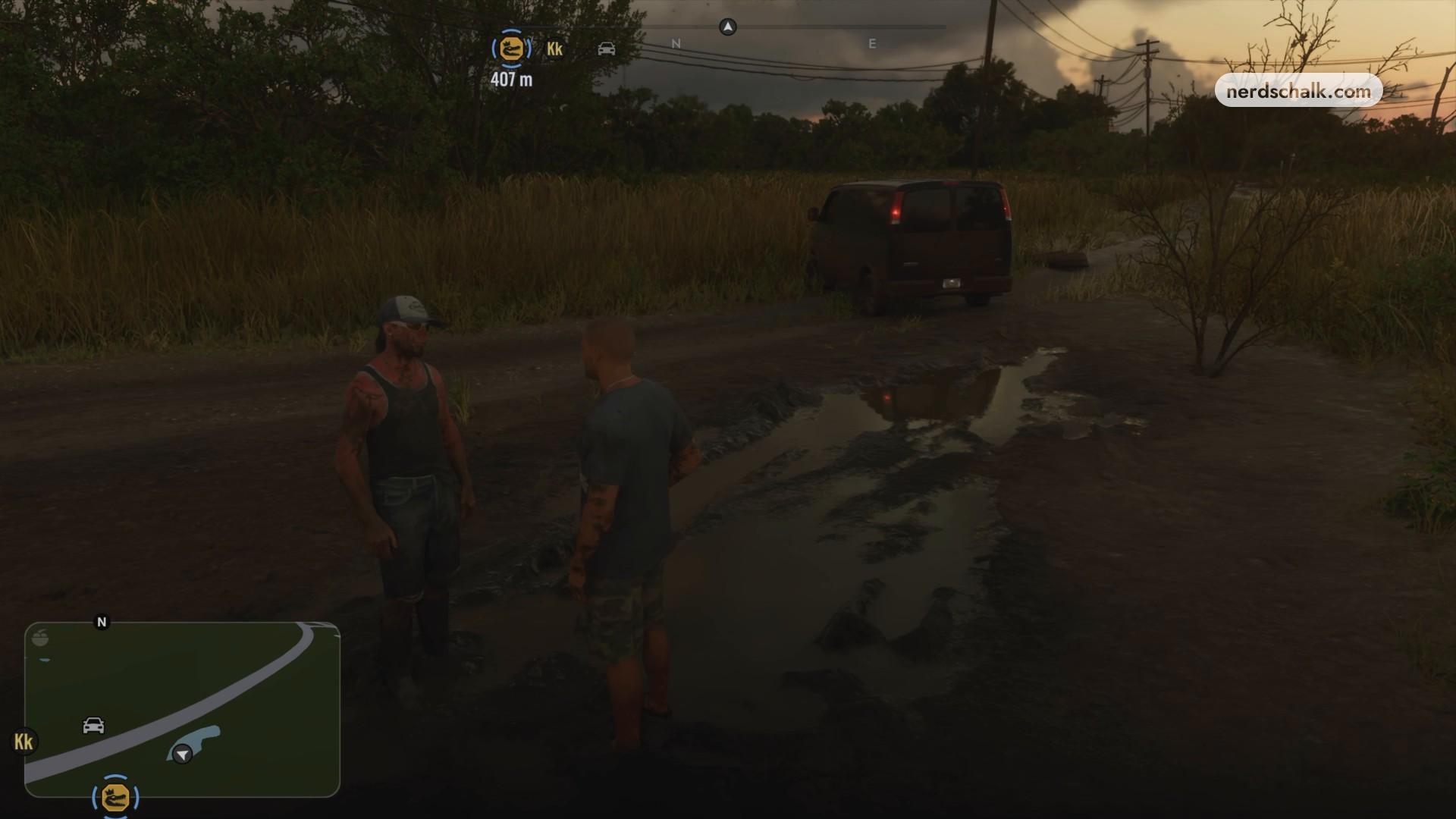
The Zombix inventory notification after accepting the reward
The Zombix inventory notification after accepting the reward · Screenshot by NerdsChalk
Don’t miss thisTrianglePress this button when prompted to accept the rewardAccepting the offered Zombix adds it to your inventory.
releaseNovember 19, 2026platformsPlayStation 5, Xbox Series X|SeditionsStandard Edition, Ultimate EditionratingsUS: ESRB M (Mature 17+); Europe: PEGI 18

Related Grand Theft Auto VI guides
Leave a Reply

Your email address will not be published. Required fields are marked *