
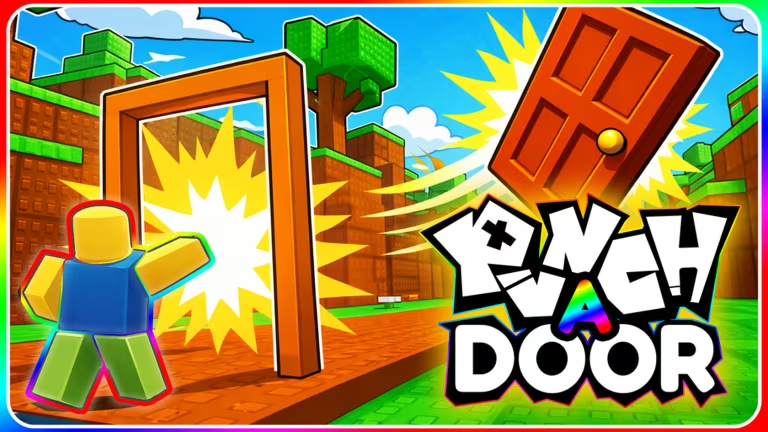
Punch A Door is a Roblox experience where you smash through doors to collect rewards, and codes are one of the easiest ways to grab a free Glug without grinding for one.
Working Punch A Door Codes
Only one code is confirmed active right now, and it hands you a free Glug the moment you redeem it.
DAYONES
Grants a Glug
New
How to redeem codes in Punch A Door
You can’t just jump straight to a codes box in this one. The Codes tab stays hidden until you finish the tutorial and unlock the Shop, so get that out of the way first.
If nothing changes after hitting Redeem, check that you typed the code correctly and confirm you’ve actually completed the Tutorial. The Codes tab simply won’t function for you until the Shop is unlocked.
How to get more Punch A Door codes
New codes for Punch A Door typically get shared through the game’s official Roblox channels rather than anywhere else. Keeping an eye on the DramaGames community page on Roblox is your best bet, since that’s the group behind the experience. You can also check the Punch A Door experience page directly for any announcements posted alongside updates.
There’s no fixed schedule for when new codes drop, so it’s worth checking back after major updates or events, since that’s usually when developers hand out fresh ones.
Why didn’t my code work?
The most common reason is a typo, so copy the code exactly as shown rather than retyping it. The second most common reason is trying to redeem before the Shop Menu has unlocked, which only happens once you’ve finished the Tutorial.
Keep DAYONES handy for your next session and finish the Tutorial early so the Shop’s Codes tab is ready to go whenever a fresh code shows up.
Leave a Reply