


Add fish to your pond, feed them at the dock’s bowl, and collect money from the green pad; stored fish also earn offline.
Your pond in Deep Fishing earns money from the fish you store in it. The tutorial starts by asking you to equip a fish, and adding more fish increases your pond’s earnings. This guide covers stocking the pond, food bonuses, collecting money, and expanding its capacity.
How to use the pond in Deep Fishing
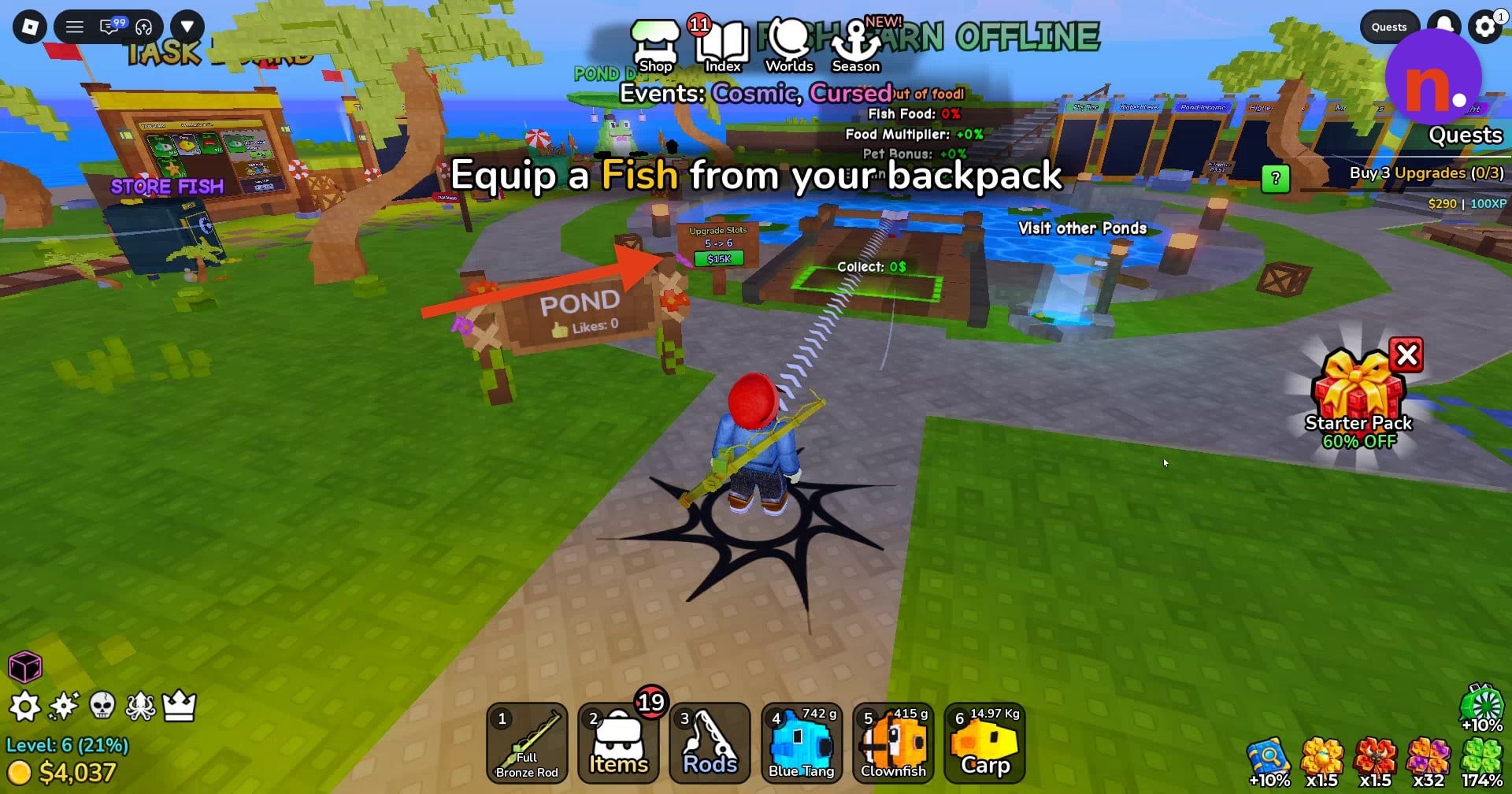
Select a fish from your hotbar
Choose a fish in your hotbar so your character holds it. Carp is one fish you can select.
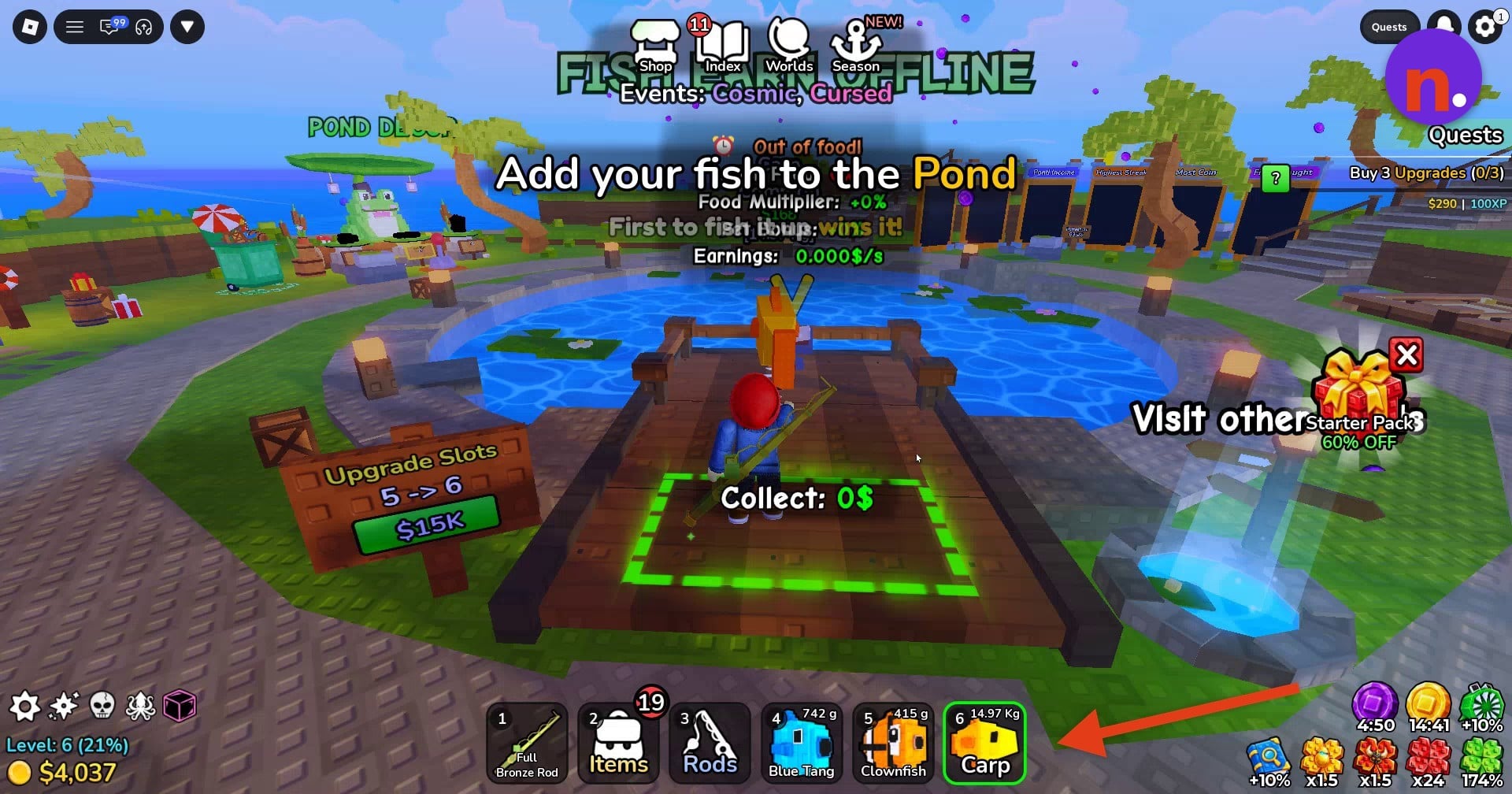
Deposit your first fish
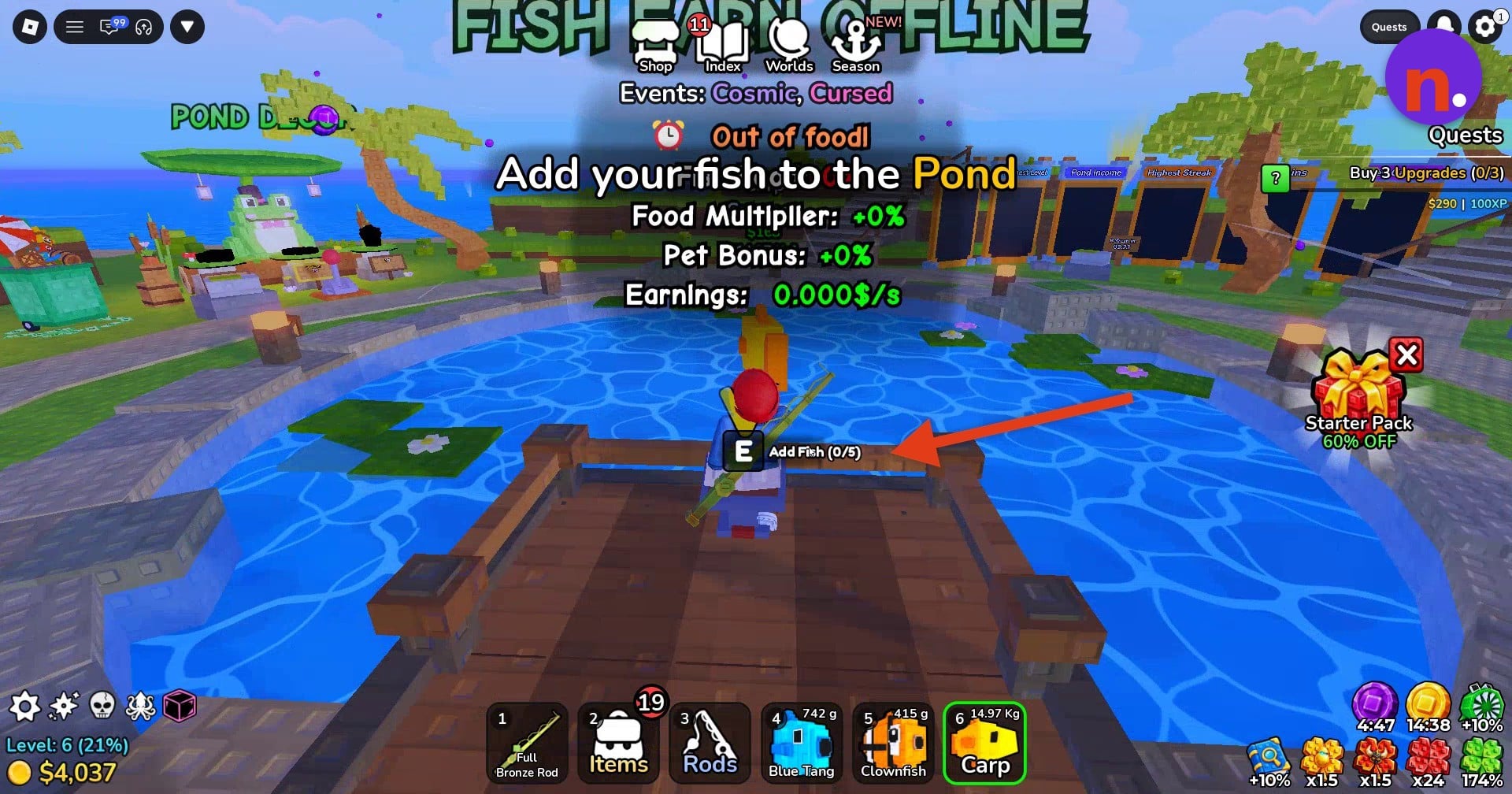
Walk onto your pond’s dock and approach its edge. Press E at Add Fish to deposit the fish; depositing a Carp opens Manage Pond.
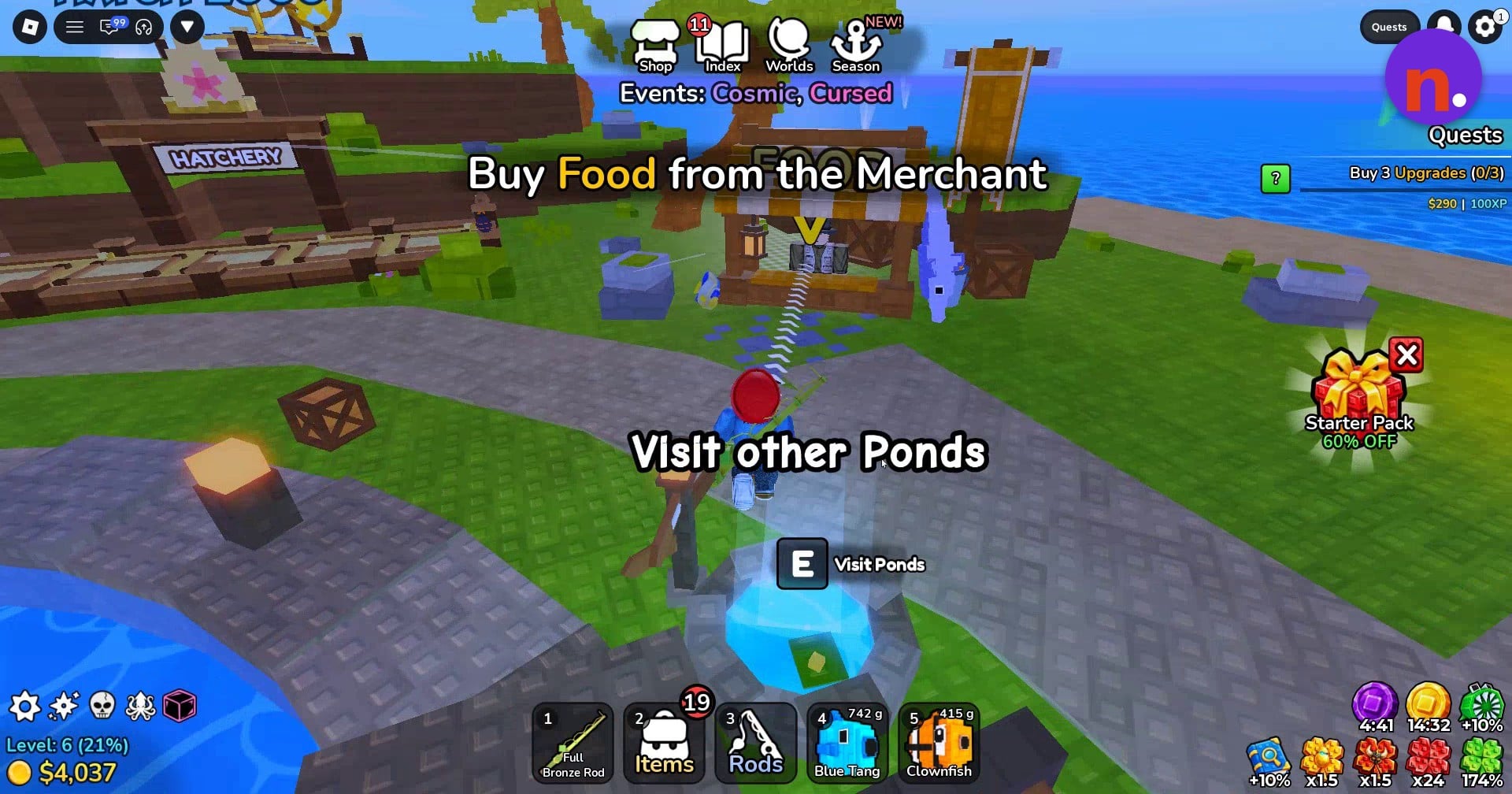
Find the Food merchant
Head to the nearby merchant stand labeled FOOD to reach the pond-food shop.
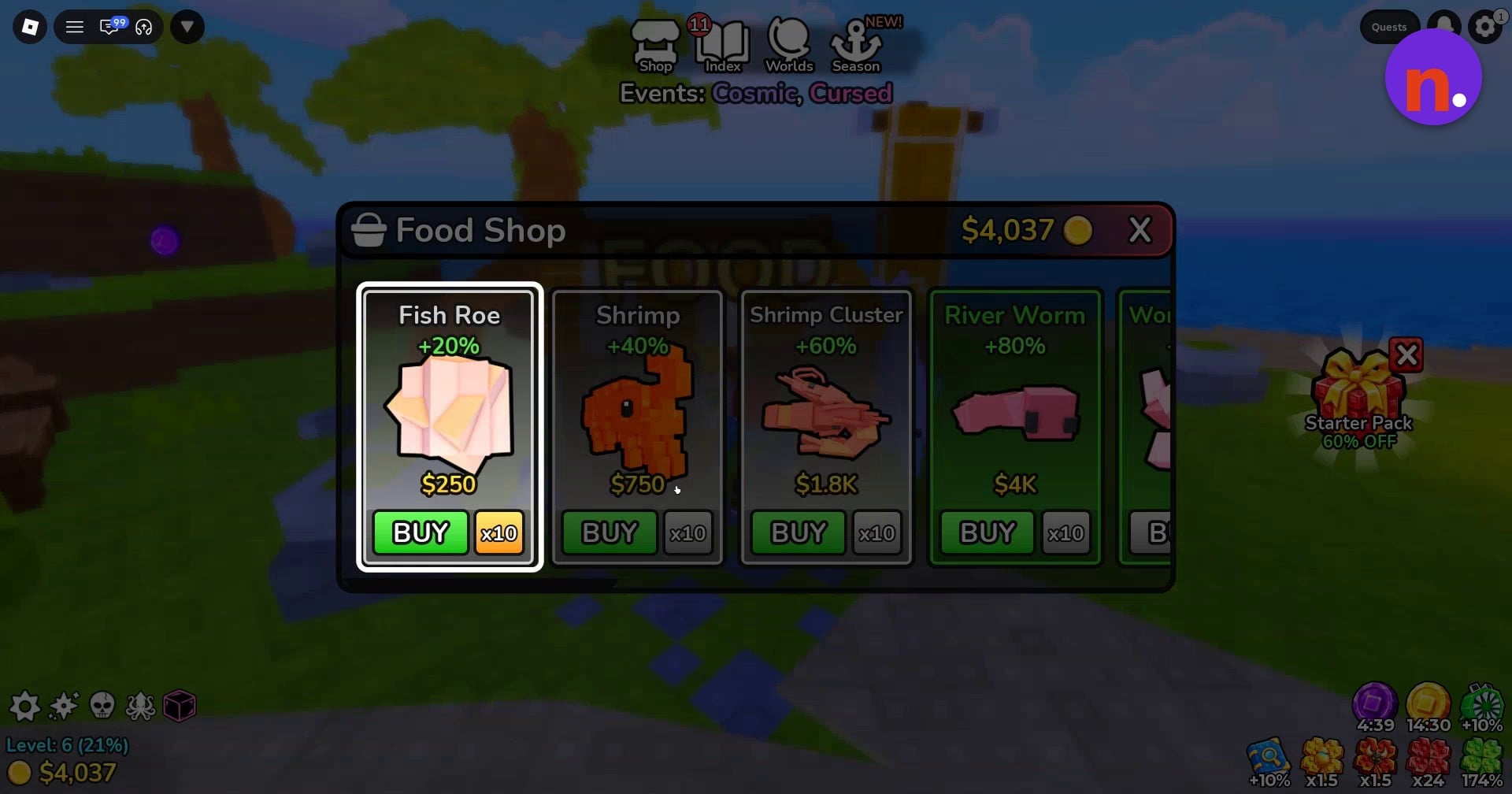
Buy Fish Roe
Open the Food Shop and use BUY to purchase Fish Roe for the feeder.
Add food to the feeder bowl
Approach the feeder bowl on the dock and press E at Add Food to supply the pond with food.
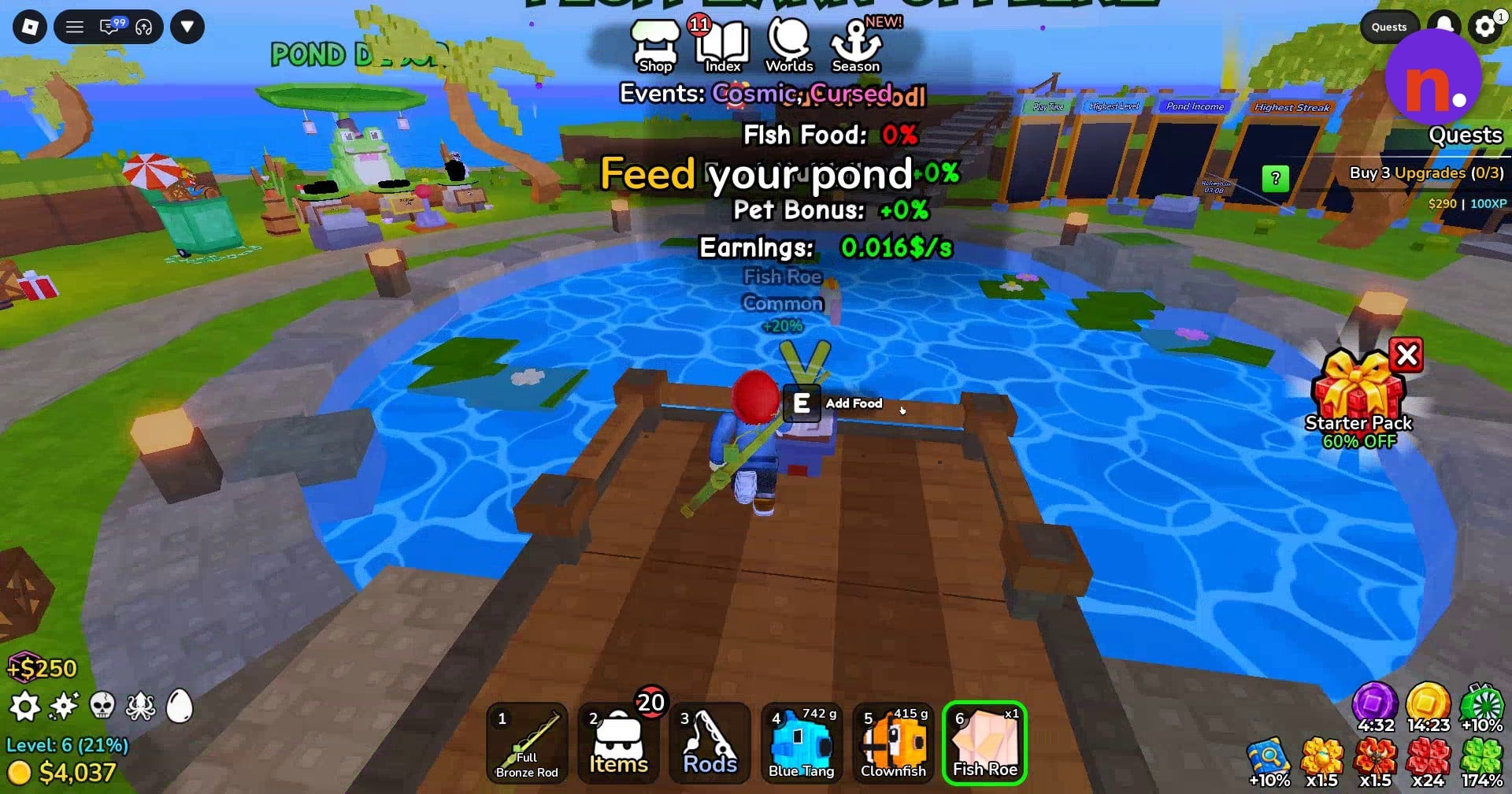
Equip additional fish
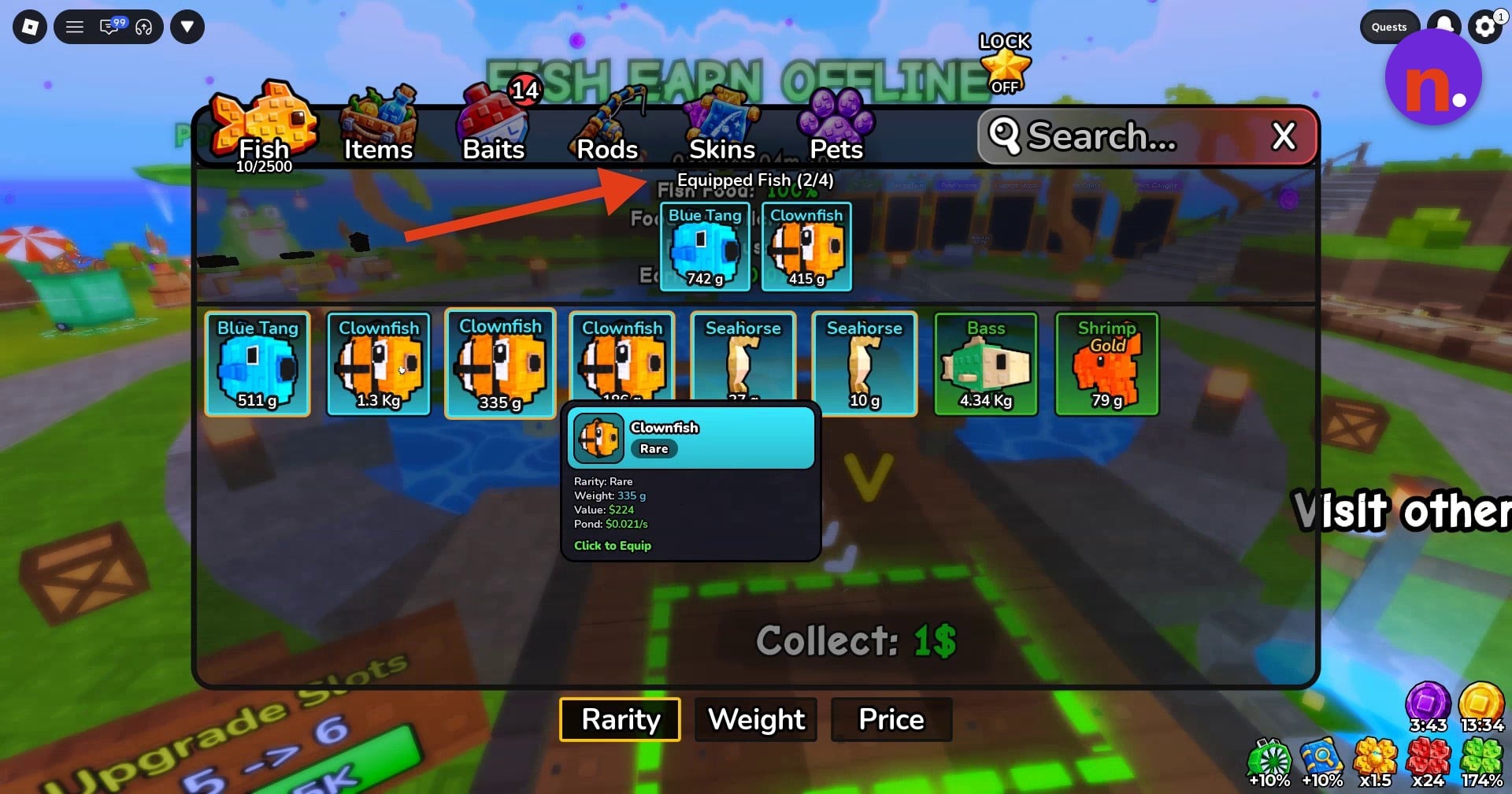
Open your Items backpack and select the Fish tab. Select fish and use Click to Equip to place them on your hotbar.
Deposit more fish
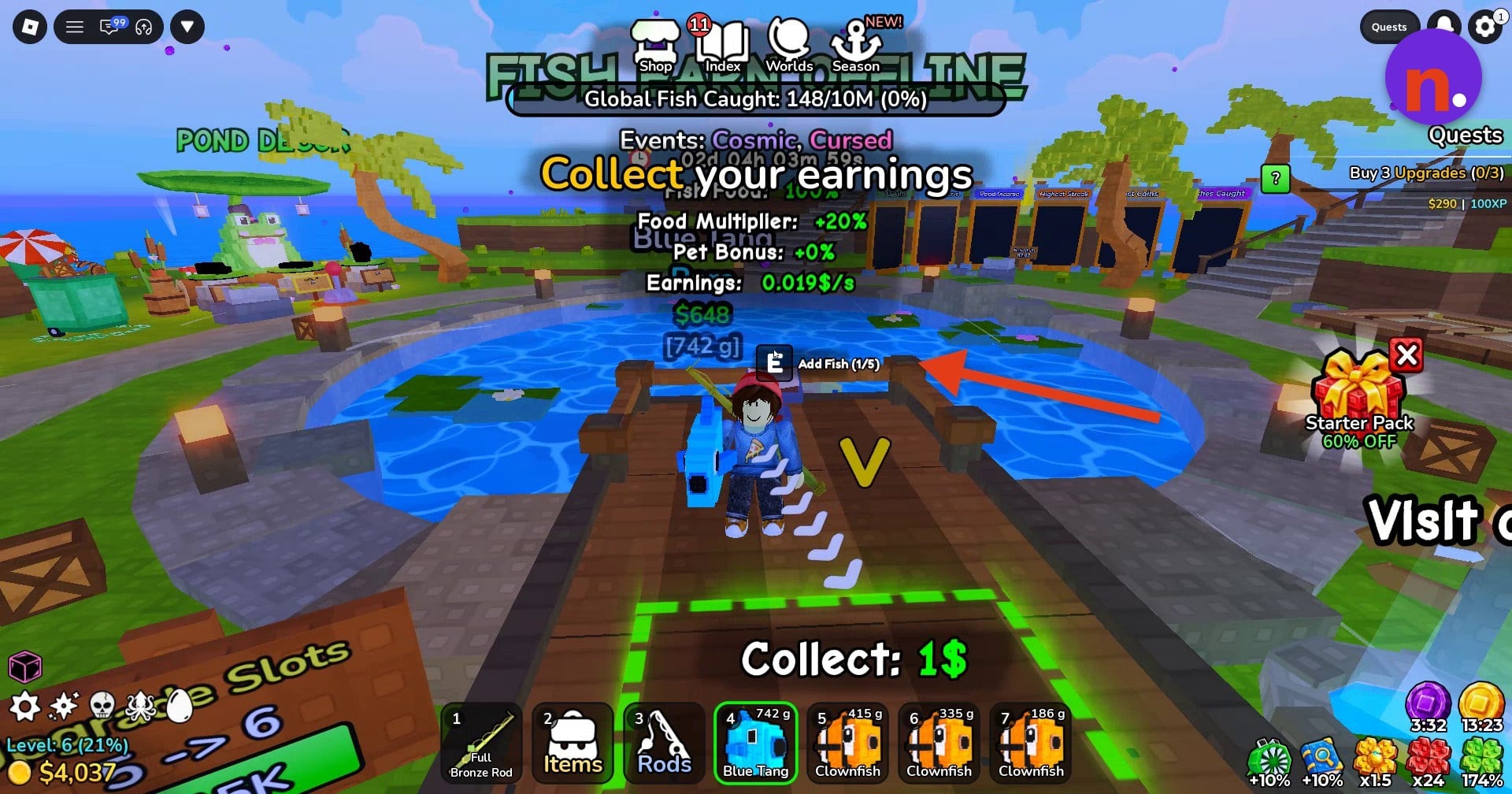
Hold each additional fish from your hotbar and press E at the dock’s Add Fish interaction to deposit it. You can add fish such as Blue Tang and Clownfish.
Collect your pond earnings
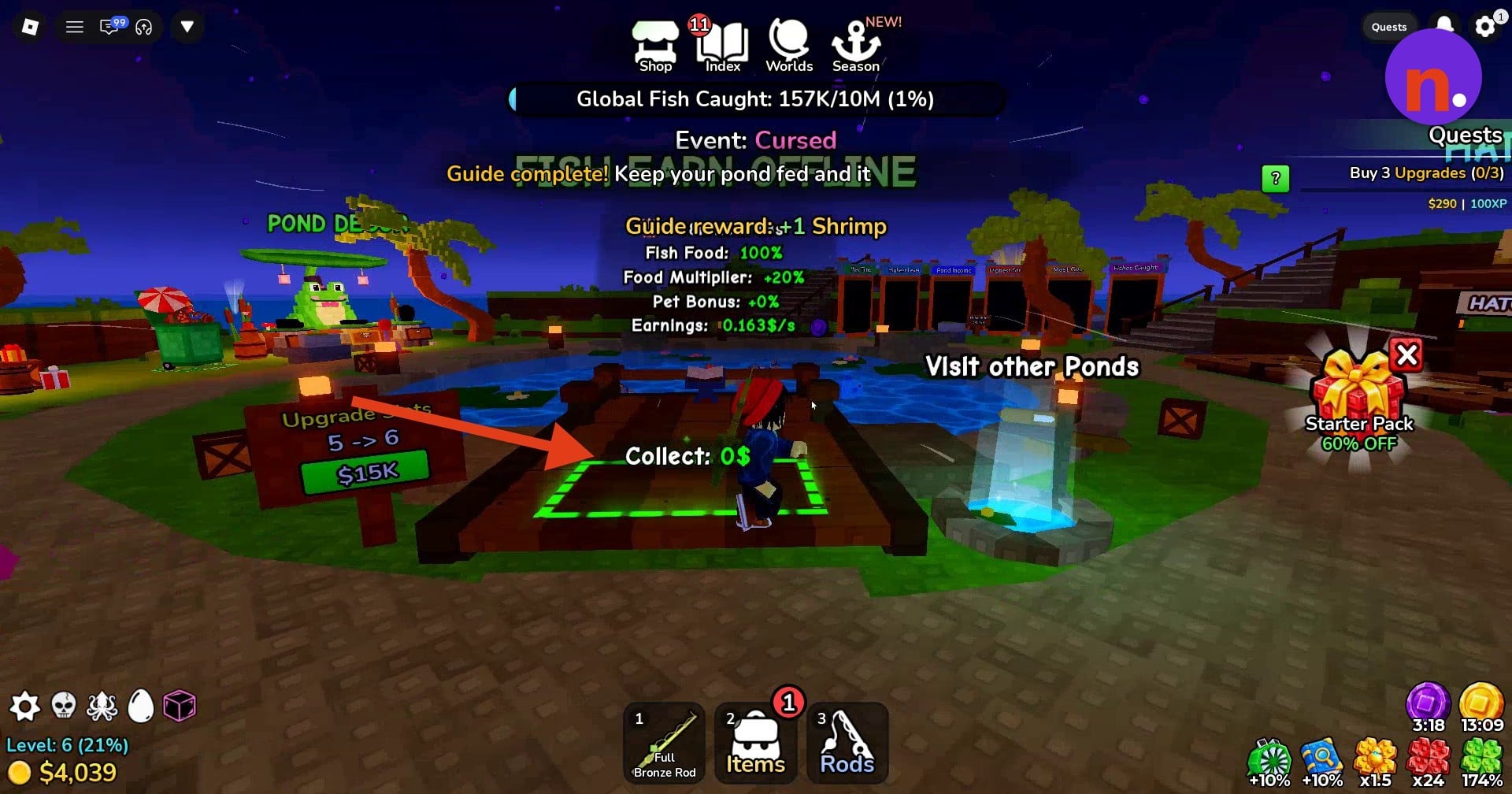
Stand on the green collection area at the front of the dock to claim your money. Earnings continue to build while you wait there. The collection counter can display Collect: 1$ or Collect: 0$. Collecting completes the pond tutorial.
What food can you buy for your pond in Deep Fishing?
| Food | Price | Bonus |
|---|---|---|
| Fish Roe | $250 | +20% |
| Shrimp | $750 | |
| Shrimp Cluster | $1.8K | |
| River Worm | $4K |
The Food Shop offers pond foods with different prices and bonuses:
The Food Shop also displays bonus options of +40%, +60%, and +80%.
Your pond’s food indicators show its current supply and bonus. An empty supply displays Out of food!, Fish Food: 0%, and Food Multiplier: +0%. The fed state displays Fish Food: 100% and Food Multiplier: +20%. The pond interface also includes a separate Pet Bonus: +0% reading.
How do pond slots and fish earnings work in Deep Fishing?
The Add Fish prompt tracks occupied pond slots. A reading of (0/5) means none of the five slots are occupied, while (1/5) means one is occupied. The Upgrade Slots option offers an increase from 5 to 6 slots for $15K.
Inside your backpack, Equipped Fish (2/4) tracks the fish equipped for your hotbar.
Read a fish’s Pond earning rate in its inventory details. For example, a selected 335 g Clownfish lists Pond: $0.021/s for that individual fish.
Your stored fish keep earning money while you’re offline, giving the pond a payoff beyond the time you spend fishing.
Related Deep Fishing guides
Frequently Asked Questions
How do you visit other ponds in Deep Fishing?
Approach the well labeled Visit Ponds and press E at Visit Ponds to access other ponds.





Leave a Reply