
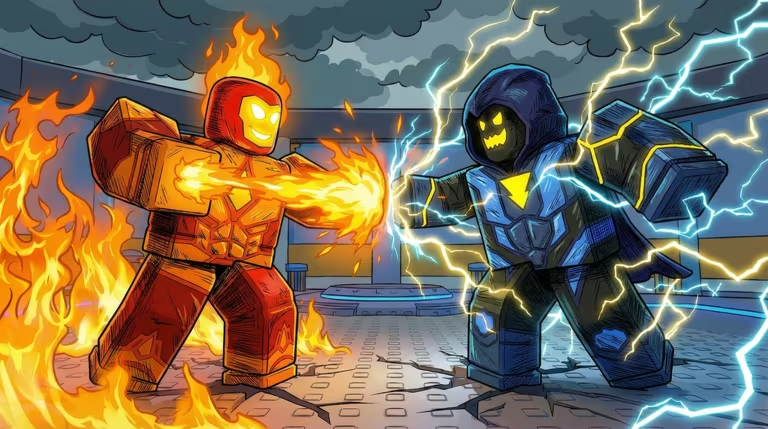
Power Simulator X is a Roblox simulator where you build up strength and cash by grinding through the game’s core loop, and codes are the quickest way to pad your coin total without extra grinding.
Working Power Simulator X codes
Only one code is redeemable right now, so grab it before it gets pulled.
80KLIKES
750,000 Coins
New
How to redeem codes in Power Simulator X
Before you go looking for the codes menu, finish the tutorial first. Codes stay locked until you’ve cleared it, so redemption attempts won’t register until that’s done.
Expired Power Simulator X codes
These codes no longer add anything to your coin or token total, so don’t waste time typing them in.
GUILD
500 Coins
60KLIKES
450 Tokens and 2 Aura Rerolls
THANKYOU
50KLIKES
DARKSURGE
30KLIKES
UPDATEDAY
20KLIKES
10KLIKES
5KLIKES
LAUNCHDAY
1KLIKES
How to get more Power Simulator X codes
New codes for Power Simulator X tend to show up around like-count milestones and other in-game moments, which explains why so many past codes are tied to numbers like 20K or 60K likes. The developer’s official Discord server is the most reliable place to catch a fresh code as soon as it drops, and the game’s Roblox community page is worth a follow too. You can jump straight into the experience itself through the Power Simulator X page on Roblox to redeem codes as soon as you spot them.
Why didn’t my code work?
The most common reason is a typo, since codes are case-sensitive and need to match exactly. The next most common reason is that the code has already expired, which happens to most Power Simulator X codes once their milestone or event passes.
Check back on the working code above before it rotates out, and keep an eye on the Discord for whatever replaces it.





Leave a Reply