
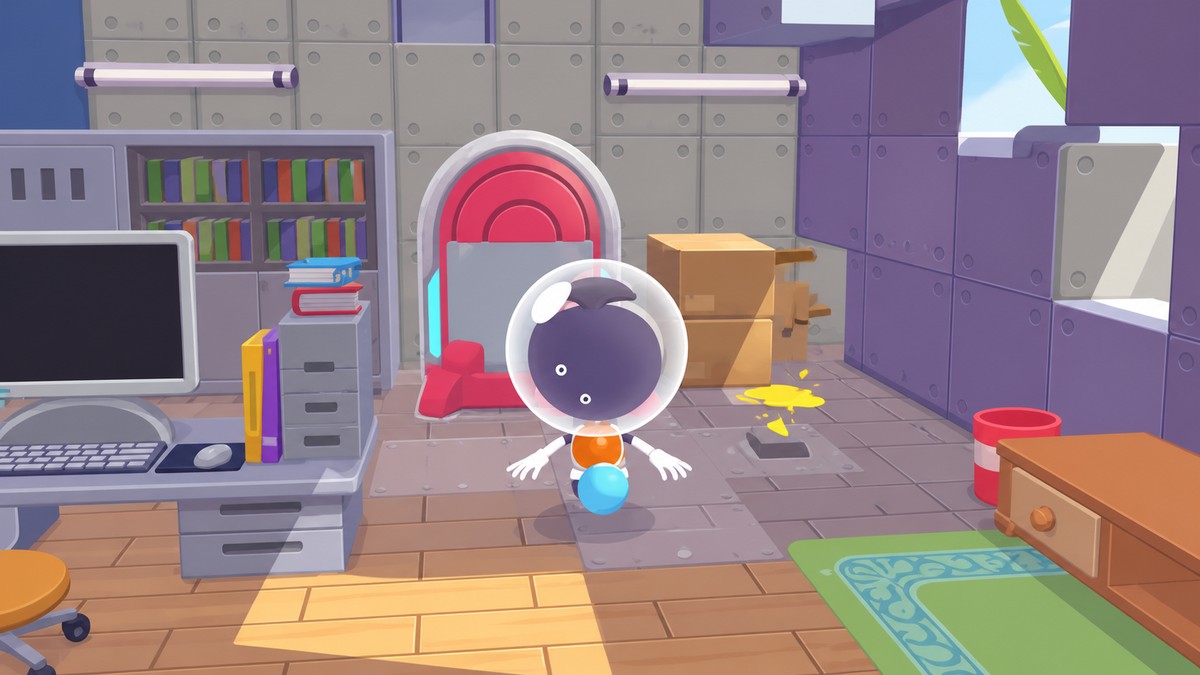
Portal Pods are obtained after the Version 2.0 update either by unlocking the Palette Town recipe and crafting them, or faster by grabbing two free Portal Pods from the Bubbly Basin DLC underwater house and then 3D-printing more.
Portal Pods are one of the most useful storage items added with Version 2.0.0 in Pokémon Pokopia. With two Portal Pods set up, they can instantly transport you between areas, and they let you access the same shared item storage from any Portal Pod you place.
What Portal Pods do in Pokémon Pokopia
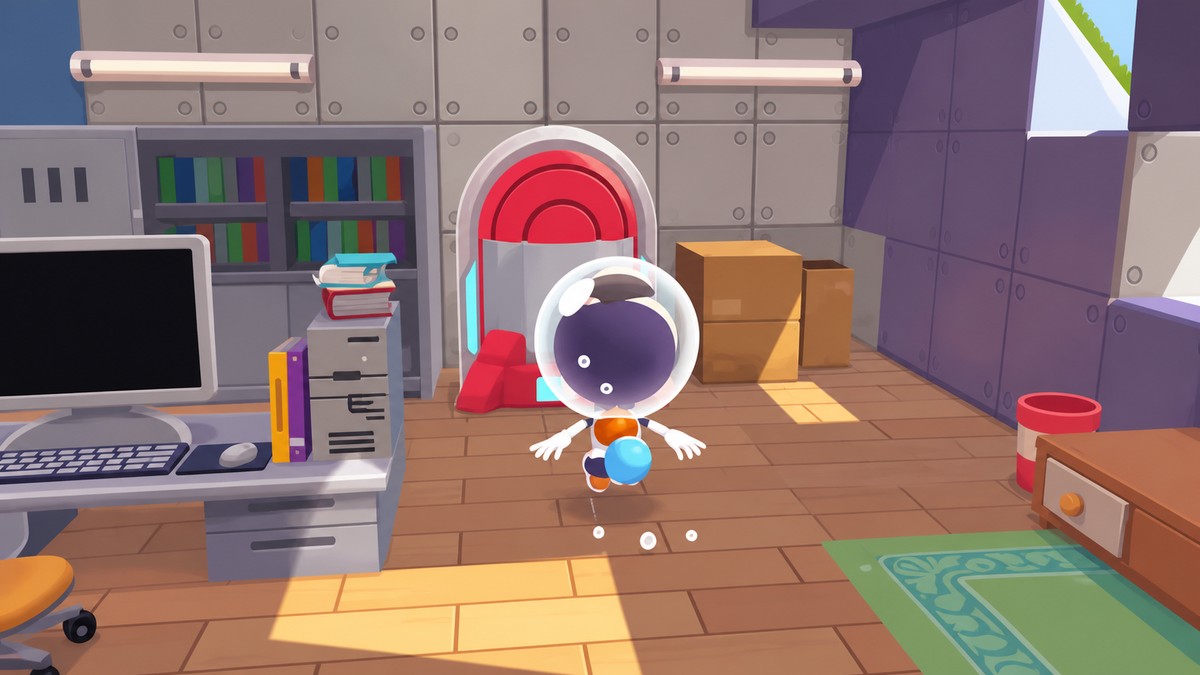
A Portal Pod is a shared-storage machine. Put items into one Portal Pod, and those same stored items can be retrieved from another Portal Pod elsewhere in Pokopia.
You need Version 2.0.0 for Portal Pods, their recipe, and the 3D printer route to exist. Players with access to Bubbly Basin can grab two early, while everyone else can still get them through Palette Town progression.
Portal Pod methods in Pokémon Pokopia
| Method | How to get it |
|---|---|
| Bubbly Basin free pods | Enter the underwater house in Bubbly Basin and collect two Portal Pods. |
| Palette Town crafting | Raise Palette Town enough to buy the recipe, then craft one with Pokémetal materials. |
| 3D printing more | Photograph a Portal Pod, add it to the printer database, then print more at the rebuilt Pokémon Center. |
KEY!
There are three useful ways to approach Portal Pods. The DLC route is the fastest start, Palette Town is the standard non-DLC route, and the 3D printer becomes the cleanest way to make extras after you have one.
Use the Bubbly Basin pods as your printer seed: once you pick up either free Portal Pod, photograph it and turn one find into as many extra pods as your Rare Pokémetal allows.
How to get both Bubbly Basin Portal Pods in Pokémon Pokopia
This route starts from the Bubbly Basin gate spawn and gets you both free Portal Pods inside the underwater house.
STEP 1/7
Start at the gate spawn
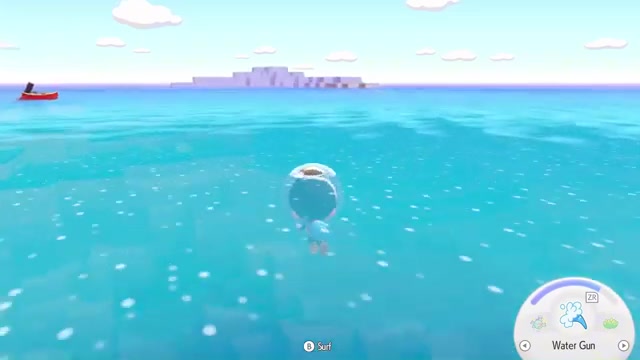
From the Bubbly Basin gate spawn, head out and surface because the route is easier to read from above water.
STEP 2/7
Pass the ornate building
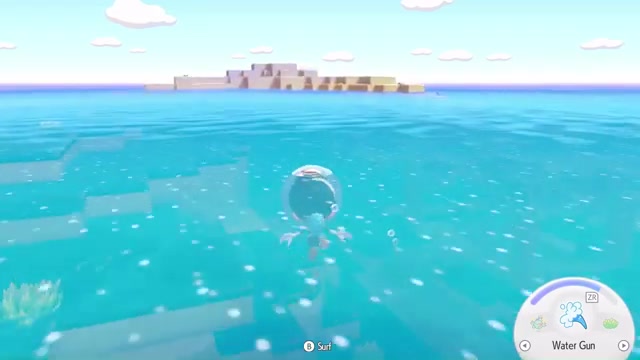
Swim past the large ornate building and aim for the small island behind it.
STEP 3/7
Dive near the island
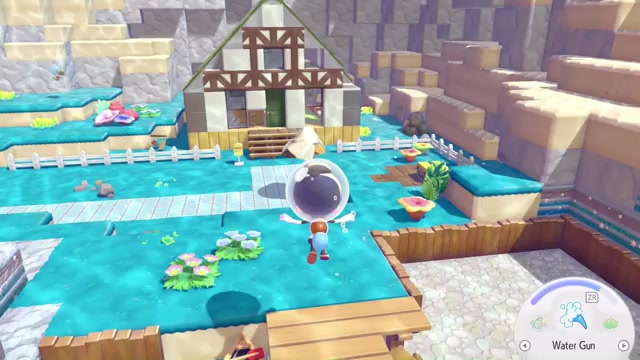
Once you reach the island, go below the surface to find the underwater house.
STEP 4/7
Enter the underwater house
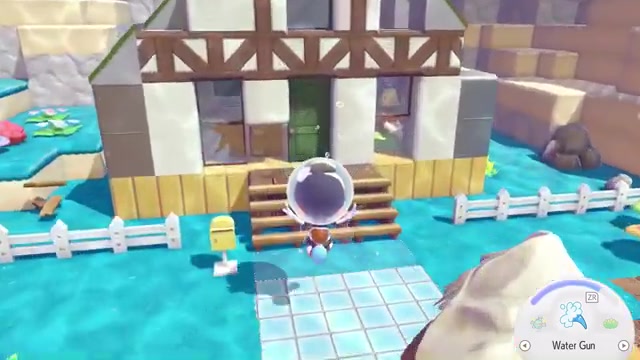
Open the front door and go inside to reach the first Portal Pod.
STEP 5/7
Break the first Portal Pod
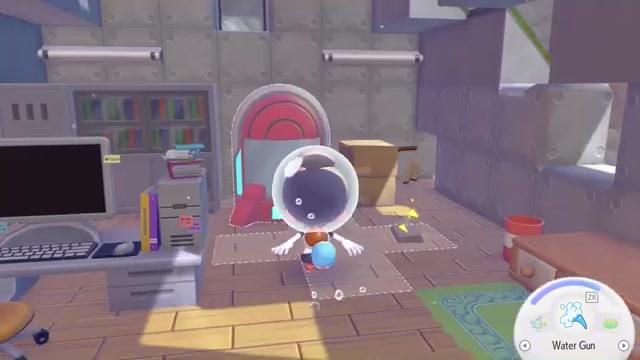
Use Rock Smash on the placed Portal Pod, then pick it up without losing it.
STEP 6/7
Go downstairs
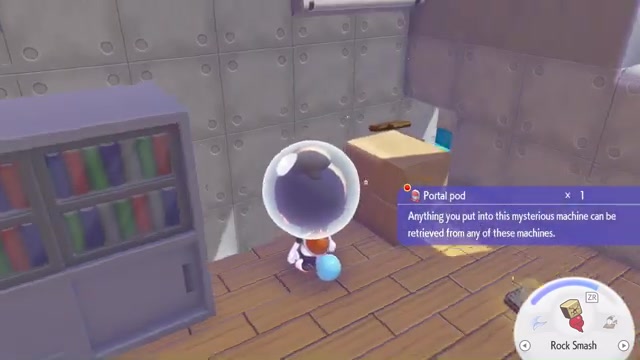
Head down into the lower part of the house after collecting the first pod.
STEP 7/7
Take the second Portal Pod
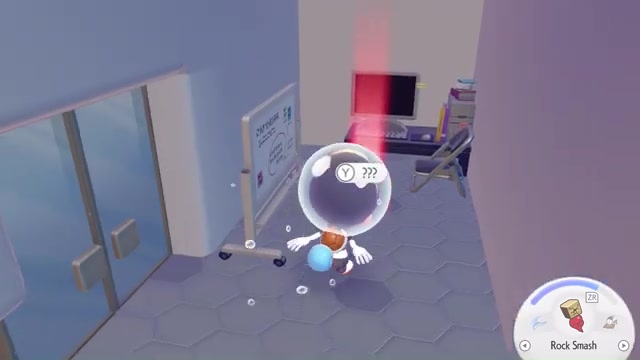
Pick up the Poké Ball inside to receive the second Portal Pod.
Video help
Craft Portal Pods through Palette Town
If you do not have access to Bubbly Basin, progress through Palette Town instead. Rebuild the habitat and raise its Environment Level until the Portal Pod Recipe appears on the Pokémon Center PC.
The exact Environment Level requirement is still being pinned down by players, so keep pushing Palette Town progression rather than planning around one fixed number. Once the recipe appears, buy it for 3,000 Life Coins.
After buying the recipe, craft a Portal Pod at a crafting bench using 10 Pokémetal and 1 Rare Pokémetal. This makes the item available without the DLC shortcut.
Print more Portal Pods at the Pokémon Center
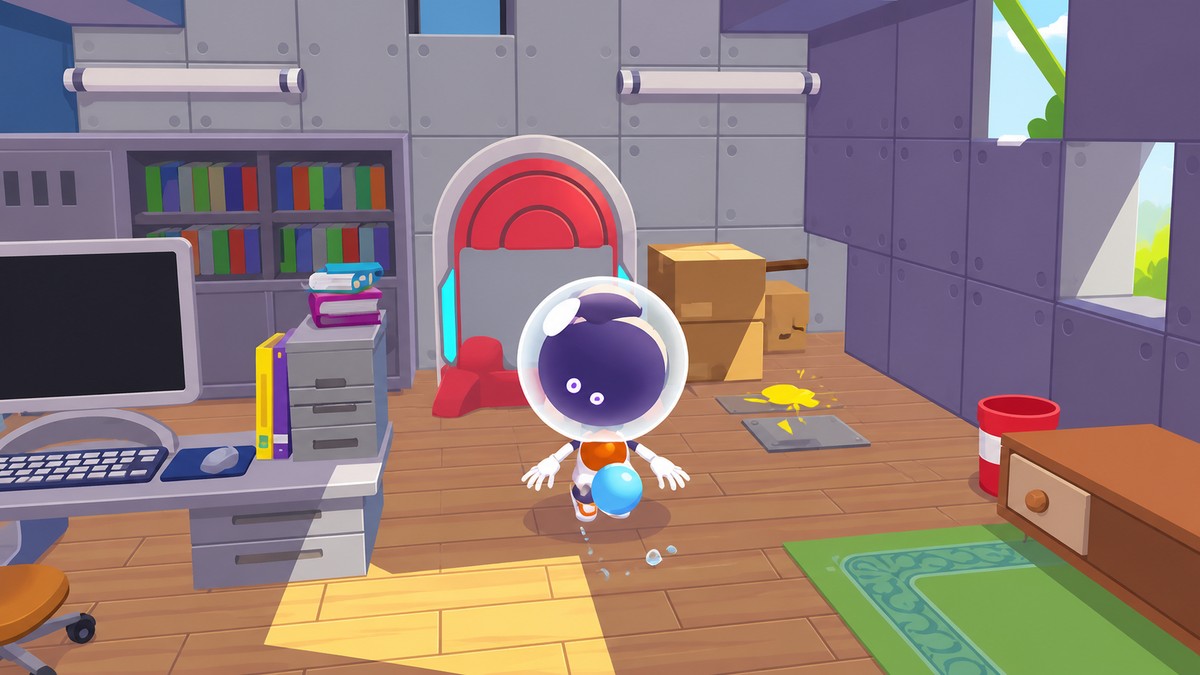
After you have at least one Portal Pod, use Photo Mode to add it to the 3D printer database. Place or view the Portal Pod, open Photo Mode, and make sure the item name is visible before taking the photo.
Once it has been added to the database, go to the rebuilt Pokémon Center and use the 3D printer there to make more. Each printed Portal Pod costs 5 Rare Pokémetal.
Portal Pod mistakes to avoid
Portal Pods are not DLC-exclusive. Bubbly Basin only gives you an early shortcut; Palette Town progression still leads to the recipe for non-DLC players.
The free placed Portal Pod in the underwater house may need to be broken with Rock Smash before pickup, but that does not destroy the item. Also, treat Portal Pods as both utility storage and travel tools: with two Portal Pods set up, they can instantly transport you between areas.
Storage capacity numbers are currently inconsistent, with early player numbers split between 140 item stacks and 80 items. Use them for shared access first, then check the in-game limit before building your whole storage setup around a specific capacity.
Related Pokémon Pokopia guides






Leave a Reply