
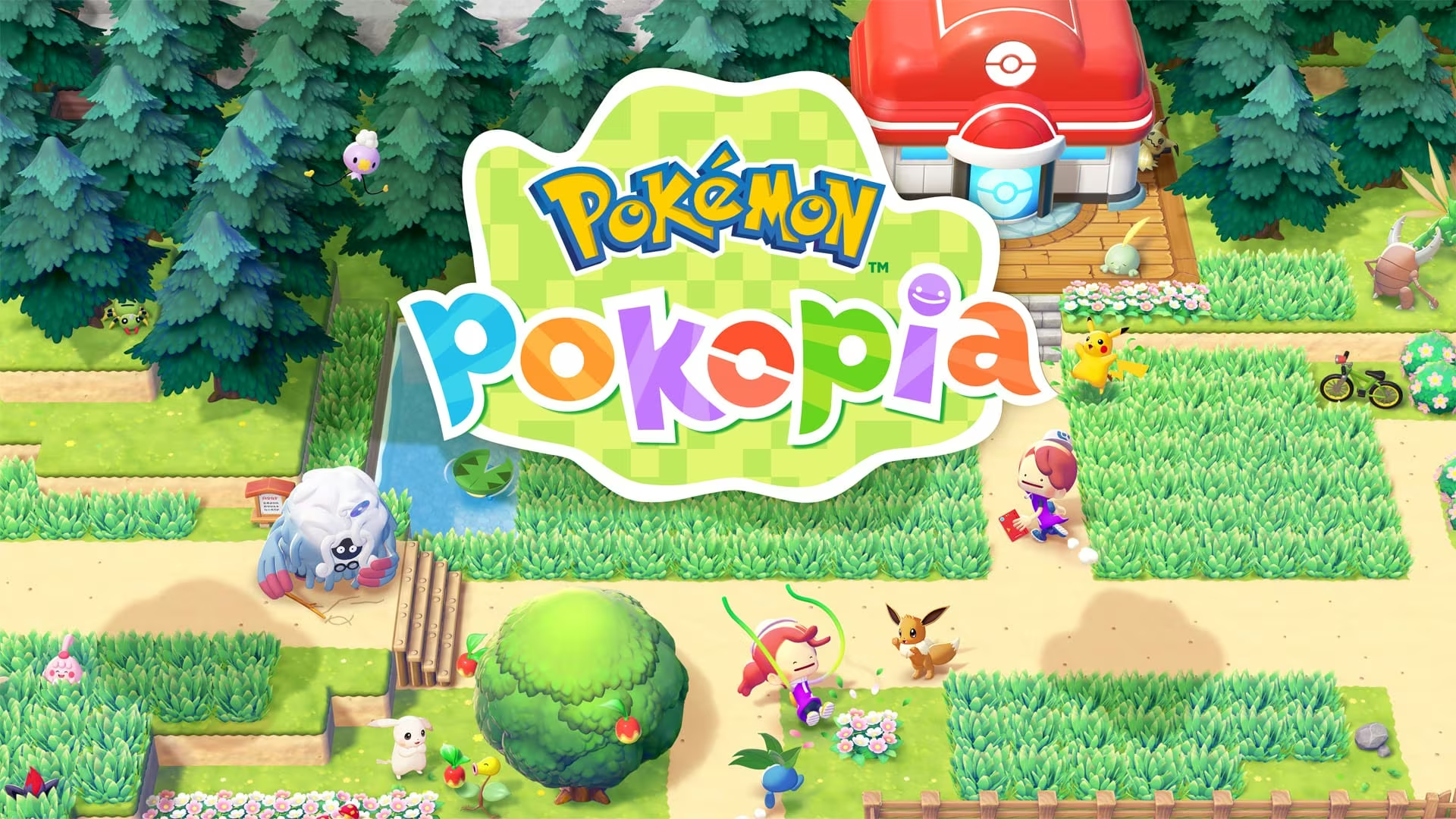
Pokemon Pokopia hands out free furniture, crafting materials, and decorative items through in-game gift codes tied to milestones and purchases. Some rewards need a code you type in yourself, while others just show up once you’re connected online.
Working Pokemon Pokopia Codes
Grab these while they’re still live. Each one has its own expiration window, so don’t sit on the ones with a closer deadline.
P0K0P1AGARDENS
Chansey plant (redeemable through October 7, 2026)
No code needed
Ditto rug, claimed through “Get via Internet” (available through January 31, 2027)
Sent via email
30 rare Pokémetal ingots plus the Dynamic Ditto block and wallpaper crafting recipes, for Expansion Pass purchases made by August 31, 2027 (redeemable through September 30, 2027)
The email code and the Expansion Pass bonus both point to the same reward package, so if you bought the Expansion Pass, keep an eye on your inbox for the code rather than looking for it inside the game itself.
How to redeem codes in Pokemon Pokopia
Redemption in Pokemon Pokopia depends on your Switch 2 setup and how far you’ve gotten into the story, not on hunting down a special codes menu.
P0K0P1AGARDENS and internet-based gifts such as the Ditto rug become available to claim. For the Expansion Pass bonus, use the unique code sent to your email after purchase.You’ll know a code worked when the item shows up in your inventory or as an available gift to place, with no error message interrupting the process.
Expired Pokemon Pokopia codes
This one’s no longer redeemable, so don’t waste time trying to enter it.
Release Commemorative Gift Set
2 Leppa Berries, 2 Fresh Carrots, and 2 Beans; distributed only through the official Pokemon social account and stopped after March 5, 2026
How to get more Pokemon Pokopia codes
New codes for Pokemon Pokopia tend to come from the official Pokemon social account and from purchase-linked emails, such as the ones tied to the Expansion Pass. Checking your inbox after any in-game purchase is worth doing, since some rewards arrive as a unique code rather than something you claim inside the game.
Are Pokemon Pokopia codes free?
Yes, codes like P0K0P1AGARDENS and the Ditto rug gift don’t cost anything to claim. The 30 Pokémetal ingots and Dynamic Ditto crafting recipes are the exception, since they’re only sent to players who bought the Expansion Pass.
Why didn’t my code work?
If a gift isn’t showing up, check that your Switch 2 is online, your Nintendo Account is linked, and you’ve reached the first Pokemon Center PC in the Withered Wastelands. Codes also stop working once their redemption window closes, so double-check the expiration date before assuming something’s broken.
Keep the expiration dates in mind, especially for the Chansey plant, and make sure your Expansion Pass purchase happens before August 31, 2027 if you want that Pokémetal and crafting recipe bundle before it disappears.






Leave a Reply