
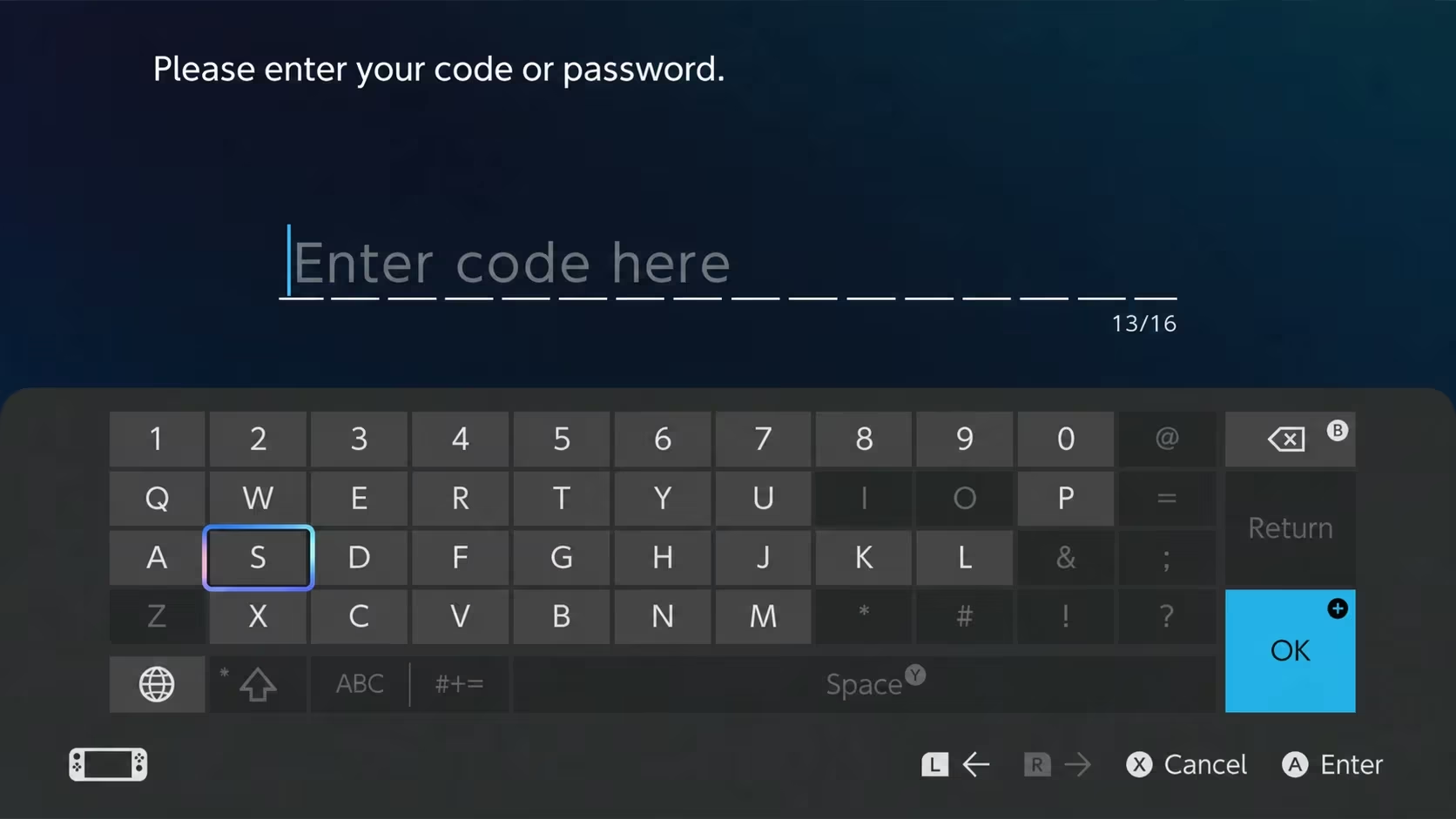
Pokemon Legends: Z-A hands out free in-game items through Mystery Gift codes, and right now you can pick up a batch of healing items and Poke Balls just by typing one in. Here’s every code you can use, plus how to actually redeem them without digging through menus for ten minutes.
Working Pokemon Legends: Z-A Codes
There’s one active code you can redeem right now, and it’s worth grabbing early since you’ll want the healing items and Poke Balls it gives you for exploring Lumiose City.
PREPAR1NG
5 Max Revives, 10 Full Restores, and 10 Ultra Balls (valid until March 31, 2027)
You have plenty of time on this one since it doesn’t expire until March 31, 2027, but there’s no reason to sit on free Ultra Balls and healing items when you’re about to start catching Pokemon.
How to redeem codes in Pokemon Legends: Z-A
You won’t find a simple “enter code” box sitting on the main menu. Pokemon Legends: Z-A routes every code through the Mystery Gift system, which is tucked inside the Link Play menu, so you’ll need to dig a little deeper than usual.
You’ll need an internet connection to redeem anything, but you don’t need a Nintendo Switch Online subscription to make it work.
Expired Pokemon Legends: Z-A codes
This one’s gone, so don’t waste time trying it.
B1G0006
Alpha Charizard
How to get more Pokemon Legends: Z-A codes
New codes for Pokemon Legends: Z-A typically show up alongside major announcements, events, or DLC releases, so keep an eye on the game’s official social channels and any in-game notifications you get through Mystery Gift’s “Get via Internet” option. Since Mega Stones and other progression-tied gifts arrive automatically once you meet the requirements, checking Mystery Gift regularly is worth doing even without a new code to type in.
Are these codes free?
Yes. Every code listed above is free to redeem and doesn’t require any purchase or subscription beyond an internet connection.
Why didn’t my code work?
Double-check that you typed the code exactly as shown, including capital letters and numbers, since Mystery Gift codes are case-sensitive. If it still doesn’t go through, confirm the code hasn’t already expired.






Leave a Reply