
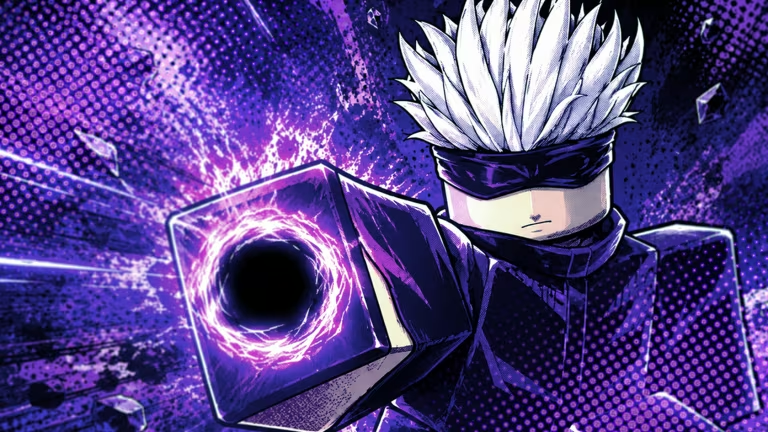
Player Select is a Roblox experience where you collect Skulls and unlock Premium Skin Chests as you play, and the developer occasionally hands out redeemable codes that speed up that grind. Redeeming one takes seconds once you know where the code box lives, and the rewards range from doubled or tripled Skulls boosts to free chests you’d otherwise have to earn.
Working Player Select Codes
Type these exactly as shown, capital letters included, since the redemption screen is case-sensitive.
11RAHH
3 Premium Skin Chests and a 20-minute x2 Skulls boost
New
KONGTATO
20-minute x2 Skulls boost
9KRATOS
2 Premium Skin Chests and a 20-minute x2 Skulls boost
KrabbyDozen
20 minutes of doubled Skulls
Spider
30-minute x2 Skulls boost
Dominate10K
30-minute x3 Skulls boost
Crazy9K
4 Premium Skin Chests and a 30-minute x2 Skulls boost
4MILLY
General freebies
How to redeem codes in Player Select
You don’t redeem codes from a menu button here — the code box lives inside the game world itself, so you’ll need to find it first.
A code that goes through applies its reward right away. Check your Skulls boost timer or your inventory afterward, and you’ll see the boost running or the new Premium Skin Chests sitting there to confirm it landed.
Expired Player Select codes
These codes have already been used up or pulled by the developer, so don’t waste time trying them.
3MILLY
TheBig5K
COLD
BigUp4K
10Mins
SCOURGE
Hundred8K
750ThankYou
500HolyMoly
300CheersPal
SQUIDDY
How to get more Player Select codes
New codes tend to show up around milestones, like the game hitting a certain number of visits or players, which is why several past codes reference big numbers. Your best bet for catching them early is joining the official Player Select Discord server, where the developer posts fresh codes as soon as they go live.
You can also keep the Player Select page on Roblox bookmarked, since new codes are only useful once you’re already in the lobby and standing at the Promo Codes sign anyway.
Are Player Select codes free to redeem?
Yes, every code listed above is free. None require a purchase, and each one simply adds Skulls boosts or Premium Skin Chests directly to your account once submitted.
Why didn’t my code work?
Double-check that you typed the code with the exact capitalization shown, since the redemption box treats uppercase and lowercase letters differently. If it still won’t go through, the code has most likely expired.






Leave a Reply