
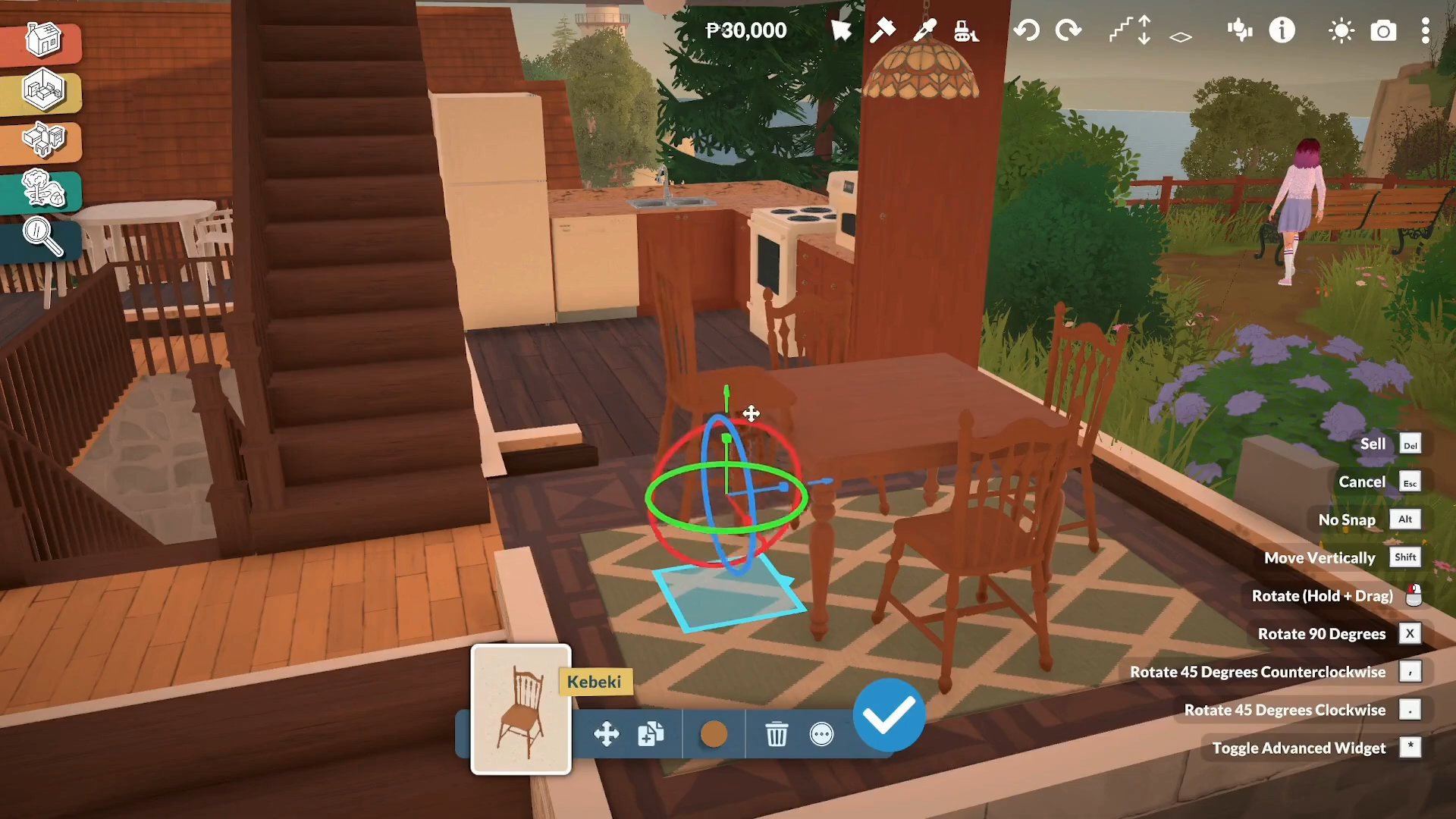
To transform objects in Paralives, double-click the object in Build mode to reveal resize handles (arrows), then drag them to stretch, scale, or reshape the item.
Paralives Object Transform features
How to Transform Objects in Paralives
Step 1: Enter Build Mode
Open Build Mode from the game menu. This is where all object placement and transformation tools are accessible.
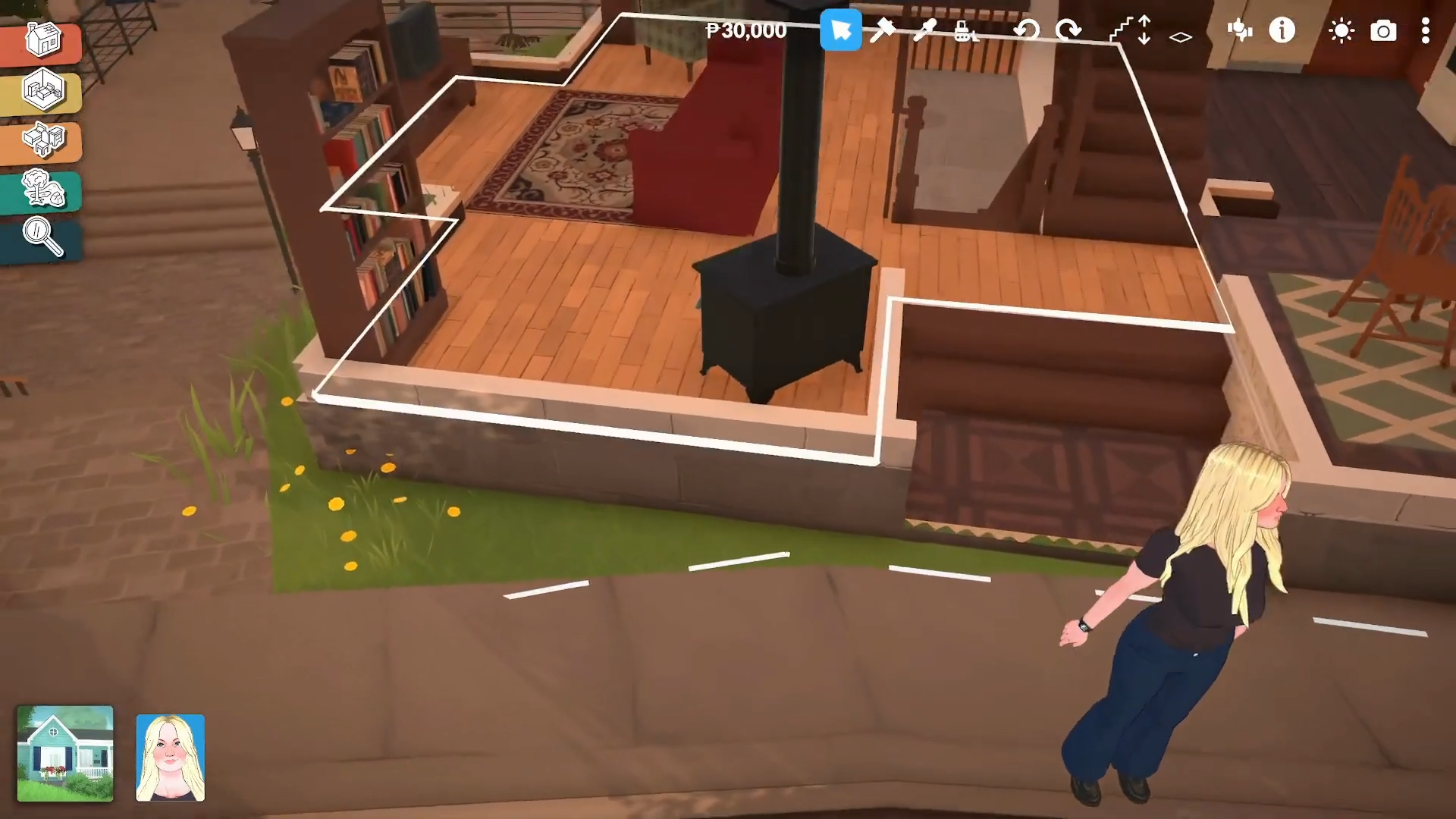
Step 2: Select the Object You Want to Transform
Click on the object you wish to modify (e.g., bed, couch, dresser, table). The object will be highlighted when selected.
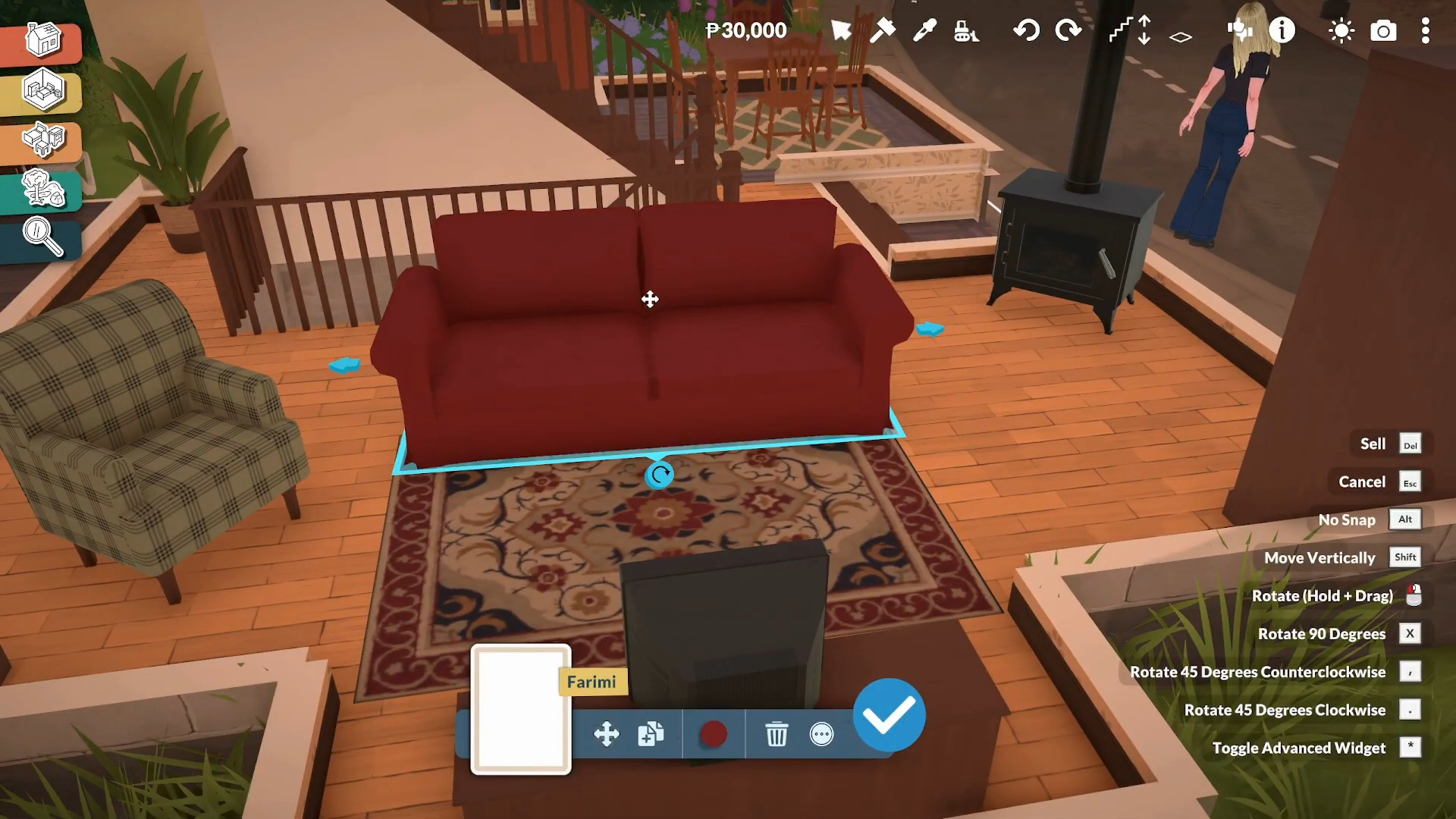
Step 3: Activate Transform Controls
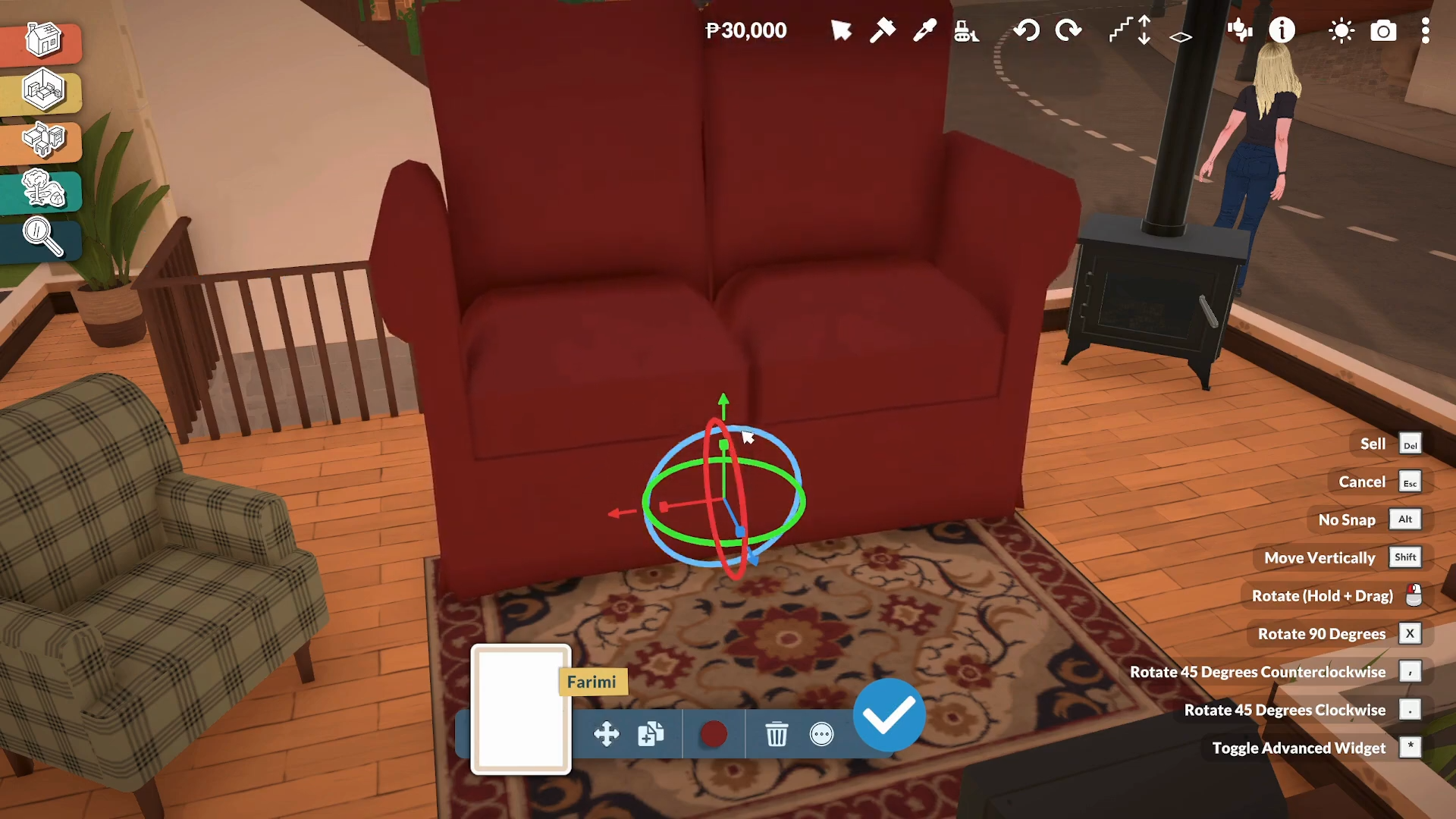
Double-click the selected object to reveal the resize controls. You’ll see arrow handles appear around the object.
Step 4: Resize/Scale the Object
Drag the arrow handles to transform the object:
-
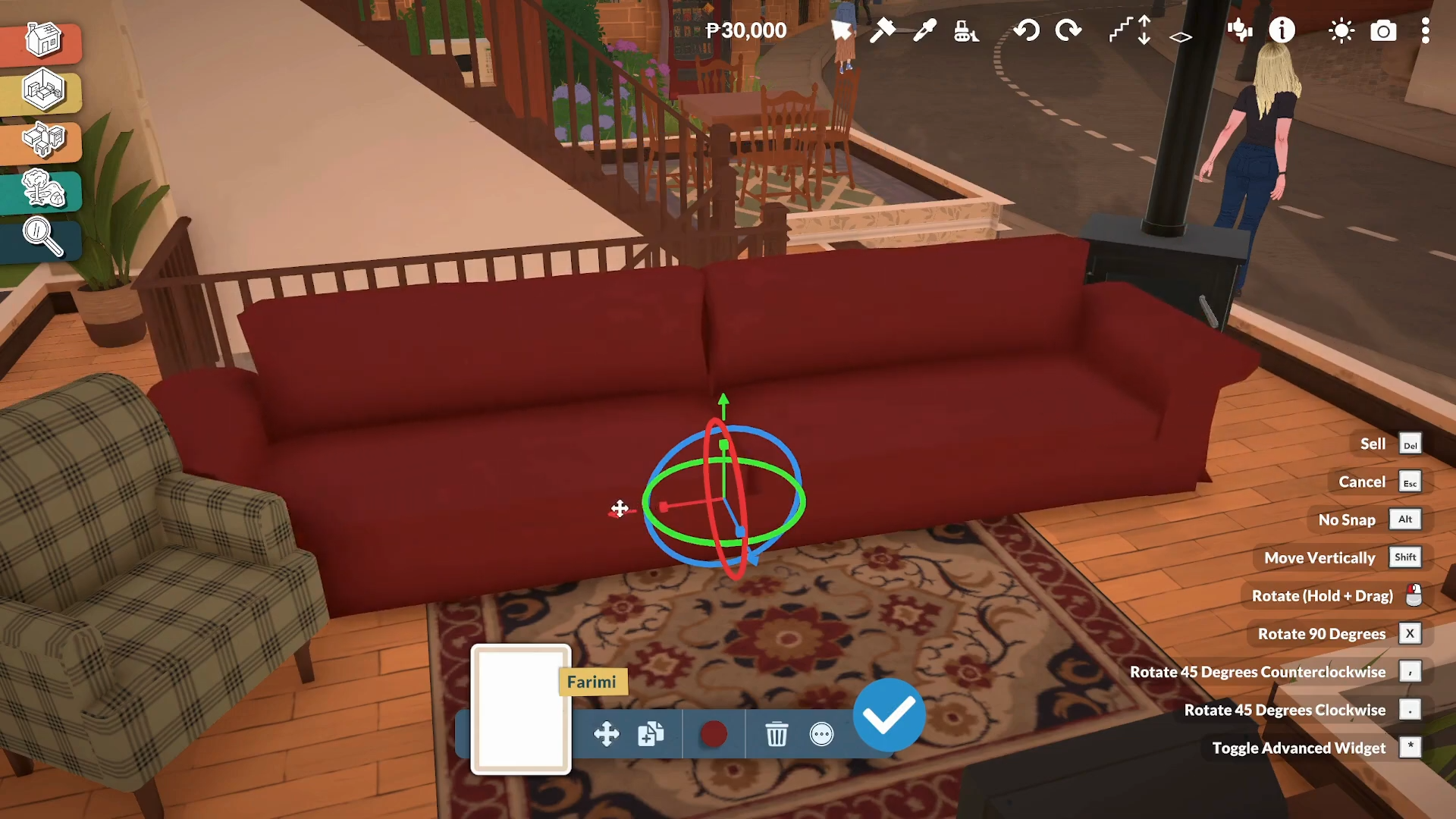
Side arrows: Make items wider or narrower.
-
Top/bottom arrows: Make items taller or shorter.
-
Corner arrows: Scale proportionally.
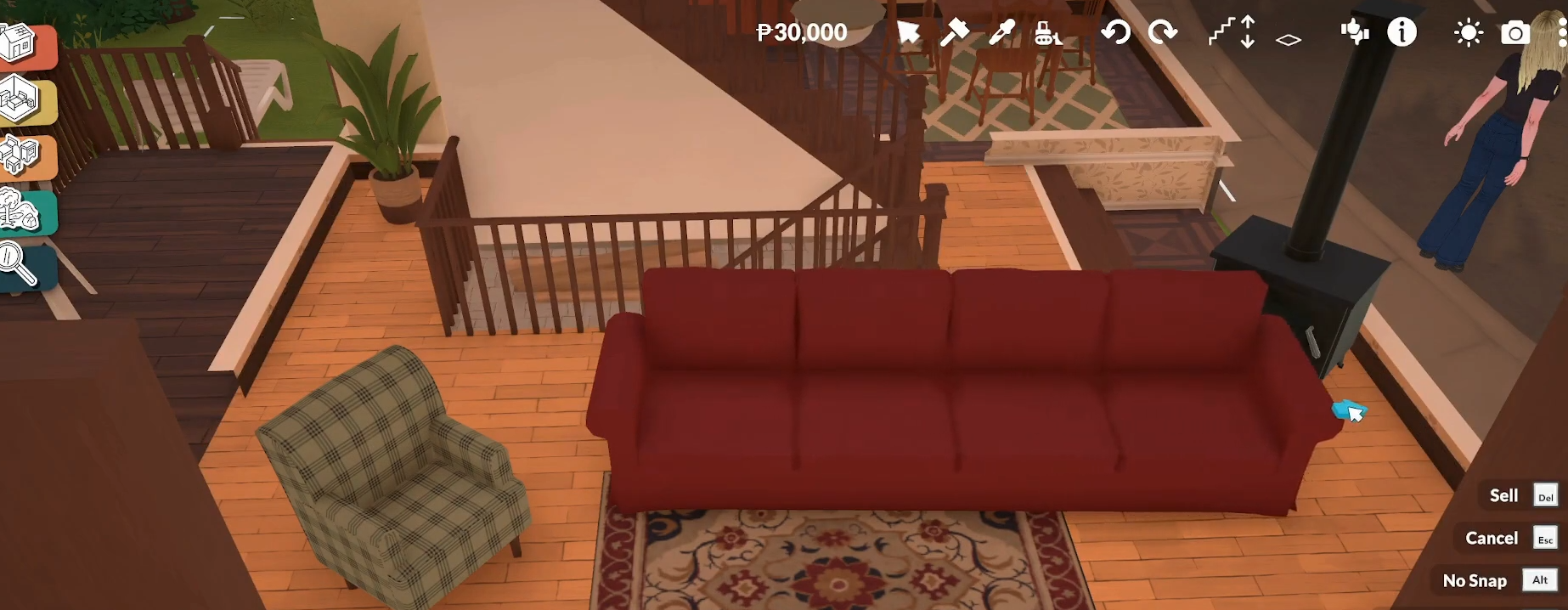
There’s no wall space or room space limitation—you can drag freely to any size.
Step 5: Enable Advanced Transform Tool (Optional)
For finer control:
-
Click the object.
-
Click the three dots next to the blue checkmark.
-
Select Toggle Advanced Transform Tool.
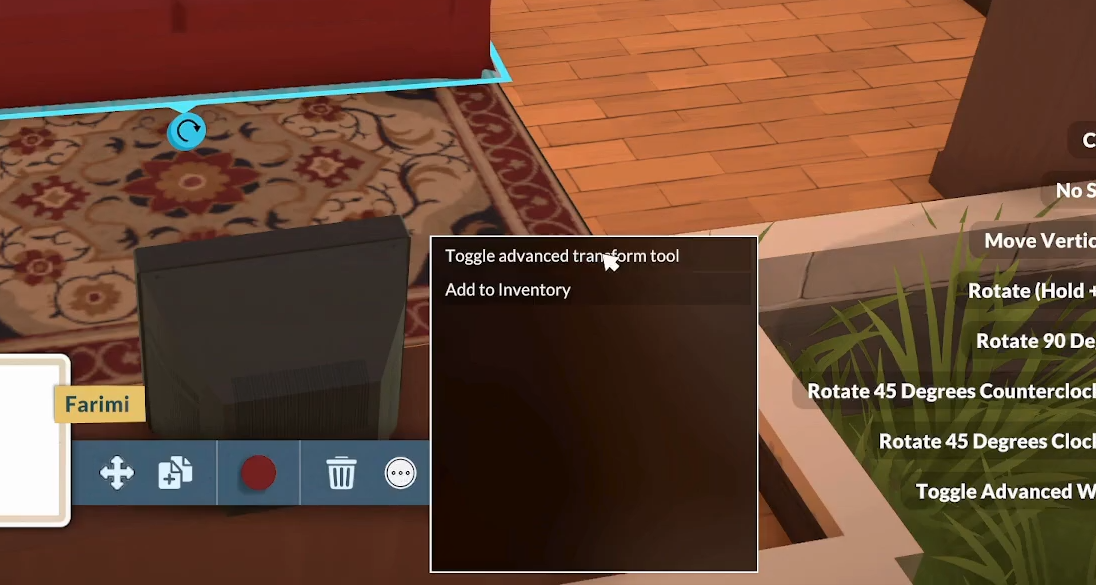
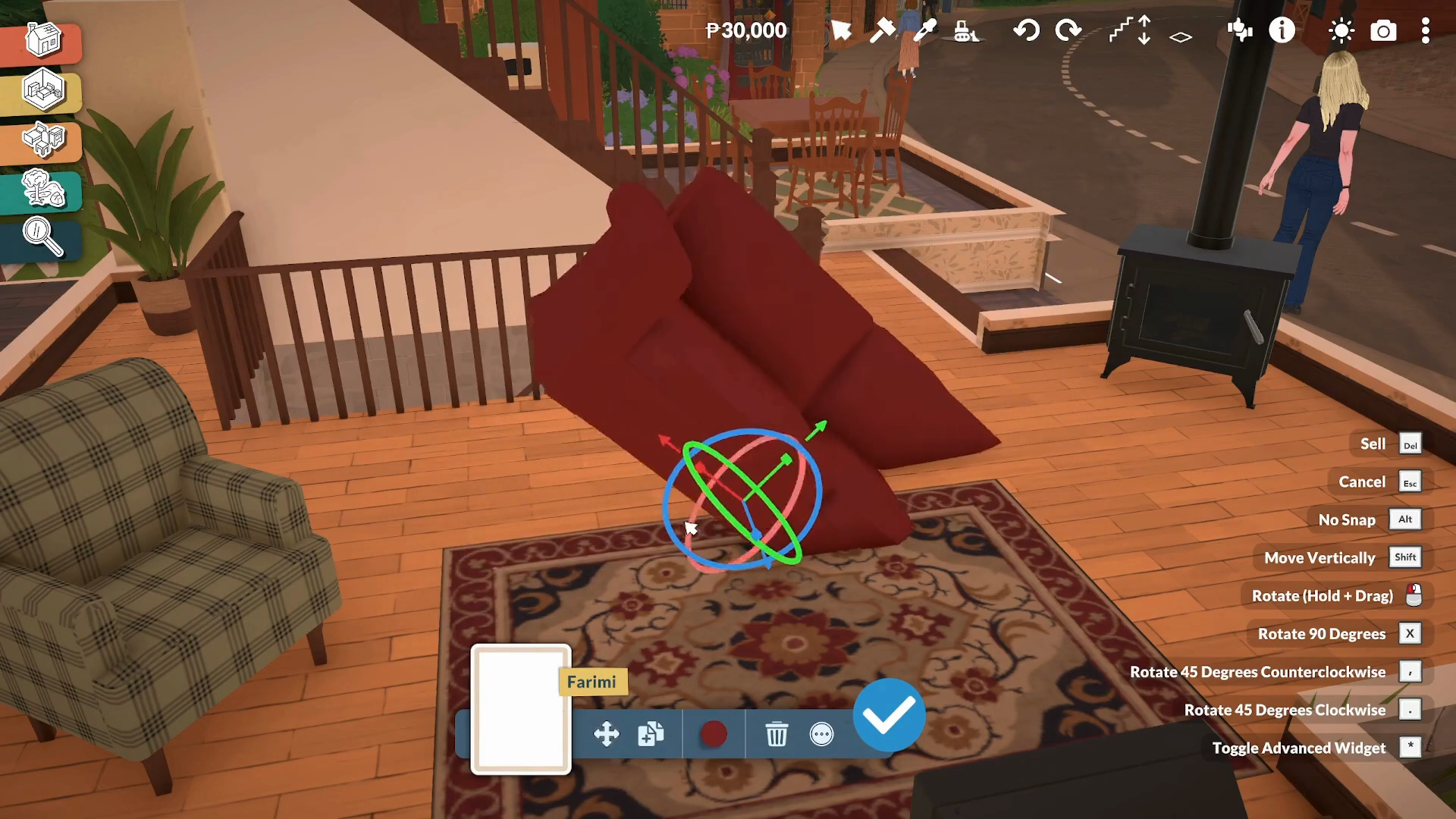
This unlocks free placement mode, advanced rotation controls, and intricate manipulation options that let you change the height at which it rests.
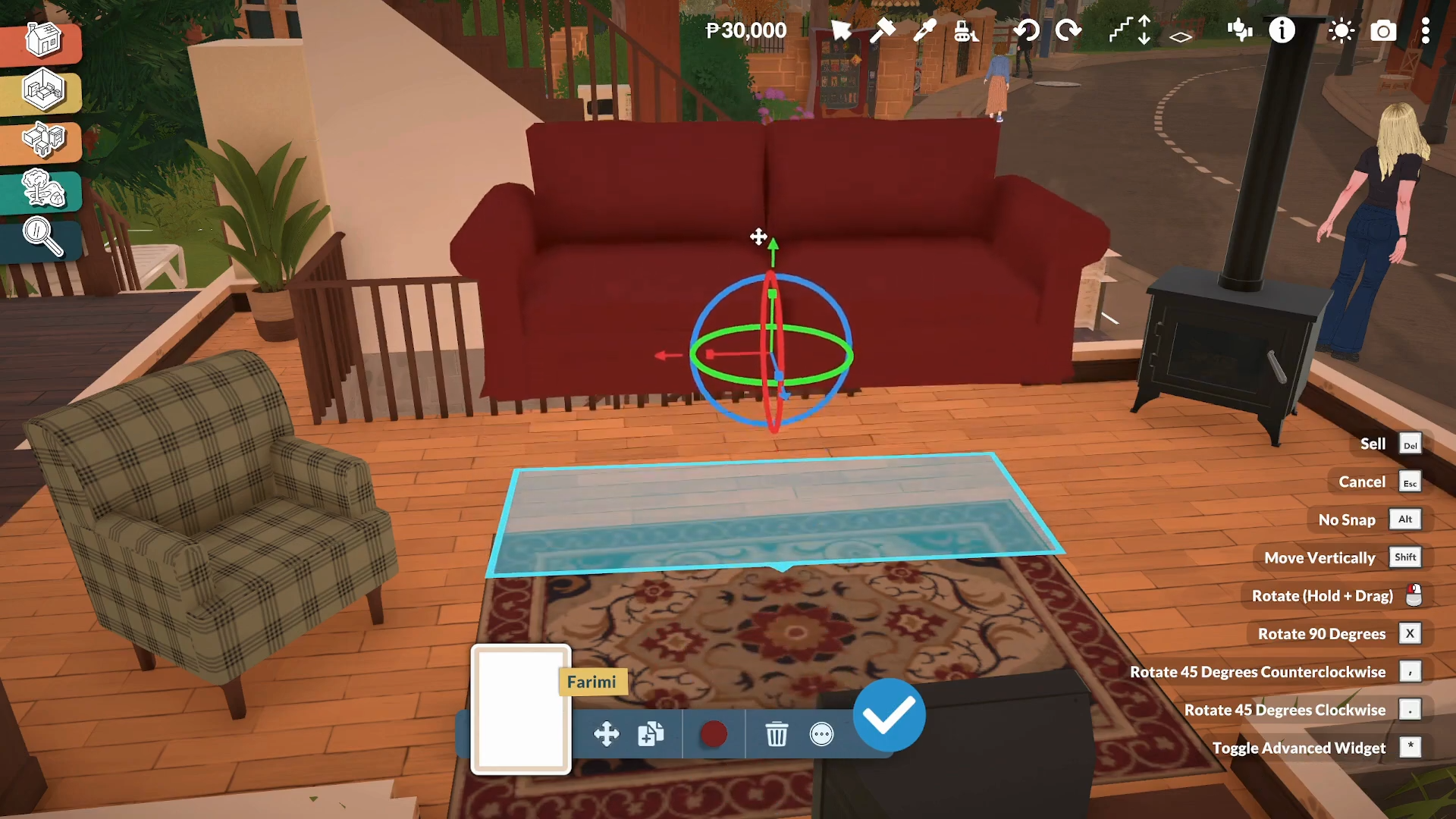
Rotate the object left and right, or move it horizontally.
Step 6: Combine with Other Customization Options
You can simultaneously:
-
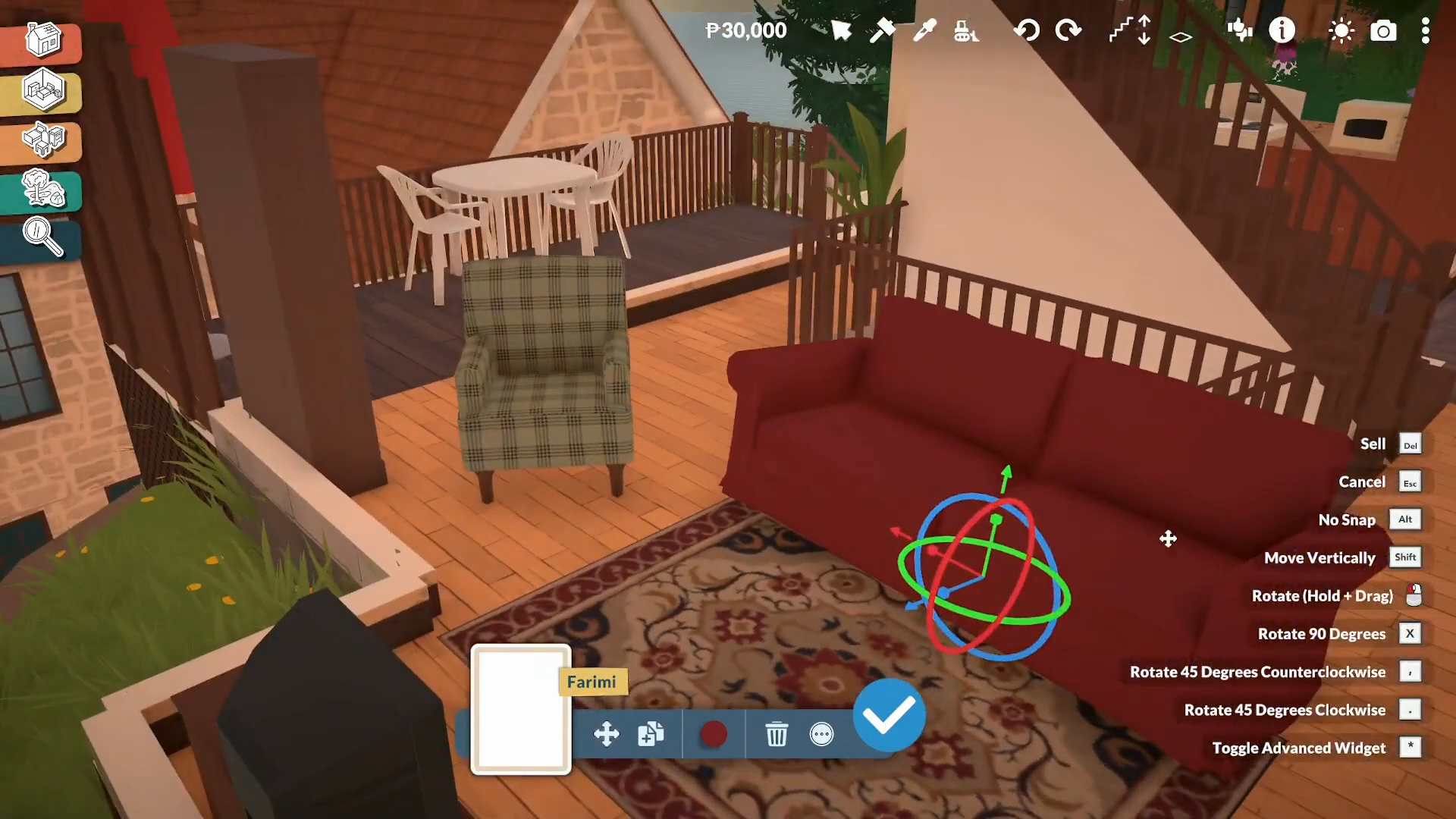
Rotate using the rotation circle/arrow
-
Recolor using color swatches
-
Flip mirrored objects
-
Stack compatible items (plates, crates, shelves)
Critical Mistakes to Avoid
-
Forgetting to double-click: Resize handles only appear after double-clicking, not single-clicking.
-
Extreme clipping: Using advanced free placement can cause objects to clip through walls/floors, potentially breaking interactions.
-
Not all objects scale equally: Some decorative items scale up more than others; dressers and counters extend most flexibly.
-
Missing the three dots menu: The Advanced Transform Tool is hidden behind the three-dot menu—many players miss it.
Paralives’ transform system is one of the most powerful build features in life sims, giving you unrestricted customization over furniture size, shape, placement, and style—making it perfect for creating unique, personalized homes.






Leave a Reply